Compare commits
10
Commits
| Author | SHA1 | Date | |
|---|---|---|---|
 KeshavAnandCode KeshavAnandCode
|
8add252e73 | ||
|
KeshavAnandCode
|
ad64c6867b | ||
|
KeshavAnandCode
|
720b632f67 | ||
|
KeshavAnandCode
|
c2c86b5bee | ||
|
KeshavAnandCode
|
506b0ff975 | ||
|
KeshavAnandCode
|
383a967cc8 | ||
|
KeshavAnandCode
|
e5a93affa2 | ||
|
KeshavAnandCode
|
be126ca157 | ||
|
KeshavAnandCode
|
d889a6072d | ||
 Keshav Anand Keshav Anand
|
e0fb987be7 |
+88
@@ -0,0 +1,88 @@
|
|||||||
|
# ------------------------------------------------------
|
||||||
|
# Build folders (your own build directories)
|
||||||
|
# ------------------------------------------------------
|
||||||
|
linuxbuild/
|
||||||
|
macbuild/
|
||||||
|
winbuild/
|
||||||
|
|
||||||
|
# External
|
||||||
|
|
||||||
|
|
||||||
|
ftxui/
|
||||||
|
|
||||||
|
# If you ever add a generic build folder:
|
||||||
|
build/
|
||||||
|
build-*/
|
||||||
|
|
||||||
|
# ------------------------------------------------------
|
||||||
|
# CMake generated files
|
||||||
|
# ------------------------------------------------------
|
||||||
|
CMakeFiles/
|
||||||
|
CMakeCache.txt
|
||||||
|
cmake_install.cmake
|
||||||
|
Makefile
|
||||||
|
install_manifest.txt
|
||||||
|
|
||||||
|
# ninja build
|
||||||
|
.ninja_log
|
||||||
|
.ninja_deps
|
||||||
|
rules.ninja
|
||||||
|
|
||||||
|
# ------------------------------------------------------
|
||||||
|
# Compiled object files / binaries
|
||||||
|
# ------------------------------------------------------
|
||||||
|
*.o
|
||||||
|
*.obj
|
||||||
|
*.lo
|
||||||
|
*.la
|
||||||
|
*.a
|
||||||
|
*.lib
|
||||||
|
*.so
|
||||||
|
*.dll
|
||||||
|
*.dylib
|
||||||
|
*.exe
|
||||||
|
*.out
|
||||||
|
*.app
|
||||||
|
*.pch
|
||||||
|
|
||||||
|
# ------------------------------------------------------
|
||||||
|
# Logs + temporary files
|
||||||
|
# ------------------------------------------------------
|
||||||
|
*.log
|
||||||
|
*.tmp
|
||||||
|
*.temp
|
||||||
|
|
||||||
|
# ------------------------------------------------------
|
||||||
|
# OS-generated crap
|
||||||
|
# ------------------------------------------------------
|
||||||
|
# macOS
|
||||||
|
.DS_Store
|
||||||
|
.AppleDouble
|
||||||
|
.LSOverride
|
||||||
|
|
||||||
|
# Windows
|
||||||
|
Thumbs.db
|
||||||
|
ehthumbs.db
|
||||||
|
Desktop.ini
|
||||||
|
|
||||||
|
# Linux
|
||||||
|
*~
|
||||||
|
|
||||||
|
# ------------------------------------------------------
|
||||||
|
# Editor / IDE files
|
||||||
|
# ------------------------------------------------------
|
||||||
|
.vscode/
|
||||||
|
.idea/
|
||||||
|
*.code-workspace
|
||||||
|
|
||||||
|
# ------------------------------------------------------
|
||||||
|
# Shell script caches
|
||||||
|
# ------------------------------------------------------
|
||||||
|
*.swp
|
||||||
|
*.swo
|
||||||
|
|
||||||
|
# ------------------------------------------------------
|
||||||
|
# Keep these files (GitHub Pages)
|
||||||
|
# ------------------------------------------------------
|
||||||
|
!index.html
|
||||||
|
!CNAME
|
||||||
+8
-6
@@ -2,7 +2,7 @@
|
|||||||
|
|
||||||
#macos
|
#macos
|
||||||
|
|
||||||
ccd ~/Downloads/VSCode/Terminal
|
cd ~/Downloads/Code/Terminal
|
||||||
rm -rf macbuild
|
rm -rf macbuild
|
||||||
mkdir macbuild
|
mkdir macbuild
|
||||||
cd macbuild
|
cd macbuild
|
||||||
@@ -13,7 +13,7 @@ make
|
|||||||
|
|
||||||
#Linux
|
#Linux
|
||||||
|
|
||||||
cd ~/Downloads/VSCode/Terminal
|
cd ~/Downloads/Code/Terminal
|
||||||
rm -rf linuxbuild
|
rm -rf linuxbuild
|
||||||
mkdir linuxbuild
|
mkdir linuxbuild
|
||||||
cd linuxbuild
|
cd linuxbuild
|
||||||
@@ -23,20 +23,22 @@ apt-get update && apt-get install -y cmake make
|
|||||||
mkdir -p build && cd build
|
mkdir -p build && cd build
|
||||||
cmake -DCMAKE_BUILD_TYPE=Release -DCMAKE_EXE_LINKER_FLAGS='-static' ..
|
cmake -DCMAKE_BUILD_TYPE=Release -DCMAKE_EXE_LINKER_FLAGS='-static' ..
|
||||||
make
|
make
|
||||||
|
cd ..
|
||||||
|
mv build linuxbuild/
|
||||||
"
|
"
|
||||||
|
|
||||||
#Linux Test
|
#Linux Test
|
||||||
|
|
||||||
cd ~/Downloads/VSCode/Terminal
|
cd ~/Downloads/Code/Terminal
|
||||||
|
|
||||||
docker run --rm -v "$(pwd)/linuxbuild":/build -w /build --platform linux/amd64 ubuntu:22.04 bash -c "
|
docker run --rm -v "$(pwd)/linuxbuild":/build -w /build --platform linux/amd64 ubuntu:22.04 bash -c "
|
||||||
apt-get update && apt-get install -y libstdc++6
|
apt-get update && apt-get install -y libstdc++6
|
||||||
./portfolio
|
./build/portfolio
|
||||||
"
|
"
|
||||||
|
|
||||||
#Windows:
|
#Windows:
|
||||||
|
|
||||||
cd ~/Downloads/VSCode/Terminal
|
cd ~/Downloads/Code/Terminal
|
||||||
rm -rf winbuild
|
rm -rf winbuild
|
||||||
mkdir winbuild
|
mkdir winbuild
|
||||||
|
|
||||||
@@ -56,7 +58,7 @@ cp portfolio.exe /work/winbuild/
|
|||||||
|
|
||||||
#Windows Test (requires Wine)
|
#Windows Test (requires Wine)
|
||||||
|
|
||||||
cd ~/Downloads/VSCode/Terminal
|
cd ~/Downloads/Code/Terminal
|
||||||
|
|
||||||
docker run --rm -v "$(pwd)/winbuild":/winbuild -w /winbuild --platform linux/amd64 \
|
docker run --rm -v "$(pwd)/winbuild":/winbuild -w /winbuild --platform linux/amd64 \
|
||||||
scottyhardy/docker-wine:latest wine64 build/portfolio.exe
|
scottyhardy/docker-wine:latest wine64 build/portfolio.exe
|
||||||
|
|||||||
+88
-140
@@ -8,80 +8,52 @@
|
|||||||
|
|
||||||
using namespace ftxui;
|
using namespace ftxui;
|
||||||
|
|
||||||
// New reusable styles (orange/red theme)
|
// Hacker-style reusable styles
|
||||||
const auto theme_text_style = color(Color::OrangeRed1) | bold | dim;
|
const auto hacker_text_style = color(Color::Green) | bold | dim;
|
||||||
const auto theme_border_style = border | color(Color::Red);
|
const auto hacker_border_style = border | color(Color::Green);
|
||||||
const auto theme_link_style = color(Color::RedLight) | underlined;
|
const auto hacker_link_style = color(Color::LightGreen) | underlined;
|
||||||
const auto theme_button_style = color(Color::Red) | bold;
|
const auto hacker_button_style = color(Color::Green) | bold;
|
||||||
const auto theme_button_active_style = color(Color::Yellow1) | bold;
|
const auto hacker_button_active_style = color(Color::LightGreen) | bold;
|
||||||
|
|
||||||
// ------------------x
|
// ------------------
|
||||||
// Pages
|
// Pages
|
||||||
// ------------------
|
// ------------------
|
||||||
|
|
||||||
Component MakeAboutPage() {
|
Component MakeAboutPage() {
|
||||||
return Renderer([]() -> Element {
|
return Renderer([]() -> Element {
|
||||||
return vbox({
|
return vbox({
|
||||||
// Header section
|
|
||||||
vbox({
|
vbox({
|
||||||
text("Keshav Anand") | color(Color::Blue) | bold | center,
|
text("Keshav Anand") | color(Color::LightGreen) | bold | center,
|
||||||
text("Subtitle") | theme_text_style | center,
|
text("Student Researcher | ML + Robotics Developer | CS + Math Enthusiast") | hacker_text_style | center,
|
||||||
}) | theme_border_style,
|
}) | hacker_border_style,
|
||||||
|
|
||||||
separator(),
|
|
||||||
|
|
||||||
// Tags section
|
|
||||||
vbox({
|
|
||||||
text("insert_content") | theme_text_style | center,
|
|
||||||
}) | theme_border_style,
|
|
||||||
|
|
||||||
separator(),
|
|
||||||
|
|
||||||
// Focus areas
|
|
||||||
vbox({
|
|
||||||
text("Summ1") | color(Color::LightSkyBlue1) | bold,
|
|
||||||
|
|
||||||
}) | theme_border_style,
|
|
||||||
|
|
||||||
separator(),
|
|
||||||
|
|
||||||
// Current status
|
|
||||||
vbox({
|
|
||||||
text("Summ2") | color(Color::LightSkyBlue1) | bold,
|
|
||||||
}) | theme_border_style,
|
|
||||||
|
|
||||||
separator(),
|
|
||||||
|
|
||||||
// Location and contact
|
|
||||||
vbox({
|
|
||||||
text("Location") | theme_text_style | center,
|
|
||||||
text("Email") | theme_text_style | center,
|
|
||||||
text("Phone") | theme_link_style | center,
|
|
||||||
}) | theme_border_style,
|
|
||||||
|
|
||||||
}) | flex;
|
}) | flex;
|
||||||
});
|
});
|
||||||
}
|
}
|
||||||
|
|
||||||
Component MakeProjectsPage() {
|
Component MakeProjectsPage() {
|
||||||
const std::vector<Project> projects = {
|
const std::vector<std::pair<std::string, std::string>> projects = {
|
||||||
{"Insert Gibbersish"},
|
{"🧠 GaitGuardian: IMU Processing for Parkinson’s Disease (2024–Present)",
|
||||||
|
"• Hybrid biLSTM + CNN model for Freezing of Gait prediction\n"
|
||||||
|
"• Signal segmentation reduces subject dependence\n"
|
||||||
|
"• State-of-the-art accuracy, end-to-end functionality"},
|
||||||
|
{"🔥 TEG-Powered Self-Stirring Device (2023–2024)",
|
||||||
|
"• Built thermal energy harvesting prototype for self-stirring cookware\n"
|
||||||
|
"• Developed mechanical + electrical integration\n"
|
||||||
|
"• Won 1st at Dallas Fair, ISEF Finalist"},
|
||||||
|
{"🤖 FTC Technical Turbulence (23344) — Lead Software Developer (2023–Present)",
|
||||||
|
"• Custom inverse kinematics, pathing, and Computer Vision autonomy\n"
|
||||||
|
"• Top-30 globally for software performance, FTC State Finalist"},
|
||||||
};
|
};
|
||||||
|
|
||||||
Component container = Container::Vertical({});
|
Component container = Container::Vertical({});
|
||||||
|
for (auto& p : projects) {
|
||||||
for (const Project& project : projects) {
|
Component card = Renderer([p]() -> Element {
|
||||||
Component card = Renderer([project]() -> Element {
|
|
||||||
Element title = text(project.title) | theme_text_style | bold;
|
|
||||||
Element desc = text(project.link) | color(Color::GreenYellow);
|
|
||||||
|
|
||||||
return vbox({
|
return vbox({
|
||||||
title,
|
text(p.first) | color(Color::LightGreen) | bold,
|
||||||
desc
|
paragraph(p.second) | hacker_text_style | dim,
|
||||||
}) | theme_border_style;
|
}) | hacker_border_style;
|
||||||
});
|
});
|
||||||
|
|
||||||
container->Add(card);
|
container->Add(card);
|
||||||
}
|
}
|
||||||
|
|
||||||
@@ -93,53 +65,45 @@ Component MakeProjectsPage() {
|
|||||||
Component MakeEducationPage() {
|
Component MakeEducationPage() {
|
||||||
return Renderer([]() -> Element {
|
return Renderer([]() -> Element {
|
||||||
return vbox({
|
return vbox({
|
||||||
// School section
|
|
||||||
vbox({
|
vbox({
|
||||||
text("Education") | color(Color::LightGreen) | bold,
|
text("🏫 Plano East Senior High School (2023–2027)") | color(Color::LightGreen) | bold,
|
||||||
|
text("STEM & Multidisciplinary Endorsement") | hacker_text_style,
|
||||||
}) | theme_border_style,
|
text("GPA: 4.73 | Rank: 1/1273 | SAT: 1550") | hacker_text_style,
|
||||||
|
}) | hacker_border_style,
|
||||||
|
|
||||||
separator(),
|
separator(),
|
||||||
|
|
||||||
// Coursework section
|
|
||||||
vbox({
|
vbox({
|
||||||
text("TODO: ADD AP scores, nonsense, etc.") | color(Color::LightGreen) | bold,
|
text("📚 Current Coursework:") | color(Color::LightGreen) | bold,
|
||||||
|
text("• AP Chemistry") | hacker_text_style,
|
||||||
}) | theme_border_style,
|
text("• AP Physics I") | hacker_text_style,
|
||||||
|
text("• Digital Electronics") | hacker_text_style,
|
||||||
separator(),
|
text("• American Studies (AP US History + AP English Language)") | hacker_text_style,
|
||||||
|
text("• Calculus III (via Collin College)") | hacker_text_style,
|
||||||
// Research section
|
}) | hacker_border_style,
|
||||||
vbox({
|
|
||||||
text("Research:") | color(Color::Blue) | bold,
|
|
||||||
text("GaitGuardian, LASER, TEG, etc.") | theme_text_style,
|
|
||||||
|
|
||||||
}) | theme_border_style,
|
|
||||||
|
|
||||||
}) | flex;
|
}) | flex;
|
||||||
});
|
});
|
||||||
}
|
}
|
||||||
|
|
||||||
Component MakeWorkPage() {
|
Component MakeWorkPage() {
|
||||||
struct WorkEntry {
|
const std::vector<std::pair<std::string, std::string>> activities = {
|
||||||
std::string title;
|
{"🧪 Vice President, LASER (Science Fair Organization)",
|
||||||
std::string description;
|
"Guiding and mentoring 120+ students in research and experimentation"},
|
||||||
};
|
{"💻 Technology Officer, National Honor Society",
|
||||||
|
"Developed and maintained React-based management portal for 1000+ members"},
|
||||||
const std::vector<WorkEntry> jobs = {
|
{"🏏 Founder & Captain, Plano East Cricket Club",
|
||||||
{"exp",
|
"Established first school tapeball cricket team; coached and led events"},
|
||||||
"desc"},
|
{"🎶 Indian Film Music Performer",
|
||||||
|
"Bass guitar & keyboard player in charity concerts; arrangement and production"},
|
||||||
};
|
};
|
||||||
|
|
||||||
Component container = Container::Vertical({});
|
Component container = Container::Vertical({});
|
||||||
|
for (auto& a : activities) {
|
||||||
for (const WorkEntry& job : jobs) {
|
Component card = Renderer([a]() -> Element {
|
||||||
Component card = Renderer([job]() -> Element {
|
|
||||||
return vbox({
|
return vbox({
|
||||||
text(job.title) | color(Color::LightGreen) | bold,
|
text(a.first) | color(Color::LightGreen) | bold,
|
||||||
text(job.description) | theme_text_style | dim,
|
text(a.second) | hacker_text_style | dim,
|
||||||
}) | theme_border_style;
|
}) | hacker_border_style;
|
||||||
});
|
});
|
||||||
container->Add(card);
|
container->Add(card);
|
||||||
}
|
}
|
||||||
@@ -150,24 +114,23 @@ Component MakeWorkPage() {
|
|||||||
}
|
}
|
||||||
|
|
||||||
Component MakeAwardsPage() {
|
Component MakeAwardsPage() {
|
||||||
const std::vector<std::string> awards = {
|
const std::vector<std::pair<std::string, std::string>> awards = {
|
||||||
"Award 1", "Description 1",
|
{"🥇 Thermoelectric Generator Research Project (2024)",
|
||||||
|
"Dallas Fair: 1st in Engineering | USAF Recognition | USMA Best SI Units\nISEF Finalist"},
|
||||||
|
{"🥈 GaitGuardian ML Research (2025)",
|
||||||
|
"Dallas Fair: 1st in Systems Software, Grand Prize Runner-Up\nISEF Finalist | 3rd in Robotics & Intelligent Systems"},
|
||||||
|
{"🏅 National Speech & Debate (2025)",
|
||||||
|
"Impromptu Quarterfinalist at District and State Level"},
|
||||||
};
|
};
|
||||||
|
|
||||||
Component container = Container::Vertical({});
|
Component container = Container::Vertical({});
|
||||||
|
for (auto& a : awards) {
|
||||||
// Process awards in pairs (title + description)
|
Component card = Renderer([a]() -> Element {
|
||||||
for (size_t i = 0; i < awards.size(); i += 2) {
|
|
||||||
const std::string& title = awards[i];
|
|
||||||
const std::string& desc = (i + 1 < awards.size()) ? awards[i + 1] : "";
|
|
||||||
|
|
||||||
Component card = Renderer([title, desc]() -> Element {
|
|
||||||
return vbox({
|
return vbox({
|
||||||
text(title) | color(Color::LightGreen) | bold,
|
text(a.first) | color(Color::LightGreen) | bold,
|
||||||
text(desc) | theme_text_style | dim,
|
paragraph(a.second) | hacker_text_style | dim,
|
||||||
}) | theme_border_style;
|
}) | hacker_border_style;
|
||||||
});
|
});
|
||||||
|
|
||||||
container->Add(card);
|
container->Add(card);
|
||||||
}
|
}
|
||||||
|
|
||||||
@@ -177,26 +140,35 @@ Component MakeAwardsPage() {
|
|||||||
}
|
}
|
||||||
|
|
||||||
Component MakeSkillsPage() {
|
Component MakeSkillsPage() {
|
||||||
const std::string skills_content =
|
const std::string skills =
|
||||||
"Skills:\n";
|
"💻 Programming Languages:\n"
|
||||||
|
" Java, Python, Bash, C++ (Arduino), Kotlin (FTC), limited HTML/CSS/JS\n\n"
|
||||||
|
"🧠 Applications:\n"
|
||||||
|
" Machine Learning, Signal Processing, TensorFlow, Computer Vision\n\n"
|
||||||
|
"⚙️ Miscellaneous:\n"
|
||||||
|
" Public Speaking, CAD, PCB Design, Electrical Systems, Competition Math";
|
||||||
|
|
||||||
return Renderer([skills_content]() -> Element {
|
return Renderer([skills]() -> Element {
|
||||||
return paragraph(skills_content) | theme_text_style | flex;
|
return paragraph(skills) | hacker_text_style | flex;
|
||||||
});
|
});
|
||||||
}
|
}
|
||||||
|
|
||||||
Component MakeContactPage() {
|
Component MakeContactPage() {
|
||||||
const std::string contact_info =
|
const std::string contact_info =
|
||||||
"Contact Me:\n";
|
"📫 Email: keshavanandofficial@gmail.com\n"
|
||||||
|
"🔗 LinkedIn: linkedin.com/in/keshavganand\n"
|
||||||
|
"💻 GitHub: github.com/keshavanandcode\n"
|
||||||
|
"🌐 Resume: resume.keshavanand.net\n"
|
||||||
|
"📍 DFW Metroplex, Texas\n\n"
|
||||||
|
"Updated: November 2025";
|
||||||
|
|
||||||
return Renderer([contact_info]() -> Element {
|
return Renderer([contact_info]() -> Element {
|
||||||
return paragraph(contact_info) | theme_text_style | flex;
|
return paragraph(contact_info) | hacker_text_style | flex;
|
||||||
});
|
});
|
||||||
}
|
}
|
||||||
|
|
||||||
// Constructor implementation
|
// Constructor implementation
|
||||||
PortfolioApp::PortfolioApp() {
|
PortfolioApp::PortfolioApp() {
|
||||||
// Build individual pages
|
|
||||||
about_page_ = MakeAboutPage();
|
about_page_ = MakeAboutPage();
|
||||||
projects_page_ = MakeProjectsPage();
|
projects_page_ = MakeProjectsPage();
|
||||||
education_page_ = MakeEducationPage();
|
education_page_ = MakeEducationPage();
|
||||||
@@ -205,63 +177,39 @@ PortfolioApp::PortfolioApp() {
|
|||||||
skills_page_ = MakeSkillsPage();
|
skills_page_ = MakeSkillsPage();
|
||||||
contact_page_ = MakeContactPage();
|
contact_page_ = MakeContactPage();
|
||||||
|
|
||||||
// Add pages to vector
|
pages_ = {about_page_, projects_page_, education_page_,
|
||||||
pages_.push_back(about_page_);
|
work_page_, awards_page_, skills_page_, contact_page_};
|
||||||
pages_.push_back(projects_page_);
|
|
||||||
pages_.push_back(education_page_);
|
|
||||||
pages_.push_back(work_page_);
|
|
||||||
pages_.push_back(awards_page_);
|
|
||||||
pages_.push_back(skills_page_);
|
|
||||||
pages_.push_back(contact_page_);
|
|
||||||
|
|
||||||
// Create navigation sidebar with orange/red styling
|
std::vector<std::string> labels = {"About", "Projects", "Education", "Activities", "Awards", "Skills", "Contact"};
|
||||||
std::vector<std::string> labels = {"About", "Projects", "Education", "Work", "Awards", "Skills", "Contact"};
|
|
||||||
|
|
||||||
std::vector<Component> buttons;
|
std::vector<Component> buttons;
|
||||||
for (int i = 0; i < (int)labels.size(); ++i) {
|
for (int i = 0; i < (int)labels.size(); ++i) {
|
||||||
Component button = Button(labels[i], [&, i] { SwitchPage(i); })
|
Component button = Button(labels[i], [&, i] { SwitchPage(i); })
|
||||||
| (i == current_page_ ? theme_button_active_style : theme_button_style);
|
| (i == current_page_ ? hacker_button_active_style : hacker_button_style);
|
||||||
|
|
||||||
buttons.push_back(button);
|
buttons.push_back(button);
|
||||||
}
|
}
|
||||||
|
|
||||||
navigation_ = Container::Vertical(buttons);
|
navigation_ = Container::Vertical(buttons);
|
||||||
|
|
||||||
// Initial layout
|
|
||||||
Component separator_component = Renderer([] { return separator(); });
|
Component separator_component = Renderer([] { return separator(); });
|
||||||
|
|
||||||
Add(Container::Horizontal(Components{
|
Add(Container::Horizontal(Components{navigation_, separator_component, pages_[current_page_]}));
|
||||||
navigation_,
|
|
||||||
separator_component,
|
|
||||||
pages_[current_page_]
|
|
||||||
}));
|
|
||||||
}
|
}
|
||||||
|
|
||||||
// SwitchPage method implementation
|
|
||||||
void PortfolioApp::SwitchPage(int index) {
|
void PortfolioApp::SwitchPage(int index) {
|
||||||
current_page_ = index;
|
current_page_ = index;
|
||||||
|
|
||||||
DetachAllChildren();
|
DetachAllChildren();
|
||||||
|
|
||||||
Component separator_component = Renderer([] { return separator(); });
|
Component separator_component = Renderer([] { return separator(); });
|
||||||
|
Add(Container::Horizontal(Components{navigation_, separator_component, pages_[current_page_]}));
|
||||||
Add(Container::Horizontal(Components{
|
|
||||||
navigation_,
|
|
||||||
separator_component,
|
|
||||||
pages_[current_page_]
|
|
||||||
}));
|
|
||||||
}
|
}
|
||||||
|
|
||||||
// Render method implementation
|
|
||||||
Element PortfolioApp::Render() {
|
Element PortfolioApp::Render() {
|
||||||
return hbox({
|
return hbox({
|
||||||
navigation_->Render() | theme_border_style,
|
navigation_->Render() | hacker_border_style,
|
||||||
separator(),
|
separator(),
|
||||||
pages_[current_page_]->Render() | theme_border_style | flex
|
pages_[current_page_]->Render() | hacker_border_style | flex
|
||||||
});
|
});
|
||||||
}
|
}
|
||||||
|
|
||||||
// OnEvent method implementation
|
|
||||||
bool PortfolioApp::OnEvent(Event event) {
|
bool PortfolioApp::OnEvent(Event event) {
|
||||||
if (event == Event::ArrowRight) {
|
if (event == Event::ArrowRight) {
|
||||||
SwitchPage((current_page_ + 1) % pages_.size());
|
SwitchPage((current_page_ + 1) % pages_.size());
|
||||||
|
|||||||
@@ -1,59 +0,0 @@
|
|||||||
import cv2
|
|
||||||
import numpy as np
|
|
||||||
import math
|
|
||||||
|
|
||||||
# === Parameters ===
|
|
||||||
input_path = "input_image.png" # replace with your image filename
|
|
||||||
output_path = "radial_output.png"
|
|
||||||
canvas_size = 1000 # output size (square)
|
|
||||||
num_sections = 8 # 8 radial triangles (45° each)
|
|
||||||
|
|
||||||
# === Load and prepare image ===
|
|
||||||
img = cv2.imread(input_path, cv2.IMREAD_UNCHANGED)
|
|
||||||
img = cv2.resize(img, (canvas_size, canvas_size))
|
|
||||||
|
|
||||||
# Convert to grayscale if needed
|
|
||||||
if img.ndim == 3:
|
|
||||||
img_gray = cv2.cvtColor(img, cv2.COLOR_BGR2GRAY)
|
|
||||||
else:
|
|
||||||
img_gray = img.copy()
|
|
||||||
|
|
||||||
# === Create mask for one triangular wedge ===
|
|
||||||
center = (canvas_size // 2, canvas_size // 2)
|
|
||||||
radius = canvas_size // 2
|
|
||||||
angle_step = 360 / num_sections
|
|
||||||
angle1 = -angle_step / 2
|
|
||||||
angle2 = angle_step / 2
|
|
||||||
|
|
||||||
# Create polygon points for wedge
|
|
||||||
pts = np.array([
|
|
||||||
center,
|
|
||||||
(int(center[0] + radius * math.cos(math.radians(angle1))),
|
|
||||||
int(center[1] + radius * math.sin(math.radians(angle1)))),
|
|
||||||
(int(center[0] + radius * math.cos(math.radians(angle2))),
|
|
||||||
int(center[1] + radius * math.sin(math.radians(angle2))))
|
|
||||||
], np.int32)
|
|
||||||
|
|
||||||
mask = np.zeros_like(img_gray)
|
|
||||||
cv2.fillConvexPoly(mask, pts, 255)
|
|
||||||
|
|
||||||
# === Extract the wedge from input image ===
|
|
||||||
wedge = cv2.bitwise_and(img_gray, mask)
|
|
||||||
|
|
||||||
# === Prepare output canvas ===
|
|
||||||
output = np.zeros_like(img_gray)
|
|
||||||
|
|
||||||
# === Paste rotated copies of the wedge into all sections ===
|
|
||||||
for i in range(num_sections):
|
|
||||||
angle = i * angle_step
|
|
||||||
rot_mat = cv2.getRotationMatrix2D(center, angle, 1.0)
|
|
||||||
rotated = cv2.warpAffine(wedge, rot_mat, (canvas_size, canvas_size))
|
|
||||||
output = cv2.bitwise_or(output, rotated)
|
|
||||||
|
|
||||||
# === Optional: enhance lines for visibility ===
|
|
||||||
output = cv2.threshold(output, 10, 255, cv2.THRESH_BINARY)[1]
|
|
||||||
|
|
||||||
# === Save result ===
|
|
||||||
cv2.imwrite(output_path, output)
|
|
||||||
|
|
||||||
print(f"✅ Radial design saved as {output_path}")
|
|
||||||
@@ -1,9 +0,0 @@
|
|||||||
common --enable_bzlmod
|
|
||||||
|
|
||||||
build --features=layering_check
|
|
||||||
build --enable_bzlmod
|
|
||||||
|
|
||||||
build --enable_platform_specific_config
|
|
||||||
build:linux --cxxopt=-std=c++20
|
|
||||||
build:macos --cxxopt=-std=c++20
|
|
||||||
build:windows --cxxopt=-std:c++20
|
|
||||||
@@ -1,9 +0,0 @@
|
|||||||
# Bazel Central Registry
|
|
||||||
|
|
||||||
When the ruleset is released, we want it to be published to the
|
|
||||||
Bazel Central Registry automatically:
|
|
||||||
<https://registry.bazel.build>
|
|
||||||
|
|
||||||
This folder contains configuration files to automate the publish step.
|
|
||||||
See <https://github.com/bazel-contrib/publish-to-bcr/blob/main/templates/README.md>
|
|
||||||
for authoritative documentation about these files.
|
|
||||||
@@ -1,16 +0,0 @@
|
|||||||
{
|
|
||||||
"homepage": "https://github.com/ArthurSonzogni/FTXUI",
|
|
||||||
"maintainers": [
|
|
||||||
{
|
|
||||||
"name": "Arthur Sonzogni",
|
|
||||||
"email": "sonzogniarthur@gmail.com",
|
|
||||||
"github": "ArthurSonzogni",
|
|
||||||
"github_user_id": 4759106
|
|
||||||
}
|
|
||||||
],
|
|
||||||
"repository": [
|
|
||||||
"github:ArthurSonzogni/FTXUI"
|
|
||||||
],
|
|
||||||
"versions": [],
|
|
||||||
"yanked_versions": {}
|
|
||||||
}
|
|
||||||
@@ -1,36 +0,0 @@
|
|||||||
matrix:
|
|
||||||
bazel:
|
|
||||||
- 7.x
|
|
||||||
- 8.x
|
|
||||||
- rolling
|
|
||||||
unix_platform:
|
|
||||||
- debian11
|
|
||||||
- ubuntu2204
|
|
||||||
- macos
|
|
||||||
- macos_arm64
|
|
||||||
win_platform:
|
|
||||||
- windows
|
|
||||||
|
|
||||||
tasks:
|
|
||||||
|
|
||||||
unix_test:
|
|
||||||
name: Verify build targets on Unix
|
|
||||||
platform: ${{ unix_platform }}
|
|
||||||
bazel: ${{ bazel }}
|
|
||||||
build_flags:
|
|
||||||
- --cxxopt=-std=c++20
|
|
||||||
build_targets:
|
|
||||||
- '@ftxui//:dom'
|
|
||||||
- '@ftxui//:component'
|
|
||||||
- '@ftxui//:screen'
|
|
||||||
|
|
||||||
windows_test:
|
|
||||||
name: Verify build targets
|
|
||||||
platform: ${{ win_platform }}
|
|
||||||
bazel: ${{ bazel }}
|
|
||||||
build_flags:
|
|
||||||
- --cxxopt=/std:c++20
|
|
||||||
build_targets:
|
|
||||||
- '@ftxui//:dom'
|
|
||||||
- '@ftxui//:component'
|
|
||||||
- '@ftxui//:screen'
|
|
||||||
@@ -1,5 +0,0 @@
|
|||||||
{
|
|
||||||
"integrity": "",
|
|
||||||
"strip_prefix": "",
|
|
||||||
"url": "https://github.com/ArthurSonzogni/FTXUI/releases/download/{TAG}/source.tar.gz"
|
|
||||||
}
|
|
||||||
@@ -1,7 +0,0 @@
|
|||||||
# Defines the Chromium style for automatic reformatting.
|
|
||||||
# http://clang.llvm.org/docs/ClangFormatStyleOptions.html
|
|
||||||
BasedOnStyle: Chromium
|
|
||||||
Standard: Cpp11
|
|
||||||
|
|
||||||
InsertBraces: true
|
|
||||||
InsertNewlineAtEOF: true
|
|
||||||
@@ -1,35 +0,0 @@
|
|||||||
---
|
|
||||||
Checks: "*,
|
|
||||||
-*-macro-usage,
|
|
||||||
-*-magic-numbers,
|
|
||||||
-*-narrowing-conversions
|
|
||||||
-*-unnecessary-value-param,
|
|
||||||
-*-uppercase-literal-suffix,
|
|
||||||
-abseil-*,
|
|
||||||
-altera-*,
|
|
||||||
-android-*,
|
|
||||||
-bugprone-easily-swappable-parameters,
|
|
||||||
-cppcoreguidelines-non-private-member-variables-in-classes,
|
|
||||||
-cppcoreguidelines-pro-type-union-access,
|
|
||||||
-fuchsia-*,
|
|
||||||
-google-*,
|
|
||||||
-hicpp-signed-bitwise,
|
|
||||||
-llvm*,
|
|
||||||
-misc-no-recursion,
|
|
||||||
-misc-non-private-member-variables-in-classes,
|
|
||||||
-modernize-use-nodiscard,
|
|
||||||
-modernize-use-trailing-return-type,
|
|
||||||
-readability-avoid-const-params-in-decls,
|
|
||||||
-readability-else-after-return,
|
|
||||||
-readability-identifier-length,
|
|
||||||
-readability-implicit-bool-conversion,
|
|
||||||
-readability-non-const-parameter,
|
|
||||||
-readability-simplify-boolean-expr,
|
|
||||||
-readability-static-accessed-through-instance,
|
|
||||||
-readability-use-anyofallof,
|
|
||||||
-readability-avoid-nested-conditional-operator,
|
|
||||||
-zircon-*,
|
|
||||||
"
|
|
||||||
WarningsAsErrors: ''
|
|
||||||
HeaderFilterRegex: ''
|
|
||||||
FormatStyle: none
|
|
||||||
@@ -1,74 +0,0 @@
|
|||||||
# Ignore all the files, except the ones we expect.
|
|
||||||
# See https://jasonstitt.com/gitignore-whitelisting-patterns
|
|
||||||
*
|
|
||||||
!*/
|
|
||||||
|
|
||||||
# Ignore build directories generated by default MSVC CMake integration
|
|
||||||
# (otherwise causes terribly slow indexing)
|
|
||||||
out/
|
|
||||||
|
|
||||||
# Allowed top-level files:
|
|
||||||
!.clang-format
|
|
||||||
!.clang-tidy
|
|
||||||
!.gitignore
|
|
||||||
!CHANGELOG.md
|
|
||||||
!CMakeLists.txt
|
|
||||||
!LICENSE
|
|
||||||
!README.md
|
|
||||||
!codecov.yml
|
|
||||||
!flake.lock
|
|
||||||
!flake.nix
|
|
||||||
!ftxui.pc.in
|
|
||||||
!iwyu.imp
|
|
||||||
!WORKSPACE.bazel
|
|
||||||
!BUILD.bazel
|
|
||||||
!MODULE.bazel
|
|
||||||
!.bazelrc
|
|
||||||
|
|
||||||
# .github directory:
|
|
||||||
!.github/**/*.yaml
|
|
||||||
!.github/**/*.yml
|
|
||||||
!.github/**/*.md
|
|
||||||
|
|
||||||
# cmake directory:
|
|
||||||
!cmake/**/*.in
|
|
||||||
!cmake/**/*.cmake
|
|
||||||
|
|
||||||
# bazel directory:
|
|
||||||
!bazel/**/*.bzl
|
|
||||||
!.bcr/*
|
|
||||||
|
|
||||||
# doc directory:
|
|
||||||
!doc/**/Doxyfile.in
|
|
||||||
!doc/**/*.txt
|
|
||||||
!doc/**/*.css
|
|
||||||
!doc/**/*.html
|
|
||||||
!doc/**/*.xml
|
|
||||||
!doc/**/*.md
|
|
||||||
|
|
||||||
# examples directory:
|
|
||||||
!examples/**/*.cpp
|
|
||||||
!examples/**/*.css
|
|
||||||
!examples/**/*.hpp
|
|
||||||
!examples/**/*.html
|
|
||||||
!examples/**/*.html.disabled
|
|
||||||
!examples/**/*.ipp
|
|
||||||
!examples/**/*.js
|
|
||||||
!examples/**/*.mjs
|
|
||||||
!examples/**/*.py
|
|
||||||
!examples/**/*.txt
|
|
||||||
|
|
||||||
# include directory:
|
|
||||||
!include/ftxui/**/*.hpp
|
|
||||||
!include/ftxui/**/*.cpp
|
|
||||||
|
|
||||||
# src directory:
|
|
||||||
!src/ftxui/*.cppm
|
|
||||||
!src/ftxui/**/*.hpp
|
|
||||||
!src/ftxui/**/*.cpp
|
|
||||||
!src/ftxui/**/*.cppm
|
|
||||||
|
|
||||||
# tools directory:
|
|
||||||
!tools/**/*.sh
|
|
||||||
!tools/**/*.cpp
|
|
||||||
build/
|
|
||||||
@@ -1,276 +0,0 @@
|
|||||||
# Copyright 2025 Arthur Sonzogni. All rights reserved.
|
|
||||||
# Use of this source code is governed by the MIT license that can be found in
|
|
||||||
# the LICENSE file.
|
|
||||||
|
|
||||||
# TODO:
|
|
||||||
# - Build benchmark.
|
|
||||||
# - Build fuzzers.
|
|
||||||
# - Build documentation.
|
|
||||||
# - Enable the two tests timing out.
|
|
||||||
# - Support WebAssembly
|
|
||||||
|
|
||||||
load("@rules_cc//cc:defs.bzl", "cc_binary", "cc_library", "cc_test")
|
|
||||||
load(":bazel/ftxui.bzl", "ftxui_cc_library")
|
|
||||||
load(":bazel/ftxui.bzl", "generate_examples")
|
|
||||||
load(":bazel/ftxui.bzl", "windows_copts")
|
|
||||||
|
|
||||||
# A meta target depending on all of the ftxui submodules.
|
|
||||||
# Note that component depends on dom and screen, so ftxui is just an alias for
|
|
||||||
# component.
|
|
||||||
# ┌component──┐
|
|
||||||
# │┌dom──────┐│
|
|
||||||
# ││┌screen─┐││
|
|
||||||
# └┴┴───────┴┴┘
|
|
||||||
alias(name = "ftxui", actual = ":component")
|
|
||||||
|
|
||||||
# @ftxui:screen is a module that provides a screen buffer and color management
|
|
||||||
# for terminal applications. A screen is a 2D array of cells, each cell can
|
|
||||||
# contain a glyph, a color, and other attributes. The library also provides
|
|
||||||
# functions to manipulate the screen.
|
|
||||||
ftxui_cc_library(
|
|
||||||
name = "screen",
|
|
||||||
srcs = [
|
|
||||||
"src/ftxui/screen/box.cpp",
|
|
||||||
"src/ftxui/screen/color.cpp",
|
|
||||||
"src/ftxui/screen/color_info.cpp",
|
|
||||||
"src/ftxui/screen/image.cpp",
|
|
||||||
"src/ftxui/screen/screen.cpp",
|
|
||||||
"src/ftxui/screen/string.cpp",
|
|
||||||
"src/ftxui/screen/string_internal.hpp",
|
|
||||||
"src/ftxui/screen/terminal.cpp",
|
|
||||||
"src/ftxui/screen/util.hpp",
|
|
||||||
],
|
|
||||||
hdrs = [
|
|
||||||
"include/ftxui/screen/box.hpp",
|
|
||||||
"include/ftxui/screen/color.hpp",
|
|
||||||
"include/ftxui/screen/color_info.hpp",
|
|
||||||
"include/ftxui/screen/deprecated.hpp",
|
|
||||||
"include/ftxui/screen/image.hpp",
|
|
||||||
"include/ftxui/screen/pixel.hpp",
|
|
||||||
"include/ftxui/screen/screen.hpp",
|
|
||||||
"include/ftxui/screen/string.hpp",
|
|
||||||
"include/ftxui/screen/terminal.hpp",
|
|
||||||
"include/ftxui/util/autoreset.hpp",
|
|
||||||
"include/ftxui/util/ref.hpp",
|
|
||||||
],
|
|
||||||
)
|
|
||||||
|
|
||||||
# @ftxui:dom is a library that provides a way to create and manipulate a
|
|
||||||
# "document" that can be rendered to a screen. The document is a tree of nodes.
|
|
||||||
# Nodes can be text, layouts, or various decorators. Users needs to compose
|
|
||||||
# nodes to create a document. A document is responsive to the size of the
|
|
||||||
# screen.
|
|
||||||
ftxui_cc_library(
|
|
||||||
name = "dom",
|
|
||||||
srcs = [
|
|
||||||
"src/ftxui/dom/automerge.cpp",
|
|
||||||
"src/ftxui/dom/blink.cpp",
|
|
||||||
"src/ftxui/dom/bold.cpp",
|
|
||||||
"src/ftxui/dom/border.cpp",
|
|
||||||
"src/ftxui/dom/box_helper.cpp",
|
|
||||||
"src/ftxui/dom/box_helper.hpp",
|
|
||||||
"src/ftxui/dom/canvas.cpp",
|
|
||||||
"src/ftxui/dom/clear_under.cpp",
|
|
||||||
"src/ftxui/dom/color.cpp",
|
|
||||||
"src/ftxui/dom/composite_decorator.cpp",
|
|
||||||
"src/ftxui/dom/dbox.cpp",
|
|
||||||
"src/ftxui/dom/dim.cpp",
|
|
||||||
"src/ftxui/dom/flex.cpp",
|
|
||||||
"src/ftxui/dom/flexbox.cpp",
|
|
||||||
"src/ftxui/dom/flexbox_config.cpp",
|
|
||||||
"src/ftxui/dom/flexbox_helper.cpp",
|
|
||||||
"src/ftxui/dom/flexbox_helper.hpp",
|
|
||||||
"src/ftxui/dom/focus.cpp",
|
|
||||||
"src/ftxui/dom/frame.cpp",
|
|
||||||
"src/ftxui/dom/gauge.cpp",
|
|
||||||
"src/ftxui/dom/graph.cpp",
|
|
||||||
"src/ftxui/dom/gridbox.cpp",
|
|
||||||
"src/ftxui/dom/hbox.cpp",
|
|
||||||
"src/ftxui/dom/hyperlink.cpp",
|
|
||||||
"src/ftxui/dom/inverted.cpp",
|
|
||||||
"src/ftxui/dom/italic.cpp",
|
|
||||||
"src/ftxui/dom/linear_gradient.cpp",
|
|
||||||
"src/ftxui/dom/node.cpp",
|
|
||||||
"src/ftxui/dom/node_decorator.cpp",
|
|
||||||
"src/ftxui/dom/node_decorator.hpp",
|
|
||||||
"src/ftxui/dom/paragraph.cpp",
|
|
||||||
"src/ftxui/dom/reflect.cpp",
|
|
||||||
"src/ftxui/dom/scroll_indicator.cpp",
|
|
||||||
"src/ftxui/dom/selection.cpp",
|
|
||||||
"src/ftxui/dom/selection_style.cpp",
|
|
||||||
"src/ftxui/dom/separator.cpp",
|
|
||||||
"src/ftxui/dom/size.cpp",
|
|
||||||
"src/ftxui/dom/spinner.cpp",
|
|
||||||
"src/ftxui/dom/strikethrough.cpp",
|
|
||||||
"src/ftxui/dom/table.cpp",
|
|
||||||
"src/ftxui/dom/text.cpp",
|
|
||||||
"src/ftxui/dom/underlined.cpp",
|
|
||||||
"src/ftxui/dom/underlined_double.cpp",
|
|
||||||
"src/ftxui/dom/util.cpp",
|
|
||||||
"src/ftxui/dom/vbox.cpp",
|
|
||||||
],
|
|
||||||
hdrs = [
|
|
||||||
"include/ftxui/dom/canvas.hpp",
|
|
||||||
"include/ftxui/dom/deprecated.hpp",
|
|
||||||
"include/ftxui/dom/direction.hpp",
|
|
||||||
"include/ftxui/dom/elements.hpp",
|
|
||||||
"include/ftxui/dom/flexbox_config.hpp",
|
|
||||||
"include/ftxui/dom/linear_gradient.hpp",
|
|
||||||
"include/ftxui/dom/node.hpp",
|
|
||||||
"include/ftxui/dom/requirement.hpp",
|
|
||||||
"include/ftxui/dom/selection.hpp",
|
|
||||||
"include/ftxui/dom/table.hpp",
|
|
||||||
"include/ftxui/dom/take_any_args.hpp",
|
|
||||||
],
|
|
||||||
deps = [":screen"],
|
|
||||||
)
|
|
||||||
|
|
||||||
# @ftxui:component is a library to create "dynamic" component renderering and
|
|
||||||
# updating a ftxui::dom document on the screen. It is a higher level API than
|
|
||||||
# ftxui:dom.
|
|
||||||
#
|
|
||||||
# The module is required if your program needs to respond to user input. It
|
|
||||||
# defines a set of ftxui::Component. These components can be utilized to
|
|
||||||
# navigate using the arrow keys and/or cursor. There are several builtin widgets
|
|
||||||
# like checkbox/inputbox/etc to interact with. You can combine them, or even
|
|
||||||
# define your own custom components.
|
|
||||||
ftxui_cc_library(
|
|
||||||
name = "component",
|
|
||||||
srcs = [
|
|
||||||
"src/ftxui/component/animation.cpp",
|
|
||||||
"src/ftxui/component/button.cpp",
|
|
||||||
"src/ftxui/component/catch_event.cpp",
|
|
||||||
"src/ftxui/component/checkbox.cpp",
|
|
||||||
"src/ftxui/component/collapsible.cpp",
|
|
||||||
"src/ftxui/component/component.cpp",
|
|
||||||
"src/ftxui/component/component_options.cpp",
|
|
||||||
"src/ftxui/component/container.cpp",
|
|
||||||
"src/ftxui/component/dropdown.cpp",
|
|
||||||
"src/ftxui/component/event.cpp",
|
|
||||||
"src/ftxui/component/hoverable.cpp",
|
|
||||||
"src/ftxui/component/input.cpp",
|
|
||||||
"src/ftxui/component/loop.cpp",
|
|
||||||
"src/ftxui/component/maybe.cpp",
|
|
||||||
"src/ftxui/component/menu.cpp",
|
|
||||||
"src/ftxui/component/modal.cpp",
|
|
||||||
"src/ftxui/component/radiobox.cpp",
|
|
||||||
"src/ftxui/component/renderer.cpp",
|
|
||||||
"src/ftxui/component/resizable_split.cpp",
|
|
||||||
"src/ftxui/component/screen_interactive.cpp",
|
|
||||||
"src/ftxui/component/slider.cpp",
|
|
||||||
"src/ftxui/component/task.cpp",
|
|
||||||
"src/ftxui/component/task_internal.hpp",
|
|
||||||
"src/ftxui/component/task_queue.cpp",
|
|
||||||
"src/ftxui/component/task_queue.hpp",
|
|
||||||
"src/ftxui/component/task_runner.cpp",
|
|
||||||
"src/ftxui/component/task_runner.hpp",
|
|
||||||
"src/ftxui/component/terminal_input_parser.cpp",
|
|
||||||
"src/ftxui/component/terminal_input_parser.hpp",
|
|
||||||
"src/ftxui/component/util.cpp",
|
|
||||||
"src/ftxui/component/window.cpp",
|
|
||||||
|
|
||||||
# Private header from ftxui:dom.
|
|
||||||
"src/ftxui/dom/node_decorator.hpp",
|
|
||||||
|
|
||||||
# Private header from ftxui:screen.
|
|
||||||
"src/ftxui/screen/string_internal.hpp",
|
|
||||||
"src/ftxui/screen/util.hpp",
|
|
||||||
|
|
||||||
# Private header.
|
|
||||||
"include/ftxui/util/warn_windows_macro.hpp",
|
|
||||||
],
|
|
||||||
hdrs = [
|
|
||||||
"include/ftxui/component/animation.hpp",
|
|
||||||
"include/ftxui/component/captured_mouse.hpp",
|
|
||||||
"include/ftxui/component/component.hpp",
|
|
||||||
"include/ftxui/component/component_base.hpp",
|
|
||||||
"include/ftxui/component/component_options.hpp",
|
|
||||||
"include/ftxui/component/event.hpp",
|
|
||||||
"include/ftxui/component/loop.hpp",
|
|
||||||
"include/ftxui/component/mouse.hpp",
|
|
||||||
"include/ftxui/component/receiver.hpp",
|
|
||||||
"include/ftxui/component/screen_interactive.hpp",
|
|
||||||
"include/ftxui/component/task.hpp",
|
|
||||||
],
|
|
||||||
deps = [
|
|
||||||
":dom",
|
|
||||||
":screen",
|
|
||||||
],
|
|
||||||
)
|
|
||||||
|
|
||||||
# FTXUI's tests
|
|
||||||
cc_test(
|
|
||||||
name = "tests",
|
|
||||||
testonly = True,
|
|
||||||
srcs = [
|
|
||||||
"src/ftxui/component/animation_test.cpp",
|
|
||||||
"src/ftxui/component/button_test.cpp",
|
|
||||||
"src/ftxui/component/collapsible_test.cpp",
|
|
||||||
"src/ftxui/component/component_test.cpp",
|
|
||||||
"src/ftxui/component/container_test.cpp",
|
|
||||||
"src/ftxui/component/dropdown_test.cpp",
|
|
||||||
"src/ftxui/component/hoverable_test.cpp",
|
|
||||||
"src/ftxui/component/input_test.cpp",
|
|
||||||
"src/ftxui/component/menu_test.cpp",
|
|
||||||
"src/ftxui/component/modal_test.cpp",
|
|
||||||
"src/ftxui/component/radiobox_test.cpp",
|
|
||||||
"src/ftxui/component/resizable_split_test.cpp",
|
|
||||||
"src/ftxui/component/slider_test.cpp",
|
|
||||||
"src/ftxui/component/terminal_input_parser_test.cpp",
|
|
||||||
"src/ftxui/component/toggle_test.cpp",
|
|
||||||
"src/ftxui/dom/blink_test.cpp",
|
|
||||||
"src/ftxui/dom/bold_test.cpp",
|
|
||||||
"src/ftxui/dom/border_test.cpp",
|
|
||||||
"src/ftxui/dom/canvas_test.cpp",
|
|
||||||
"src/ftxui/dom/color_test.cpp",
|
|
||||||
"src/ftxui/dom/dbox_test.cpp",
|
|
||||||
"src/ftxui/dom/dim_test.cpp",
|
|
||||||
"src/ftxui/dom/flexbox_helper_test.cpp",
|
|
||||||
"src/ftxui/dom/flexbox_test.cpp",
|
|
||||||
"src/ftxui/dom/gauge_test.cpp",
|
|
||||||
"src/ftxui/dom/gridbox_test.cpp",
|
|
||||||
"src/ftxui/dom/hbox_test.cpp",
|
|
||||||
"src/ftxui/dom/hyperlink_test.cpp",
|
|
||||||
"src/ftxui/dom/italic_test.cpp",
|
|
||||||
"src/ftxui/dom/linear_gradient_test.cpp",
|
|
||||||
"src/ftxui/dom/scroll_indicator_test.cpp",
|
|
||||||
"src/ftxui/dom/separator_test.cpp",
|
|
||||||
"src/ftxui/dom/spinner_test.cpp",
|
|
||||||
"src/ftxui/dom/table_test.cpp",
|
|
||||||
"src/ftxui/dom/text_test.cpp",
|
|
||||||
"src/ftxui/dom/underlined_test.cpp",
|
|
||||||
"src/ftxui/dom/vbox_test.cpp",
|
|
||||||
"src/ftxui/screen/color_test.cpp",
|
|
||||||
"src/ftxui/screen/string_test.cpp",
|
|
||||||
"src/ftxui/util/ref_test.cpp",
|
|
||||||
|
|
||||||
# Private header from ftxui:screen for string_test.cpp.
|
|
||||||
"src/ftxui/screen/string_internal.hpp",
|
|
||||||
|
|
||||||
# Private header from ftxui::component for
|
|
||||||
# terminal_input_parser_test.cpp.
|
|
||||||
"src/ftxui/component/terminal_input_parser.hpp",
|
|
||||||
|
|
||||||
# Private header from ftxui::dom for
|
|
||||||
# flexbox_helper_test.cpp.
|
|
||||||
"src/ftxui/dom/flexbox_helper.hpp",
|
|
||||||
|
|
||||||
# TODO: Enable the two tests timing out with Bazel:
|
|
||||||
# - "src/ftxui/component/screen_interactive_test.cpp",
|
|
||||||
# - "src/ftxui/dom/selection_test.cpp",
|
|
||||||
],
|
|
||||||
includes = [
|
|
||||||
"include",
|
|
||||||
"src",
|
|
||||||
],
|
|
||||||
copts = windows_copts(),
|
|
||||||
deps = [
|
|
||||||
":screen",
|
|
||||||
":dom",
|
|
||||||
":component",
|
|
||||||
"@googletest//:gtest",
|
|
||||||
"@googletest//:gtest_main",
|
|
||||||
],
|
|
||||||
)
|
|
||||||
|
|
||||||
generate_examples()
|
|
||||||
@@ -1,538 +0,0 @@
|
|||||||
Changelog
|
|
||||||
=========
|
|
||||||
|
|
||||||
Next
|
|
||||||
====
|
|
||||||
|
|
||||||
### Doc
|
|
||||||
- Fix broken Doxygen output. See @markmandel in #1029.
|
|
||||||
- Use Doxygen awesome. Add our own theme.
|
|
||||||
- Break the documentation into several pages.
|
|
||||||
|
|
||||||
### Build
|
|
||||||
- Feature: Support C++20 modules.
|
|
||||||
This requires:
|
|
||||||
- Using the Ninja or MSVC generator
|
|
||||||
- A recent Clang/GCC/MSVC compiler.
|
|
||||||
- Cmake 3.28 or higher.
|
|
||||||
Usage:
|
|
||||||
```cpp
|
|
||||||
import ftxui;
|
|
||||||
import ftxui.component;
|
|
||||||
import ftxui.dom;
|
|
||||||
import ftxui.screen;
|
|
||||||
import ftxui.util;
|
|
||||||
```
|
|
||||||
Thanks @mikomikotaishi for PR #1015.
|
|
||||||
- Remove dependency on 'pthread'.
|
|
||||||
|
|
||||||
### Component
|
|
||||||
- Fix ScreenInteractive::FixedSize screen stomps on the preceding terminal
|
|
||||||
output. Thanks @zozowell in #1064.
|
|
||||||
- Fix vertical `ftxui::Slider`. The "up" key was previously decreasing the
|
|
||||||
value. Thanks @its-pablo in #1093 for reporting the issue.
|
|
||||||
|
|
||||||
|
|
||||||
6.1.9 (2025-05-07)
|
|
||||||
------------
|
|
||||||
|
|
||||||
### Build
|
|
||||||
If all goes well (pending), ftxui should appear in the Bazel central repository.
|
|
||||||
It can be imported into your project using the following lines:
|
|
||||||
|
|
||||||
**MODULE.bazel**
|
|
||||||
```bazel
|
|
||||||
bazel_dep(name = "ftxui", version = "6.1.9")
|
|
||||||
```
|
|
||||||
|
|
||||||
Thanks @robinlinden and @kcc for the reviews.
|
|
||||||
|
|
||||||
### dom
|
|
||||||
- Bugfix: Restore the `dbox` behavior from ftxui 5.0.0. To apply bgcolor
|
|
||||||
blending between the two layers, a new `dboxBlend` will be added.
|
|
||||||
|
|
||||||
6.1.8 (2025-05-01)
|
|
||||||
------------------
|
|
||||||
|
|
||||||
### Build
|
|
||||||
- Feature: Support `bazel` build system. See #1032.
|
|
||||||
Proposed by Kostya Serebryany @kcc
|
|
||||||
|
|
||||||
**BUILD.bazel**
|
|
||||||
```bazel
|
|
||||||
deps = [
|
|
||||||
// Depend on the whole library:
|
|
||||||
"@ftxui//:ftxui",
|
|
||||||
|
|
||||||
// Choose a specific submodule:
|
|
||||||
"@ftxui//:component",
|
|
||||||
"@ftxui//:dom",
|
|
||||||
"@ftxui//:screen",
|
|
||||||
]
|
|
||||||
```
|
|
||||||
|
|
||||||
### Component
|
|
||||||
- Bugfix: Fix a crash with ResizeableSplit. See #1023.
|
|
||||||
- Clamp screen size to terminal size.
|
|
||||||
- Disallow `ResizeableSplit` with negative size.
|
|
||||||
|
|
||||||
### Dom
|
|
||||||
- Bugfix: Disallow specifying a negative size constraint. See #1023.
|
|
||||||
|
|
||||||
|
|
||||||
6.0.2 (2025-03-30)
|
|
||||||
-----
|
|
||||||
|
|
||||||
### Component
|
|
||||||
- BugFix: Fix major crash on Windows affecting all components. See #1020
|
|
||||||
- BugFix: Fix focusRelative.
|
|
||||||
|
|
||||||
6.0.1 (2025-03-28)
|
|
||||||
-----
|
|
||||||
|
|
||||||
Same as v6.0.0.
|
|
||||||
|
|
||||||
Due to a problem tag v6.0.0 was replaced. This isn't a good practice and affect
|
|
||||||
developers that started using it in the short timeframe. Submitting a new
|
|
||||||
release with the same content is the best way to fix this.
|
|
||||||
|
|
||||||
See #1017 and #1019.
|
|
||||||
|
|
||||||
6.0.0 (2025-03-23)
|
|
||||||
-----
|
|
||||||
|
|
||||||
### Component
|
|
||||||
- Feature: Add support for raw input. Allowing more keys to be detected.
|
|
||||||
- Feature: Add `ScreenInteractive::ForceHandleCtrlC(false)` to allow component
|
|
||||||
to fully override the default `Ctrl+C` handler.
|
|
||||||
- Feature: Add `ScreenInteractive::ForceHandleCtrlZ(false)` to allow component
|
|
||||||
to fully override the default `Ctrl+Z` handler.
|
|
||||||
- Feature: Add `Mouse::WeelLeft` and `Mouse::WeelRight` events on supported
|
|
||||||
terminals.
|
|
||||||
- Feature: Add `Event::DebugString()`.
|
|
||||||
- Feature: Add support for `Input`'s insert mode. Add `InputOption::insert`
|
|
||||||
option. Added by @mingsheng13.
|
|
||||||
- Feature: Add `DropdownOption` to configure the dropdown. See #826.
|
|
||||||
- Feature: Add support for Selection. Thanks @clement-roblot. See #926.
|
|
||||||
- See `ScreenInteractive::GetSelection()`.
|
|
||||||
- See `ScreenInteractive::SelectionChange(...)` listener.
|
|
||||||
- Bugfix/Breaking change: `Mouse transition`:
|
|
||||||
- Detect when the mouse move, as opposed to being pressed.
|
|
||||||
The Mouse::Moved motion was added.
|
|
||||||
- Dragging the mouse with the left button pressed now avoids activating
|
|
||||||
multiple checkboxes.
|
|
||||||
- A couple of components are now activated when the mouse is pressed,
|
|
||||||
as opposed to being released.
|
|
||||||
This fixes: https://github.com/ArthurSonzogni/FTXUI/issues/773
|
|
||||||
This fixes: https://github.com/ArthurSonzogni/FTXUI/issues/792
|
|
||||||
- Bugfix: mouse.control is now reported correctly.
|
|
||||||
- Feature: Add `ScreenInteractive::FullscreenPrimaryScreen()`. This allows
|
|
||||||
displaying a fullscreen component on the primary screen, as opposed to the
|
|
||||||
alternate screen.
|
|
||||||
- Bugfix: `Input` `onchange` was not called on backspace or delete key.
|
|
||||||
Fixed by @chrysante in chrysante in PR #776.
|
|
||||||
- Bugfix: Propertly restore cursor shape on exit. See #792.
|
|
||||||
- Bugfix: Fix cursor position in when in the last column. See #831.
|
|
||||||
- Bugfix: Fix `ResizeableSplit` keyboard navigation. Fixed by #842.
|
|
||||||
- Bugfix: Fix `Menu` focus. See #841
|
|
||||||
- Feature: Add `ComponentBase::Index()`. This allows to get the index of a
|
|
||||||
component in its parent. See #932
|
|
||||||
- Feature: Add `EntryState::index`. This allows to get the index of a menu entry.
|
|
||||||
See #932
|
|
||||||
- Feature: Add `SliderOption::on_change`. This allows to set a callback when the
|
|
||||||
slider value changes. See #938.
|
|
||||||
- Bugfix: Handle `Dropdown` with no entries.
|
|
||||||
- Bugfix: Fix crash in `LinearGradient` due to float precision and an off-by-one
|
|
||||||
mistake. See #998.
|
|
||||||
|
|
||||||
### Dom
|
|
||||||
- Feature: Add `italic` decorator. For instance:
|
|
||||||
```cpp
|
|
||||||
auto italic_text = text("Italic text") | italic;
|
|
||||||
```
|
|
||||||
```cpp
|
|
||||||
auto italic_text = italic(text("Italic text"));
|
|
||||||
```
|
|
||||||
Proposed by @kenReneris in #1009.
|
|
||||||
- Feature: Add `hscroll_indicator`. It display an horizontal indicator
|
|
||||||
reflecting the current scroll position. Proposed by @ibrahimnasson in
|
|
||||||
[issue 752](https://github.com/ArthurSonzogni/FTXUI/issues/752)
|
|
||||||
- Feature: Add `extend_beyond_screen` option to `Dimension::Fit(..)`, allowing
|
|
||||||
the element to be larger than the screen. Proposed by @LordWhiro. See #572 and
|
|
||||||
#949.
|
|
||||||
- Feature: Add support for Selection. Thanks @clement-roblot. See #926.
|
|
||||||
- See `selectionColor` decorator.
|
|
||||||
- See `selectionBackgroundColor` decorator.
|
|
||||||
- See `selectionForegroundColor` decorator.
|
|
||||||
- See `selectionStyle(style)` decorator.
|
|
||||||
- See `selectionStyleReset` decorator.
|
|
||||||
- Breaking change: Change how "focus"/"select" are handled. This fixes the
|
|
||||||
behavior.
|
|
||||||
- Breaking change: `Component::OnRender()` becomes the method to override to
|
|
||||||
render a component. This replaces `Component::Render()` that is still in use
|
|
||||||
to call the rendering method on the children. This change allows to fix a
|
|
||||||
couple of issues around focus handling.
|
|
||||||
|
|
||||||
### Screen
|
|
||||||
- Feature: Add `Box::IsEmpty()`.
|
|
||||||
- Feature: Color transparency
|
|
||||||
- Add `Color::RGBA(r,g,b,a)`.
|
|
||||||
- Add `Color::HSVA(r,g,b,a)`.
|
|
||||||
- Add `Color::Blend(Color)`.
|
|
||||||
- Add `Color::IsOpaque()`
|
|
||||||
|
|
||||||
### Util
|
|
||||||
- Feature: Support arbitrary `Adapter` for `ConstStringListRef`. See #843.
|
|
||||||
|
|
||||||
### Build
|
|
||||||
- Support for cmake's "unity/jumbo" builds. Fixed by @ClausKlein.
|
|
||||||
|
|
||||||
5.0.0
|
|
||||||
-----
|
|
||||||
|
|
||||||
### Component
|
|
||||||
- Breaking: MenuDirection enum is renamed Direction
|
|
||||||
- Breaking: GaugeDirection enum is renamed Direction
|
|
||||||
- Breaking: Direction enum is renamed WidthOrHeight
|
|
||||||
- Breaking: Remove `ComponentBase` copy constructor/assignment.
|
|
||||||
- Breaking: MenuOption::entries is renamed MenuOption::entries_option.
|
|
||||||
- Breaking: `Ref<{Component}Option>` becomes `{Component}Option` in component constructors.
|
|
||||||
- Feature: `ResizeableSplit` now support arbitrary element as a separator.
|
|
||||||
- Feature: `input` is now supporting multiple lines.
|
|
||||||
- Feature: `input` style is now customizeable.
|
|
||||||
- Bugfix: Support F1-F5 from OS terminal.
|
|
||||||
- Feature: Add struct based constructor:
|
|
||||||
```cpp
|
|
||||||
Component Button(ButtonOption options);
|
|
||||||
Component Checkbox(CheckboxOption options);
|
|
||||||
Component Input(InputOption options);
|
|
||||||
Component Menu(MenuOption options);
|
|
||||||
Component MenuEntry(MenuEntryOption options);
|
|
||||||
Component Radiobox(RadioboxOption options);
|
|
||||||
Component Slider(SliderOption<T> options);
|
|
||||||
Component ResizableSplit(ResizableSplitOption options);
|
|
||||||
```
|
|
||||||
- Feature: Add `ScreenInteractive::TrackMouse(false)` disable mouse support.
|
|
||||||
|
|
||||||
### Dom
|
|
||||||
- Feature: Add `hyperlink` decorator. For instance:
|
|
||||||
```cpp
|
|
||||||
auto link = text("Click here") | hyperlink("https://github.com/FTXUI")
|
|
||||||
```
|
|
||||||
See the [OSC 8 page](https://gist.github.com/egmontkob/eb114294efbcd5adb1944c9f3cb5feda).
|
|
||||||
FTXUI support proposed by @aaleino in [#662](https://github.com/ArthurSonzogni/FTXUI/issues/662).
|
|
||||||
|
|
||||||
### Screen
|
|
||||||
- Breaking: `WordBreakProperty` becomes a uint8_t enum. This yields a 0.8%
|
|
||||||
performance improvement.
|
|
||||||
- Breaking: Remove user defined Pixel constructor and equality operator.
|
|
||||||
- Performance: 19% faster on benchmarks.
|
|
||||||
|
|
||||||
|
|
||||||
### Build
|
|
||||||
- Check version compatibility when using cmake find_package()
|
|
||||||
- Add `FTXUI_DEV_WARNING` options to turn on warnings when building FTXUI
|
|
||||||
- Turn OFF by default `FTXUI_BUILD_DOCS`
|
|
||||||
- Turn OFF by default `FTXUI_BUILD_EXAMPLE`
|
|
||||||
|
|
||||||
4.1.1
|
|
||||||
-----
|
|
||||||
|
|
||||||
### Component
|
|
||||||
- Fix: Support arrow keys in application mode
|
|
||||||
- Fix: Remove useless new line when using an alternative screen.
|
|
||||||
|
|
||||||
### Dom
|
|
||||||
- Feature: Add the dashed style for border and separator:
|
|
||||||
- See `DASHED` enum, and `separatorDashed()`, `borderDashed()` functions.
|
|
||||||
- Feature: Add colored borders.
|
|
||||||
- See functions: `borderStyled(BorderStyle, Color)` and `borderStyled(Color)`.
|
|
||||||
- Feature: Add `LinearGradient`. It can be used in `color` and `bgColor`.
|
|
||||||
- Improvement: Color::Interpolate() uses gamma correction.
|
|
||||||
- Fix: Check the `graph` area is positive.
|
|
||||||
|
|
||||||
### Build/Install
|
|
||||||
- Use globally set CMAKE_CXX_STANDARD if it is set.
|
|
||||||
- Expose the pkg-config file
|
|
||||||
- Check version compatibility when using cmake find_package()
|
|
||||||
|
|
||||||
4.1.0 (Abandonned)
|
|
||||||
-----
|
|
||||||
This version is abandonned and must not be used. It introduced a breaking change in the API.
|
|
||||||
|
|
||||||
4.0.0
|
|
||||||
-----
|
|
||||||
|
|
||||||
### DOM
|
|
||||||
- Feature: more styles:
|
|
||||||
- `strikethrough`
|
|
||||||
- `underlinedDouble`
|
|
||||||
- Feature: Customize the cursor. Add the following decorators:
|
|
||||||
- `focusCursorBlock`
|
|
||||||
- `focusCursorBlockBlinking`
|
|
||||||
- `focusCursorBar`
|
|
||||||
- `focusCursorBarBlinking`
|
|
||||||
- `focusCursorUnderline`
|
|
||||||
- `focusCursorUnderlineBlinking`
|
|
||||||
- Bugfix: Fix `focus`/`select` when the `vbox`/`hbox`/`dbox` contains a
|
|
||||||
`flexbox`
|
|
||||||
- Bugfix: Fix the selected/focused area. It used to be 1 cell larger/longer than
|
|
||||||
requested
|
|
||||||
- Bugfix: Forward the selected/focused area from the child in gridbox.
|
|
||||||
- Bugfix: Fix incorrect Canvas computed dimensions.
|
|
||||||
- Bugfix: Support `vscroll_indicator` with a zero inner size.
|
|
||||||
- Bugfix: Fix `vscroll_indicator` hidding the last column.
|
|
||||||
|
|
||||||
### Component:
|
|
||||||
- Feature: Add the `Modal` component.
|
|
||||||
- Feature: `Slider` supports taking references for all its arguments.
|
|
||||||
- Feature: `Slider` supports `SliderOption`. It supports:
|
|
||||||
- multiple directions.
|
|
||||||
- multiple colors.
|
|
||||||
- various values (value, min, max, increment).
|
|
||||||
- Feature: Define `ScreenInteractive::Exit()`.
|
|
||||||
- Feature: Add `Loop` to give developers a better control on the main loop. This
|
|
||||||
can be used to integrate FTXUI into another main loop, without taking the full
|
|
||||||
control.
|
|
||||||
- Feature: `Input` supports CTRL+Left and CTRL+Right
|
|
||||||
- Feature: Use a blinking bar in the `Input` component.
|
|
||||||
- Improvement: The `Menu` keeps the focus when an entry is selected with the
|
|
||||||
mouse.
|
|
||||||
- Bugfix: Add implementation of `ButtonOption::Border()`. It was missing.
|
|
||||||
- Bugfix: Provide the correct key for F1-F4 and F11.
|
|
||||||
- Feature: Add the `Hoverable` component decorators.
|
|
||||||
|
|
||||||
### Screen
|
|
||||||
- Feature: add `Box::Union(a,b) -> Box`
|
|
||||||
- Bugfix: Fix resetting `dim` clashing with resetting of `bold`.
|
|
||||||
- Feature: Add emscripten screen resize support.
|
|
||||||
- Bugfix: Add unicode 13 support for full width characters.
|
|
||||||
- Bugfix: Fix MSVC treating codecvt C++17 deprecated function as an error.
|
|
||||||
|
|
||||||
### Build
|
|
||||||
- Support using the google test version provided by the package manager.
|
|
||||||
|
|
||||||
3.0.0
|
|
||||||
-----
|
|
||||||
|
|
||||||
### Build
|
|
||||||
- **breaking**: The library prefix is now back to "lib" (the default). This
|
|
||||||
means non-cmake users should not link against "libftxui-dom" for instance.
|
|
||||||
|
|
||||||
### Component
|
|
||||||
- **Animations** module! Components can implement the `OnAnimation` method and
|
|
||||||
the animation::Animator to define some animated properties.
|
|
||||||
- `Menu` now support animations.
|
|
||||||
- `Button` now supports animations.
|
|
||||||
- Support SIGTSTP. (ctrl+z).
|
|
||||||
- Support task posting. `ScreenInteractive::Post(Task)`.
|
|
||||||
- `Menu` can now be used in the 4 directions, using `MenuOption.direction`.
|
|
||||||
- `Menu` can display an animated underline, using
|
|
||||||
`MenuOption.underline.enabled`.
|
|
||||||
- `Button` is now taking the focus in frame.
|
|
||||||
- **breaking** All the options are now using a transform function.
|
|
||||||
- **breaking** The `Toggle` component is now implemented using `Menu`.
|
|
||||||
- **bugfix** Container::Tab implements `Focusable()`.
|
|
||||||
- **bugfix** Improved default implementations of ComponentBase `Focusable()` and
|
|
||||||
`ActiveChild()` methods.
|
|
||||||
- **bugfix** Automatically convert '\r' keys into '\n' for Linux programs that
|
|
||||||
do not send the correct code for the return key, like the 'bind'.
|
|
||||||
https://github.com/ArthurSonzogni/FTXUI/issues/337
|
|
||||||
- Add decorator for components:
|
|
||||||
- `operator|(Component, ComponentDecorator)`
|
|
||||||
- `operator|(Component, ElementDecorator)`
|
|
||||||
- `operator|=(Component, ComponentDecorator)`
|
|
||||||
- `operator|=(Component, ElementDecorator)`
|
|
||||||
- Add the `Maybe` decorator.
|
|
||||||
- Add the `CatchEvent` decorator.
|
|
||||||
- Add the `Renderer` decorator.
|
|
||||||
- **breaking** remove the "deprectated.hpp" header and Input support for wide
|
|
||||||
string.
|
|
||||||
|
|
||||||
### DOM:
|
|
||||||
- **breaking**: The `inverted` decorator now toggle in the inverted attribute.
|
|
||||||
- Add `gauge` for the 4 directions. Expose the following API:
|
|
||||||
```cpp
|
|
||||||
Element gauge(float ratio);
|
|
||||||
Element gaugeLeft(float ratio);
|
|
||||||
Element gaugeRight(float ratio);
|
|
||||||
Element gaugeUp(float ratio);
|
|
||||||
Element gaugeDown(float ratio);
|
|
||||||
Element gaugeDirection(float ratio, GaugeDirection);
|
|
||||||
```
|
|
||||||
- Add `separatorHSelector` and `separatorVSelector` elements. This can be used
|
|
||||||
to highlight an area.
|
|
||||||
- Add the `automerge` decorator. This makes separator characters to be merged
|
|
||||||
with others nearby.
|
|
||||||
- Fix the `Table` rendering function, to allow automerging characters.
|
|
||||||
- **Bugfix**: The `vscroll_indicator` now computes its offset and size
|
|
||||||
correctly.
|
|
||||||
- Add the `operator|=(Element, Decorator)`
|
|
||||||
|
|
||||||
### Screen:
|
|
||||||
- Add: `Color::Interpolate(lambda, color_a, color_b)`.
|
|
||||||
|
|
||||||
2.0.0
|
|
||||||
-----
|
|
||||||
|
|
||||||
### Features:
|
|
||||||
|
|
||||||
#### Screen
|
|
||||||
- Add the `automerge` to the Pixel bit field. This now controls which pixels are
|
|
||||||
automatically merged.
|
|
||||||
|
|
||||||
#### DOM:
|
|
||||||
- Add the `Canvas` class and `ElementFrom('canvas')` function. Together users of
|
|
||||||
the library can draw using braille and block characters.
|
|
||||||
- Support `flexbox` dom elements. This is build symmetrically to the HTML one.
|
|
||||||
All the following attributes are supported: direction, wrap, justify-content,
|
|
||||||
align-items, align-content, gap
|
|
||||||
- Add the dom elements helper based on `flexbox`:
|
|
||||||
- `paragraph`
|
|
||||||
- `paragraphAlignLeft`
|
|
||||||
- `paragraphAlignCenter`
|
|
||||||
- `paragraphAlignRight`
|
|
||||||
- `paragraphAlignJustify`
|
|
||||||
- Add the helper elements based on `flexbox`: `hflow()`, `vflow()`.
|
|
||||||
- Add: `focusPositionRelative` and `focusPosition`
|
|
||||||
- Add `Table` constructor from 2D vector of Element, instead of string.
|
|
||||||
|
|
||||||
#### Component
|
|
||||||
- Add the `collapsible` component.
|
|
||||||
- Add the `ScreenInteractive::WithRestoredIO`. This decorates a callback. This
|
|
||||||
runs it with the terminal hooks temporarilly uninstalled. This is useful if
|
|
||||||
you want to execute command using directly stdin/stdout/sterr.
|
|
||||||
|
|
||||||
### Bug
|
|
||||||
|
|
||||||
#### Table
|
|
||||||
- The `table` horizontal and vertical separator are now correctly expanded.
|
|
||||||
|
|
||||||
#### Component
|
|
||||||
- `Input` shouldn't take focus when hovered by the mouse.
|
|
||||||
- Modifying `Input`'s during on_enter/on_change event is now working correctly.
|
|
||||||
|
|
||||||
### Breaking changes:
|
|
||||||
- The behavior of `paragraph` has been modified. It now returns en Element,
|
|
||||||
instead of a list of elements.
|
|
||||||
|
|
||||||
0.11.1
|
|
||||||
------
|
|
||||||
|
|
||||||
# Component
|
|
||||||
- Feature: Support for PageUp/PageDown/Home/End buttons.
|
|
||||||
- Bugfix: Check the selected element are within bounds for Dropdown.
|
|
||||||
|
|
||||||
# Build
|
|
||||||
- Bugfix: Package library using the "Release config". Not debug.
|
|
||||||
|
|
||||||
0.11
|
|
||||||
----
|
|
||||||
|
|
||||||
## github workflow
|
|
||||||
- Add Windows ad MacOS artefacts.
|
|
||||||
- Merge all the workflows.
|
|
||||||
|
|
||||||
## Bug
|
|
||||||
- On Unix system, fallback to {80,25} screen dimension on failure.
|
|
||||||
|
|
||||||
## CMake
|
|
||||||
- Support for shared library, via `BUILD_SHARED_LIBS` option.
|
|
||||||
- Add library version and symlinks.
|
|
||||||
|
|
||||||
0.10 (2021-09-30)
|
|
||||||
--------------------
|
|
||||||
|
|
||||||
## Bug
|
|
||||||
- Fix the automated merge of borders.
|
|
||||||
|
|
||||||
### Dom
|
|
||||||
- `Table()` class to build stylised table.
|
|
||||||
See https://github.com/ArthurSonzogni/FTXUI/discussions/228
|
|
||||||
- `vscroll_indicator`. Show a scrollbar indicator on the right.
|
|
||||||
- `separatorEmpty`. A separator drawing nothing.
|
|
||||||
- `separatorFixed`. A separator drawing the provided character.
|
|
||||||
|
|
||||||
### Component
|
|
||||||
- `Maybe`: Display an component conditionnally based on a boolean.
|
|
||||||
- `Dropdown`: A dropdown select list.
|
|
||||||
|
|
||||||
0.9 (2021-09-26)
|
|
||||||
----------------
|
|
||||||
|
|
||||||
The initial release where changelog where written.
|
|
||||||
|
|
||||||
This version includes:
|
|
||||||
|
|
||||||
### screen
|
|
||||||
- Style:
|
|
||||||
- Bold.
|
|
||||||
- Blink.
|
|
||||||
- Dim.
|
|
||||||
- Inverted.
|
|
||||||
- Underlined.
|
|
||||||
- Foreground color.
|
|
||||||
- Background color.
|
|
||||||
- Support for UTF8 unicode.
|
|
||||||
- Full wide character: 测试.
|
|
||||||
- Combining characters: a⃒
|
|
||||||
- A Stencil buffer.
|
|
||||||
- Automatically merge box drawing characters.
|
|
||||||
- Detect terminal dimension.
|
|
||||||
|
|
||||||
### DOM
|
|
||||||
|
|
||||||
- Element:
|
|
||||||
- `text` & `vtext`
|
|
||||||
- `separator` and 5 variations.
|
|
||||||
- `gauge`
|
|
||||||
- `border` and 6 variations.
|
|
||||||
- `window`
|
|
||||||
- `spinner`
|
|
||||||
- `paragraph` and `hflow`.
|
|
||||||
|
|
||||||
- Layout:
|
|
||||||
- `hbox`
|
|
||||||
- `vbox`
|
|
||||||
- `dbox`
|
|
||||||
- `gridbox`
|
|
||||||
- `frame`: Drawing inside a virtual area, potentially larger than the real
|
|
||||||
one.
|
|
||||||
- `focus`, `select`: scroll the inner view of a frame, to be in view.
|
|
||||||
- `flex` & 8 variations. `filler`
|
|
||||||
|
|
||||||
- Decorators:
|
|
||||||
- `bold`
|
|
||||||
- `dim`
|
|
||||||
- `inverted`
|
|
||||||
- `blink`
|
|
||||||
- `color`
|
|
||||||
- `bgcolor`
|
|
||||||
- `clearunder`
|
|
||||||
|
|
||||||
### Component
|
|
||||||
|
|
||||||
- Container:
|
|
||||||
- `Container::Vertical`
|
|
||||||
- `Container::Horizontal`
|
|
||||||
- `Container::Tab`
|
|
||||||
- `Button`
|
|
||||||
- `Checkbox`
|
|
||||||
- `Input`
|
|
||||||
- `Menu`
|
|
||||||
- `MenuEntry`
|
|
||||||
- `Radiobox`
|
|
||||||
- `Toggle`
|
|
||||||
- `Slider`
|
|
||||||
- `Renderer` & variations
|
|
||||||
- `CatchEvent`
|
|
||||||
|
|
||||||
### MISC
|
|
||||||
|
|
||||||
- Fuzzer
|
|
||||||
- Tests using gtest.
|
|
||||||
- Doxygen documentation
|
|
||||||
- IWYU
|
|
||||||
- 52 examples.
|
|
||||||
- Support for WebAssembly.
|
|
||||||
- Support for Window and fallback for broken terminal.
|
|
||||||
@@ -1,188 +0,0 @@
|
|||||||
option(FTXUI_BUILD_DOCS "Set to ON to build docs" OFF)
|
|
||||||
option(FTXUI_BUILD_EXAMPLES "Set to ON to build examples" OFF)
|
|
||||||
option(FTXUI_BUILD_MODULES "Build the C++20 modules" OFF)
|
|
||||||
option(FTXUI_BUILD_TESTS "Set to ON to build tests" OFF)
|
|
||||||
option(FTXUI_BUILD_TESTS_FUZZER "Set to ON to enable fuzzing" OFF)
|
|
||||||
option(FTXUI_CLANG_TIDY "Execute clang-tidy" OFF)
|
|
||||||
option(FTXUI_DEV_WARNINGS "Enable more compiler warnings and warnings as errors" OFF)
|
|
||||||
option(FTXUI_ENABLE_COVERAGE "Execute code coverage" OFF)
|
|
||||||
option(FTXUI_ENABLE_INSTALL "Generate the install target" ON)
|
|
||||||
option(FTXUI_QUIET "Set to ON for FTXUI to be quiet" OFF)
|
|
||||||
|
|
||||||
if (FTXUI_BUILD_MODULES)
|
|
||||||
cmake_minimum_required(VERSION 3.28.2)
|
|
||||||
else()
|
|
||||||
cmake_minimum_required(VERSION 3.12)
|
|
||||||
endif()
|
|
||||||
|
|
||||||
project(ftxui
|
|
||||||
LANGUAGES CXX
|
|
||||||
VERSION 6.1.9
|
|
||||||
DESCRIPTION "C++ Functional Terminal User Interface."
|
|
||||||
)
|
|
||||||
|
|
||||||
|
|
||||||
set(FTXUI_MICROSOFT_TERMINAL_FALLBACK_HELP_TEXT "On windows, assume the \
|
|
||||||
terminal used will be one of Microsoft and use a set of reasonnable fallback \
|
|
||||||
to counteract its implementations problems.")
|
|
||||||
if (WIN32)
|
|
||||||
option(FTXUI_MICROSOFT_TERMINAL_FALLBACK
|
|
||||||
${FTXUI_MICROSOFT_TERMINAL_FALLBACK_HELP_TEXT} ON)
|
|
||||||
else()
|
|
||||||
option(FTXUI_MICROSOFT_TERMINAL_FALLBACK
|
|
||||||
${FTXUI_MICROSOFT_TERMINAL_FALLBACK_HELP_TEXT} OFF)
|
|
||||||
endif()
|
|
||||||
|
|
||||||
set(CMAKE_EXPORT_COMPILE_COMMANDS ON)
|
|
||||||
|
|
||||||
include(cmake/ftxui_message.cmake)
|
|
||||||
|
|
||||||
add_library(screen
|
|
||||||
include/ftxui/screen/box.hpp
|
|
||||||
include/ftxui/screen/color.hpp
|
|
||||||
include/ftxui/screen/color_info.hpp
|
|
||||||
include/ftxui/screen/image.hpp
|
|
||||||
include/ftxui/screen/pixel.hpp
|
|
||||||
include/ftxui/screen/screen.hpp
|
|
||||||
include/ftxui/screen/string.hpp
|
|
||||||
src/ftxui/screen/box.cpp
|
|
||||||
src/ftxui/screen/color.cpp
|
|
||||||
src/ftxui/screen/color_info.cpp
|
|
||||||
src/ftxui/screen/image.cpp
|
|
||||||
src/ftxui/screen/screen.cpp
|
|
||||||
src/ftxui/screen/string.cpp
|
|
||||||
src/ftxui/screen/terminal.cpp
|
|
||||||
src/ftxui/screen/util.hpp
|
|
||||||
)
|
|
||||||
|
|
||||||
add_library(dom
|
|
||||||
include/ftxui/dom/canvas.hpp
|
|
||||||
include/ftxui/dom/direction.hpp
|
|
||||||
include/ftxui/dom/elements.hpp
|
|
||||||
include/ftxui/dom/flexbox_config.hpp
|
|
||||||
include/ftxui/dom/node.hpp
|
|
||||||
include/ftxui/dom/requirement.hpp
|
|
||||||
include/ftxui/dom/selection.hpp
|
|
||||||
include/ftxui/dom/take_any_args.hpp
|
|
||||||
src/ftxui/dom/automerge.cpp
|
|
||||||
src/ftxui/dom/selection_style.cpp
|
|
||||||
src/ftxui/dom/blink.cpp
|
|
||||||
src/ftxui/dom/bold.cpp
|
|
||||||
src/ftxui/dom/border.cpp
|
|
||||||
src/ftxui/dom/box_helper.cpp
|
|
||||||
src/ftxui/dom/box_helper.hpp
|
|
||||||
src/ftxui/dom/canvas.cpp
|
|
||||||
src/ftxui/dom/clear_under.cpp
|
|
||||||
src/ftxui/dom/color.cpp
|
|
||||||
src/ftxui/dom/composite_decorator.cpp
|
|
||||||
src/ftxui/dom/dbox.cpp
|
|
||||||
src/ftxui/dom/dim.cpp
|
|
||||||
src/ftxui/dom/flex.cpp
|
|
||||||
src/ftxui/dom/flexbox.cpp
|
|
||||||
src/ftxui/dom/flexbox_config.cpp
|
|
||||||
src/ftxui/dom/flexbox_helper.cpp
|
|
||||||
src/ftxui/dom/flexbox_helper.hpp
|
|
||||||
src/ftxui/dom/focus.cpp
|
|
||||||
src/ftxui/dom/frame.cpp
|
|
||||||
src/ftxui/dom/gauge.cpp
|
|
||||||
src/ftxui/dom/graph.cpp
|
|
||||||
src/ftxui/dom/gridbox.cpp
|
|
||||||
src/ftxui/dom/hbox.cpp
|
|
||||||
src/ftxui/dom/hyperlink.cpp
|
|
||||||
src/ftxui/dom/inverted.cpp
|
|
||||||
src/ftxui/dom/italic.cpp
|
|
||||||
src/ftxui/dom/linear_gradient.cpp
|
|
||||||
src/ftxui/dom/node.cpp
|
|
||||||
src/ftxui/dom/node_decorator.cpp
|
|
||||||
src/ftxui/dom/paragraph.cpp
|
|
||||||
src/ftxui/dom/reflect.cpp
|
|
||||||
src/ftxui/dom/scroll_indicator.cpp
|
|
||||||
src/ftxui/dom/selection.cpp
|
|
||||||
src/ftxui/dom/separator.cpp
|
|
||||||
src/ftxui/dom/size.cpp
|
|
||||||
src/ftxui/dom/spinner.cpp
|
|
||||||
src/ftxui/dom/strikethrough.cpp
|
|
||||||
src/ftxui/dom/table.cpp
|
|
||||||
src/ftxui/dom/text.cpp
|
|
||||||
src/ftxui/dom/underlined.cpp
|
|
||||||
src/ftxui/dom/underlined_double.cpp
|
|
||||||
src/ftxui/dom/util.cpp
|
|
||||||
src/ftxui/dom/vbox.cpp
|
|
||||||
)
|
|
||||||
|
|
||||||
add_library(component
|
|
||||||
include/ftxui/component/animation.hpp
|
|
||||||
include/ftxui/component/captured_mouse.hpp
|
|
||||||
include/ftxui/component/component.hpp
|
|
||||||
include/ftxui/component/component_base.hpp
|
|
||||||
include/ftxui/component/component_options.hpp
|
|
||||||
include/ftxui/component/event.hpp
|
|
||||||
include/ftxui/component/loop.hpp
|
|
||||||
include/ftxui/component/mouse.hpp
|
|
||||||
include/ftxui/component/receiver.hpp
|
|
||||||
include/ftxui/component/screen_interactive.hpp
|
|
||||||
include/ftxui/component/task.hpp
|
|
||||||
src/ftxui/component/animation.cpp
|
|
||||||
src/ftxui/component/button.cpp
|
|
||||||
src/ftxui/component/catch_event.cpp
|
|
||||||
src/ftxui/component/checkbox.cpp
|
|
||||||
src/ftxui/component/collapsible.cpp
|
|
||||||
src/ftxui/component/component.cpp
|
|
||||||
src/ftxui/component/component_options.cpp
|
|
||||||
src/ftxui/component/container.cpp
|
|
||||||
src/ftxui/component/dropdown.cpp
|
|
||||||
src/ftxui/component/event.cpp
|
|
||||||
src/ftxui/component/hoverable.cpp
|
|
||||||
src/ftxui/component/input.cpp
|
|
||||||
src/ftxui/component/loop.cpp
|
|
||||||
src/ftxui/component/maybe.cpp
|
|
||||||
src/ftxui/component/menu.cpp
|
|
||||||
src/ftxui/component/modal.cpp
|
|
||||||
src/ftxui/component/radiobox.cpp
|
|
||||||
src/ftxui/component/radiobox.cpp
|
|
||||||
src/ftxui/component/renderer.cpp
|
|
||||||
src/ftxui/component/resizable_split.cpp
|
|
||||||
src/ftxui/component/screen_interactive.cpp
|
|
||||||
src/ftxui/component/slider.cpp
|
|
||||||
src/ftxui/component/task.cpp
|
|
||||||
src/ftxui/component/task_internal.hpp
|
|
||||||
src/ftxui/component/task_queue.cpp
|
|
||||||
src/ftxui/component/task_queue.hpp
|
|
||||||
src/ftxui/component/task_runner.cpp
|
|
||||||
src/ftxui/component/task_runner.hpp
|
|
||||||
src/ftxui/component/terminal_input_parser.cpp
|
|
||||||
src/ftxui/component/terminal_input_parser.hpp
|
|
||||||
src/ftxui/component/util.cpp
|
|
||||||
src/ftxui/component/window.cpp
|
|
||||||
)
|
|
||||||
|
|
||||||
target_link_libraries(dom PUBLIC screen)
|
|
||||||
target_link_libraries(component PUBLIC dom)
|
|
||||||
|
|
||||||
include(cmake/ftxui_set_options.cmake)
|
|
||||||
ftxui_set_options(screen)
|
|
||||||
ftxui_set_options(dom)
|
|
||||||
ftxui_set_options(component)
|
|
||||||
|
|
||||||
include(cmake/ftxui_coverage.cmake)
|
|
||||||
ftxui_check_coverage(screen)
|
|
||||||
ftxui_check_coverage(dom)
|
|
||||||
ftxui_check_coverage(component)
|
|
||||||
|
|
||||||
include(cmake/ftxui_test.cmake)
|
|
||||||
include(cmake/ftxui_benchmark.cmake)
|
|
||||||
include(cmake/ftxui_fuzzer.cmake)
|
|
||||||
include(cmake/iwyu.cmake)
|
|
||||||
include(cmake/ftxui_export.cmake)
|
|
||||||
include(cmake/ftxui_install.cmake)
|
|
||||||
include(cmake/ftxui_package.cmake)
|
|
||||||
include(cmake/ftxui_modules.cmake)
|
|
||||||
|
|
||||||
add_subdirectory(examples)
|
|
||||||
add_subdirectory(doc)
|
|
||||||
|
|
||||||
# You can generate ./examples_modules/ by running
|
|
||||||
# ./tools/generate_examples_modules.sh
|
|
||||||
if(EXISTS "${CMAKE_CURRENT_SOURCE_DIR}/examples_modules/CMakeLists.txt")
|
|
||||||
add_subdirectory(examples_modules)
|
|
||||||
endif()
|
|
||||||
@@ -1,22 +0,0 @@
|
|||||||
The MIT License
|
|
||||||
|
|
||||||
Copyright (c) 2019 Arthur Sonzogni.
|
|
||||||
|
|
||||||
Permission is hereby granted, free of charge, to any person obtaining a copy
|
|
||||||
of this software and associated documentation files (the "Software"), to deal
|
|
||||||
in the Software without restriction, including without limitation the rights
|
|
||||||
to use, copy, modify, merge, publish, distribute, sublicense, and/or sell
|
|
||||||
copies of the Software, and to permit persons to whom the Software is
|
|
||||||
furnished to do so, subject to the following conditions:
|
|
||||||
|
|
||||||
The above copyright notice and this permission notice shall be included in
|
|
||||||
all copies or substantial portions of the Software.
|
|
||||||
|
|
||||||
THE SOFTWARE IS PROVIDED "AS IS", WITHOUT WARRANTY OF ANY KIND, EXPRESS OR
|
|
||||||
IMPLIED, INCLUDING BUT NOT LIMITED TO THE WARRANTIES OF MERCHANTABILITY,
|
|
||||||
FITNESS FOR A PARTICULAR PURPOSE AND NONINFRINGEMENT. IN NO EVENT SHALL THE
|
|
||||||
AUTHORS OR COPYRIGHT HOLDERS BE LIABLE FOR ANY CLAIM, DAMAGES OR OTHER
|
|
||||||
LIABILITY, WHETHER IN AN ACTION OF CONTRACT, TORT OR OTHERWISE, ARISING FROM,
|
|
||||||
OUT OF OR IN CONNECTION WITH THE SOFTWARE OR THE USE OR OTHER DEALINGS IN
|
|
||||||
THE SOFTWARE.
|
|
||||||
|
|
||||||
@@ -1,13 +0,0 @@
|
|||||||
# FTXUI module.
|
|
||||||
module(
|
|
||||||
name = "ftxui",
|
|
||||||
version = "6.1.9",
|
|
||||||
compatibility_level = 6,
|
|
||||||
)
|
|
||||||
|
|
||||||
# Build dependencies.
|
|
||||||
bazel_dep(name = "rules_cc", version = "0.1.1")
|
|
||||||
bazel_dep(name = "platforms", version = "0.0.10")
|
|
||||||
|
|
||||||
# Test dependencies.
|
|
||||||
bazel_dep(name = "googletest", version = "1.14.0.bcr.1", dev_dependency = True)
|
|
||||||
-453
@@ -1,453 +0,0 @@
|
|||||||
|
|
||||||
<p align="center">
|
|
||||||
<img src="https://github.com/ArthurSonzogni/FTXUI/assets/4759106/6925b6da-0a7e-49d9-883c-c890e1f36007" alt="Demo image"></img>
|
|
||||||
<br/>
|
|
||||||
<a href="#"><img src="https://img.shields.io/badge/c++-%2300599C.svg?style=flat&logo=c%2B%2B&logoColor=white"></img></a>
|
|
||||||
<a href="http://opensource.org/licenses/MIT"><img src="https://img.shields.io/github/license/arthursonzogni/FTXUI?color=black"></img></a>
|
|
||||||
<a href="#"><img src="https://img.shields.io/github/stars/ArthurSonzogni/FTXUI"></img></a>
|
|
||||||
<a href="#"><img src="https://img.shields.io/github/forks/ArthurSonzogni/FTXUI"></img></a>
|
|
||||||
<a href="#"><img src="https://img.shields.io/github/repo-size/ArthurSonzogni/FTXUI"></img></a>
|
|
||||||
<a href="https://github.com/ArthurSonzogni/FTXUI/graphs/contributors"><img src="https://img.shields.io/github/contributors/arthursonzogni/FTXUI?color=blue"></img></a>
|
|
||||||
<br/>
|
|
||||||
<a href="https://github.com/ArthurSonzogni/FTXUI/issues"><img src="https://img.shields.io/github/issues/ArthurSonzogni/FTXUI"></img></a>
|
|
||||||
<a href="https://repology.org/project/ftxui/versions"><img src="https://repology.org/badge/latest-versions/ftxui.svg" alt="latest packaged version(s)"></a>
|
|
||||||
<a href="https://codecov.io/gh/ArthurSonzogni/FTXUI">
|
|
||||||
<img src="https://codecov.io/gh/ArthurSonzogni/FTXUI/branch/master/graph/badge.svg?token=C41FdRpNVA"/>
|
|
||||||
</a>
|
|
||||||
|
|
||||||
|
|
||||||
<br/>
|
|
||||||
<a href="https://arthursonzogni.github.io/FTXUI/">Documentation</a> ·
|
|
||||||
<a href="https://github.com/ArthurSonzogni/FTXUI/issues">Report a Bug</a> ·
|
|
||||||
<a href="https://arthursonzogni.github.io/FTXUI/examples/">Examples</a> .
|
|
||||||
<a href="https://github.com/ArthurSonzogni/FTXUI/issues">Request Feature</a> ·
|
|
||||||
<a href="https://github.com/ArthurSonzogni/FTXUI/pulls">Send a Pull Request</a>
|
|
||||||
|
|
||||||
</p>
|
|
||||||
|
|
||||||
# FTXUI
|
|
||||||
|
|
||||||
<i>Functional Terminal (X) User interface</i>
|
|
||||||
|
|
||||||
A simple cross-platform C++ library for terminal based user interfaces!
|
|
||||||
|
|
||||||
## Feature
|
|
||||||
* Functional style. Inspired by
|
|
||||||
[1](https://hackernoon.com/building-reactive-terminal-interfaces-in-c-d392ce34e649?gi=d9fb9ce35901)
|
|
||||||
and [React](https://reactjs.org/)
|
|
||||||
* Simple and elegant syntax (in my opinion)
|
|
||||||
* Keyboard & mouse navigation.
|
|
||||||
* Support for [UTF8](https://en.wikipedia.org/wiki/UTF-8) and [fullwidth chars](https://en.wikipedia.org/wiki/Halfwidth_and_fullwidth_forms) (→ 测试)
|
|
||||||
* Support for animations. [Demo 1](https://arthursonzogni.github.io/FTXUI/examples/?file=component/menu_underline_animated_gallery), [Demo 2](https://arthursonzogni.github.io/FTXUI/examples/?file=component/button_style)
|
|
||||||
* Support for drawing. [Demo](https://arthursonzogni.github.io/FTXUI/examples/?file=component/canvas_animated)
|
|
||||||
* No dependencies.
|
|
||||||
* [C++20 Module support](https://arthursonzogni.github.io/FTXUI/cpp20-modules.html)
|
|
||||||
* **Cross platform**: Linux/MacOS (main target), WebAssembly, Windows (Thanks to contributors!).
|
|
||||||
* Learn by [examples](#documentation), and [tutorials](#documentation)
|
|
||||||
* Multiple packages:
|
|
||||||
- CMake [FetchContent]([https://bewagner.net/programming/2020/05/02/cmake-fetchcontent/](https://cmake.org/cmake/help/latest/module/FetchContent.html)) (preferred)
|
|
||||||
- [Bazel](https://registry.bazel.build/modules/ftxui)
|
|
||||||
- [vcpkg](https://vcpkg.link/ports/ftxui)
|
|
||||||
- [Conan](https://conan.io/center/recipes/ftxui) [Debian package](https://tracker.debian.org/pkg/ftxui)
|
|
||||||
- [Ubuntu package](https://launchpad.net/ubuntu/+source/ftxui)
|
|
||||||
- [Arch Linux](https://aur.archlinux.org/packages/ftxui/)
|
|
||||||
- [OpenSUSE](https://build.opensuse.org/package/show/devel:libraries:c_c++/ftxui)
|
|
||||||
- [XMake](https://xmake.io) repository [package](https://github.com/xmake-io/xmake-repo/blob/dev/packages/f/ftxui/xmake.lua)
|
|
||||||
- [Nix](https://github.com/ArthurSonzogni/FTXUI/blob/main/flake.nix)
|
|
||||||
* Good practices: documentation, tests, fuzzers, performance tests, automated CI, automated packaging, etc...
|
|
||||||
|
|
||||||
## Documentation
|
|
||||||
|
|
||||||
- [Starter CMake](https://github.com/ArthurSonzogni/ftxui-starter)
|
|
||||||
- [Starter Bazel](https://github.com/ArthurSonzogni/ftxui-bazel)
|
|
||||||
- [Documentation](https://arthursonzogni.github.io/FTXUI/)
|
|
||||||
- [Examples (WebAssembly)](https://arthursonzogni.github.io/FTXUI/examples/)
|
|
||||||
- [Build using CMake](https://arthursonzogni.github.io/FTXUI/#build-cmake)
|
|
||||||
- [Build using Bazel](https://arthursonzogni.github.io/FTXUI/#build-bazel)
|
|
||||||
|
|
||||||
## Example
|
|
||||||
~~~cpp
|
|
||||||
vbox({
|
|
||||||
hbox({
|
|
||||||
text("one") | border,
|
|
||||||
text("two") | border | flex,
|
|
||||||
text("three") | border | flex,
|
|
||||||
}),
|
|
||||||
|
|
||||||
gauge(0.25) | color(Color::Red),
|
|
||||||
gauge(0.50) | color(Color::White),
|
|
||||||
gauge(0.75) | color(Color::Blue),
|
|
||||||
});
|
|
||||||
~~~
|
|
||||||
|
|
||||||

|
|
||||||
|
|
||||||
## Short gallery
|
|
||||||
|
|
||||||
#### DOM
|
|
||||||
|
|
||||||
This module defines a hierarchical set of Element. An Element manages layout and can be responsive to the terminal dimensions.
|
|
||||||
|
|
||||||
They are declared in [<ftxui/dom/elements.hpp>](https://arthursonzogni.github.io/FTXUI/elements_8hpp_source.html
|
|
||||||
)
|
|
||||||
|
|
||||||
<details><summary>Layout</summary>
|
|
||||||
|
|
||||||
Element can be arranged together:
|
|
||||||
- horizontally with `hbox`
|
|
||||||
- vertically with `vbox`
|
|
||||||
- inside a grid with `gridbox`
|
|
||||||
- wrap along one direction using the `flexbox`.
|
|
||||||
|
|
||||||
Element can become flexible using the `flex` decorator.
|
|
||||||
|
|
||||||
[Example](https://arthursonzogni.github.io/FTXUI/examples_2dom_2vbox_hbox_8cpp-example.html) using `hbox`, `vbox` and `filler`.
|
|
||||||
|
|
||||||
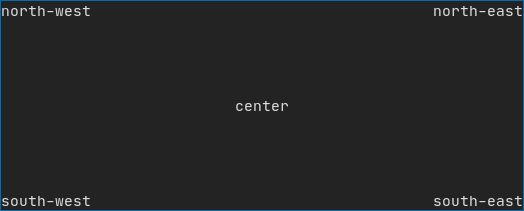
|
|
||||||
|
|
||||||
|
|
||||||
[Example](https://arthursonzogni.github.io/FTXUI/examples_2dom_2gridbox_8cpp-example.html) using gridbox:
|
|
||||||
|
|
||||||
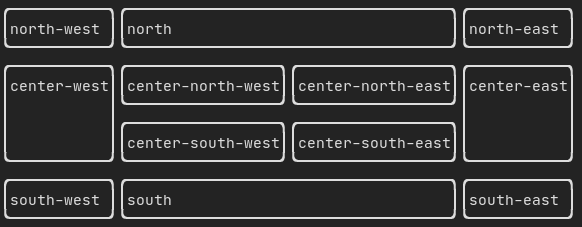
|
|
||||||
|
|
||||||
[Example](https://github.com/ArthurSonzogni/FTXUI/blob/master/examples/dom/hflow.cpp) using flexbox:
|
|
||||||
|
|
||||||
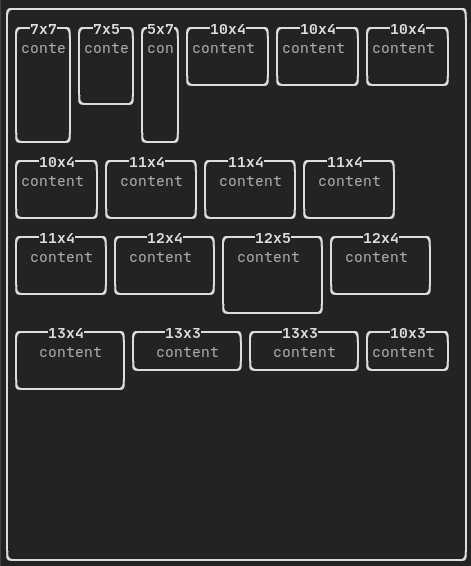
|
|
||||||
|
|
||||||
[See](https://arthursonzogni.github.io/FTXUI/examples_2dom_2hflow_8cpp-example.html) also this [demo](https://arthursonzogni.github.io/FTXUI/examples/?file=component/flexbox).
|
|
||||||
|
|
||||||
</details>
|
|
||||||
|
|
||||||
<details><summary>Style</summary>
|
|
||||||
|
|
||||||
An element can be decorated using the functions:
|
|
||||||
- `bold`
|
|
||||||
- `italic`
|
|
||||||
- `dim`
|
|
||||||
- `inverted`
|
|
||||||
- `underlined`
|
|
||||||
- `underlinedDouble`
|
|
||||||
- `blink`
|
|
||||||
- `strikethrough`
|
|
||||||
- `color`
|
|
||||||
- `bgcolor`
|
|
||||||
- `hyperlink`
|
|
||||||
|
|
||||||
[Example](https://arthursonzogni.github.io/FTXUI/examples_2dom_2style_gallery_8cpp-example.html)
|
|
||||||
|
|
||||||

|
|
||||||
|
|
||||||
FTXUI supports the pipe operator. It means: `decorator1(decorator2(element))` and `element | decorator1 | decorator2` can be used.
|
|
||||||
|
|
||||||
</details>
|
|
||||||
|
|
||||||
<details><summary>Colors</summary>
|
|
||||||
|
|
||||||
FTXUI support every color palette:
|
|
||||||
|
|
||||||
Color [gallery](https://arthursonzogni.github.io/FTXUI/examples_2dom_2color_gallery_8cpp-example.html):
|
|
||||||
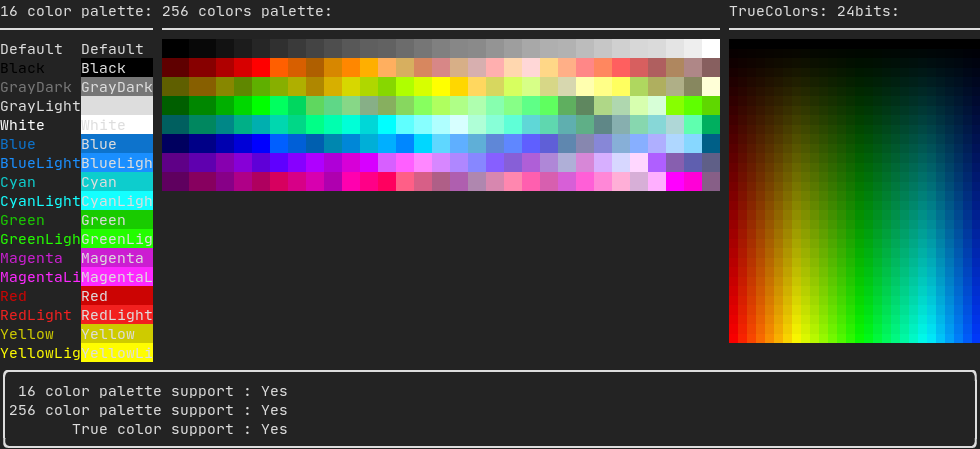
|
|
||||||
|
|
||||||
</details>
|
|
||||||
|
|
||||||
<details><summary>Border and separator</summary>
|
|
||||||
|
|
||||||
Use decorator border and element separator() to subdivide your UI:
|
|
||||||
|
|
||||||
```cpp
|
|
||||||
auto document = vbox({
|
|
||||||
text("top"),
|
|
||||||
separator(),
|
|
||||||
text("bottom"),
|
|
||||||
}) | border;
|
|
||||||
|
|
||||||
```
|
|
||||||
|
|
||||||
[Demo](https://arthursonzogni.github.io/FTXUI/examples_2dom_2separator_8cpp-example.html):
|
|
||||||
|
|
||||||

|
|
||||||
|
|
||||||
</details>
|
|
||||||
|
|
||||||
<details><summary>Text and paragraph</summary>
|
|
||||||
|
|
||||||
A simple piece of text is represented using `text("content")`.
|
|
||||||
|
|
||||||
To support text wrapping following spaces the following functions are provided:
|
|
||||||
```cpp
|
|
||||||
Element paragraph(std::string text);
|
|
||||||
Element paragraphAlignLeft(std::string text);
|
|
||||||
Element paragraphAlignRight(std::string text);
|
|
||||||
Element paragraphAlignCenter(std::string text);
|
|
||||||
Element paragraphAlignJustify(std::string text);
|
|
||||||
```
|
|
||||||
|
|
||||||
[Paragraph example](https://arthursonzogni.github.io/FTXUI/examples_2dom_2paragraph_8cpp-example.html)
|
|
||||||
|
|
||||||
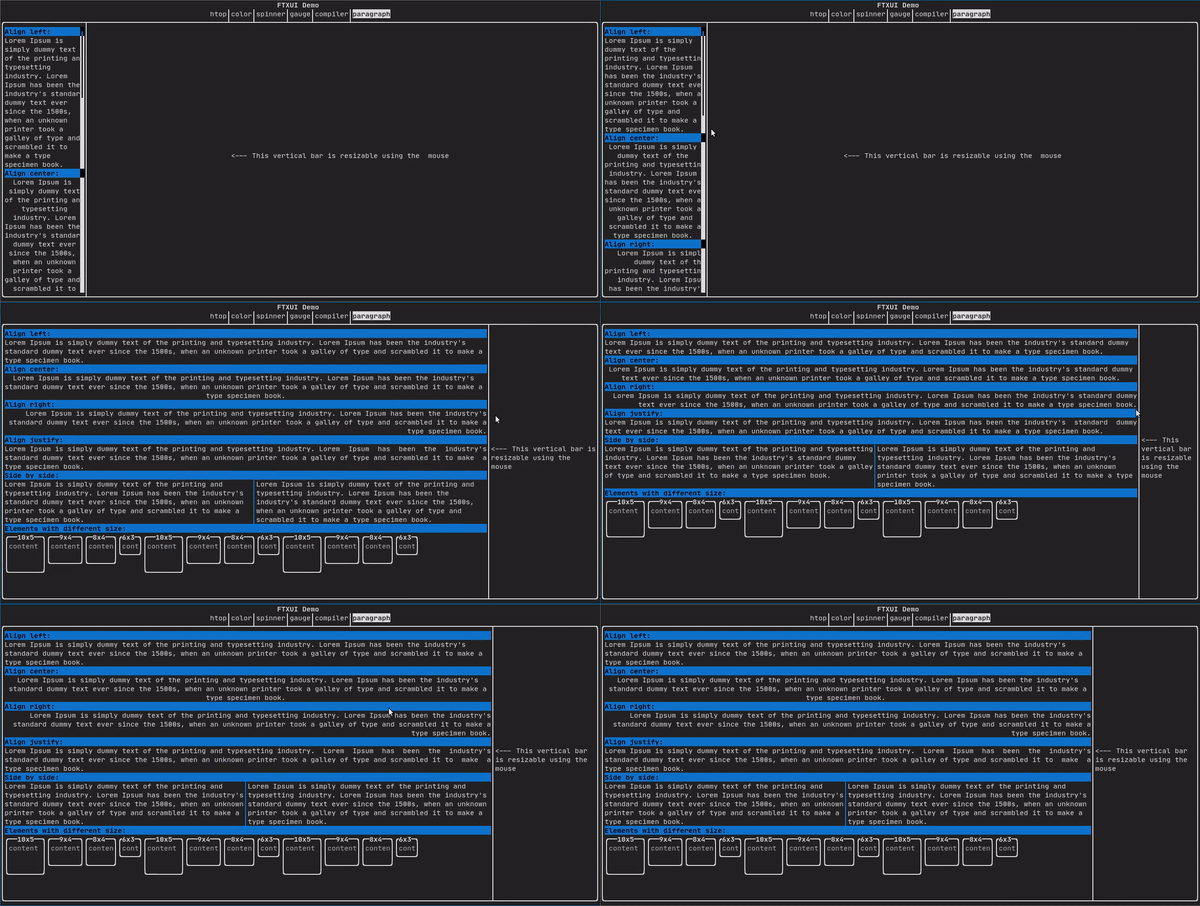
|
|
||||||
|
|
||||||
</details>
|
|
||||||
|
|
||||||
<details><summary>Table</summary>
|
|
||||||
|
|
||||||
A class to easily style a table of data.
|
|
||||||
|
|
||||||
[Example](https://arthursonzogni.github.io/FTXUI/examples_2dom_2table_8cpp-example.html):
|
|
||||||
|
|
||||||
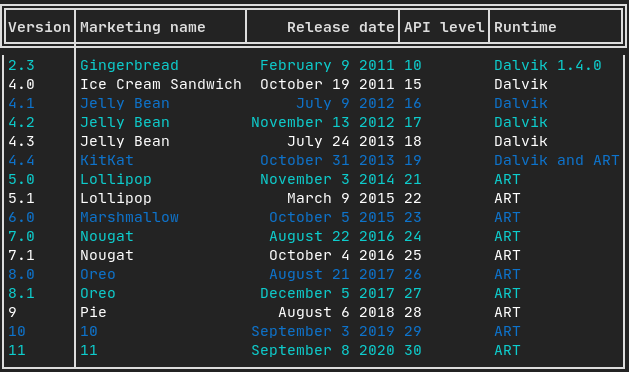
|
|
||||||
|
|
||||||
</details>
|
|
||||||
|
|
||||||
<details><summary>Canvas</summary>
|
|
||||||
|
|
||||||
Drawing can be made on a Canvas, using braille, block, or simple characters:
|
|
||||||
|
|
||||||
Simple [example](https://github.com/ArthurSonzogni/FTXUI/blob/master/examples/dom/canvas.cpp):
|
|
||||||
|
|
||||||
|
|
||||||
|
|
||||||
Complex [examples](https://github.com/ArthurSonzogni/FTXUI/blob/master/examples/component/canvas_animated.cpp):
|
|
||||||
|
|
||||||
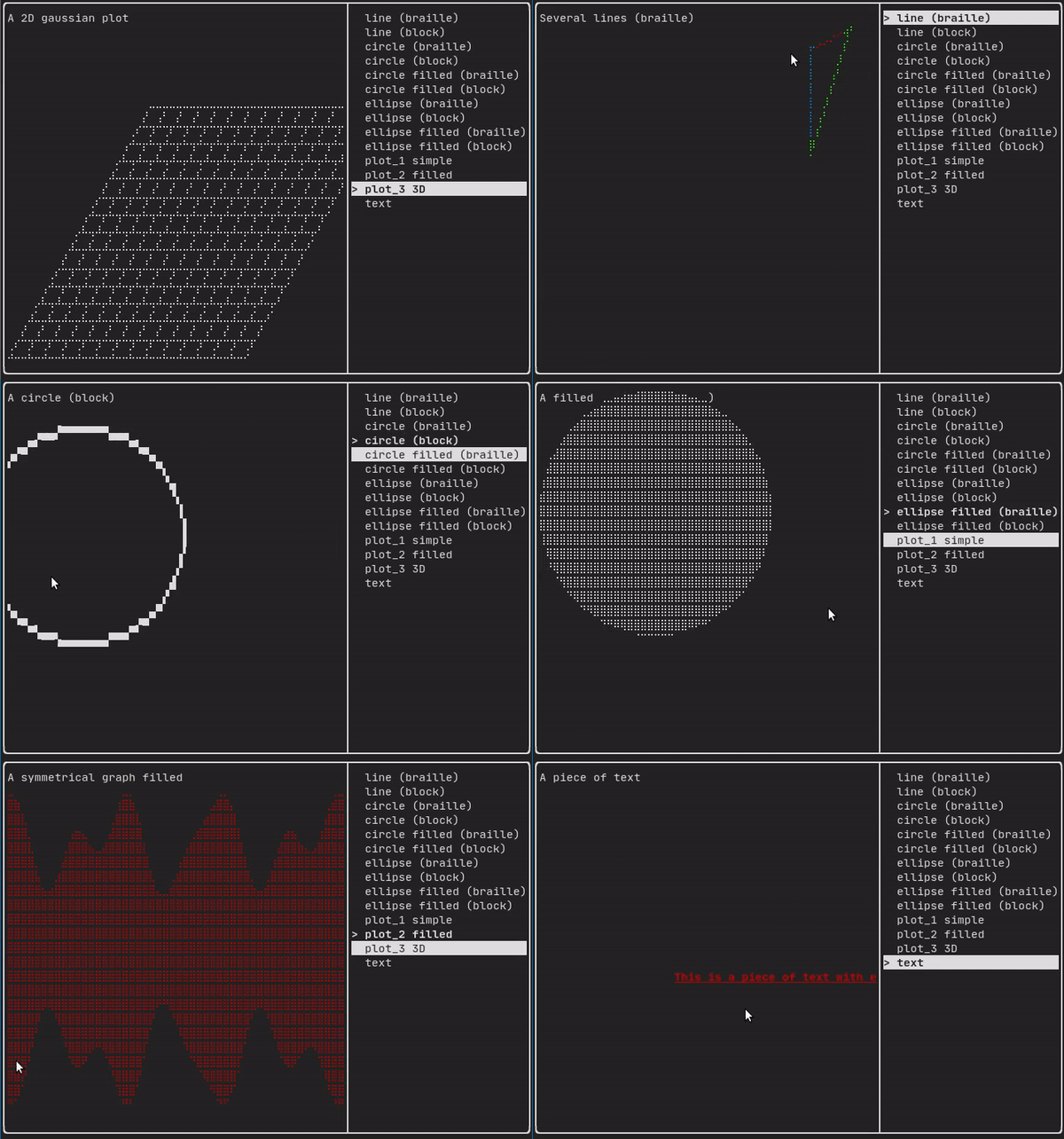
|
|
||||||
</details>
|
|
||||||
|
|
||||||
#### Component
|
|
||||||
|
|
||||||
ftxui/component produces dynamic UI, reactive to the user's input. It defines a set of ftxui::Component. A component reacts to Events (keyboard, mouse, resize, ...) and Renders as an Element (see previous section).
|
|
||||||
|
|
||||||
Prebuilt components are declared in [<ftxui/component/component.hpp>](https://arthursonzogni.github.io/FTXUI/component_8hpp_source.html)
|
|
||||||
|
|
||||||
<details><summary>Gallery</summary>
|
|
||||||
|
|
||||||
[Gallery](https://arthursonzogni.github.io/FTXUI/examples_2component_2gallery_8cpp-example.html) of multiple components. ([demo](https://arthursonzogni.github.io/FTXUI/examples/?file=component/gallery))
|
|
||||||
|
|
||||||
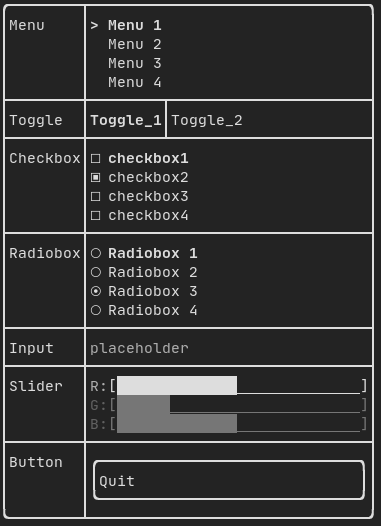
|
|
||||||
|
|
||||||
</details>
|
|
||||||
|
|
||||||
<details><summary>Radiobox</summary>
|
|
||||||
|
|
||||||
[Example](https://arthursonzogni.github.io/FTXUI/examples_2component_2radiobox_8cpp-example.html):
|
|
||||||
|
|
||||||
|
|
||||||
|
|
||||||
</details>
|
|
||||||
|
|
||||||
<details><summary>Checkbox</summary>
|
|
||||||
|
|
||||||
[Example](https://arthursonzogni.github.io/FTXUI/examples_2component_2checkbox_8cpp-example.html):
|
|
||||||
|
|
||||||
|
|
||||||
|
|
||||||
</details>
|
|
||||||
|
|
||||||
<details><summary>Input</summary>
|
|
||||||
|
|
||||||
[Example](https://arthursonzogni.github.io/FTXUI/examples_2component_2input_8cpp-example.html):
|
|
||||||
|
|
||||||
|
|
||||||
|
|
||||||
</details>
|
|
||||||
|
|
||||||
<details><summary>Toggle</summary>
|
|
||||||
|
|
||||||
[Example](https://arthursonzogni.github.io/FTXUI/examples_2component_2toggle_8cpp-example.html):
|
|
||||||
|
|
||||||

|
|
||||||
|
|
||||||
</details>
|
|
||||||
|
|
||||||
|
|
||||||
<details><summary>Slider</summary>
|
|
||||||
|
|
||||||
[Example](https://arthursonzogni.github.io/FTXUI/examples_2component_2slider_8cpp-example.html):
|
|
||||||
|
|
||||||
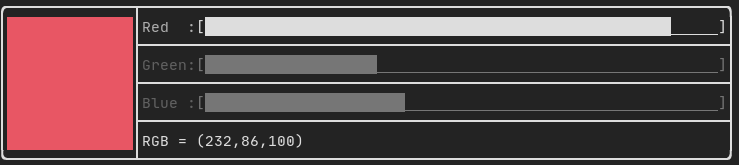
|
|
||||||
|
|
||||||
</details>
|
|
||||||
|
|
||||||
|
|
||||||
<details><summary>Menu</summary>
|
|
||||||
|
|
||||||
[Example](https://arthursonzogni.github.io/FTXUI/examples_2component_2menu_8cpp-example.html):
|
|
||||||
|
|
||||||

|
|
||||||
|
|
||||||
</details>
|
|
||||||
|
|
||||||
|
|
||||||
<details><summary>ResizableSplit</summary>
|
|
||||||
|
|
||||||
[Example](https://arthursonzogni.github.io/FTXUI/examples_2component_2resizable_split_8cpp-example.html):
|
|
||||||
|
|
||||||
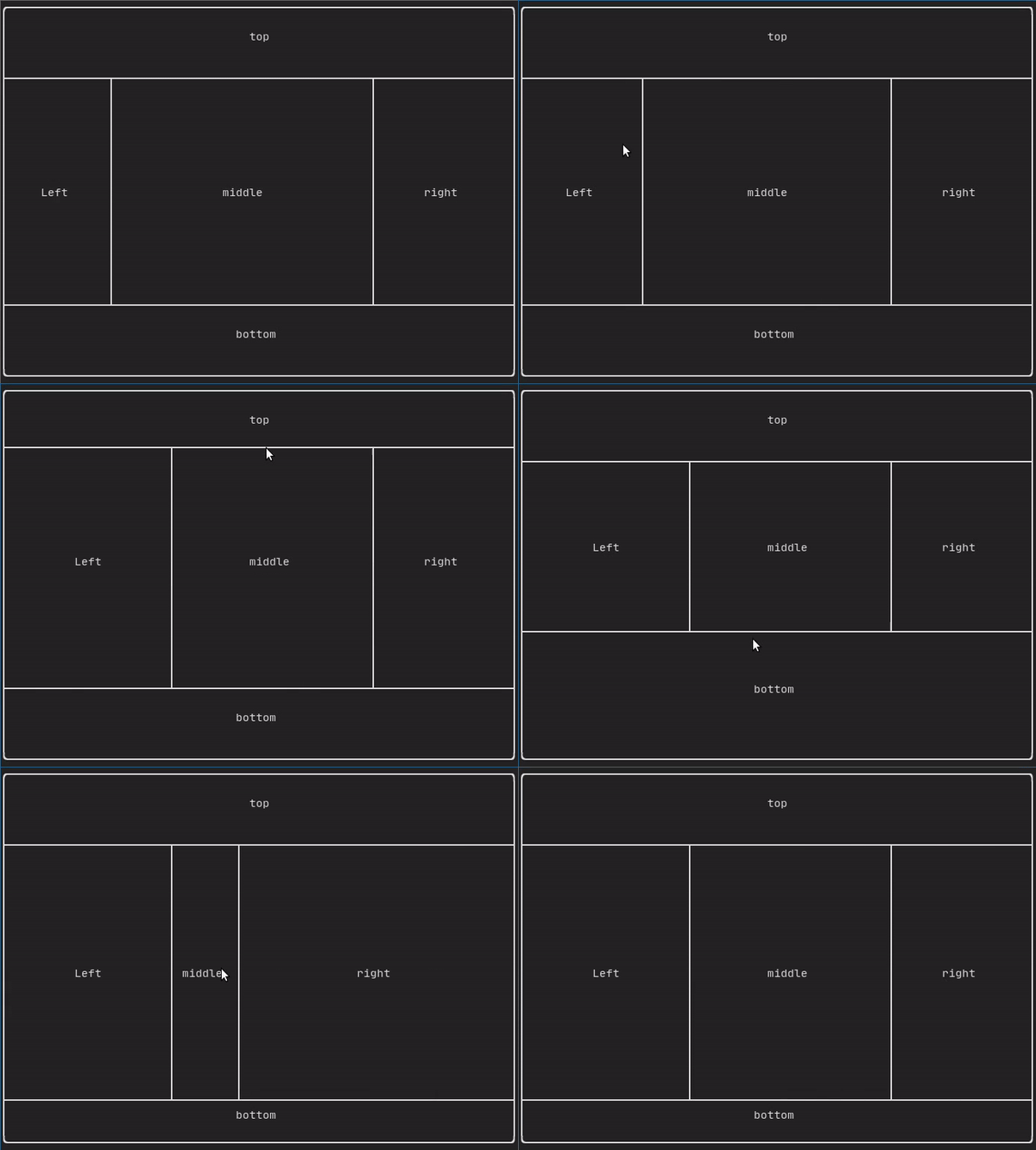
|
|
||||||
</details>
|
|
||||||
|
|
||||||
|
|
||||||
<details><summary>Dropdown</summary>
|
|
||||||
|
|
||||||
[Example](https://arthursonzogni.github.io/FTXUI/examples_2component_2dropdown_8cpp-example.html):
|
|
||||||
|
|
||||||

|
|
||||||
|
|
||||||
</details>
|
|
||||||
|
|
||||||
<details><summary>Tab</summary>
|
|
||||||
|
|
||||||
[Vertical](https://arthursonzogni.github.io/FTXUI/examples_2component_2tab_vertical_8cpp-example.html):
|
|
||||||
|
|
||||||
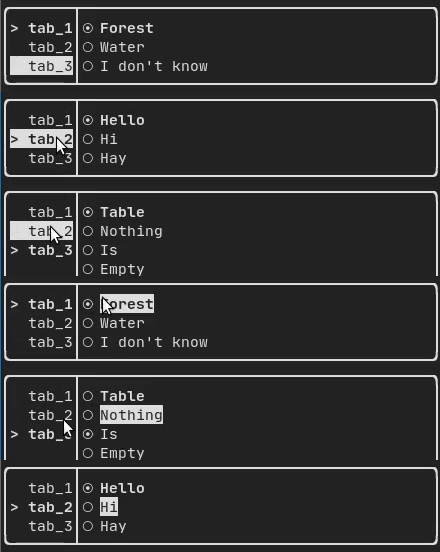
|
|
||||||
|
|
||||||
[Horizontal](https://arthursonzogni.github.io/FTXUI/examples_2component_2tab_horizontal_8cpp-example.html):
|
|
||||||
|
|
||||||
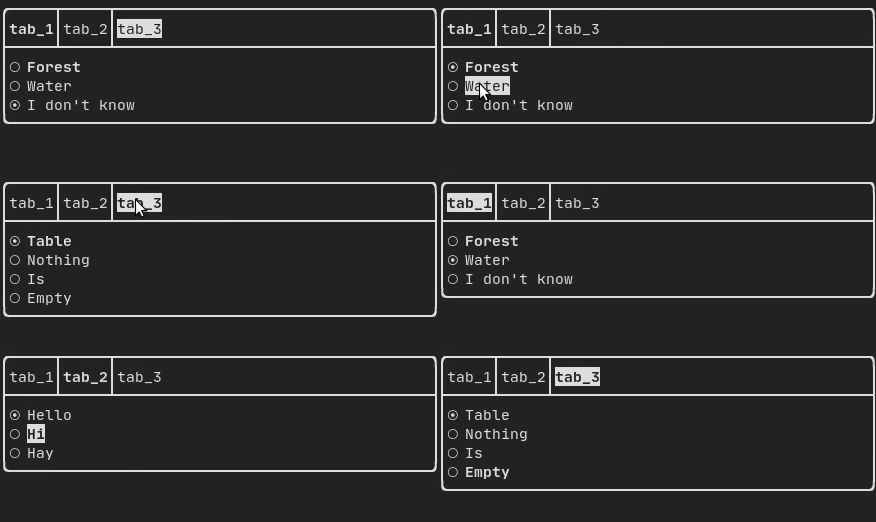
|
|
||||||
|
|
||||||
|
|
||||||
|
|
||||||
</details>
|
|
||||||
|
|
||||||
## Libraries for FTXUI
|
|
||||||
- *Want to share a useful Component for FTXUI? Feel free to add yours here*
|
|
||||||
- [ftxui-grid-container](https://github.com/mingsheng13/grid-container-ftxui)
|
|
||||||
- [ftxui-ip-input](https://github.com/mingsheng13/ip-input-ftxui)
|
|
||||||
- [ftxui-image-view](https://github.com/ljrrjl/ftxui-image-view.git): For Image Display.
|
|
||||||
|
|
||||||
|
|
||||||
## Project using FTXUI
|
|
||||||
|
|
||||||
Feel free to add your projects here:
|
|
||||||
- [json-tui](https://github.com/ArthurSonzogni/json-tui)
|
|
||||||
- [git-tui](https://github.com/ArthurSonzogni/git-tui)
|
|
||||||
- [ostree-tui](https://github.com/AP-Sensing/ostree-tui)
|
|
||||||
- [rgb-tui](https://github.com/ArthurSonzogni/rgb-tui)
|
|
||||||
- [chrome-log-beautifier](https://github.com/ArthurSonzogni/chrome-log-beautifier)
|
|
||||||
- [x86-64 CPU Architecture Simulation](https://github.com/AnisBdz/CPU)
|
|
||||||
- [ltuiny](https://github.com/adrianoviana87/ltuiny)
|
|
||||||
- [i3-termdialogs](https://github.com/mibli/i3-termdialogs)
|
|
||||||
- [simpPRU](https://github.com/VedantParanjape/simpPRU)
|
|
||||||
- [Pigeon ROS TUI](https://github.com/PigeonSensei/Pigeon_ros_tui)
|
|
||||||
- [hastur](https://github.com/robinlinden/hastur)
|
|
||||||
- [CryptoCalculator](https://github.com/brevis/CryptoCalculator)
|
|
||||||
- [todoman](https://github.com/aaleino/todoman)
|
|
||||||
- [TimeAccumulator](https://github.com/asari555/TimeAccumulator)
|
|
||||||
- [vantage](https://github.com/gokulmaxi/vantage)
|
|
||||||
- [tabdeeli](https://github.com/typon/tabdeeli)
|
|
||||||
- [tiles](https://github.com/tusharpm/tiles)
|
|
||||||
- [cachyos-cli-installer](https://github.com/cachyos/new-cli-installer)
|
|
||||||
- [beagle-config](https://github.com/SAtacker/beagle-config)
|
|
||||||
- [turing_cmd](https://github.com/DanArmor/turing_cmd)
|
|
||||||
- [StartUp](https://github.com/StubbornVegeta/StartUp)
|
|
||||||
- [eCAL monitor](https://github.com/eclipse-ecal/ecal)
|
|
||||||
- [Path Finder](https://github.com/Ruebled/Path_Finder)
|
|
||||||
- [rw-tui](https://github.com/LeeKyuHyuk/rw-tui)
|
|
||||||
- [resource-monitor](https://github.com/catalincd/resource-monitor)
|
|
||||||
- [ftxuiFileReader](https://github.com/J0sephDavis/ftxuiFileReader)
|
|
||||||
- [ftxui_CPUMeter](https://github.com/tzzzzzzzx/ftxui_CPUMeter)
|
|
||||||
- [Captain's log](https://github.com/nikoladucak/caps-log)
|
|
||||||
- [FTowerX](https://github.com/MhmRhm/FTowerX)
|
|
||||||
- [Caravan](https://github.com/r3w0p/caravan)
|
|
||||||
- [Step-Writer](https://github.com/BrianAnakPintar/step-writer)
|
|
||||||
- [XJ music](https://github.com/xjmusic/xjmusic)
|
|
||||||
- [UDP chat](https://github.com/Sergeydigl3/udp-chat-tui)
|
|
||||||
- [2048-cpp](https://github.com/Chessom/2048-cpp)
|
|
||||||
- [Memory game](https://github.com/mikolajlubiak/memory)
|
|
||||||
- [Terminal Animation](https://github.com/mikolajlubiak/terminal_animation)
|
|
||||||
- [pciex](https://github.com/s0nx/pciex)
|
|
||||||
- [Fallout terminal hacking](https://github.com/gshigin/yet-another-fallout-terminal-hacking-game)
|
|
||||||
- [Lazylist](https://github.com/zhuyongqi9/lazylist)
|
|
||||||
- [TUISIC](https://github.com/Dark-Kernel/tuisic)
|
|
||||||
- [inLimbo](https://github.com/nots1dd/inLimbo)
|
|
||||||
- [BestEdrOfTheMarket](https://github.com/Xacone/BestEdrOfTheMarket)
|
|
||||||
- [terminal-rain](https://github.com/Oakamoore/terminal-rain)
|
|
||||||
- [keywords](https://github.com/Oakamoore/keywords) ([Play web version :heart:](https://oakamoore.itch.io/keywords))
|
|
||||||
- [FTB - tertminal file browser](https://github.com/Cyxuan0311/FTB)
|
|
||||||
- [openJuice](https://github.com/mikomikotaishi/openJuice)
|
|
||||||
- [SHOOT!](https://github.com/ShingZhanho/ENGG1340-Project-25Spring)
|
|
||||||
- [VerifySN (Fast Hash Tool)](https://github.com/d06i/verifySN)
|
|
||||||
- [tic-tac-toe](https://github.com/birland/tic-tac-toe)
|
|
||||||
- [typing-speed-test](https://github.com/ymcx/typing-speed-test)
|
|
||||||
|
|
||||||
### [cpp-best-practices/game_jam](https://github.com/cpp-best-practices/game_jam)
|
|
||||||
|
|
||||||
Several games using the FTXUI have been made during the Game Jam:
|
|
||||||
- [TermBreaker](https://github.com/ArthurSonzogni/termBreaker) [**[Play web version]**](https://arthursonzogni.com/TermBreaker/)
|
|
||||||
- [Minesweeper Marathon](https://github.com/cpp-best-practices/game_jam/blob/main/Jam1_April_2022/minesweeper_marathon.md) [**[Play web version]**](https://barlasgarden.com/minesweeper/index.html)
|
|
||||||
- [Grand Rounds](https://github.com/cpp-best-practices/game_jam/blob/main/Jam1_April_2022/grandrounds.md)
|
|
||||||
- [LightsRound](https://github.com/cpp-best-practices/game_jam/blob/main/Jam1_April_2022/LightsRound.v.0.1.0.md)
|
|
||||||
- [DanteO](https://github.com/cpp-best-practices/game_jam/blob/main/Jam1_April_2022/danteo.md)
|
|
||||||
- [Sumo](https://github.com/cpp-best-practices/game_jam/blob/main/Jam1_April_2022/sumo.md)
|
|
||||||
- [Drag Me aROUND](https://github.com/cpp-best-practices/game_jam/blob/main/Jam1_April_2022/drag_me_around.md)
|
|
||||||
- [DisarmSelfDestruct](https://github.com/cpp-best-practices/game_jam/blob/main/Jam1_April_2022/DisarmSelfDestruct.md)
|
|
||||||
- [TheWorld](https://github.com/cpp-best-practices/game_jam/blob/main/Jam1_April_2022/TheWorld.md)
|
|
||||||
- [smoothlife](https://github.com/cpp-best-practices/game_jam/blob/main/Jam1_April_2022/smoothlife.md)
|
|
||||||
- [Consu](https://github.com/cpp-best-practices/game_jam/blob/main/Jam1_April_2022/consu.md)
|
|
||||||
|
|
||||||
## Build using CMake
|
|
||||||
|
|
||||||
It is **highly** recommended to use CMake FetchContent to depend on FTXUI so you may specify which commit you would like to depend on.
|
|
||||||
```cmake
|
|
||||||
include(FetchContent)
|
|
||||||
FetchContent_Declare(ftxui
|
|
||||||
GIT_REPOSITORY https://github.com/ArthurSonzogni/ftxui
|
|
||||||
GIT_TAG v6.1.9
|
|
||||||
)
|
|
||||||
FetchContent_MakeAvailable(ftxui)
|
|
||||||
|
|
||||||
target_link_libraries(your_target PRIVATE
|
|
||||||
# Chose a submodule
|
|
||||||
ftxui::component
|
|
||||||
ftxui::dom
|
|
||||||
ftxui::screen
|
|
||||||
)
|
|
||||||
```
|
|
||||||
|
|
||||||
# Build using Bazel
|
|
||||||
|
|
||||||
**MODULE.bazel**
|
|
||||||
```starlark
|
|
||||||
bazel_dep(
|
|
||||||
name = "ftxui",
|
|
||||||
version = "v6.1.9",
|
|
||||||
)
|
|
||||||
```
|
|
||||||
|
|
||||||
**BUILD.bazel**
|
|
||||||
```starlark
|
|
||||||
cc_binary(
|
|
||||||
name = "your_target",
|
|
||||||
srcs = ["your_source.cc"],
|
|
||||||
deps = [
|
|
||||||
"@ftxui//:component",
|
|
||||||
"@ftxui//:dom",
|
|
||||||
"@ftxui//:screen",
|
|
||||||
],
|
|
||||||
)
|
|
||||||
```
|
|
||||||
|
|
||||||
|
|
||||||
# Build with something else:
|
|
||||||
If you don't, FTXUI may be used from the following packages:
|
|
||||||
- CMake [FetchContent]([https://bewagner.net/programming/2020/05/02/cmake-fetchcontent/](https://cmake.org/cmake/help/latest/module/FetchContent.html)) (preferred),
|
|
||||||
- [Bazel](https://registry.bazel.build/modules/ftxui),
|
|
||||||
- [vcpkg](https://vcpkg.link/ports/ftxui),
|
|
||||||
- [Conan](https://conan.io/center/recipes/ftxui)
|
|
||||||
- [Debian package](https://tracker.debian.org/pkg/ftxui),
|
|
||||||
- [Ubuntu package](https://launchpad.net/ubuntu/+source/ftxui),
|
|
||||||
- [Arch Linux](https://aur.archlinux.org/packages/ftxui/),
|
|
||||||
- [OpenSUSE](https://build.opensuse.org/package/show/devel:libraries:c_c++/ftxui),
|
|
||||||
[Nix](https://github.com/ArthurSonzogni/FTXUI/blob/main/flake.nix),
|
|
||||||
[](https://repology.org/project/libftxui/versions)
|
|
||||||
|
|
||||||
|
|
||||||
If you choose to build and link FTXUI yourself, `ftxui-component` must be first in the linking order relative to the other FTXUI libraries, i.e.
|
|
||||||
```bash
|
|
||||||
g++ . . . -lftxui-component -lftxui-dom -lftxui-screen . . .
|
|
||||||
```
|
|
||||||
|
|
||||||
To build FTXUI with modules, check [documentation](https://arthursonzogni.github.io/FTXUI/cpp20-modules.html)
|
|
||||||
|
|
||||||
## Contributors
|
|
||||||
|
|
||||||
<a href="https://github.com/ArthurSonzogni/FTXUI/graphs/contributors">
|
|
||||||
<img src="https://contrib.rocks/image?repo=ArthurSonzogni/FTXUI" />
|
|
||||||
</a>
|
|
||||||
@@ -1,4 +0,0 @@
|
|||||||
# Copyright 2025 Arthur Sonzogni. All rights reserved.
|
|
||||||
# Use of this source code is governed by the MIT license that can be found in
|
|
||||||
# the LICENSE file.
|
|
||||||
workspace(name = "ftxui")
|
|
||||||
@@ -1,94 +0,0 @@
|
|||||||
# ftxui_common.bzl
|
|
||||||
|
|
||||||
load("@rules_cc//cc:defs.bzl", "cc_library")
|
|
||||||
load("@rules_cc//cc:defs.bzl", "cc_binary")
|
|
||||||
|
|
||||||
# Microsoft terminal is a bit buggy ¯\_(ツ)_/¯ and MSVC uses bad defaults.
|
|
||||||
def windows_copts():
|
|
||||||
MSVC_COPTS = [
|
|
||||||
# Microsoft Visual Studio must decode sources files as UTF-8.
|
|
||||||
"/utf-8",
|
|
||||||
|
|
||||||
# Microsoft Visual Studio must interpret the codepoint using unicode.
|
|
||||||
"/DUNICODE",
|
|
||||||
"/D_UNICODE",
|
|
||||||
|
|
||||||
# Fallback for Microsoft Terminal.
|
|
||||||
# This
|
|
||||||
# - Replace missing font symbols by others.
|
|
||||||
# - Reduce screen position pooling frequency to deals against a Microsoft
|
|
||||||
# race condition. This was fixed in 2020, but clients never not updated.
|
|
||||||
# - https://github.com/microsoft/terminal/pull/7583
|
|
||||||
# - https://github.com/ArthurSonzogni/FTXUI/issues/136
|
|
||||||
"/DFTXUI_MICROSOFT_TERMINAL_FALLBACK",
|
|
||||||
]
|
|
||||||
|
|
||||||
WINDOWS_COPTS = [
|
|
||||||
# Fallback for Microsoft Terminal.
|
|
||||||
# This
|
|
||||||
# - Replace missing font symbols by others.
|
|
||||||
# - Reduce screen position pooling frequency to deals against a Microsoft
|
|
||||||
# race condition. This was fixed in 2020, but clients are still using
|
|
||||||
# old versions.
|
|
||||||
# - https://github.com/microsoft/terminal/pull/7583
|
|
||||||
# - https://github.com/ArthurSonzogni/FTXUI/issues/136
|
|
||||||
"-DFTXUI_MICROSOFT_TERMINAL_FALLBACK",
|
|
||||||
];
|
|
||||||
|
|
||||||
return select({
|
|
||||||
# MSVC:
|
|
||||||
"@rules_cc//cc/compiler:msvc-cl": MSVC_COPTS,
|
|
||||||
"@rules_cc//cc/compiler:clang-cl": MSVC_COPTS,
|
|
||||||
"@platforms//os:windows": WINDOWS_COPTS,
|
|
||||||
"//conditions:default": [],
|
|
||||||
})
|
|
||||||
|
|
||||||
def ftxui_cc_library(
|
|
||||||
name,
|
|
||||||
srcs = [],
|
|
||||||
hdrs = [],
|
|
||||||
linkopts = [],
|
|
||||||
deps = []):
|
|
||||||
|
|
||||||
cc_library(
|
|
||||||
name = name,
|
|
||||||
srcs = srcs,
|
|
||||||
hdrs = hdrs,
|
|
||||||
linkopts = linkopts,
|
|
||||||
deps = deps,
|
|
||||||
strip_include_prefix = "",
|
|
||||||
include_prefix = "",
|
|
||||||
includes = [
|
|
||||||
"include",
|
|
||||||
"src",
|
|
||||||
],
|
|
||||||
copts = windows_copts(),
|
|
||||||
visibility = ["//visibility:public"],
|
|
||||||
)
|
|
||||||
|
|
||||||
# Compile all the examples in the examples/ directory.
|
|
||||||
# This is useful to check the Bazel is always synchronized against CMake
|
|
||||||
# definitions.
|
|
||||||
def generate_examples():
|
|
||||||
cpp_files = native.glob(["examples/**/*.cpp"])
|
|
||||||
|
|
||||||
for src in cpp_files:
|
|
||||||
# Skip failing examples due to the color_info_sorted_2d.ipp dependency.
|
|
||||||
if src == "examples/component/homescreen.cpp" or \
|
|
||||||
src == "examples/dom/color_info_palette256.cpp" or \
|
|
||||||
src == "examples/dom/color_gallery.cpp":
|
|
||||||
continue
|
|
||||||
|
|
||||||
# Turn "examples/component/button.cpp" → "example_component_button"
|
|
||||||
name = src.replace("/", "_").replace(".cpp", "")
|
|
||||||
|
|
||||||
cc_binary(
|
|
||||||
name = name,
|
|
||||||
srcs = [src],
|
|
||||||
deps = [
|
|
||||||
":component",
|
|
||||||
":dom",
|
|
||||||
":screen",
|
|
||||||
],
|
|
||||||
copts = windows_copts(),
|
|
||||||
)
|
|
||||||
@@ -1,6 +0,0 @@
|
|||||||
@PACKAGE_INIT@
|
|
||||||
|
|
||||||
include(CMakeFindDependencyMacro)
|
|
||||||
find_dependency(Threads)
|
|
||||||
|
|
||||||
include("${CMAKE_CURRENT_LIST_DIR}/ftxui-targets.cmake")
|
|
||||||
@@ -1,21 +0,0 @@
|
|||||||
if (NOT FTXUI_BUILD_TESTS OR
|
|
||||||
NOT ${CMAKE_VERSION} VERSION_GREATER "3.11.4" OR
|
|
||||||
WIN32
|
|
||||||
)
|
|
||||||
return()
|
|
||||||
endif()
|
|
||||||
|
|
||||||
include(cmake/ftxui_find_google_benchmark.cmake)
|
|
||||||
|
|
||||||
add_executable(ftxui-benchmark
|
|
||||||
src/ftxui/dom/benchmark_test.cpp
|
|
||||||
)
|
|
||||||
ftxui_set_options(ftxui-benchmark)
|
|
||||||
target_link_libraries(ftxui-benchmark
|
|
||||||
PRIVATE dom
|
|
||||||
PRIVATE benchmark::benchmark
|
|
||||||
PRIVATE benchmark::benchmark_main
|
|
||||||
)
|
|
||||||
target_include_directories(ftxui-benchmark
|
|
||||||
PRIVATE src
|
|
||||||
)
|
|
||||||
@@ -1,8 +0,0 @@
|
|||||||
function(ftxui_check_coverage library)
|
|
||||||
if (FTXUI_ENABLE_COVERAGE)
|
|
||||||
if(CMAKE_CXX_COMPILER_ID STREQUAL "GNU" OR CMAKE_CXX_COMPILER_ID MATCHES ".*Clang")
|
|
||||||
target_compile_options(${library} INTERFACE --coverage -O0 -g)
|
|
||||||
target_link_libraries(${library} INTERFACE --coverage)
|
|
||||||
endif()
|
|
||||||
endif()
|
|
||||||
endfunction()
|
|
||||||
@@ -1,8 +0,0 @@
|
|||||||
add_library(ftxui::screen ALIAS screen)
|
|
||||||
add_library(ftxui::dom ALIAS dom)
|
|
||||||
add_library(ftxui::component ALIAS component)
|
|
||||||
export(
|
|
||||||
TARGETS screen dom component
|
|
||||||
NAMESPACE ftxui::
|
|
||||||
FILE "${PROJECT_BINARY_DIR}/ftxui-targets.cmake"
|
|
||||||
)
|
|
||||||
@@ -1,32 +0,0 @@
|
|||||||
# Some developers would be happier with the google benchmark version provided
|
|
||||||
# from their package manager. Use it if it is installed the package provide
|
|
||||||
# cmake support.
|
|
||||||
# https://github.com/ArthurSonzogni/FTXUI/issues/551
|
|
||||||
find_package(benchmark QUIET)
|
|
||||||
if (benchmark_FOUND)
|
|
||||||
return()
|
|
||||||
endif()
|
|
||||||
|
|
||||||
option(FETCHCONTENT_UPDATES_DISCONNECTED TRUE)
|
|
||||||
option(FETCHCONTENT_QUIET FALSE)
|
|
||||||
include(FetchContent)
|
|
||||||
|
|
||||||
FetchContent_Declare(googlebenchmark
|
|
||||||
GIT_REPOSITORY "https://github.com/google/benchmark"
|
|
||||||
GIT_TAG "015d1a091af6937488242b70121858bce8fd40e9" # v1.8.2
|
|
||||||
GIT_PROGRESS TRUE
|
|
||||||
)
|
|
||||||
|
|
||||||
FetchContent_GetProperties(googlebenchmark)
|
|
||||||
set (BENCHMARK_ENABLE_GTEST_TESTS OFF CACHE INTERNAL "")
|
|
||||||
set (BENCHMARK_ENABLE_TESTING OFF CACHE INTERNAL "")
|
|
||||||
if(googlebenchmark_POPULATED)
|
|
||||||
return()
|
|
||||||
endif()
|
|
||||||
|
|
||||||
FetchContent_Populate(googlebenchmark)
|
|
||||||
add_subdirectory(
|
|
||||||
${googlebenchmark_SOURCE_DIR}
|
|
||||||
${googlebenchmark_BINARY_DIR}
|
|
||||||
EXCLUDE_FROM_ALL
|
|
||||||
)
|
|
||||||
@@ -1,33 +0,0 @@
|
|||||||
# Some developers would be happier with the gtest version provided from their
|
|
||||||
# package manager. Use it if it is installed the package provide cmake support.
|
|
||||||
# https://github.com/ArthurSonzogni/FTXUI/issues/551
|
|
||||||
find_package(GTest QUIET)
|
|
||||||
|
|
||||||
if (GTest_FOUND)
|
|
||||||
return()
|
|
||||||
endif()
|
|
||||||
|
|
||||||
option(FETCHCONTENT_UPDATES_DISCONNECTED TRUE)
|
|
||||||
option(FETCHCONTENT_QUIET FALSE)
|
|
||||||
include(FetchContent)
|
|
||||||
|
|
||||||
FetchContent_Declare(googletest
|
|
||||||
GIT_REPOSITORY "https://github.com/google/googletest"
|
|
||||||
GIT_TAG 23ef29555ef4789f555f1ba8c51b4c52975f0907
|
|
||||||
GIT_PROGRESS TRUE
|
|
||||||
)
|
|
||||||
|
|
||||||
FetchContent_GetProperties(googletest)
|
|
||||||
if(googletest_POPULATED)
|
|
||||||
return()
|
|
||||||
endif()
|
|
||||||
|
|
||||||
FetchContent_Populate(googletest)
|
|
||||||
set(BUILD_GMOCK OFF CACHE INTERNAL "")
|
|
||||||
set(INSTALL_GTEST OFF CACHE INTERNAL "")
|
|
||||||
set(gtest_force_shared_crt ON CACHE INTERNAL "")
|
|
||||||
add_subdirectory(
|
|
||||||
"${googletest_SOURCE_DIR}"
|
|
||||||
"${googletest_BINARY_DIR}"
|
|
||||||
EXCLUDE_FROM_ALL
|
|
||||||
)
|
|
||||||
@@ -1,21 +0,0 @@
|
|||||||
if (NOT FTXUI_BUILD_TESTS_FUZZER)
|
|
||||||
return()
|
|
||||||
endif()
|
|
||||||
|
|
||||||
set(CMAKE_C_COMPILER clang)
|
|
||||||
set(CMAKE_CXX_COMPILER clang++)
|
|
||||||
|
|
||||||
function(fuzz source)
|
|
||||||
set(name "ftxui-${source}")
|
|
||||||
add_executable(${name}
|
|
||||||
src/ftxui/component/${source}.cpp
|
|
||||||
)
|
|
||||||
target_include_directories(${name} PRIVATE src)
|
|
||||||
target_link_libraries(${name} PRIVATE component)
|
|
||||||
target_compile_options(${name} PRIVATE -fsanitize=fuzzer,address)
|
|
||||||
target_link_libraries(${name} PRIVATE -fsanitize=fuzzer,address)
|
|
||||||
target_compile_features(${name} PRIVATE cxx_std_17)
|
|
||||||
endfunction(fuzz)
|
|
||||||
|
|
||||||
fuzz(terminal_input_parser_test_fuzzer)
|
|
||||||
fuzz(component_fuzzer)
|
|
||||||
@@ -1,63 +0,0 @@
|
|||||||
if(NOT FTXUI_ENABLE_INSTALL)
|
|
||||||
return()
|
|
||||||
endif()
|
|
||||||
|
|
||||||
include(GNUInstallDirs)
|
|
||||||
include(CMakePackageConfigHelpers)
|
|
||||||
|
|
||||||
# ------------------------------------------------------------------------------
|
|
||||||
# Install the library and its public headers into the standard subdirectories
|
|
||||||
# ------------------------------------------------------------------------------
|
|
||||||
install(
|
|
||||||
TARGETS screen dom component
|
|
||||||
EXPORT ftxui-targets
|
|
||||||
ARCHIVE DESTINATION "${CMAKE_INSTALL_LIBDIR}"
|
|
||||||
LIBRARY DESTINATION "${CMAKE_INSTALL_LIBDIR}"
|
|
||||||
RUNTIME DESTINATION "${CMAKE_INSTALL_BINDIR}"
|
|
||||||
)
|
|
||||||
|
|
||||||
install(
|
|
||||||
DIRECTORY include/ftxui
|
|
||||||
DESTINATION "${CMAKE_INSTALL_INCLUDEDIR}"
|
|
||||||
)
|
|
||||||
|
|
||||||
# ------------------------------------------------------------------------------
|
|
||||||
# Install the exported cmake targets for use in other CMake projects.
|
|
||||||
# ------------------------------------------------------------------------------
|
|
||||||
install(
|
|
||||||
EXPORT ftxui-targets
|
|
||||||
NAMESPACE ftxui::
|
|
||||||
DESTINATION "${CMAKE_INSTALL_LIBDIR}/cmake/ftxui"
|
|
||||||
)
|
|
||||||
|
|
||||||
# ------------------------------------------------------------------------------
|
|
||||||
# Create and install the ftuxi-config.cmake and ftuxi-config-version.cmake files
|
|
||||||
# needed to support users of find_package()
|
|
||||||
# ------------------------------------------------------------------------------
|
|
||||||
configure_package_config_file(
|
|
||||||
"${CMAKE_CURRENT_SOURCE_DIR}/cmake/ftxui-config.cmake.in"
|
|
||||||
"${CMAKE_CURRENT_BINARY_DIR}/cmake/ftxui-config.cmake"
|
|
||||||
INSTALL_DESTINATION "${CMAKE_INSTALL_LIBDIR}/ftxui/cmake"
|
|
||||||
PATH_VARS CMAKE_INSTALL_INCLUDEDIR
|
|
||||||
)
|
|
||||||
write_basic_package_version_file(
|
|
||||||
"${CMAKE_CURRENT_BINARY_DIR}/cmake/ftxui-config-version.cmake"
|
|
||||||
VERSION ${PACKAGE_VERSION}
|
|
||||||
COMPATIBILITY SameMajorVersion
|
|
||||||
)
|
|
||||||
install(
|
|
||||||
FILES
|
|
||||||
"${CMAKE_CURRENT_BINARY_DIR}/cmake/ftxui-config.cmake"
|
|
||||||
"${CMAKE_CURRENT_BINARY_DIR}/cmake/ftxui-config-version.cmake"
|
|
||||||
DESTINATION "${CMAKE_INSTALL_LIBDIR}/cmake/ftxui"
|
|
||||||
)
|
|
||||||
|
|
||||||
# ------------------------------------------------------------------------------
|
|
||||||
# Create and install pkg-config file for easy use of library in build systems
|
|
||||||
# other than CMake:
|
|
||||||
# ------------------------------------------------------------------------------
|
|
||||||
configure_file(ftxui.pc.in ${CMAKE_CURRENT_BINARY_DIR}/ftxui.pc @ONLY)
|
|
||||||
install(
|
|
||||||
FILES "${CMAKE_CURRENT_BINARY_DIR}/ftxui.pc"
|
|
||||||
DESTINATION "${CMAKE_INSTALL_LIBDIR}/pkgconfig"
|
|
||||||
)
|
|
||||||
@@ -1,18 +0,0 @@
|
|||||||
function(ftxui_message msg)
|
|
||||||
if (NOT FTXUI_QUIET)
|
|
||||||
message(STATUS "${msg}")
|
|
||||||
endif()
|
|
||||||
endfunction()
|
|
||||||
|
|
||||||
ftxui_message("┌─ FTXUI options ─────────────────────")
|
|
||||||
ftxui_message("│ FTXUI_BUILD_DOCS : ${FTXUI_BUILD_DOCS}")
|
|
||||||
ftxui_message("│ FTXUI_BUILD_EXAMPLES : ${FTXUI_BUILD_EXAMPLES}")
|
|
||||||
ftxui_message("│ FTXUI_BUILD_MODULES : ${FTXUI_BUILD_MODULES}")
|
|
||||||
ftxui_message("│ FTXUI_BUILD_TESTS : ${FTXUI_BUILD_TESTS}")
|
|
||||||
ftxui_message("│ FTXUI_BUILD_TESTS_FUZZER : ${FTXUI_BUILD_TESTS_FUZZER}")
|
|
||||||
ftxui_message("│ FTXUI_CLANG_TIDY : ${FTXUI_CLANG_TIDY}")
|
|
||||||
ftxui_message("│ FTXUI_DEV_WARNINGS : ${FTXUI_DEV_WARNINGS}")
|
|
||||||
ftxui_message("│ FTXUI_ENABLE_COVERAGE : ${FTXUI_ENABLE_COVERAGE}")
|
|
||||||
ftxui_message("│ FTXUI_ENABLE_INSTALL : ${FTXUI_ENABLE_INSTALL}")
|
|
||||||
ftxui_message("│ FTXUI_QUIET : ${FTXUI_QUIET}")
|
|
||||||
ftxui_message("└─────────────────────────────────────")
|
|
||||||
@@ -1,83 +0,0 @@
|
|||||||
if (NOT FTXUI_BUILD_MODULES)
|
|
||||||
return()
|
|
||||||
endif()
|
|
||||||
|
|
||||||
add_library(ftxui-modules)
|
|
||||||
|
|
||||||
target_sources(ftxui-modules
|
|
||||||
PUBLIC FILE_SET CXX_MODULES FILES
|
|
||||||
src/ftxui/ftxui.cppm
|
|
||||||
src/ftxui/component.cppm
|
|
||||||
src/ftxui/component/animation.cppm
|
|
||||||
src/ftxui/component/captured_mouse.cppm
|
|
||||||
src/ftxui/component/component.cppm
|
|
||||||
src/ftxui/component/component_base.cppm
|
|
||||||
src/ftxui/component/component_options.cppm
|
|
||||||
src/ftxui/component/event.cppm
|
|
||||||
src/ftxui/component/loop.cppm
|
|
||||||
src/ftxui/component/mouse.cppm
|
|
||||||
src/ftxui/component/receiver.cppm
|
|
||||||
src/ftxui/component/screen_interactive.cppm
|
|
||||||
src/ftxui/component/task.cppm
|
|
||||||
src/ftxui/dom.cppm
|
|
||||||
src/ftxui/dom/canvas.cppm
|
|
||||||
src/ftxui/dom/deprecated.cppm
|
|
||||||
src/ftxui/dom/direction.cppm
|
|
||||||
src/ftxui/dom/elements.cppm
|
|
||||||
src/ftxui/dom/flexbox_config.cppm
|
|
||||||
src/ftxui/dom/linear_gradient.cppm
|
|
||||||
src/ftxui/dom/node.cppm
|
|
||||||
src/ftxui/dom/requirement.cppm
|
|
||||||
src/ftxui/dom/selection.cppm
|
|
||||||
src/ftxui/dom/table.cppm
|
|
||||||
src/ftxui/screen.cppm
|
|
||||||
src/ftxui/screen/box.cppm
|
|
||||||
src/ftxui/screen/color.cppm
|
|
||||||
src/ftxui/screen/color_info.cppm
|
|
||||||
src/ftxui/screen/deprecated.cppm
|
|
||||||
src/ftxui/screen/image.cppm
|
|
||||||
src/ftxui/screen/pixel.cppm
|
|
||||||
src/ftxui/screen/screen.cppm
|
|
||||||
src/ftxui/screen/string.cppm
|
|
||||||
src/ftxui/screen/terminal.cppm
|
|
||||||
src/ftxui/util.cppm
|
|
||||||
src/ftxui/util/autoreset.cppm
|
|
||||||
src/ftxui/util/ref.cppm
|
|
||||||
)
|
|
||||||
|
|
||||||
target_link_libraries(ftxui-modules
|
|
||||||
PUBLIC
|
|
||||||
ftxui::screen
|
|
||||||
ftxui::dom
|
|
||||||
ftxui::component
|
|
||||||
)
|
|
||||||
|
|
||||||
target_compile_features(ftxui-modules PUBLIC cxx_std_20)
|
|
||||||
# TODO: Explain why this is needed.
|
|
||||||
if (CMAKE_COMPILER_IS_GNUCXX)
|
|
||||||
target_compile_options(ftxui-modules PUBLIC -fmodules-ts)
|
|
||||||
endif ()
|
|
||||||
|
|
||||||
add_library(ftxui::modules ALIAS ftxui-modules)
|
|
||||||
|
|
||||||
if(FTXUI_ENABLE_INSTALL)
|
|
||||||
|
|
||||||
include(GNUInstallDirs)
|
|
||||||
|
|
||||||
install(TARGETS ftxui-modules
|
|
||||||
EXPORT ftxui-targets
|
|
||||||
FILE_SET CXX_MODULES
|
|
||||||
DESTINATION ${CMAKE_INSTALL_INCLUDEDIR}/ftxui
|
|
||||||
FILE_SET HEADERS
|
|
||||||
DESTINATION ${CMAKE_INSTALL_INCLUDEDIR}/ftxui
|
|
||||||
INCLUDES
|
|
||||||
DESTINATION ${CMAKE_INSTALL_INCLUDEDIR}/ftxui
|
|
||||||
)
|
|
||||||
install(EXPORT ftxui-targets
|
|
||||||
DESTINATION ${CMAKE_INSTALL_LIBDIR}/cmake/ftxui
|
|
||||||
CXX_MODULES_DIRECTORY ${CMAKE_INSTALL_LIBDIR}/cmake/ftxui
|
|
||||||
)
|
|
||||||
install(FILES my_package-config.cmake
|
|
||||||
DESTINATION ${CMAKE_INSTALL_LIBDIR}/cmake/ftxui
|
|
||||||
)
|
|
||||||
endif()
|
|
||||||
@@ -1,28 +0,0 @@
|
|||||||
if(NOT FTXUI_ENABLE_INSTALL)
|
|
||||||
return()
|
|
||||||
endif()
|
|
||||||
|
|
||||||
if (UNIX AND NOT APPLE)
|
|
||||||
set(CPACK_GENERATOR "DEB;External;RPM;STGZ;TBZ2;TGZ;TXZ;TZ;TZST;ZIP")
|
|
||||||
elseif (UNIX AND APPLE)
|
|
||||||
set(CPACK_GENERATOR "DragNDrop;NuGet;TGZ;ZIP")
|
|
||||||
elseif (WIN32)
|
|
||||||
set(CPACK_GENERATOR "DEB;NuGet;TGZ;ZIP")
|
|
||||||
else()
|
|
||||||
set(CPACK_GENERATOR "ZIP")
|
|
||||||
endif()
|
|
||||||
set(CPACK_DEBIAN_PACKAGE_DEPENDS " ")
|
|
||||||
set(CPACK_DEBIAN_PACKAGE_HOMEPAGE_URL "https://github.com/ArthurSonzogni/FTXUI/")
|
|
||||||
set(CPACK_DEBIAN_PACKAGE_MAINTAINER "Arthur Sonzogni")
|
|
||||||
set(CPACK_DEBIAN_PACKAGE_VERSION ${PROJECT_VERSION})
|
|
||||||
set(CPACK_PACKAGE_DESCRIPTION_SUMMARY "A simple C++ Terminal UI library")
|
|
||||||
set(CPACK_PACKAGE_HOMEPAGE_URL "https://github.com/ArthurSonzogni/FTXUI/")
|
|
||||||
set(CPACK_PACKAGE_NAME "ftxui")
|
|
||||||
set(CPACK_PACKAGE_VENDOR "Arthur Sonzogni")
|
|
||||||
set(CPACK_PACKAGE_VERSION ${PROJECT_VERSION})
|
|
||||||
set(CPACK_PACKAGE_VERSION_MAJOR ${PROJECT_VERSION_MAJOR})
|
|
||||||
set(CPACK_PACKAGE_VERSION_MINOR ${PROJECT_VERSION_MINOR})
|
|
||||||
set(CPACK_PACKAGE_VERSION_PATCH ${PROJECT_VERSION_PATCH})
|
|
||||||
set(CPACK_RESOURCE_FILE_LICENSE "${CMAKE_CURRENT_SOURCE_DIR}/LICENSE")
|
|
||||||
|
|
||||||
include(CPack)
|
|
||||||
@@ -1,105 +0,0 @@
|
|||||||
find_program(CLANG_TIDY_EXE NAMES "clang-tidy" DOC "Path to clang-tidy executable" )
|
|
||||||
|
|
||||||
function(ftxui_set_options library)
|
|
||||||
set_target_properties(${library} PROPERTIES VERSION ${PROJECT_VERSION})
|
|
||||||
if (NOT ${library} MATCHES "ftxui-*")
|
|
||||||
set_target_properties(${library} PROPERTIES OUTPUT_NAME "ftxui-${library}")
|
|
||||||
endif()
|
|
||||||
|
|
||||||
if (FTXUI_CLANG_TIDY)
|
|
||||||
if (NOT CLANG_TIDY_EXE)
|
|
||||||
message(FATAL_ERROR "clang-tidy requested but executable not found")
|
|
||||||
endif()
|
|
||||||
|
|
||||||
set_target_properties(${library}
|
|
||||||
PROPERTIES CXX_CLANG_TIDY "${CLANG_TIDY_EXE};-warnings-as-errors=*"
|
|
||||||
)
|
|
||||||
|
|
||||||
# By using "PUBLIC" as opposed to "SYSTEM INTERFACE", the compiler warning
|
|
||||||
# are enforced on the headers. This is behind "FTXUI_CLANG_TIDY", so that it
|
|
||||||
# applies only when developing FTXUI and on the CI. User's of the library
|
|
||||||
# get only the SYSTEM INTERFACE instead.
|
|
||||||
target_include_directories(${library}
|
|
||||||
PUBLIC
|
|
||||||
$<BUILD_INTERFACE:${CMAKE_CURRENT_SOURCE_DIR}/include>
|
|
||||||
)
|
|
||||||
else()
|
|
||||||
target_include_directories(${library} SYSTEM
|
|
||||||
INTERFACE
|
|
||||||
$<BUILD_INTERFACE:${CMAKE_CURRENT_SOURCE_DIR}/include>
|
|
||||||
)
|
|
||||||
endif()
|
|
||||||
|
|
||||||
target_include_directories(${library} SYSTEM
|
|
||||||
INTERFACE
|
|
||||||
$<INSTALL_INTERFACE:include>
|
|
||||||
)
|
|
||||||
|
|
||||||
target_include_directories(${library}
|
|
||||||
PRIVATE
|
|
||||||
$<BUILD_INTERFACE:${CMAKE_CURRENT_SOURCE_DIR}/src>
|
|
||||||
$<BUILD_INTERFACE:${CMAKE_CURRENT_SOURCE_DIR}/include>
|
|
||||||
)
|
|
||||||
|
|
||||||
target_compile_features(${library} PUBLIC cxx_std_17)
|
|
||||||
|
|
||||||
# Force Microsoft Visual Studio to decode sources files in UTF-8. This applies
|
|
||||||
# to the library and the library users.
|
|
||||||
if (CMAKE_CXX_COMPILER_ID STREQUAL "MSVC")
|
|
||||||
target_compile_options(${library} PUBLIC "/utf-8")
|
|
||||||
endif()
|
|
||||||
|
|
||||||
# CMake does automatically add -fPIC when linking a shared library, but it
|
|
||||||
# does not add it when linking a static library. This is a problem when the
|
|
||||||
# static library is later linked into a shared library.
|
|
||||||
# Doing it helps some users.
|
|
||||||
set_property(TARGET ${library} PROPERTY POSITION_INDEPENDENT_CODE ON)
|
|
||||||
|
|
||||||
# Add as many warning as possible:
|
|
||||||
if (WIN32)
|
|
||||||
if (MSVC)
|
|
||||||
if(FTXUI_DEV_WARNINGS)
|
|
||||||
target_compile_options(${library} PRIVATE "/W3")
|
|
||||||
target_compile_options(${library} PRIVATE "/WX")
|
|
||||||
endif()
|
|
||||||
target_compile_options(${library} PRIVATE "/wd4244")
|
|
||||||
target_compile_options(${library} PRIVATE "/wd4267")
|
|
||||||
target_compile_options(${library} PRIVATE "/D_CRT_SECURE_NO_WARNINGS")
|
|
||||||
endif()
|
|
||||||
# Force Win32 to UNICODE
|
|
||||||
target_compile_definitions(${library} PRIVATE UNICODE _UNICODE)
|
|
||||||
else()
|
|
||||||
if(FTXUI_DEV_WARNINGS)
|
|
||||||
target_compile_options(${library} PRIVATE "-Wall")
|
|
||||||
target_compile_options(${library} PRIVATE "-Werror")
|
|
||||||
target_compile_options(${library} PRIVATE "-Wextra")
|
|
||||||
|
|
||||||
target_compile_options(${library} PRIVATE "-Wcast-align")
|
|
||||||
target_compile_options(${library} PRIVATE "-Wdeprecated")
|
|
||||||
target_compile_options(${library} PRIVATE "-Wmissing-declarations")
|
|
||||||
target_compile_options(${library} PRIVATE "-Wnon-virtual-dtor")
|
|
||||||
target_compile_options(${library} PRIVATE "-Wnull-dereference")
|
|
||||||
target_compile_options(${library} PRIVATE "-Woverloaded-virtual")
|
|
||||||
target_compile_options(${library} PRIVATE "-Wpedantic")
|
|
||||||
target_compile_options(${library} PRIVATE "-Wshadow")
|
|
||||||
target_compile_options(${library} PRIVATE "-Wunused")
|
|
||||||
endif()
|
|
||||||
endif()
|
|
||||||
|
|
||||||
if (CMAKE_CXX_COMPILER_ID MATCHES "Clang")
|
|
||||||
if(FTXUI_DEV_WARNINGS)
|
|
||||||
target_compile_options(${library} PRIVATE "-Wdocumentation")
|
|
||||||
endif()
|
|
||||||
endif()
|
|
||||||
|
|
||||||
|
|
||||||
if (FTXUI_MICROSOFT_TERMINAL_FALLBACK)
|
|
||||||
target_compile_definitions(${library}
|
|
||||||
PRIVATE "FTXUI_MICROSOFT_TERMINAL_FALLBACK")
|
|
||||||
endif()
|
|
||||||
endfunction()
|
|
||||||
|
|
||||||
if (EMSCRIPTEN)
|
|
||||||
string(APPEND CMAKE_CXX_FLAGS " -s USE_PTHREADS")
|
|
||||||
string(APPEND CMAKE_EXE_LINKER_FLAGS " -s PROXY_TO_PTHREAD")
|
|
||||||
endif()
|
|
||||||
@@ -1,83 +0,0 @@
|
|||||||
if (NOT FTXUI_BUILD_TESTS)
|
|
||||||
return()
|
|
||||||
endif()
|
|
||||||
|
|
||||||
enable_testing()
|
|
||||||
|
|
||||||
include(cmake/ftxui_find_google_test.cmake)
|
|
||||||
|
|
||||||
add_executable(ftxui-tests
|
|
||||||
src/ftxui/component/animation_test.cpp
|
|
||||||
src/ftxui/component/button_test.cpp
|
|
||||||
src/ftxui/component/collapsible_test.cpp
|
|
||||||
src/ftxui/component/component_test.cpp
|
|
||||||
src/ftxui/component/component_test.cpp
|
|
||||||
src/ftxui/component/container_test.cpp
|
|
||||||
src/ftxui/component/dropdown_test.cpp
|
|
||||||
src/ftxui/component/hoverable_test.cpp
|
|
||||||
src/ftxui/component/input_test.cpp
|
|
||||||
src/ftxui/component/menu_test.cpp
|
|
||||||
src/ftxui/component/modal_test.cpp
|
|
||||||
src/ftxui/component/radiobox_test.cpp
|
|
||||||
src/ftxui/component/resizable_split_test.cpp
|
|
||||||
src/ftxui/component/screen_interactive_test.cpp
|
|
||||||
src/ftxui/component/slider_test.cpp
|
|
||||||
src/ftxui/component/task_test.cpp
|
|
||||||
src/ftxui/component/terminal_input_parser_test.cpp
|
|
||||||
src/ftxui/component/toggle_test.cpp
|
|
||||||
src/ftxui/dom/blink_test.cpp
|
|
||||||
src/ftxui/dom/bold_test.cpp
|
|
||||||
src/ftxui/dom/border_test.cpp
|
|
||||||
src/ftxui/dom/canvas_test.cpp
|
|
||||||
src/ftxui/dom/color_test.cpp
|
|
||||||
src/ftxui/dom/dbox_test.cpp
|
|
||||||
src/ftxui/dom/dim_test.cpp
|
|
||||||
src/ftxui/dom/flexbox_helper_test.cpp
|
|
||||||
src/ftxui/dom/flexbox_test.cpp
|
|
||||||
src/ftxui/dom/gauge_test.cpp
|
|
||||||
src/ftxui/dom/gridbox_test.cpp
|
|
||||||
src/ftxui/dom/hbox_test.cpp
|
|
||||||
src/ftxui/dom/hyperlink_test.cpp
|
|
||||||
src/ftxui/dom/italic_test.cpp
|
|
||||||
src/ftxui/dom/linear_gradient_test.cpp
|
|
||||||
src/ftxui/dom/scroll_indicator_test.cpp
|
|
||||||
src/ftxui/dom/selection_test.cpp
|
|
||||||
src/ftxui/dom/separator_test.cpp
|
|
||||||
src/ftxui/dom/spinner_test.cpp
|
|
||||||
src/ftxui/dom/table_test.cpp
|
|
||||||
src/ftxui/dom/text_test.cpp
|
|
||||||
src/ftxui/dom/underlined_test.cpp
|
|
||||||
src/ftxui/dom/vbox_test.cpp
|
|
||||||
src/ftxui/screen/color_test.cpp
|
|
||||||
src/ftxui/screen/string_test.cpp
|
|
||||||
src/ftxui/util/ref_test.cpp
|
|
||||||
)
|
|
||||||
|
|
||||||
target_link_libraries(ftxui-tests
|
|
||||||
PRIVATE component
|
|
||||||
PRIVATE GTest::gtest
|
|
||||||
PRIVATE GTest::gtest_main
|
|
||||||
)
|
|
||||||
target_include_directories(ftxui-tests
|
|
||||||
PRIVATE src
|
|
||||||
)
|
|
||||||
target_compile_features(ftxui-tests PRIVATE cxx_std_20)
|
|
||||||
|
|
||||||
# Disable unity build for tests. There are several files defining the same
|
|
||||||
# function in different anonymous namespaces. This is not allowed in unity
|
|
||||||
# builds, as it would result in multiple definitions of the same function.
|
|
||||||
set_target_properties(ftxui-tests PROPERTIES UNITY_BUILD OFF)
|
|
||||||
|
|
||||||
if (FTXUI_MICROSOFT_TERMINAL_FALLBACK)
|
|
||||||
target_compile_definitions(ftxui-tests
|
|
||||||
PRIVATE "FTXUI_MICROSOFT_TERMINAL_FALLBACK")
|
|
||||||
endif()
|
|
||||||
|
|
||||||
include(GoogleTest)
|
|
||||||
gtest_discover_tests(ftxui-tests
|
|
||||||
DISCOVERY_TIMEOUT 600
|
|
||||||
)
|
|
||||||
|
|
||||||
#set(CMAKE_CTEST_ARGUMENTS "--rerun-failed --output-on-failure")
|
|
||||||
#set_tests_properties(gen_init_queries PROPERTIES FIXTURES_SETUP f_init_queries)
|
|
||||||
#set_tests_properties(test PROPERTIES FIXTURES_REQUIRED f_init_queries)
|
|
||||||
@@ -1,7 +0,0 @@
|
|||||||
find_program(iwyu_path NAMES include-what-you-use iwyu)
|
|
||||||
if(iwyu_path)
|
|
||||||
set_property(TARGET ${lib}
|
|
||||||
PROPERTY "${iwyu_path}" -Xiwyu
|
|
||||||
--mapping_file "${CMAKE_CURRENT_SOURCE_DIR}/iwyu.imp"
|
|
||||||
)
|
|
||||||
endif()
|
|
||||||
@@ -1,12 +0,0 @@
|
|||||||
codecov:
|
|
||||||
require_ci_to_pass: no
|
|
||||||
notify:
|
|
||||||
after_n_builds: 4
|
|
||||||
wait_for_ci: yes
|
|
||||||
|
|
||||||
coverage:
|
|
||||||
precision: 2
|
|
||||||
round: down
|
|
||||||
range: "50...100"
|
|
||||||
|
|
||||||
comment: false
|
|
||||||
@@ -1,77 +0,0 @@
|
|||||||
if(NOT FTXUI_BUILD_DOCS)
|
|
||||||
return()
|
|
||||||
endif()
|
|
||||||
|
|
||||||
find_package(Doxygen)
|
|
||||||
if (NOT DOXYGEN_FOUND)
|
|
||||||
message("Doxygen need to be installed to generate the doxygen documentation")
|
|
||||||
return()
|
|
||||||
endif()
|
|
||||||
|
|
||||||
include(FetchContent)
|
|
||||||
FetchContent_Declare(
|
|
||||||
doxygen-awesome-css
|
|
||||||
GIT_REPOSITORY https://github.com/jothepro/doxygen-awesome-css.git
|
|
||||||
GIT_TAG v2.3.4
|
|
||||||
|
|
||||||
)
|
|
||||||
FetchContent_MakeAvailable(doxygen-awesome-css)
|
|
||||||
FetchContent_GetProperties(doxygen-awesome-css SOURCE_DIR AWESOME_CSS_DIR)
|
|
||||||
|
|
||||||
# Generate example list for documentation
|
|
||||||
set(DOM_EXAMPLES "")
|
|
||||||
set(COMPONENT_EXAMPLES "")
|
|
||||||
|
|
||||||
get_property(EXAMPLES GLOBAL PROPERTY FTXUI::EXAMPLES)
|
|
||||||
|
|
||||||
foreach(example IN LISTS EXAMPLES)
|
|
||||||
if(example MATCHES "^dom/.*")
|
|
||||||
list(APPEND DOM_EXAMPLES "${example}")
|
|
||||||
elseif(example MATCHES "^component/.*")
|
|
||||||
list(APPEND COMPONENT_EXAMPLES "${example}")
|
|
||||||
else()
|
|
||||||
message(ERROR "Unknown example '${example}'")
|
|
||||||
endif()
|
|
||||||
endforeach()
|
|
||||||
|
|
||||||
macro(write_example_list file title page examples)
|
|
||||||
file(WRITE "${file}" "@page ${page} ${title}\n")
|
|
||||||
file(APPEND "${file}" "@tableofcontents\n")
|
|
||||||
|
|
||||||
foreach(example IN LISTS ${examples})
|
|
||||||
get_filename_component(name "${example}" NAME_WE)
|
|
||||||
file(APPEND "${file}" "# ${name}\n")
|
|
||||||
|
|
||||||
# Add a markdown to the demo. URL example:
|
|
||||||
# https://arthursonzogni.github.io/FTXUI/examples/?file=component/canvas_animated
|
|
||||||
file(APPEND "${file}" "[Demo](https://arthursonzogni.github.io/FTXUI/examples/?file=${example})\n")
|
|
||||||
|
|
||||||
file(APPEND "${file}" "@include examples/${example}.cpp\n")
|
|
||||||
file(APPEND "${file}" "\n")
|
|
||||||
endforeach()
|
|
||||||
|
|
||||||
# Reference to the examples
|
|
||||||
foreach(example IN LISTS ${examples})
|
|
||||||
get_filename_component(name "${example}" NAME_WE)
|
|
||||||
file(APPEND "${file}" "@example examples/${example}.cpp\n")
|
|
||||||
endforeach()
|
|
||||||
endmacro()
|
|
||||||
|
|
||||||
write_example_list("${CMAKE_CURRENT_BINARY_DIR}/dom_examples.md"
|
|
||||||
"Example"
|
|
||||||
module-dom-examples
|
|
||||||
DOM_EXAMPLES)
|
|
||||||
write_example_list("${CMAKE_CURRENT_BINARY_DIR}/component_examples.md"
|
|
||||||
"Example"
|
|
||||||
module-component-examples
|
|
||||||
COMPONENT_EXAMPLES)
|
|
||||||
|
|
||||||
configure_file(Doxyfile.in Doxyfile @ONLY)
|
|
||||||
|
|
||||||
# note the option ALL which allows to build the docs together with the application
|
|
||||||
add_custom_target(doc
|
|
||||||
COMMAND ${DOXYGEN_EXECUTABLE} ${CMAKE_CURRENT_BINARY_DIR}/Doxyfile
|
|
||||||
WORKING_DIRECTORY ${CMAKE_CURRENT_BINARY_DIR}
|
|
||||||
COMMENT "Generating API documentation with Doxygen"
|
|
||||||
VERBATIM
|
|
||||||
)
|
|
||||||
File diff suppressed because it is too large
Load Diff
@@ -1,271 +0,0 @@
|
|||||||
<?xml version="1.0" encoding="UTF-8"?>
|
|
||||||
<doxygenlayout version="1.0">
|
|
||||||
<!-- Generated by doxygen 1.12.0 -->
|
|
||||||
<!-- Navigation index tabs for HTML output -->
|
|
||||||
<navindex>
|
|
||||||
<tab type="mainpage" visible="no" title=""/>
|
|
||||||
<tab type="pages" visible="yes" title="Pages" intro=""/>
|
|
||||||
<tab type="topics" visible="yes" title="Reference" intro=""/>
|
|
||||||
<tab type="modules" visible="yes" title="" intro="">
|
|
||||||
<tab type="modulelist" visible="yes" title="" intro=""/>
|
|
||||||
<tab type="modulemembers" visible="yes" title="" intro=""/>
|
|
||||||
</tab>
|
|
||||||
<tab type="namespaces" visible="yes" title="">
|
|
||||||
<tab type="namespacelist" visible="yes" title="" intro=""/>
|
|
||||||
<tab type="namespacemembers" visible="yes" title="" intro=""/>
|
|
||||||
</tab>
|
|
||||||
<tab type="concepts" visible="yes" title="">
|
|
||||||
</tab>
|
|
||||||
<tab type="interfaces" visible="yes" title="">
|
|
||||||
<tab type="interfacelist" visible="yes" title="" intro=""/>
|
|
||||||
<tab type="interfaceindex" visible="$ALPHABETICAL_INDEX" title=""/>
|
|
||||||
<tab type="interfacehierarchy" visible="yes" title="" intro=""/>
|
|
||||||
</tab>
|
|
||||||
<tab type="classes" visible="yes" title="">
|
|
||||||
<tab type="classlist" visible="yes" title="" intro=""/>
|
|
||||||
<tab type="classindex" visible="$ALPHABETICAL_INDEX" title=""/>
|
|
||||||
<tab type="hierarchy" visible="yes" title="" intro=""/>
|
|
||||||
<tab type="classmembers" visible="yes" title="" intro=""/>
|
|
||||||
</tab>
|
|
||||||
<tab type="structs" visible="yes" title="">
|
|
||||||
<tab type="structlist" visible="yes" title="" intro=""/>
|
|
||||||
<tab type="structindex" visible="$ALPHABETICAL_INDEX" title=""/>
|
|
||||||
</tab>
|
|
||||||
<tab type="exceptions" visible="yes" title="">
|
|
||||||
<tab type="exceptionlist" visible="yes" title="" intro=""/>
|
|
||||||
<tab type="exceptionindex" visible="$ALPHABETICAL_INDEX" title=""/>
|
|
||||||
<tab type="exceptionhierarchy" visible="yes" title="" intro=""/>
|
|
||||||
</tab>
|
|
||||||
|
|
||||||
<tab type="files" visible="yes" title="">
|
|
||||||
<tab type="filelist" visible="yes" title="" intro=""/>
|
|
||||||
<tab type="globals" visible="yes" title="" intro=""/>
|
|
||||||
</tab>
|
|
||||||
|
|
||||||
<tab type="examples" visible="yes" title="" intro=""/>
|
|
||||||
</navindex>
|
|
||||||
|
|
||||||
<!-- Layout definition for a class page -->
|
|
||||||
<class>
|
|
||||||
<briefdescription visible="yes"/>
|
|
||||||
<includes visible="$SHOW_HEADERFILE"/>
|
|
||||||
<inheritancegraph visible="yes"/>
|
|
||||||
<collaborationgraph visible="yes"/>
|
|
||||||
<memberdecl>
|
|
||||||
<nestedclasses visible="yes" title=""/>
|
|
||||||
<publictypes title=""/>
|
|
||||||
<services title=""/>
|
|
||||||
<interfaces title=""/>
|
|
||||||
<publicslots title=""/>
|
|
||||||
<signals title=""/>
|
|
||||||
<publicmethods title=""/>
|
|
||||||
<publicstaticmethods title=""/>
|
|
||||||
<publicattributes title=""/>
|
|
||||||
<publicstaticattributes title=""/>
|
|
||||||
<protectedtypes title=""/>
|
|
||||||
<protectedslots title=""/>
|
|
||||||
<protectedmethods title=""/>
|
|
||||||
<protectedstaticmethods title=""/>
|
|
||||||
<protectedattributes title=""/>
|
|
||||||
<protectedstaticattributes title=""/>
|
|
||||||
<packagetypes title=""/>
|
|
||||||
<packagemethods title=""/>
|
|
||||||
<packagestaticmethods title=""/>
|
|
||||||
<packageattributes title=""/>
|
|
||||||
<packagestaticattributes title=""/>
|
|
||||||
<properties title=""/>
|
|
||||||
<events title=""/>
|
|
||||||
<privatetypes title=""/>
|
|
||||||
<privateslots title=""/>
|
|
||||||
<privatemethods title=""/>
|
|
||||||
<privatestaticmethods title=""/>
|
|
||||||
<privateattributes title=""/>
|
|
||||||
<privatestaticattributes title=""/>
|
|
||||||
<friends title=""/>
|
|
||||||
<related title="" subtitle=""/>
|
|
||||||
<membergroups visible="yes"/>
|
|
||||||
</memberdecl>
|
|
||||||
<detaileddescription title=""/>
|
|
||||||
<memberdef>
|
|
||||||
<inlineclasses title=""/>
|
|
||||||
<typedefs title=""/>
|
|
||||||
<enums title=""/>
|
|
||||||
<services title=""/>
|
|
||||||
<interfaces title=""/>
|
|
||||||
<constructors title=""/>
|
|
||||||
<functions title=""/>
|
|
||||||
<related title=""/>
|
|
||||||
<variables title=""/>
|
|
||||||
<properties title=""/>
|
|
||||||
<events title=""/>
|
|
||||||
</memberdef>
|
|
||||||
<allmemberslink visible="yes"/>
|
|
||||||
<usedfiles visible="$SHOW_USED_FILES"/>
|
|
||||||
<authorsection visible="yes"/>
|
|
||||||
</class>
|
|
||||||
|
|
||||||
<!-- Layout definition for a namespace page -->
|
|
||||||
<namespace>
|
|
||||||
<briefdescription visible="yes"/>
|
|
||||||
<memberdecl>
|
|
||||||
<nestednamespaces visible="yes" title=""/>
|
|
||||||
<constantgroups visible="yes" title=""/>
|
|
||||||
<interfaces visible="yes" title=""/>
|
|
||||||
<classes visible="yes" title=""/>
|
|
||||||
<concepts visible="yes" title=""/>
|
|
||||||
<structs visible="yes" title=""/>
|
|
||||||
<exceptions visible="yes" title=""/>
|
|
||||||
<typedefs title=""/>
|
|
||||||
<sequences title=""/>
|
|
||||||
<dictionaries title=""/>
|
|
||||||
<enums title=""/>
|
|
||||||
<functions title=""/>
|
|
||||||
<variables title=""/>
|
|
||||||
<properties title=""/>
|
|
||||||
<membergroups visible="yes"/>
|
|
||||||
</memberdecl>
|
|
||||||
<detaileddescription title=""/>
|
|
||||||
<memberdef>
|
|
||||||
<inlineclasses title=""/>
|
|
||||||
<typedefs title=""/>
|
|
||||||
<sequences title=""/>
|
|
||||||
<dictionaries title=""/>
|
|
||||||
<enums title=""/>
|
|
||||||
<functions title=""/>
|
|
||||||
<variables title=""/>
|
|
||||||
<properties title=""/>
|
|
||||||
</memberdef>
|
|
||||||
<authorsection visible="yes"/>
|
|
||||||
</namespace>
|
|
||||||
|
|
||||||
<!-- Layout definition for a concept page -->
|
|
||||||
<concept>
|
|
||||||
<briefdescription visible="yes"/>
|
|
||||||
<includes visible="$SHOW_HEADERFILE"/>
|
|
||||||
<definition visible="yes" title=""/>
|
|
||||||
<detaileddescription title=""/>
|
|
||||||
<authorsection visible="yes"/>
|
|
||||||
</concept>
|
|
||||||
|
|
||||||
<!-- Layout definition for a file page -->
|
|
||||||
<file>
|
|
||||||
<briefdescription visible="yes"/>
|
|
||||||
<includes visible="$SHOW_INCLUDE_FILES"/>
|
|
||||||
<includegraph visible="yes"/>
|
|
||||||
<includedbygraph visible="yes"/>
|
|
||||||
<sourcelink visible="yes"/>
|
|
||||||
<memberdecl>
|
|
||||||
<interfaces visible="yes" title=""/>
|
|
||||||
<classes visible="yes" title=""/>
|
|
||||||
<structs visible="yes" title=""/>
|
|
||||||
<exceptions visible="yes" title=""/>
|
|
||||||
<namespaces visible="yes" title=""/>
|
|
||||||
<concepts visible="yes" title=""/>
|
|
||||||
<constantgroups visible="yes" title=""/>
|
|
||||||
<defines title=""/>
|
|
||||||
<typedefs title=""/>
|
|
||||||
<sequences title=""/>
|
|
||||||
<dictionaries title=""/>
|
|
||||||
<enums title=""/>
|
|
||||||
<functions title=""/>
|
|
||||||
<variables title=""/>
|
|
||||||
<properties title=""/>
|
|
||||||
<membergroups visible="yes"/>
|
|
||||||
</memberdecl>
|
|
||||||
<detaileddescription title=""/>
|
|
||||||
<memberdef>
|
|
||||||
<inlineclasses title=""/>
|
|
||||||
<defines title=""/>
|
|
||||||
<typedefs title=""/>
|
|
||||||
<sequences title=""/>
|
|
||||||
<dictionaries title=""/>
|
|
||||||
<enums title=""/>
|
|
||||||
<functions title=""/>
|
|
||||||
<variables title=""/>
|
|
||||||
<properties title=""/>
|
|
||||||
</memberdef>
|
|
||||||
<authorsection/>
|
|
||||||
</file>
|
|
||||||
|
|
||||||
<!-- Layout definition for a group page -->
|
|
||||||
<group>
|
|
||||||
<briefdescription visible="no"/>
|
|
||||||
<authorsection visible="no"/>
|
|
||||||
<detaileddescription title=""/>
|
|
||||||
<groupgraph visible="yes"/>
|
|
||||||
<memberdecl>
|
|
||||||
<nestedgroups visible="yes" title=""/>
|
|
||||||
<modules visible="yes" title=""/>
|
|
||||||
<dirs visible="yes" title=""/>
|
|
||||||
<files visible="yes" title=""/>
|
|
||||||
<namespaces visible="yes" title=""/>
|
|
||||||
<concepts visible="yes" title=""/>
|
|
||||||
<classes visible="yes" title=""/>
|
|
||||||
<defines title=""/>
|
|
||||||
<typedefs title=""/>
|
|
||||||
<sequences title=""/>
|
|
||||||
<dictionaries title=""/>
|
|
||||||
<enums title=""/>
|
|
||||||
<enumvalues title=""/>
|
|
||||||
<functions title=""/>
|
|
||||||
<variables title=""/>
|
|
||||||
<signals title=""/>
|
|
||||||
<publicslots title=""/>
|
|
||||||
<protectedslots title=""/>
|
|
||||||
<privateslots title=""/>
|
|
||||||
<events title=""/>
|
|
||||||
<properties title=""/>
|
|
||||||
<friends title=""/>
|
|
||||||
<membergroups visible="yes"/>
|
|
||||||
</memberdecl>
|
|
||||||
<memberdef>
|
|
||||||
<pagedocs/>
|
|
||||||
<inlineclasses title=""/>
|
|
||||||
<defines title=""/>
|
|
||||||
<typedefs title=""/>
|
|
||||||
<sequences title=""/>
|
|
||||||
<dictionaries title=""/>
|
|
||||||
<enums title=""/>
|
|
||||||
<enumvalues title=""/>
|
|
||||||
<functions title=""/>
|
|
||||||
<variables title=""/>
|
|
||||||
<signals title=""/>
|
|
||||||
<publicslots title=""/>
|
|
||||||
<protectedslots title=""/>
|
|
||||||
<privateslots title=""/>
|
|
||||||
<events title=""/>
|
|
||||||
<properties title=""/>
|
|
||||||
<friends title=""/>
|
|
||||||
</memberdef>
|
|
||||||
</group>
|
|
||||||
|
|
||||||
<!-- Layout definition for a C++20 module page -->
|
|
||||||
<module>
|
|
||||||
<briefdescription visible="yes"/>
|
|
||||||
<exportedmodules visible="yes"/>
|
|
||||||
<memberdecl>
|
|
||||||
<concepts visible="yes" title=""/>
|
|
||||||
<classes visible="yes" title=""/>
|
|
||||||
<enums title=""/>
|
|
||||||
<typedefs title=""/>
|
|
||||||
<functions title=""/>
|
|
||||||
<variables title=""/>
|
|
||||||
<membergroups title=""/>
|
|
||||||
</memberdecl>
|
|
||||||
<detaileddescription title=""/>
|
|
||||||
<memberdecl>
|
|
||||||
<files visible="yes"/>
|
|
||||||
</memberdecl>
|
|
||||||
</module>
|
|
||||||
|
|
||||||
<!-- Layout definition for a directory page -->
|
|
||||||
<directory>
|
|
||||||
<briefdescription visible="yes"/>
|
|
||||||
<directorygraph visible="yes"/>
|
|
||||||
<memberdecl>
|
|
||||||
<dirs visible="yes"/>
|
|
||||||
<files visible="yes"/>
|
|
||||||
</memberdecl>
|
|
||||||
<detaileddescription title=""/>
|
|
||||||
</directory>
|
|
||||||
</doxygenlayout>
|
|
||||||
@@ -1,107 +0,0 @@
|
|||||||
@page cpp20-modules C++20 Modules
|
|
||||||
|
|
||||||
|
|
||||||
> [!WARNING]
|
|
||||||
> This feature is still in development, and the API may change in future releases.
|
|
||||||
> Your contribution is needed to help us improve the compatibility and usability
|
|
||||||
> of C++20 modules in FTXUI. If you encounter any issues or have suggestions,
|
|
||||||
> please open an issue.
|
|
||||||
|
|
||||||
FTXUI experimentally supports
|
|
||||||
[C++20 modules](https://en.cppreference.com/w/cpp/language/modules) to reduce
|
|
||||||
compilation times and improve code organization. Each header has a
|
|
||||||
corresponding module.
|
|
||||||
|
|
||||||
Use the FTXUI_BUILD_MODULES option to build the FTXUI project itself to provide C++ 20 modules,
|
|
||||||
for example with CMake and Ninja:
|
|
||||||
|
|
||||||
```sh
|
|
||||||
cmake \
|
|
||||||
-DCMAKE_GENERATOR=Ninja \
|
|
||||||
-DFTXUI_BUILD_MODULES=ON \
|
|
||||||
..
|
|
||||||
|
|
||||||
ninja
|
|
||||||
```
|
|
||||||
|
|
||||||
> [!NOTE]
|
|
||||||
> To use modules, you need a C++20 compatible compiler, CMake version 3.20 or
|
|
||||||
> higher, and use a compatible generator like Ninja. Note that Makefile
|
|
||||||
> generators **do not support modules**.
|
|
||||||
|
|
||||||
Then, in your own code you can consume the modules and code as normal:
|
|
||||||
|
|
||||||
```cpp
|
|
||||||
import ftxui;
|
|
||||||
|
|
||||||
int main() {
|
|
||||||
auto screen = ftxui::ScreenInteractive::TerminalOutput();
|
|
||||||
auto button = ftxui::Button("Click me", screen.QuitClosure());
|
|
||||||
screen.Loop(button);
|
|
||||||
return 0;
|
|
||||||
}
|
|
||||||
```
|
|
||||||
|
|
||||||
Note, the `ftxui` convenience module which simply pulls together all the modules:
|
|
||||||
|
|
||||||
```cpp
|
|
||||||
export import ftxui.component;
|
|
||||||
export import ftxui.dom;
|
|
||||||
export import ftxui.screen;
|
|
||||||
export import ftxui.util;
|
|
||||||
```
|
|
||||||
You can instead import only the module(s) you need if desired.
|
|
||||||
|
|
||||||
To properly find and link the modules with CMake, use `target_link_libraries` to get the right
|
|
||||||
compiler, linker, etc. flags.
|
|
||||||
|
|
||||||
```cmake
|
|
||||||
target_link_libraries(my_executable
|
|
||||||
#...whatever...
|
|
||||||
PRIVATE ftxui::modules
|
|
||||||
)
|
|
||||||
```
|
|
||||||
|
|
||||||
### Module list
|
|
||||||
|
|
||||||
The modules directly reference the corresponding header, or a group of related
|
|
||||||
headers to provide a more convenient interface. The following modules
|
|
||||||
are available:
|
|
||||||
|
|
||||||
- `ftxui`
|
|
||||||
- `ftxui.component`
|
|
||||||
- `ftxui.component.Animation`
|
|
||||||
- `ftxui.component.CapturedMouse`
|
|
||||||
- `ftxui.component.Component`
|
|
||||||
- `ftxui.component.ComponentBase`
|
|
||||||
- `ftxui.component.ComponentOptions`
|
|
||||||
- `ftxui.component.Event`
|
|
||||||
- `ftxui.component.Loop`
|
|
||||||
- `ftxui.component.Mouse`
|
|
||||||
- `ftxui.component.Receiver`
|
|
||||||
- `ftxui.component.ScreenInteractive`
|
|
||||||
- `ftxui.component.Task`
|
|
||||||
- `ftxui.dom`
|
|
||||||
- `ftxui.dom.Canvas`
|
|
||||||
- `ftxui.dom.Deprecated`
|
|
||||||
- `ftxui.dom.Direction`
|
|
||||||
- `ftxui.dom.Elements`
|
|
||||||
- `ftxui.dom.FlexboxConfig`
|
|
||||||
- `ftxui.dom.LinearGradient`
|
|
||||||
- `ftxui.dom.Node`
|
|
||||||
- `ftxui.dom.Requirement`
|
|
||||||
- `ftxui.dom.Selection`
|
|
||||||
- `ftxui.dom.Table`
|
|
||||||
- `ftxui.screen`
|
|
||||||
- `ftxui.screen.Box`
|
|
||||||
- `ftxui.screen.Color`
|
|
||||||
- `ftxui.screen.ColorInfo`
|
|
||||||
- `ftxui.screen.Deprecated`
|
|
||||||
- `ftxui.screen.Image`
|
|
||||||
- `ftxui.screen.Pixel`
|
|
||||||
- `ftxui.screen.Screen`
|
|
||||||
- `ftxui.screen.String`
|
|
||||||
- `ftxui.screen.Terminal`
|
|
||||||
- `ftxui.util`
|
|
||||||
- `ftxui.util.AutoReset`
|
|
||||||
- `ftxui.util.Ref`
|
|
||||||
@@ -1,17 +0,0 @@
|
|||||||
<!-- HTML footer for doxygen 1.9.8-->
|
|
||||||
<!-- start footer part -->
|
|
||||||
<!--BEGIN GENERATE_TREEVIEW-->
|
|
||||||
<div id="nav-path" class="navpath"><!-- id is needed for treeview function! -->
|
|
||||||
<ul>
|
|
||||||
$navpath
|
|
||||||
<li class="footer">$generatedby <a href="https://www.doxygen.org/index.html"><img class="footer" src="$relpath^doxygen.svg" width="104" height="31" alt="doxygen"/></a> $doxygenversion </li>
|
|
||||||
</ul>
|
|
||||||
</div>
|
|
||||||
<!--END GENERATE_TREEVIEW-->
|
|
||||||
<!--BEGIN !GENERATE_TREEVIEW-->
|
|
||||||
<hr class="footer"/><address class="footer"><small>
|
|
||||||
$generatedby <a href="https://www.doxygen.org/index.html"><img class="footer" src="$relpath^doxygen.svg" width="104" height="31" alt="doxygen"/></a> $doxygenversion
|
|
||||||
</small></address>
|
|
||||||
<!--END !GENERATE_TREEVIEW-->
|
|
||||||
</body>
|
|
||||||
</html>
|
|
||||||
@@ -1,62 +0,0 @@
|
|||||||
@page getting-started Getting Started
|
|
||||||
@tableofcontents
|
|
||||||
|
|
||||||

|
|
||||||
|
|
||||||
# Install FTXUI
|
|
||||||
|
|
||||||
To set up FTXUI in your project, follow the [installation guide](installation.html), which provides instructions for multiple build systems and package managers.
|
|
||||||
|
|
||||||
# Minimal Example
|
|
||||||
|
|
||||||
Save the following code as `main.cpp`:
|
|
||||||
|
|
||||||
```cpp
|
|
||||||
#include <ftxui/dom/elements.hpp>
|
|
||||||
#include <ftxui/screen/screen.hpp>
|
|
||||||
#include <iostream>
|
|
||||||
|
|
||||||
int main() {
|
|
||||||
using namespace ftxui;
|
|
||||||
|
|
||||||
Element document = hbox({
|
|
||||||
text("left") | border,
|
|
||||||
text("middle") | border | flex,
|
|
||||||
text("right") | border,
|
|
||||||
});
|
|
||||||
|
|
||||||
auto screen = Screen::Create(Dimension::Full(), Dimension::Fit(document));
|
|
||||||
Render(screen, document);
|
|
||||||
screen.Print();
|
|
||||||
}
|
|
||||||
```
|
|
||||||
|
|
||||||
Build and run it using your preferred build system.
|
|
||||||
If unsure, start with one of the methods described in the [installation page](installation.html).
|
|
||||||
|
|
||||||
Expected output:
|
|
||||||
|
|
||||||
```
|
|
||||||
┌────┐┌────────────────────────────────────┐┌─────┐
|
|
||||||
│left││middle ││right│
|
|
||||||
└────┘└────────────────────────────────────┘└─────┘
|
|
||||||
```
|
|
||||||
|
|
||||||
# Starter Template
|
|
||||||
|
|
||||||
For a complete working project, clone the official starter repository:
|
|
||||||
|
|
||||||
```bash
|
|
||||||
git clone https://github.com/ArthurSonzogni/ftxui-starter
|
|
||||||
```
|
|
||||||
|
|
||||||
Follow the build instructions in the `README.md` of that repository.
|
|
||||||
|
|
||||||
<div class="section_buttons">
|
|
||||||
|
|
||||||
| Previous | Next |
|
|
||||||
|:----------------------------------|------------------------:|
|
|
||||||
| [Introduction](index.html) | [Modules](modules.html) |
|
|
||||||
|
|
||||||
|
|
||||||
</div>
|
|
||||||
@@ -1,183 +0,0 @@
|
|||||||
<!-- HTML header for doxygen 1.9.8-->
|
|
||||||
<!DOCTYPE html PUBLIC "-//W3C//DTD XHTML 1.0 Transitional//EN" "https://www.w3.org/TR/xhtml1/DTD/xhtml1-transitional.dtd">
|
|
||||||
<html xmlns="http://www.w3.org/1999/xhtml" lang="$langISO">
|
|
||||||
<head>
|
|
||||||
<meta http-equiv="Content-Type" content="text/xhtml;charset=UTF-8"/>
|
|
||||||
<meta http-equiv="X-UA-Compatible" content="IE=11"/>
|
|
||||||
<meta name="generator" content="Doxygen $doxygenversion"/>
|
|
||||||
<meta name="viewport" content="width=device-width, initial-scale=1"/>
|
|
||||||
<!--BEGIN PROJECT_NAME--><title>$projectname: $title</title><!--END PROJECT_NAME-->
|
|
||||||
<!--BEGIN !PROJECT_NAME--><title>$title</title><!--END !PROJECT_NAME-->
|
|
||||||
<link href="$relpath^tabs.css" rel="stylesheet" type="text/css"/>
|
|
||||||
<!--BEGIN DISABLE_INDEX-->
|
|
||||||
<!--BEGIN FULL_SIDEBAR-->
|
|
||||||
<script type="text/javascript">var page_layout=1;</script>
|
|
||||||
<!--END FULL_SIDEBAR-->
|
|
||||||
<!--END DISABLE_INDEX-->
|
|
||||||
<script type="text/javascript" src="$relpath^jquery.js"></script>
|
|
||||||
<script type="text/javascript" src="$relpath^dynsections.js"></script>
|
|
||||||
<script type="text/javascript" src="$relpath^doxygen-awesome-fragment-copy-button.js"></script>
|
|
||||||
<script type="text/javascript" src="$relpath^doxygen-awesome-paragraph-link.js"></script>
|
|
||||||
<script type="text/javascript" src="$relpath^doxygen-awesome-interactive-toc.js"></script>
|
|
||||||
<script type="text/javascript" src="$relpath^doxygen-awesome-tabs.js"></script>
|
|
||||||
<script type="module">
|
|
||||||
DoxygenAwesomeFragmentCopyButton.init()
|
|
||||||
DoxygenAwesomeParagraphLink.init()
|
|
||||||
DoxygenAwesomeInteractiveToc.init()
|
|
||||||
DoxygenAwesomeTabs.init()
|
|
||||||
|
|
||||||
await new Promise(r => window.addEventListener('DOMContentLoaded', r));
|
|
||||||
|
|
||||||
// Remove title when a img[alt='title-img'] is present.
|
|
||||||
// Find an image with the alt "img-title".
|
|
||||||
const img = document.querySelector("img[alt='title-img']");
|
|
||||||
const header = document.querySelector(".headertitle");
|
|
||||||
|
|
||||||
if (img && header) {
|
|
||||||
// Hide the header title progressively.
|
|
||||||
header.style.display = "none";
|
|
||||||
|
|
||||||
// Show progressively the image.
|
|
||||||
img.style.maxHeight = "40vh";
|
|
||||||
img.style.maxWidth = "100%";
|
|
||||||
img.style.objectFit = "contain";
|
|
||||||
}
|
|
||||||
|
|
||||||
// In the "examples.html" page. Turn every link with text
|
|
||||||
// "examples/<...>
|
|
||||||
//
|
|
||||||
// Add a "demo" link toward.
|
|
||||||
// https://arthursonzogni.github.io/FTXUI/examples/?file=<...>
|
|
||||||
const examples = document.querySelectorAll("a")
|
|
||||||
examples.forEach((example) => {
|
|
||||||
if (!example.textContent.startsWith("examples/")) {
|
|
||||||
return;
|
|
||||||
}
|
|
||||||
|
|
||||||
// Remove the ".cpp" extension from the example name.
|
|
||||||
const exampleName = example.textContent.replace("examples/", "").replace(".cpp", "");
|
|
||||||
|
|
||||||
const a = document.createElement("a");
|
|
||||||
a.textContent = "[demo]";
|
|
||||||
a.href = "https://arthursonzogni.github.io/FTXUI/examples/?file=" + exampleName;
|
|
||||||
a.style.marginRight= "1em";
|
|
||||||
a.style.fontWeight = "bold";
|
|
||||||
|
|
||||||
example.parentElement.insertBefore(a, example)
|
|
||||||
});
|
|
||||||
|
|
||||||
// If the current URL ends with -example.html, we can add a link to the demo
|
|
||||||
// as well using the div.title textContent.
|
|
||||||
const url = new URL(window.location.href);
|
|
||||||
if (url.pathname.endsWith("-example.html")) {
|
|
||||||
// Get the title text.
|
|
||||||
const title = document.querySelector("div.title").textContent;
|
|
||||||
const example = title.replace("examples/", "").replace(".cpp", "");
|
|
||||||
|
|
||||||
// Create a link to the demo.
|
|
||||||
const a = document.createElement("a");
|
|
||||||
a.textContent = "[demo]";
|
|
||||||
a.href = "https://arthursonzogni.github.io/FTXUI/examples/?file=" + example;
|
|
||||||
a.style.marginLeft = "1em";
|
|
||||||
a.style.fontWeight = "bold";
|
|
||||||
a.style.display = "inline-block";
|
|
||||||
|
|
||||||
// Insert the link after the title.
|
|
||||||
const titleDiv = document.querySelector("div.title");
|
|
||||||
if (titleDiv) {
|
|
||||||
titleDiv.insertBefore(a, titleDiv.nextSibling);
|
|
||||||
}
|
|
||||||
|
|
||||||
}
|
|
||||||
|
|
||||||
</script>
|
|
||||||
<script type="module">
|
|
||||||
// Click on the navtree, except for the main page where this is already done
|
|
||||||
// automatically.
|
|
||||||
let delay = 0;
|
|
||||||
while(true) {
|
|
||||||
const navtree = document.querySelector("div.item.selected");
|
|
||||||
if (!navtree) {
|
|
||||||
delay *= 2;
|
|
||||||
delay += 1;
|
|
||||||
await new Promise(resolve => setTimeout(resolve, delay));
|
|
||||||
continue;
|
|
||||||
}
|
|
||||||
|
|
||||||
// Include only selected navtree items.
|
|
||||||
console.log("navtree.textContent", navtree.textContent);
|
|
||||||
if (!navtree.textContent.includes("Getting Started") &&
|
|
||||||
!navtree.textContent.includes("Installation") &&
|
|
||||||
!navtree.textContent.includes("ftxui / screen") &&
|
|
||||||
!navtree.textContent.includes("ftxui / dom") &&
|
|
||||||
!navtree.textContent.includes("ftxui / component") &&
|
|
||||||
!navtree.textContent.includes("Reference")) {
|
|
||||||
break;
|
|
||||||
}
|
|
||||||
|
|
||||||
// Find the first link inside the navtree.
|
|
||||||
const link = navtree.querySelector("a");
|
|
||||||
if (link) {
|
|
||||||
// Simulate a click on the link.
|
|
||||||
link.click();
|
|
||||||
break;
|
|
||||||
}
|
|
||||||
}
|
|
||||||
</script>
|
|
||||||
|
|
||||||
$treeview
|
|
||||||
$search
|
|
||||||
$mathjax
|
|
||||||
$darkmode
|
|
||||||
<link href="$relpath^$stylesheet" rel="stylesheet" type="text/css" />
|
|
||||||
$extrastylesheet
|
|
||||||
</head>
|
|
||||||
<body>
|
|
||||||
<!--BEGIN DISABLE_INDEX-->
|
|
||||||
<!--BEGIN FULL_SIDEBAR-->
|
|
||||||
<div id="side-nav" class="ui-resizable side-nav-resizable"><!-- do not remove this div, it is closed by doxygen! -->
|
|
||||||
<!--END FULL_SIDEBAR-->
|
|
||||||
<!--END DISABLE_INDEX-->
|
|
||||||
|
|
||||||
<div id="top"><!-- do not remove this div, it is closed by doxygen! -->
|
|
||||||
|
|
||||||
<!--BEGIN TITLEAREA-->
|
|
||||||
<div id="titlearea">
|
|
||||||
<table cellspacing="0" cellpadding="0">
|
|
||||||
<tbody>
|
|
||||||
<tr id="projectrow">
|
|
||||||
<!--BEGIN PROJECT_LOGO-->
|
|
||||||
<td id="projectlogo"><img alt="Logo" src="$relpath^$projectlogo"/></td>
|
|
||||||
<!--END PROJECT_LOGO-->
|
|
||||||
<!--BEGIN PROJECT_NAME-->
|
|
||||||
<td id="projectalign">
|
|
||||||
<div id="projectname">$projectname<!--BEGIN PROJECT_NUMBER--><span id="projectnumber"> $projectnumber</span><!--END PROJECT_NUMBER-->
|
|
||||||
</div>
|
|
||||||
<!--BEGIN PROJECT_BRIEF--><div id="projectbrief">$projectbrief</div><!--END PROJECT_BRIEF-->
|
|
||||||
</td>
|
|
||||||
<!--END PROJECT_NAME-->
|
|
||||||
<!--BEGIN !PROJECT_NAME-->
|
|
||||||
<!--BEGIN PROJECT_BRIEF-->
|
|
||||||
<td>
|
|
||||||
<div id="projectbrief">$projectbrief</div>
|
|
||||||
</td>
|
|
||||||
<!--END PROJECT_BRIEF-->
|
|
||||||
<!--END !PROJECT_NAME-->
|
|
||||||
<!--BEGIN DISABLE_INDEX-->
|
|
||||||
<!--BEGIN SEARCHENGINE-->
|
|
||||||
<!--BEGIN !FULL_SIDEBAR-->
|
|
||||||
<td>$searchbox</td>
|
|
||||||
<!--END !FULL_SIDEBAR-->
|
|
||||||
<!--END SEARCHENGINE-->
|
|
||||||
<!--END DISABLE_INDEX-->
|
|
||||||
</tr>
|
|
||||||
<!--BEGIN SEARCHENGINE-->
|
|
||||||
<!--BEGIN FULL_SIDEBAR-->
|
|
||||||
<tr><td colspan="2">$searchbox</td></tr>
|
|
||||||
<!--END FULL_SIDEBAR-->
|
|
||||||
<!--END SEARCHENGINE-->
|
|
||||||
</tbody>
|
|
||||||
</table>
|
|
||||||
</div>
|
|
||||||
<!--END TITLEAREA-->
|
|
||||||
<!-- end header part -->
|
|
||||||
@@ -1,47 +0,0 @@
|
|||||||
|
|
||||||
@page installation Installation
|
|
||||||
@tableofcontents
|
|
||||||
|
|
||||||

|
|
||||||
|
|
||||||
## Overview
|
|
||||||
|
|
||||||
FTXUI can be integrated into your project using several build systems and package managers.
|
|
||||||
This page serves as an entry point for the available integration methods.
|
|
||||||
|
|
||||||
## Supported Methods
|
|
||||||
|
|
||||||
- @subpage installation_cmake
|
|
||||||
- @subpage installation_bazel
|
|
||||||
- @subpage installation_vcpkg
|
|
||||||
- @subpage installation_conan
|
|
||||||
- @subpage installation_manual
|
|
||||||
- @subpage installation_nix
|
|
||||||
- @subpage installation_debian
|
|
||||||
- @subpage installation_arch
|
|
||||||
- @subpage installation_opensuse
|
|
||||||
- @subpage installation_xmake
|
|
||||||
|
|
||||||
## Next Steps
|
|
||||||
|
|
||||||
Once FTXUI is installed:
|
|
||||||
|
|
||||||
- [Getting Started](getting-started.html): Write and run your first program
|
|
||||||
- [Examples](examples.html): See what FTXUI can do
|
|
||||||
- Modules:
|
|
||||||
- [DOM](module-dom.html)
|
|
||||||
- [Component](module-component.html)
|
|
||||||
- [Screen](module-screen.html)
|
|
||||||
|
|
||||||
## Contributions
|
|
||||||
|
|
||||||
If you use another build system or package manager, feel free to contribute a guide.
|
|
||||||
You can also open a feature request on the [GitHub issue tracker](https://github.com/ArthurSonzogni/FTXUI/issues).
|
|
||||||
|
|
||||||
<div class="section_buttons">
|
|
||||||
|
|
||||||
| Previous |
|
|
||||||
|:------------------|
|
|
||||||
| [Getting Started](getting-started.html) |
|
|
||||||
|
|
||||||
</div>
|
|
||||||
@@ -1,34 +0,0 @@
|
|||||||
@page installation_arch Arch Linux
|
|
||||||
|
|
||||||
FTXUI is packaged on the AUR. Install using an AUR helper:
|
|
||||||
|
|
||||||
```bash
|
|
||||||
yay -S ftxui
|
|
||||||
```
|
|
||||||
|
|
||||||
You can also manually download the PKGBUILD from <https://aur.archlinux.org/packages/ftxui>.
|
|
||||||
|
|
||||||
Once installed, you can use it in your CMake projects by adding the following to your `CMakeLists.txt`:
|
|
||||||
|
|
||||||
```cmake
|
|
||||||
find_package(ftxui REQUIRED)
|
|
||||||
add_executable(main main.cpp)
|
|
||||||
target_link_libraries(main
|
|
||||||
PRIVATE ftxui::screen
|
|
||||||
PRIVATE ftxui::dom
|
|
||||||
PRIVATE ftxui::component
|
|
||||||
)
|
|
||||||
```
|
|
||||||
|
|
||||||
> [!note]
|
|
||||||
> This is an unofficial package. That means it is not maintained by the FTXUI
|
|
||||||
> team, but by the community. The package maintainers seems to actively update
|
|
||||||
> the package to the latest version. Thanks to the maintainers for their work!
|
|
||||||
|
|
||||||
<div class="section_buttons">
|
|
||||||
|
|
||||||
| Previous |
|
|
||||||
|:------------------|
|
|
||||||
| [Getting Started](getting-started.html) |
|
|
||||||
|
|
||||||
</div>
|
|
||||||
@@ -1,38 +0,0 @@
|
|||||||
@page installation_bazel Bazel
|
|
||||||
|
|
||||||
FTXUI can be integrated into your project using [Bazel](https://bazel.build)
|
|
||||||
with Bzlmod (Bazel modules).
|
|
||||||
|
|
||||||
The library is registered in the [Bazel Central Registry](https://registry.bazel.build/modules/ftxui)
|
|
||||||
|
|
||||||
**MODULE.bazel**
|
|
||||||
```starlark
|
|
||||||
bazel_dep(name = "ftxui", version = "6.1.9")
|
|
||||||
```
|
|
||||||
|
|
||||||
**BUILD.bazel**
|
|
||||||
```starlark
|
|
||||||
cc_binary(
|
|
||||||
name = "main",
|
|
||||||
srcs = ["main.cpp"],
|
|
||||||
deps = [
|
|
||||||
"@ftxui//:component",
|
|
||||||
"@ftxui//:dom",
|
|
||||||
"@ftxui//:screen",
|
|
||||||
],
|
|
||||||
)
|
|
||||||
```
|
|
||||||
|
|
||||||
## Starter Project
|
|
||||||
|
|
||||||
You can use the official Bazel starter project for a minimal working setup:
|
|
||||||
|
|
||||||
- [ftxui-bazel (starter)](https://github.com/ArthurSonzogni/ftxui-bazel)
|
|
||||||
|
|
||||||
<div class="section_buttons">
|
|
||||||
|
|
||||||
| Previous |
|
|
||||||
|:------------------|
|
|
||||||
| [Getting Started](getting-started.html) |
|
|
||||||
|
|
||||||
</div>
|
|
||||||
@@ -1,111 +0,0 @@
|
|||||||
@page installation_cmake CMake
|
|
||||||
|
|
||||||
@tableofcontents
|
|
||||||
|
|
||||||
This page explains how to depend on FTXUI using [CMake](https://cmake.org).
|
|
||||||
|
|
||||||
# Methods of Integration
|
|
||||||
|
|
||||||
## Using FetchContent
|
|
||||||
|
|
||||||
This approach downloads FTXUI at configure time and doesn't require a system-wide install.
|
|
||||||
|
|
||||||
```cmake
|
|
||||||
include(FetchContent)
|
|
||||||
|
|
||||||
FetchContent_Declare(ftxui
|
|
||||||
GIT_REPOSITORY https://github.com/ArthurSonzogni/FTXUI
|
|
||||||
GIT_TAG v6.1.9 # Replace with a version, tag, or commit hash
|
|
||||||
)
|
|
||||||
|
|
||||||
FetchContent_MakeAvailable(ftxui)
|
|
||||||
|
|
||||||
add_executable(main main.cpp)
|
|
||||||
target_link_libraries(main
|
|
||||||
PRIVATE ftxui::screen
|
|
||||||
PRIVATE ftxui::dom
|
|
||||||
PRIVATE ftxui::component
|
|
||||||
)
|
|
||||||
```
|
|
||||||
|
|
||||||
This ensures reproducible builds and easy dependency management.
|
|
||||||
|
|
||||||
## Using find_package
|
|
||||||
|
|
||||||
If FTXUI is installed system-wide or via a package manager (e.g. vcpkg or Conan), you can use:
|
|
||||||
|
|
||||||
```cmake
|
|
||||||
find_package(ftxui REQUIRED)
|
|
||||||
|
|
||||||
add_executable(main main.cpp)
|
|
||||||
target_link_libraries(main
|
|
||||||
PRIVATE ftxui::screen
|
|
||||||
PRIVATE ftxui::dom
|
|
||||||
PRIVATE ftxui::component
|
|
||||||
)
|
|
||||||
```
|
|
||||||
|
|
||||||
Make sure the package is visible in your `CMAKE_PREFIX_PATH`.
|
|
||||||
|
|
||||||
## Using git submodule
|
|
||||||
|
|
||||||
You can also add FTXUI as a [Git submodule](https://git-scm.com/book/en/v2/Git-Tools-Submodules), keeping it as part of your repository:
|
|
||||||
|
|
||||||
```cmake
|
|
||||||
git submodule add https://github.com/ArthurSonzogni/FTXUI external/ftxui
|
|
||||||
git submodule update --init --recursive
|
|
||||||
```
|
|
||||||
|
|
||||||
When cloning a repository that already includes FTXUI as a submodule, make sure to fetch submodules with:
|
|
||||||
|
|
||||||
```
|
|
||||||
git clone --recurse-submodules <your-repo>
|
|
||||||
# Or, if already cloned:
|
|
||||||
git submodule update --init --recursive
|
|
||||||
```
|
|
||||||
|
|
||||||
Then in your `CMakeLists.txt`:
|
|
||||||
|
|
||||||
```cmake
|
|
||||||
add_subdirectory(external/ftxui)
|
|
||||||
|
|
||||||
add_executable(main main.cpp)
|
|
||||||
target_link_libraries(main
|
|
||||||
PRIVATE ftxui::screen
|
|
||||||
PRIVATE ftxui::dom
|
|
||||||
PRIVATE ftxui::component
|
|
||||||
)
|
|
||||||
```
|
|
||||||
|
|
||||||
This approach works well if you want to vendor FTXUI in your own repository.
|
|
||||||
|
|
||||||
# Optional CMake Flags
|
|
||||||
|
|
||||||
FTXUI supports the following CMake options:
|
|
||||||
|
|
||||||
| Option | Description | Default |
|
|
||||||
| --------------------------------- | ----------------------------- | ------- |
|
|
||||||
| FTXUI_BUILD_EXAMPLES | Build bundled examples | OFF |
|
|
||||||
| FTXUI_BUILD_DOCS | Build the documentation | OFF |
|
|
||||||
| FTXUI_BUILD_TESTS | Enable tests | OFF |
|
|
||||||
| FTXUI_ENABLE_INSTALL | Generate install targets | ON |
|
|
||||||
| FTXUI_MICROSOFT_TERMINAL_FALLBACK | Improve Windows compatibility | ON/OFF |
|
|
||||||
|
|
||||||
To enable an option:
|
|
||||||
|
|
||||||
```
|
|
||||||
cmake -DFTXUI_BUILD_EXAMPLES=ON ..
|
|
||||||
```
|
|
||||||
|
|
||||||
# Verifying Integration
|
|
||||||
|
|
||||||
To confirm the setup is working, build and run a minimal example.
|
|
||||||
If you need a complete template, see: [ftxui-starter](https://github.com/ArthurSonzogni/ftxui-starter)
|
|
||||||
|
|
||||||
<div class="section_buttons">
|
|
||||||
|
|
||||||
| Previous |
|
|
||||||
|:------------------|
|
|
||||||
| [Getting Started](getting-started.html) |
|
|
||||||
|
|
||||||
</div>
|
|
||||||
@@ -1,104 +0,0 @@
|
|||||||
@page installation_conan Conan
|
|
||||||
@tableofcontents
|
|
||||||
|
|
||||||
FTXUI can be easily obtained and integrated into your project using the Conan package manager.
|
|
||||||
|
|
||||||
## Prerequisites
|
|
||||||
|
|
||||||
First, ensure that Conan is installed on your system. If not, you can install it via pip:
|
|
||||||
|
|
||||||
```powershell
|
|
||||||
pip install conan
|
|
||||||
```
|
|
||||||
Conan often works in tandem with CMake, so you will need to have CMake installed as well. Once you have confirmed both Conan and CMake are installed, create a project directory, for example, `ftxui-demo`:
|
|
||||||
|
|
||||||
```powershell
|
|
||||||
mkdir C:\ftxui-demo
|
|
||||||
cd C:\ftxui-demo
|
|
||||||
```
|
|
||||||
|
|
||||||
## Configuration
|
|
||||||
|
|
||||||
After ensuring your environment is set up correctly, create a Conan configuration file `conanfile.txt`. This file is used to declare your project's dependencies. The community-maintained package for FTXUI can be found on [Conan Center](https://conan.io/center/recipes/ftxui).
|
|
||||||
|
|
||||||
> [!note]
|
|
||||||
> This is an unofficial build script. This means it is not maintained by the FTXUI
|
|
||||||
> team but by the community. The package maintainer appears to actively update it
|
|
||||||
> to the latest releases. Many thanks to the maintainer for their work!
|
|
||||||
|
|
||||||
@todo If you are familiar with the process, please consider adding an "official" build script to Conan Center.
|
|
||||||
This could be a GitHub Action that automatically updates Conan Center upon new releases.
|
|
||||||
|
|
||||||
```ini
|
|
||||||
[requires]
|
|
||||||
ftxui/6.0.2
|
|
||||||
|
|
||||||
[generators]
|
|
||||||
CMakeDeps
|
|
||||||
CMakeToolchain
|
|
||||||
|
|
||||||
[layout]
|
|
||||||
cmake_layout
|
|
||||||
```
|
|
||||||
|
|
||||||
## Install Dependencies and Build
|
|
||||||
|
|
||||||
Once configured, run the following command to install FTXUI and its dependencies:
|
|
||||||
|
|
||||||
```powershell
|
|
||||||
conan install . --output-folder=build --build=missing
|
|
||||||
```
|
|
||||||
|
|
||||||
This will download and install `ftxui/6.0.2` along with all its dependencies from Conan's remote repositories.
|
|
||||||
|
|
||||||
After the installation completes, you can test it by creating a `demo.cpp` file in your project directory:
|
|
||||||
|
|
||||||
```cpp
|
|
||||||
#include <ftxui/screen/screen.hpp>
|
|
||||||
#include <ftxui/dom/elements.hpp>
|
|
||||||
#include <iostream>
|
|
||||||
|
|
||||||
int main() {
|
|
||||||
using namespace ftxui;
|
|
||||||
auto document = hbox({
|
|
||||||
text(" Hello "),
|
|
||||||
text("FTXUI ") | bold | color(Color::Red),
|
|
||||||
text(" world! ")
|
|
||||||
});
|
|
||||||
auto screen = Screen::Create(Dimension::Full(), Dimension::Fit(document));
|
|
||||||
Render(screen, document);
|
|
||||||
std::cout << screen.ToString() << std::endl;
|
|
||||||
return 0;
|
|
||||||
}
|
|
||||||
```
|
|
||||||
|
|
||||||
If the test is successful, you can then create a `CMakeLists.txt` file in the project directory:
|
|
||||||
|
|
||||||
```cmake
|
|
||||||
cmake_minimum_required(VERSION 3.20)
|
|
||||||
project(ftxui-demo)
|
|
||||||
|
|
||||||
# Set the C++ standard
|
|
||||||
set(CMAKE_CXX_STANDARD 20)
|
|
||||||
|
|
||||||
# Find the FTXUI package installed via Conan
|
|
||||||
find_package(ftxui CONFIG REQUIRED)
|
|
||||||
|
|
||||||
# Create the executable
|
|
||||||
add_executable(demo demo.cpp)
|
|
||||||
|
|
||||||
# Link the executable to the FTXUI library
|
|
||||||
target_link_libraries(demo PRIVATE ftxui::component)
|
|
||||||
```
|
|
||||||
|
|
||||||
@todo 考虑到中国多数地区使用Conan很有可能遇到各种网络问题,我想做一个定制的版本说明,但是我对conan的了解有限再加上没有找到合适的资料,因此这个计划短暂的被搁置了,如果您知道方法,欢迎在[中文版本](xiaoditx.girhub.io/public/docs/ftxui%E4%B8%AD%E6%96%87%E7%BF%BB%E8%AF%91/installation/conan/)的下方留下评论以提醒我
|
|
||||||
|
|
||||||
---
|
|
||||||
|
|
||||||
<div class="section_buttons">
|
|
||||||
|
|
||||||
| Previous |
|
|
||||||
|:------------------|
|
|
||||||
| [Getting Started](getting-started.html) |
|
|
||||||
|
|
||||||
</div>
|
|
||||||
@@ -1,42 +0,0 @@
|
|||||||
@page installation_debian Debian/Ubuntu
|
|
||||||
|
|
||||||
## Debian and Ubuntu Packages (Unofficial)
|
|
||||||
|
|
||||||
Pre-built packages are provided by the distributions. Install with:
|
|
||||||
|
|
||||||
```bash
|
|
||||||
sudo apt install libftxui-dev
|
|
||||||
```
|
|
||||||
|
|
||||||
The following packages are available:
|
|
||||||
- `ftxui-doc`
|
|
||||||
- `ftxui-examples`
|
|
||||||
- `libftxui-component<version>`
|
|
||||||
- `libftxui-dev`
|
|
||||||
- `libftxui-dom<version>`
|
|
||||||
- `libftxui-screen<version>`
|
|
||||||
|
|
||||||
Once installed, you can use it in your CMake projects by adding the following to
|
|
||||||
your `CMakeLists.txt`:
|
|
||||||
|
|
||||||
```cmake
|
|
||||||
find_package(ftxui REQUIRED)
|
|
||||||
add_executable(main main.cpp)
|
|
||||||
target_link_libraries(main
|
|
||||||
PRIVATE ftxui::screen
|
|
||||||
PRIVATE ftxui::dom
|
|
||||||
PRIVATE ftxui::component
|
|
||||||
)
|
|
||||||
```
|
|
||||||
|
|
||||||
> [!note]
|
|
||||||
> This is an **unofficial** package. That means it is not maintained by the FTXUI
|
|
||||||
> team, but by the community.
|
|
||||||
|
|
||||||
<div class="section_buttons">
|
|
||||||
|
|
||||||
| Previous |
|
|
||||||
|:------------------|
|
|
||||||
| [Getting Started](getting-started.html) |
|
|
||||||
|
|
||||||
</div>
|
|
||||||
@@ -1,35 +0,0 @@
|
|||||||
@page installation_manual Manual
|
|
||||||
@tableofcontents
|
|
||||||
|
|
||||||
## Building from Source (Official)
|
|
||||||
|
|
||||||
Clone and build the project using CMake:
|
|
||||||
|
|
||||||
```bash
|
|
||||||
git clone https://github.com/ArthurSonzogni/FTXUI.git
|
|
||||||
cd FTXUI
|
|
||||||
cmake -S . -B build -DFTXUI_ENABLE_INSTALL=ON -D
|
|
||||||
cmake --build build -j
|
|
||||||
sudo cmake --install build
|
|
||||||
```
|
|
||||||
|
|
||||||
Once installed you can use it in your CMake projects by adding the following to your `CMakeLists.txt`:
|
|
||||||
|
|
||||||
```cmake
|
|
||||||
find_package(ftxui REQUIRED)
|
|
||||||
add_executable(main main.cpp)
|
|
||||||
target_link_libraries(main
|
|
||||||
PRIVATE ftxui::screen
|
|
||||||
PRIVATE ftxui::dom
|
|
||||||
PRIVATE ftxui::component
|
|
||||||
)
|
|
||||||
```
|
|
||||||
|
|
||||||
|
|
||||||
<div class="section_buttons">
|
|
||||||
|
|
||||||
| Previous |
|
|
||||||
|:------------------|
|
|
||||||
| [Getting Started](getting-started.html) |
|
|
||||||
|
|
||||||
</div>
|
|
||||||
@@ -1,38 +0,0 @@
|
|||||||
@page installation_nix Nix
|
|
||||||
|
|
||||||
> [!note]
|
|
||||||
> FTXUI author is not very knowledgeable about Nix. This page has been mostly
|
|
||||||
> generated by AI. If you have any suggestions to improve it, please open a
|
|
||||||
> PR.
|
|
||||||
|
|
||||||
## Nix Flake
|
|
||||||
|
|
||||||
FTXUI ships with a `flake.nix` providing both packages and a development shell.
|
|
||||||
|
|
||||||
### Build the Library
|
|
||||||
|
|
||||||
```bash
|
|
||||||
nix build github:ArthurSonzogni/FTXUI
|
|
||||||
```
|
|
||||||
|
|
||||||
The resulting package is accessible via the `result` link.
|
|
||||||
|
|
||||||
### Use as a Dependency
|
|
||||||
|
|
||||||
Add FTXUI to your flake inputs:
|
|
||||||
|
|
||||||
```nix
|
|
||||||
{
|
|
||||||
inputs.ftxui.url = "github:ArthurSonzogni/FTXUI";
|
|
||||||
}
|
|
||||||
```
|
|
||||||
|
|
||||||
Then reference `ftxui.packages.<system>.ftxui` in your outputs.
|
|
||||||
|
|
||||||
<div class="section_buttons">
|
|
||||||
|
|
||||||
| Previous |
|
|
||||||
|:------------------|
|
|
||||||
| [Getting Started](getting-started.html) |
|
|
||||||
|
|
||||||
</div>
|
|
||||||
@@ -1,32 +0,0 @@
|
|||||||
@page installation_opensuse openSUSE
|
|
||||||
|
|
||||||
## openSUSE Package (Unofficial)
|
|
||||||
|
|
||||||
FTXUI seems to be available from the `devel:libraries:c_c++` repository.
|
|
||||||
|
|
||||||
```bash
|
|
||||||
sudo zypper addrepo https://download.opensuse.org/repositories/devel:libraries:c_c++/openSUSE_Leap_$releasever/devel:libraries:c_c++.repo
|
|
||||||
sudo zypper install ftxui
|
|
||||||
```
|
|
||||||
|
|
||||||
See <https://build.opensuse.org/package/show/devel:libraries:c_c++/ftxui> for details.
|
|
||||||
|
|
||||||
> [!note]
|
|
||||||
> This is an **unofficial** package. That means it is not maintained by the FTXUI
|
|
||||||
> team, but by the community.
|
|
||||||
|
|
||||||
--
|
|
||||||
|
|
||||||
> [!note]
|
|
||||||
> The FTXUI author is not very knowledgeable about openSUSE. This page has been
|
|
||||||
> mostly generated by AI. If you have any suggestions to improve it, please open
|
|
||||||
> a PR.
|
|
||||||
|
|
||||||
|
|
||||||
<div class="section_buttons">
|
|
||||||
|
|
||||||
| Previous |
|
|
||||||
|:------------------|
|
|
||||||
| [Getting Started](getting-started.html) |
|
|
||||||
|
|
||||||
</div>
|
|
||||||
@@ -1,79 +0,0 @@
|
|||||||
@page installation_vcpkg Vcpkg
|
|
||||||
@tableofcontents
|
|
||||||
|
|
||||||
# Vcpkg Package
|
|
||||||
|
|
||||||
FTXUI is available in the [Vcpkg registry](https://vcpkg.link/ports/ftxui)
|
|
||||||
|
|
||||||
To use it, you can add the following to your `vcpkg.json`:
|
|
||||||
|
|
||||||
```json
|
|
||||||
{
|
|
||||||
"name": "your-project",
|
|
||||||
"version-string": "0.1.0",
|
|
||||||
"dependencies": [
|
|
||||||
{
|
|
||||||
"name": "ftxui",
|
|
||||||
"version>=": "6.1.9"
|
|
||||||
}
|
|
||||||
]
|
|
||||||
}
|
|
||||||
```
|
|
||||||
|
|
||||||
# Install FTXUI using Vcpkg
|
|
||||||
```bash
|
|
||||||
vcpkg install --triplet x64-linux # or x64-windows / arm64-osx etc.
|
|
||||||
```
|
|
||||||
|
|
||||||
# Configure your build system.
|
|
||||||
If you are using CMake, you can use the following in your `CMakeLists.txt`:
|
|
||||||
|
|
||||||
**CMakeLists.txt**
|
|
||||||
```cmake
|
|
||||||
cmake_minimum_required(VERSION 3.15)
|
|
||||||
project(my_project)
|
|
||||||
|
|
||||||
# Make sure vcpkg toolchain file is passed at configure time
|
|
||||||
find_package(ftxui CONFIG REQUIRED)
|
|
||||||
|
|
||||||
add_executable(main main.cpp)
|
|
||||||
target_link_libraries(main
|
|
||||||
PRIVATE ftxui::screen
|
|
||||||
PRIVATE ftxui::dom
|
|
||||||
PRIVATE ftxui::component
|
|
||||||
)
|
|
||||||
```
|
|
||||||
|
|
||||||
**main.cpp**
|
|
||||||
```cpp
|
|
||||||
#include <ftxui/component/screen_interactive.hpp>
|
|
||||||
#include <ftxui/component/component.hpp>
|
|
||||||
#include <ftxui/component/component_options.hpp>
|
|
||||||
|
|
||||||
int main() {
|
|
||||||
using namespace ftxui;
|
|
||||||
|
|
||||||
auto screen = ScreenInteractive::TerminalOutput();
|
|
||||||
auto button = Button("Click me", [] { std::cout << "Clicked!\n"; });
|
|
||||||
|
|
||||||
screen.Loop(button);
|
|
||||||
}
|
|
||||||
```
|
|
||||||
|
|
||||||
**Configure and build the project**
|
|
||||||
```bash
|
|
||||||
cmake -B build -S . -DCMAKE_TOOLCHAIN_FILE=/path/to/vcpkg/scripts/buildsystems/vcpkg.cmake
|
|
||||||
cmake --build build
|
|
||||||
./build/main
|
|
||||||
```
|
|
||||||
|
|
||||||
|
|
||||||
|
|
||||||
|
|
||||||
<div class="section_buttons">
|
|
||||||
|
|
||||||
| Previous |
|
|
||||||
|:------------------|
|
|
||||||
| [Getting Started](getting-started.html) |
|
|
||||||
|
|
||||||
</div>
|
|
||||||
@@ -1,40 +0,0 @@
|
|||||||
@page installation_xmake XMake
|
|
||||||
@tableofcontents
|
|
||||||
|
|
||||||
## XMake Package (Unofficial)
|
|
||||||
|
|
||||||
FTXUI is available in the [xmake-repo](https://github.com/xmake-io/xmake-repo/blob/dev/packages/f/ftxui/xmake.lua)
|
|
||||||
|
|
||||||
Example `xmake.lua` snippet:
|
|
||||||
|
|
||||||
```lua
|
|
||||||
add_requires("ftxui", {system = false})
|
|
||||||
|
|
||||||
target("demo")
|
|
||||||
set_kind("binary")
|
|
||||||
add_files("src/*.cpp")
|
|
||||||
add_packages("ftxui")
|
|
||||||
```
|
|
||||||
|
|
||||||
Refer to the [XMake documentation](https://xmake.io) for further options.
|
|
||||||
|
|
||||||
> [!note]
|
|
||||||
> This is an **unofficial** package. That means it is not maintained by the FTXUI
|
|
||||||
> team, but by the community.
|
|
||||||
|
|
||||||
---
|
|
||||||
|
|
||||||
> [!note]
|
|
||||||
> The FTXUI author is not very knowledgeable about openSUSE. This page has been
|
|
||||||
> mostly generated by AI. If you have any suggestions to improve it, please open
|
|
||||||
> a PR.
|
|
||||||
|
|
||||||
---
|
|
||||||
|
|
||||||
<div class="section_buttons">
|
|
||||||
|
|
||||||
| Previous |
|
|
||||||
|:------------------|
|
|
||||||
| [Getting Started](getting-started.html) |
|
|
||||||
|
|
||||||
</div>
|
|
||||||
@@ -1,88 +0,0 @@
|
|||||||
@mainpage Introduction
|
|
||||||
@tableofcontents
|
|
||||||
|
|
||||||
<img src="https://github.com/ArthurSonzogni/FTXUI/assets/4759106/6925b6da-0a7e-49d9-883c-c890e1f36007" alt="Demo image"></img>
|
|
||||||
|
|
||||||
**FTXUI** is simple cross-platform C++ library for terminal based user interfaces!
|
|
||||||
|
|
||||||
# Feature
|
|
||||||
* Functional style. Inspired by
|
|
||||||
[1](https://hackernoon.com/building-reactive-terminal-interfaces-in-c-d392ce34e649?gi=d9fb9ce35901)
|
|
||||||
and [React](https://reactjs.org/)
|
|
||||||
* No dependencies
|
|
||||||
* **Cross platform**.
|
|
||||||
* Simple and elegant syntax (in my opinion)
|
|
||||||
* Keyboard & mouse navigation.
|
|
||||||
* Support for [UTF8](https://en.wikipedia.org/wiki/UTF-8) and [fullwidth chars](https://en.wikipedia.org/wiki/Halfwidth_and_fullwidth_forms) (→ 测试)
|
|
||||||
* Support for animations. [Demo 1](https://arthursonzogni.github.io/FTXUI/examples/?file=component/menu_underline_animated_gallery), [Demo 2](https://arthursonzogni.github.io/FTXUI/examples/?file=component/button_style)
|
|
||||||
* Support for drawing. [Demo](https://arthursonzogni.github.io/FTXUI/examples/?file=component/canvas_animated)
|
|
||||||
* Learn by [examples](#documentation), and [tutorials](#documentation)
|
|
||||||
* Multiple build system and packages:
|
|
||||||
* Good practices: documentation, tests, fuzzers, performance tests, automated CI, automated packaging, etc...
|
|
||||||
|
|
||||||
# Example
|
|
||||||
|
|
||||||
```cpp
|
|
||||||
#include <ftxui/dom/elements.hpp>
|
|
||||||
#include <ftxui/screen/screen.hpp>
|
|
||||||
#include <iostream>
|
|
||||||
|
|
||||||
int main() {
|
|
||||||
using namespace ftxui;
|
|
||||||
|
|
||||||
// Create a simple document with three text elements.
|
|
||||||
Element document = hbox({
|
|
||||||
text("left") | border,
|
|
||||||
text("middle") | border | flex,
|
|
||||||
text("right") | border,
|
|
||||||
});
|
|
||||||
|
|
||||||
// Create a screen with full width and height fitting the document.
|
|
||||||
auto screen = Screen::Create(
|
|
||||||
Dimension::Full(), // Width
|
|
||||||
Dimension::Fit(document) // Height
|
|
||||||
);
|
|
||||||
|
|
||||||
// Render the document onto the screen.
|
|
||||||
Render(screen, document);
|
|
||||||
|
|
||||||
// Print the screen to the console.
|
|
||||||
screen.Print();
|
|
||||||
}
|
|
||||||
```
|
|
||||||
|
|
||||||
Expected output:
|
|
||||||
|
|
||||||
```
|
|
||||||
┌────┐┌────────────────────────────────────┐┌─────┐
|
|
||||||
│left││middle ││right│
|
|
||||||
└────┘└────────────────────────────────────┘└─────┘
|
|
||||||
```
|
|
||||||
|
|
||||||
# Supported Platforms
|
|
||||||
|
|
||||||
- Linux
|
|
||||||
- MacOS
|
|
||||||
- Windows
|
|
||||||
- WebAssembly
|
|
||||||
|
|
||||||
<div class="section_buttons">
|
|
||||||
|
|
||||||
| Next |
|
|
||||||
|--------------------------------------:|
|
|
||||||
| [Getting Started](getting-started.html) |
|
|
||||||
|
|
||||||
</div>
|
|
||||||
|
|
||||||
@defgroup screen ftxui/screen
|
|
||||||
|
|
||||||
Please check the [tutorial](module-screen.html) of the `ftxui/screen` module.
|
|
||||||
|
|
||||||
@defgroup dom ftxui/dom
|
|
||||||
|
|
||||||
Please check the [tutorial](module-dom.html) of the `ftxui/dom` module.
|
|
||||||
|
|
||||||
@defgroup component ftxui/component
|
|
||||||
|
|
||||||
Please check the [tutorial](module-component.html) of the `ftxui/component`
|
|
||||||
module.
|
|
||||||
@@ -1,308 +0,0 @@
|
|||||||
@page module-component ftxui / component
|
|
||||||
@tableofcontents
|
|
||||||
|
|
||||||

|
|
||||||
|
|
||||||
The `ftxui::component` module defines the logic that produces interactive
|
|
||||||
components that respond to user events (keyboard, mouse, etc.).
|
|
||||||
|
|
||||||
The @subpage module-component-examples section provides a collection of examples.
|
|
||||||
|
|
||||||
A `ftxui::ScreenInteractive` defines a main loop that renders a component.
|
|
||||||
|
|
||||||
A `ftxui::Component` is a shared pointer to a `ftxui::ComponentBase`. The latter defines:
|
|
||||||
- `ftxui::ComponentBase::Render()`: How to render the interface.
|
|
||||||
- `ftxui::ComponentBase::OnEvent()`: How to react to events.
|
|
||||||
- `ftxui::ComponentBase::Add()`: Construct a parent/child relationship
|
|
||||||
between two components. The tree of components is used to define how to
|
|
||||||
navigate using the keyboard.
|
|
||||||
|
|
||||||
`ftxui::Element` are used to render a single frame.
|
|
||||||
|
|
||||||
`ftxui::Component` are used to render dynamic user interface, producing multiple
|
|
||||||
frame, and updating its state on events.
|
|
||||||
|
|
||||||
[Gallery](https://arthursonzogni.github.io/FTXUI/examples_2component_2gallery_8cpp-example.html) of multiple components. ([demo](https://arthursonzogni.github.io/FTXUI/examples/?file=component/gallery))
|
|
||||||
|
|
||||||

|
|
||||||
|
|
||||||
All predefined components are available in
|
|
||||||
["ftxui/dom/component.hpp"](./component_8hpp.html)
|
|
||||||
|
|
||||||
\include ftxui/component/component.hpp
|
|
||||||
|
|
||||||
# Input {#component-input}
|
|
||||||
|
|
||||||
[Example](https://arthursonzogni.github.io/FTXUI/examples_2component_2input_8cpp-example.html):
|
|
||||||
|
|
||||||

|
|
||||||
|
|
||||||
Produced by: `ftxui::Input()` from "ftxui/component/component.hpp"
|
|
||||||
|
|
||||||
@htmlonly
|
|
||||||
<script id="asciicast-223719" src="https://asciinema.org/a/223719.js" async></script>
|
|
||||||
@endhtmlonly
|
|
||||||
|
|
||||||
## Filtered input
|
|
||||||
|
|
||||||
One can filter out the characters received by the input component, using
|
|
||||||
`ftxui::CatchEvent`.
|
|
||||||
|
|
||||||
```cpp
|
|
||||||
std::string phone_number;
|
|
||||||
Component input = Input(&phone_number, "phone number");
|
|
||||||
|
|
||||||
// Filter out non-digit characters.
|
|
||||||
input |= CatchEvent([&](Event event) {
|
|
||||||
return event.is_character() && !std::isdigit(event.character()[0]);
|
|
||||||
});
|
|
||||||
|
|
||||||
// Filter out characters past the 10th one.
|
|
||||||
input |= CatchEvent([&](Event event) {
|
|
||||||
return event.is_character() && phone_number.size() >= 10;
|
|
||||||
});
|
|
||||||
```
|
|
||||||
|
|
||||||
# Menu {#component-menu}
|
|
||||||
|
|
||||||
Defines a menu object. It contains a list of entries, one of them is selected.
|
|
||||||
|
|
||||||
[Example](https://arthursonzogni.github.io/FTXUI/examples_2component_2menu_8cpp-example.html):
|
|
||||||
|
|
||||||

|
|
||||||
|
|
||||||
|
|
||||||
Produced by: `ftxui::Menu()` from "ftxui/component/component.hpp"
|
|
||||||
|
|
||||||
@htmlonly
|
|
||||||
<script id="asciicast-223720" src="https://asciinema.org/a/223720.js" async></script>
|
|
||||||
@endhtmlonly
|
|
||||||
|
|
||||||
# Toggle {#component-toggle}
|
|
||||||
|
|
||||||
A special kind of menu. The entries are displayed horizontally.
|
|
||||||
|
|
||||||
[Example](https://arthursonzogni.github.io/FTXUI/examples_2component_2toggle_8cpp-example.html):
|
|
||||||
|
|
||||||

|
|
||||||
|
|
||||||
Produced by: `ftxui::Toggle()` from "ftxui/component/component.hpp"
|
|
||||||
|
|
||||||
@htmlonly
|
|
||||||
<script id="asciicast-223722" src="https://asciinema.org/a/223722.js" async></script>
|
|
||||||
@endhtmlonly
|
|
||||||
|
|
||||||
# CheckBox {#component-checkbox}
|
|
||||||
|
|
||||||
This component defines a checkbox. It is a single entry that can be turned
|
|
||||||
on/off.
|
|
||||||
|
|
||||||
[Example](https://arthursonzogni.github.io/FTXUI/examples_2component_2checkbox_8cpp-example.html):
|
|
||||||
|
|
||||||

|
|
||||||
|
|
||||||
Produced by: `ftxui::Checkbox()` from "ftxui/component/component.hpp"
|
|
||||||
|
|
||||||
@htmlonly
|
|
||||||
<script id="asciicast-223724" src="https://asciinema.org/a/223724.js" async></script>
|
|
||||||
@endhtmlonly
|
|
||||||
|
|
||||||
# RadioBox {#component-radiobox}
|
|
||||||
|
|
||||||
A radiobutton component. This is a list of entries, where one can be turned on.
|
|
||||||
|
|
||||||
[Example](https://arthursonzogni.github.io/FTXUI/examples_2component_2radiobox_8cpp-example.html):
|
|
||||||
|
|
||||||

|
|
||||||
|
|
||||||
Produced by: `ftxui::Radiobox()` from "ftxui/component/component.hpp"
|
|
||||||
|
|
||||||
@htmlonly
|
|
||||||
<script id="asciicast-223725" src="https://asciinema.org/a/223725.js" async></script>
|
|
||||||
@endhtmlonly
|
|
||||||
|
|
||||||
# Dropdown {#component-dropdown}
|
|
||||||
|
|
||||||
A drop-down menu is a component that, when opened, displays a list of elements
|
|
||||||
for the user to select from.
|
|
||||||
|
|
||||||
[Example](https://arthursonzogni.github.io/FTXUI/examples_2component_2dropdown_8cpp-example.html):
|
|
||||||
|
|
||||||

|
|
||||||
|
|
||||||
Produced by: `ftxui::Dropdown()` from "ftxui/component/component.hpp"
|
|
||||||
|
|
||||||
# Slider {#component-slider}
|
|
||||||
|
|
||||||
Represents a slider object that consists of a range with binned intermediate
|
|
||||||
intervals. It can be created by `ftxui::Slider()`.
|
|
||||||
|
|
||||||
[Example](https://arthursonzogni.github.io/FTXUI/examples_2component_2slider_8cpp-example.html):
|
|
||||||
|
|
||||||

|
|
||||||
|
|
||||||
Produced by: `ftxui::Slider()` from "ftxui/component/component.hpp"
|
|
||||||
|
|
||||||
# Renderer {#component-renderer}
|
|
||||||
|
|
||||||
Produced by: `ftxui::Renderer()` from \ref ftxui/component/component.hpp. This
|
|
||||||
component decorate another one by using a different function to render an
|
|
||||||
interface.
|
|
||||||
|
|
||||||
Example:
|
|
||||||
```cpp
|
|
||||||
auto inner = [...]
|
|
||||||
|
|
||||||
auto renderer = Renderer(inner, [&] {
|
|
||||||
return inner->Render() | border
|
|
||||||
});
|
|
||||||
```
|
|
||||||
|
|
||||||
`ftxui::Renderer` also supports the component decorator pattern:
|
|
||||||
```cpp
|
|
||||||
auto component = [...]
|
|
||||||
component = component
|
|
||||||
| Renderer([](Element e) { return e | border))
|
|
||||||
| Renderer(bold)
|
|
||||||
```
|
|
||||||
|
|
||||||
As a short hand, you can also compose a component with an element decorator:
|
|
||||||
```cpp
|
|
||||||
auto component = [...]
|
|
||||||
component = component | border | bold;
|
|
||||||
```
|
|
||||||
|
|
||||||
# CatchEvent {#component-catchevent}
|
|
||||||
|
|
||||||
Produced by: `ftxui::CatchEvent()` from \ref ftxui/component/component.hpp.
|
|
||||||
This component decorate others, catching events before the underlying component.
|
|
||||||
|
|
||||||
Examples:
|
|
||||||
```cpp
|
|
||||||
auto screen = ScreenInteractive::TerminalOutput();
|
|
||||||
auto renderer = Renderer([] {
|
|
||||||
return text("My interface");
|
|
||||||
});
|
|
||||||
auto component = CatchEvent(renderer, [&](Event event) {
|
|
||||||
if (event == Event::Character('q')) {
|
|
||||||
screen.ExitLoopClosure()();
|
|
||||||
return true;
|
|
||||||
}
|
|
||||||
return false;
|
|
||||||
});
|
|
||||||
screen.Loop(component);
|
|
||||||
```
|
|
||||||
|
|
||||||
The `ftxui::CatchEvent` can also be used as a decorator:
|
|
||||||
```cpp
|
|
||||||
component = component
|
|
||||||
| CatchEvent(handler_1)
|
|
||||||
| CatchEvent(handler_2)
|
|
||||||
| CatchEvent(handler_3)
|
|
||||||
;
|
|
||||||
```
|
|
||||||
|
|
||||||
# Collapsible {#component-collapsible}
|
|
||||||
|
|
||||||
Useful for visual elements whose visibility can be toggled on or off by the
|
|
||||||
user. Essentially, this is the combination of the `ftxui::Checkbox()` and
|
|
||||||
`ftxui::Maybe()` components.
|
|
||||||
|
|
||||||
```cpp
|
|
||||||
auto collapsible = Collapsible("Show more", inner_element);
|
|
||||||
```
|
|
||||||
|
|
||||||
# Maybe {#component-maybe}
|
|
||||||
|
|
||||||
Produced by: `ftxui::Maybe()` from \ref ftxui/component/component.hpp.
|
|
||||||
This component can be utilized to show/hide any other component via a boolean or
|
|
||||||
a predicate.
|
|
||||||
|
|
||||||
Example with a boolean:
|
|
||||||
```cpp
|
|
||||||
bool show = true;
|
|
||||||
auto component = Renderer([]{ return "Hello World!"; });
|
|
||||||
auto maybe_component = Maybe(component, &show)
|
|
||||||
```
|
|
||||||
|
|
||||||
Example with a predicate:
|
|
||||||
```cpp
|
|
||||||
auto component = Renderer([]{ return "Hello World!"; });
|
|
||||||
auto maybe_component = Maybe(component, [&] { return time > 10; })
|
|
||||||
```
|
|
||||||
|
|
||||||
As usual, `ftxui::Maybe` can also be used as a decorator:
|
|
||||||
```cpp
|
|
||||||
component = component
|
|
||||||
| Maybe(&a_boolean)
|
|
||||||
| Maybe([&] { return time > 10; })
|
|
||||||
;
|
|
||||||
```
|
|
||||||
|
|
||||||
# Container {#component-container}
|
|
||||||
|
|
||||||
## Horizontal {#component-horizontal}
|
|
||||||
|
|
||||||
Produced by: `ftxui::Container::Horizontal()` from
|
|
||||||
"ftxui/component/component.hpp". It displays a list of components horizontally
|
|
||||||
and handles keyboard/mouse navigation.
|
|
||||||
|
|
||||||
## Vertical {#component-vertical}
|
|
||||||
|
|
||||||
Produced by: `ftxui::Container::Vertical()` from
|
|
||||||
"ftxui/component/component.hpp". It displays a list of components vertically
|
|
||||||
and handles keyboard/mouse navigation.
|
|
||||||
|
|
||||||
## Tab {#component-tab}
|
|
||||||
|
|
||||||
Produced by: `ftxui::Container::Tab()` from
|
|
||||||
"ftxui/component/component.hpp". It takes a list of components and displays
|
|
||||||
only one of them. This is useful for implementing a tab bar.
|
|
||||||
|
|
||||||
[Vertical](https://arthursonzogni.github.io/FTXUI/examples_2component_2tab_vertical_8cpp-example.html):
|
|
||||||
|
|
||||||

|
|
||||||
|
|
||||||
[Horizontal](https://arthursonzogni.github.io/FTXUI/examples_2component_2tab_horizontal_8cpp-example.html):
|
|
||||||
|
|
||||||

|
|
||||||
|
|
||||||
|
|
||||||
# ResizableSplit {#component-resizable-split}
|
|
||||||
|
|
||||||
It defines a horizontal or vertical separation between two children components.
|
|
||||||
The position of the split is variable and controllable using the mouse.
|
|
||||||
There are four possible splits:
|
|
||||||
- `ftxui::ResizableSplitLeft()`
|
|
||||||
- `ftxui::ResizableSplitRight()`
|
|
||||||
- `ftxui::ResizableSplitTop()`
|
|
||||||
- `ftxui::ResizableSplitBottom()`
|
|
||||||
from "ftxui/component/component.hpp"
|
|
||||||
|
|
||||||
[Example](https://arthursonzogni.github.io/FTXUI/examples_2component_2resizable_split_8cpp-example.html):
|
|
||||||
|
|
||||||

|
|
||||||
|
|
||||||
@htmlonly
|
|
||||||
<script id="asciicast-tprMH2EdkUoMb7D2YxgMGgpzx" src="https://asciinema.org/a/tprMH2EdkUoMb7D2YxgMGgpzx.js" async></script>
|
|
||||||
@endhtmlonly
|
|
||||||
|
|
||||||
# Force a frame redraw. {#component-force-redraw}
|
|
||||||
|
|
||||||
Typically, `ftxui::ScreenInteractive::Loop()` is responsible for drawing a new
|
|
||||||
frame whenever a new group of events (e.g keyboard, mouse, window resize, etc.)
|
|
||||||
has been processed. However, you might want to react to arbitrary events that
|
|
||||||
are unknown to FTXUI. To accomplish this, you must post events using
|
|
||||||
`ftxui::ScreenInteractive::PostEvent` (**this is thread safe**) via a thread.
|
|
||||||
You will have to post the event `ftxui::Event::Custom`.
|
|
||||||
|
|
||||||
Example:
|
|
||||||
```cpp
|
|
||||||
screen->PostEvent(Event::Custom);
|
|
||||||
```
|
|
||||||
|
|
||||||
If you don't need to process a new Event, you can use:
|
|
||||||
```cpp
|
|
||||||
screen->RequestAnimationFrame();
|
|
||||||
```
|
|
||||||
instead.
|
|
||||||
@@ -1,470 +0,0 @@
|
|||||||
@page module-dom ftxui / dom
|
|
||||||
@tableofcontents
|
|
||||||
|
|
||||||
|
|
||||||
|
|
||||||
This module defines a hierarchical set of `ftxui::Element`. An element manages
|
|
||||||
the layout and can be responsive to the terminal dimension changes. Note the
|
|
||||||
following example where this module is used to create a simple layout with a
|
|
||||||
number of operators:
|
|
||||||
|
|
||||||
The @subpage module-dom-examples section provides a collection of examples.
|
|
||||||
|
|
||||||
**Example:**
|
|
||||||
```cpp
|
|
||||||
namespace ftxui {
|
|
||||||
...
|
|
||||||
|
|
||||||
// Define the document
|
|
||||||
Element document = vbox({
|
|
||||||
text("The window") | bold | color(Color::Blue),
|
|
||||||
gauge(0.5)
|
|
||||||
text("The footer")
|
|
||||||
});
|
|
||||||
|
|
||||||
// Add a border, by calling the `ftxui::border` decorator function.
|
|
||||||
document = border(document);
|
|
||||||
|
|
||||||
// Add another border, using the pipe operator.
|
|
||||||
document = document | border.
|
|
||||||
|
|
||||||
// Add another border, using the |= operator.
|
|
||||||
document |= border
|
|
||||||
|
|
||||||
...
|
|
||||||
}
|
|
||||||
```
|
|
||||||
|
|
||||||
**List of elements**
|
|
||||||
|
|
||||||
The list of all elements are included and can be accessed by including the
|
|
||||||
corresponding header file:
|
|
||||||
```cpp
|
|
||||||
#include <ftxui/dom/elements.hpp>
|
|
||||||
```
|
|
||||||
|
|
||||||
\include{strip} "ftxui/dom/elements.hpp"
|
|
||||||
|
|
||||||
# text # {#dom-text}
|
|
||||||
|
|
||||||
The most simple widget. It displays a text.
|
|
||||||
```cpp
|
|
||||||
text("I am a piece of text");
|
|
||||||
```
|
|
||||||
```bash
|
|
||||||
I am a piece of text.
|
|
||||||
```
|
|
||||||
|
|
||||||
# vtext {#dom-vtext}
|
|
||||||
|
|
||||||
Identical to `ftxui::text`, but displayed vertically.
|
|
||||||
|
|
||||||
Code:
|
|
||||||
```cpp
|
|
||||||
vtext("HELLO");
|
|
||||||
```
|
|
||||||
|
|
||||||
Terminal output:
|
|
||||||
```bash
|
|
||||||
H
|
|
||||||
E
|
|
||||||
L
|
|
||||||
L
|
|
||||||
O
|
|
||||||
```
|
|
||||||
|
|
||||||
# paragraph {#dom-paragraph}
|
|
||||||
|
|
||||||
Similar to `ftxui::text`, but the individual word are wrapped along multiple
|
|
||||||
lines, depending on the width of its container.
|
|
||||||
|
|
||||||
Sample Code:
|
|
||||||
```cpp
|
|
||||||
paragraph("A very long text")
|
|
||||||
```
|
|
||||||
|
|
||||||

|
|
||||||
|
|
||||||
For a more detailed example refer to [detailed example](https://arthursonzogni.github.io/FTXUI/examples_2dom_2paragraph_8cpp-example.html). Paragraph also includes a number of other variants as shown below:
|
|
||||||
```cpp
|
|
||||||
namespace ftxui {
|
|
||||||
Element paragraph(std::string text);
|
|
||||||
Element paragraphAlignLeft(std::string text);
|
|
||||||
Element paragraphAlignRight(std::string text);
|
|
||||||
Element paragraphAlignCenter(std::string text);
|
|
||||||
Element paragraphAlignJustify(std::string text);
|
|
||||||
}
|
|
||||||
```
|
|
||||||
|
|
||||||
|
|
||||||
# border {#dom-border}
|
|
||||||
|
|
||||||
Adds a border around an element.
|
|
||||||
|
|
||||||
Code:
|
|
||||||
```cpp
|
|
||||||
border(text("The element"))
|
|
||||||
```
|
|
||||||
|
|
||||||
Terminal output:
|
|
||||||
```bash
|
|
||||||
┌───────────┐
|
|
||||||
│The element│
|
|
||||||
└───────────┘
|
|
||||||
```
|
|
||||||
|
|
||||||
> [!note]
|
|
||||||
> You can achieve the same behavior by using the pipe operator.
|
|
||||||
>
|
|
||||||
> Code:
|
|
||||||
> ```cpp
|
|
||||||
> text("The element") | border
|
|
||||||
> ```
|
|
||||||
|
|
||||||
Border also comes in a variety of styles as shown below:
|
|
||||||
```cpp
|
|
||||||
namespace ftxui {
|
|
||||||
Element border(Element);
|
|
||||||
Element borderLight(Element);
|
|
||||||
Element borderHeavy(Element);
|
|
||||||
Element borderDouble(Element);
|
|
||||||
Element borderRounded(Element);
|
|
||||||
Element borderEmpty(Element);
|
|
||||||
Decorator borderStyled(BorderStyle);
|
|
||||||
Decorator borderWith(Pixel);
|
|
||||||
}
|
|
||||||
```
|
|
||||||
|
|
||||||
|
|
||||||
# window # {#dom-window}
|
|
||||||
|
|
||||||
A `ftxui::window` is a `ftxui::border`, but with an additional header. To add a
|
|
||||||
window around an element, wrap it and specify a string as the header.
|
|
||||||
Code:
|
|
||||||
```cpp
|
|
||||||
window("The window", text("The element"))
|
|
||||||
```
|
|
||||||
|
|
||||||
Terminal output:
|
|
||||||
```bash
|
|
||||||
┌The window─┐
|
|
||||||
│The element│
|
|
||||||
└───────────┘
|
|
||||||
```
|
|
||||||
|
|
||||||
# separator {#dom-separator}
|
|
||||||
|
|
||||||
Displays a vertical/horizontal line to visually split the content of a
|
|
||||||
container in two.
|
|
||||||
|
|
||||||
Code:
|
|
||||||
```cpp
|
|
||||||
border(
|
|
||||||
hbox({
|
|
||||||
text("Left"),
|
|
||||||
separator(),
|
|
||||||
text("Right")
|
|
||||||
})
|
|
||||||
)
|
|
||||||
```
|
|
||||||
|
|
||||||
Terminal output:
|
|
||||||
```bash
|
|
||||||
┌────┬─────┐
|
|
||||||
│left│right│
|
|
||||||
└────┴─────┘
|
|
||||||
```
|
|
||||||
|
|
||||||
|
|
||||||
Separators come in a variety of flavors as shown below:
|
|
||||||
```cpp
|
|
||||||
namespace ftxui {
|
|
||||||
Element separator(void);
|
|
||||||
Element separatorLight();
|
|
||||||
Element separatorHeavy();
|
|
||||||
Element separatorDouble();
|
|
||||||
Element separatorEmpty();
|
|
||||||
Element separatorStyled(BorderStyle);
|
|
||||||
Element separator(Pixel);
|
|
||||||
Element separatorCharacter(std::string);
|
|
||||||
Element separatorHSelector(float left,
|
|
||||||
float right,
|
|
||||||
Color background,
|
|
||||||
Color foreground);
|
|
||||||
Element separatorVSelector(float up,
|
|
||||||
float down,
|
|
||||||
Color background,
|
|
||||||
Color foreground);
|
|
||||||
}
|
|
||||||
```
|
|
||||||
|
|
||||||
# gauge {#dom-gauge}
|
|
||||||
|
|
||||||
This is a visual element that represents a ratio of progress.
|
|
||||||
|
|
||||||
Code:
|
|
||||||
```cpp
|
|
||||||
border(gauge(0.5))
|
|
||||||
```
|
|
||||||
|
|
||||||
Terminal output:
|
|
||||||
```bash
|
|
||||||
┌────────────────────────────────────────────────────────────────────────────┐
|
|
||||||
│██████████████████████████████████████ │
|
|
||||||
└────────────────────────────────────────────────────────────────────────────┘
|
|
||||||
```
|
|
||||||
|
|
||||||
Gauges can be displayed in many orientations as shown below:
|
|
||||||
```cpp
|
|
||||||
namespace {
|
|
||||||
Element gauge(float ratio);
|
|
||||||
Element gaugeLeft(float ratio);
|
|
||||||
Element gaugeRight(float ratio);
|
|
||||||
Element gaugeUp(float ratio);
|
|
||||||
Element gaugeDown(float ratio);
|
|
||||||
Element gaugeDirection(float ratio, GaugeDirection);
|
|
||||||
}
|
|
||||||
```
|
|
||||||
|
|
||||||
# graph {#dom-graph}
|
|
||||||
|
|
||||||
@htmlonly
|
|
||||||
<script id="asciicast-223726" src="https://asciinema.org/a/223726.js" async></script>
|
|
||||||
@endhtmlonly
|
|
||||||
|
|
||||||
See:
|
|
||||||
```cpp
|
|
||||||
Element graph(GraphFunction);
|
|
||||||
```
|
|
||||||
|
|
||||||
# Colors {#dom-colors}
|
|
||||||
|
|
||||||
Most terminal consoles can display colored text and colored backgrounds. FTXUI
|
|
||||||
supports every color palette:
|
|
||||||
```cpp
|
|
||||||
Decorator color(Color);
|
|
||||||
Decorator bgcolor(Color);
|
|
||||||
```
|
|
||||||
|
|
||||||
|
|
||||||
Color [gallery](https://arthursonzogni.github.io/FTXUI/examples_2dom_2color_gallery_8cpp-example.html):
|
|
||||||

|
|
||||||
|
|
||||||
## Palette16 #{#dom-colors-palette-16}
|
|
||||||
|
|
||||||
On most terminals the following colors are supported:
|
|
||||||
- Default
|
|
||||||
|
|
||||||
- Black
|
|
||||||
- GrayDark
|
|
||||||
- GrayLight
|
|
||||||
|
|
||||||
- White
|
|
||||||
|
|
||||||
- Blue
|
|
||||||
- BlueLight
|
|
||||||
|
|
||||||
- Cyan
|
|
||||||
- CyanLight
|
|
||||||
|
|
||||||
- Green
|
|
||||||
- GreenLight
|
|
||||||
|
|
||||||
- Magenta
|
|
||||||
- MagentaLight
|
|
||||||
|
|
||||||
- Red
|
|
||||||
- RedLight
|
|
||||||
|
|
||||||
- Yellow
|
|
||||||
- YellowLight
|
|
||||||
|
|
||||||
Example use of the above colors using the pipe operator:
|
|
||||||
```cpp
|
|
||||||
text("Blue foreground") | color(Color::Blue);
|
|
||||||
text("Blue background") | bgcolor(Color::Blue);
|
|
||||||
text("Black on white") | color(Color::Black) | bgcolor(Color::White);
|
|
||||||
```
|
|
||||||
|
|
||||||
## Palette256 #{#dom-colors-palette-256}
|
|
||||||
|
|
||||||
On terminal supporting 256 colors.
|
|
||||||
@htmlonly
|
|
||||||
<script id="asciicast-OAUc3n6QrkmrLt7XEEb8AzbLt" src="https://asciinema.org/a/OAUc3n6QrkmrLt7XEEb8AzbLt.js" async></script>
|
|
||||||
@endhtmlonly
|
|
||||||
|
|
||||||
```cpp
|
|
||||||
text("HotPink") | color(Color::HotPink);
|
|
||||||
```
|
|
||||||
|
|
||||||
## TrueColor #{#dom-colors-true-color}
|
|
||||||
|
|
||||||
On terminal supporting trueColor, you can directly use the 24bit RGB color
|
|
||||||
space:
|
|
||||||
|
|
||||||
Use the constructors below to specify the **RGB** or **HSV** values for your
|
|
||||||
color:
|
|
||||||
|
|
||||||
There are two constructors:
|
|
||||||
```cpp
|
|
||||||
ftxui::Color::RGB(uint8_t red, uint8_t green, uint8_t blue);
|
|
||||||
ftxui::Color::HSV(uint8_t hue, uint8_t saturation, uint8_t value);
|
|
||||||
```
|
|
||||||
|
|
||||||
@htmlonly
|
|
||||||
<script id="asciicast-dk5r8IcCH0aFIIgWG0keSEHMG" src="https://asciinema.org/a/dk5r8IcCH0aFIIgWG0keSEHMG.js" async></script>
|
|
||||||
<script id="asciicast-xwzzghmqcqzIuyLwCpQFEqbEu" src="https://asciinema.org/a/xwzzghmqcqzIuyLwCpQFEqbEu.js" async></script>
|
|
||||||
@endhtmlonly
|
|
||||||
|
|
||||||
# LinearGradient #{#dom-linear-gradient}
|
|
||||||
|
|
||||||
FTXUI supports linear gradient. Either on the foreground or the background.
|
|
||||||
|
|
||||||
```cpp
|
|
||||||
Decorator color(const LinearGradient&);
|
|
||||||
Decorator bgcolor(const LinearGradient&);
|
|
||||||
```
|
|
||||||
|
|
||||||
A `ftxui::LinearGradient` is defined by an angle in degree, and a list of color
|
|
||||||
stops.
|
|
||||||
```cpp
|
|
||||||
auto gradient = LinearGradient()
|
|
||||||
.Angle(45)
|
|
||||||
.AddStop(0.0, Color::Red)
|
|
||||||
.AddStop(0.5, Color::Green)
|
|
||||||
.AddStop(1.0, Color::Blue);
|
|
||||||
```
|
|
||||||
|
|
||||||
You can also use simplified constructors:
|
|
||||||
```cpp
|
|
||||||
LinearGradient(Color::Red, Color::Blue);
|
|
||||||
```
|
|
||||||
```cpp
|
|
||||||
LinearGradient(45, Color::Red, Color::Blue);
|
|
||||||
```
|
|
||||||
|
|
||||||
See [demo](https://arthursonzogni.github.io/FTXUI/examples/?file=component/linear_gradient_gallery).
|
|
||||||
|
|
||||||
|
|
||||||
# Style {#dom-style}
|
|
||||||
In addition to colored text and colored backgrounds. Many terminals support text
|
|
||||||
effects such as: `bold`, `italic`, `dim`, `underlined`, `inverted`, `blink`.
|
|
||||||
|
|
||||||
```cpp
|
|
||||||
Element bold(Element);
|
|
||||||
Element italic(Element);
|
|
||||||
Element dim(Element);
|
|
||||||
Element inverted(Element);
|
|
||||||
Element underlined(Element);
|
|
||||||
Element underlinedDouble(Element);
|
|
||||||
Element strikethrough(Element);
|
|
||||||
Element blink(Element);
|
|
||||||
Decorator color(Color);
|
|
||||||
Decorator bgcolor(Color);
|
|
||||||
Decorator colorgrad(LinearGradient);
|
|
||||||
Decorator bgcolorgrad(LinearGradient);
|
|
||||||
```
|
|
||||||
|
|
||||||
[Example](https://arthursonzogni.github.io/FTXUI/examples_2dom_2style_gallery_8cpp-example.html)
|
|
||||||
|
|
||||||

|
|
||||||
|
|
||||||
To use these effects, simply wrap your elements with your desired effect:
|
|
||||||
```cpp
|
|
||||||
underlined(bold(text("This text is bold and underlined")))
|
|
||||||
```
|
|
||||||
|
|
||||||
Alternatively, use the pipe operator to chain it on your element:
|
|
||||||
```cpp
|
|
||||||
text("This text is bold") | bold | underlined
|
|
||||||
```
|
|
||||||
|
|
||||||
# Layout {#dom-layout}
|
|
||||||
|
|
||||||
Enables elements to be arranged in the following ways:
|
|
||||||
- **Horizontally** with `ftxui::hbox`
|
|
||||||
- **Vertically** with `ftxui::vbox`
|
|
||||||
- **Inside a grid** with `ftxui::gridbox`
|
|
||||||
- **Wrapped along one direction** using the `ftxui::flexbox`.
|
|
||||||
|
|
||||||
[Example](https://arthursonzogni.github.io/FTXUI/examples_2dom_2vbox_hbox_8cpp-example.html) using `ftxui::hbox`, `ftxui::vbox` and `ftxui::filler`.
|
|
||||||
|
|
||||||

|
|
||||||
|
|
||||||
|
|
||||||
[Example](https://arthursonzogni.github.io/FTXUI/examples_2dom_2gridbox_8cpp-example.htmlp)
|
|
||||||
using `ftxui::gridbox`:
|
|
||||||
|
|
||||||

|
|
||||||
|
|
||||||
[Example](https://github.com/ArthurSonzogni/FTXUI/blob/master/examples/dom/hflow.cpp)
|
|
||||||
using flexbox:
|
|
||||||
|
|
||||||

|
|
||||||
|
|
||||||
Checkout this
|
|
||||||
[example](https://arthursonzogni.github.io/FTXUI/examples_2dom_2hflow_8cpp-example.html)
|
|
||||||
and the associated
|
|
||||||
[demo](https://arthursonzogni.github.io/FTXUI/examples/?file=component/flexbox).
|
|
||||||
|
|
||||||
Element can also become flexible using the `ftxui::flex` decorator.
|
|
||||||
|
|
||||||
Code:
|
|
||||||
```cpp
|
|
||||||
hbox({
|
|
||||||
text("left") | border ,
|
|
||||||
text("middle") | border | flex,
|
|
||||||
text("right") | border,
|
|
||||||
});
|
|
||||||
```
|
|
||||||
Terminal output:
|
|
||||||
```bash
|
|
||||||
┌────┐┌─────────────────────────────────────────────────────┐┌─────┐
|
|
||||||
│left││middle ││right│
|
|
||||||
└────┘└─────────────────────────────────────────────────────┘└─────┘
|
|
||||||
```
|
|
||||||
|
|
||||||
Code:
|
|
||||||
```cpp
|
|
||||||
hbox({
|
|
||||||
text("left") | border ,
|
|
||||||
text("middle") | border | flex,
|
|
||||||
text("right") | border | flex,
|
|
||||||
});
|
|
||||||
```
|
|
||||||
|
|
||||||
Terminal output:
|
|
||||||
```bash
|
|
||||||
┌────┐┌───────────────────────────────┐┌───────────────────────────────┐
|
|
||||||
│left││middle ││right │
|
|
||||||
└────┘└───────────────────────────────┘└───────────────────────────────┘
|
|
||||||
```
|
|
||||||
|
|
||||||
# Table {#dom-table}
|
|
||||||
|
|
||||||
Enables easy formatting of data into a neat table like visual form.
|
|
||||||
|
|
||||||
[Code example](https://arthursonzogni.github.io/FTXUI/examples_2dom_2table_8cpp-example.html):
|
|
||||||
|
|
||||||

|
|
||||||
|
|
||||||
# Canvas {#dom-canvas}
|
|
||||||
|
|
||||||
See the API [<ftxui/dom/canvas.hpp>](./canvas_8hpp_source.html)
|
|
||||||
|
|
||||||
```cpp
|
|
||||||
auto c = Canvas(100, 100);
|
|
||||||
c.DrawPointLine(10, 10, 80, 10, Color::Red);
|
|
||||||
auto element = canvas(c);
|
|
||||||
```
|
|
||||||
|
|
||||||
Drawing can be performed on a `ftxui::Canvas`, using braille, block, or simple
|
|
||||||
characters:
|
|
||||||
|
|
||||||
Simple [example](https://github.com/ArthurSonzogni/FTXUI/blob/master/examples/dom/canvas.cpp):
|
|
||||||
|
|
||||||

|
|
||||||
|
|
||||||
Complex [example](https://github.com/ArthurSonzogni/FTXUI/blob/master/examples/component/canvas_animated.cpp):
|
|
||||||
|
|
||||||

|
|
||||||
@@ -1,202 +0,0 @@
|
|||||||
@page module-screen ftxui / screen
|
|
||||||
@tableofcontents
|
|
||||||
|
|
||||||
|
|
||||||
|
|
||||||
The `ftxui::screen` module is the low-level foundation. It can be used
|
|
||||||
standalone, but it is primarily designed to be used together by
|
|
||||||
[ftxui::dom](module-dom.html) and [ftxui::component](module-component.html)
|
|
||||||
modules.
|
|
||||||
|
|
||||||
It provides a @ref ftxui::Screen.
|
|
||||||
|
|
||||||
---
|
|
||||||
|
|
||||||
# ftxui::Screen
|
|
||||||
|
|
||||||
The @ref ftxui::Screen class represents a 2D grid of styled characters that can
|
|
||||||
be rendered to a terminal.
|
|
||||||
It provides methods to create a screen, access pixels, and render elements.
|
|
||||||
|
|
||||||
You can access the individual cells (@ref ftxui::Pixel) of the screen using
|
|
||||||
the @ref ftxui::Screen::PixelAt method, which returns a reference
|
|
||||||
to the pixel at the specified coordinates.
|
|
||||||
|
|
||||||
**Example**
|
|
||||||
```cpp
|
|
||||||
#include <ftxui/screen/screen.hpp>
|
|
||||||
#include <ftxui/screen/color.hpp>
|
|
||||||
|
|
||||||
void main() {
|
|
||||||
auto screen = ftxui::Screen::Create(
|
|
||||||
ftxui::Dimension::Full(), // Use full terminal width
|
|
||||||
ftxui::Dimension::Fixed(10) // Fixed height of 10 rows
|
|
||||||
);
|
|
||||||
|
|
||||||
// Access a specific pixel at (10, 5)
|
|
||||||
auto& pixel = screen.PixelAt(10, 5);
|
|
||||||
|
|
||||||
// Set properties of the pixel.
|
|
||||||
pixel.character = U'X';
|
|
||||||
pixel.foreground_color = ftxui::Color::Red;
|
|
||||||
pixel.background_color = ftxui::Color::RGB(0, 255, 0);
|
|
||||||
pixel.bold = true; // Set bold style
|
|
||||||
screen.Print(); // Print the screen to the terminal
|
|
||||||
}
|
|
||||||
```
|
|
||||||
|
|
||||||
> [!note]
|
|
||||||
> If the coordinates are out of bounds, a dummy pixel is returned.
|
|
||||||
|
|
||||||
The screen can be printed to the terminal using @ref ftxui::Screen::Print() or
|
|
||||||
converted to a std::string with @ref ftxui::Screen::ToString().
|
|
||||||
|
|
||||||
<div class="tabbed">
|
|
||||||
|
|
||||||
- <b class="tab-title">Print()</b>
|
|
||||||
```cpp
|
|
||||||
auto screen = ...;
|
|
||||||
screen.Print();
|
|
||||||
```
|
|
||||||
- <b class="tab-title">ToString()</b>
|
|
||||||
```cpp
|
|
||||||
auto screen = ...;
|
|
||||||
std::cout << screen.ToString();
|
|
||||||
```
|
|
||||||
|
|
||||||
</div>
|
|
||||||
|
|
||||||
Note that you can reset the cursor position to the top-left corner of the
|
|
||||||
screen after printing by calling @ref ftxui::Screen::ResetCursorPosition().
|
|
||||||
|
|
||||||
**Example**
|
|
||||||
```cpp
|
|
||||||
auto screen = ...;
|
|
||||||
while(true) {
|
|
||||||
// Drawing operations:
|
|
||||||
...
|
|
||||||
|
|
||||||
// Print the screen to the terminal. Then reset the cursor position and the
|
|
||||||
// screen content.
|
|
||||||
std::cout << screen.ToString();
|
|
||||||
std::cout << screen.ResetCursorPosition(/*clear=*/true);
|
|
||||||
std::cout << std::flush;
|
|
||||||
|
|
||||||
// Sleep for a short duration to control the refresh rate.
|
|
||||||
std::this_thread::sleep_for(std::chrono::milliseconds(100));
|
|
||||||
}
|
|
||||||
```
|
|
||||||
|
|
||||||
---
|
|
||||||
|
|
||||||
# ftxui::Dimension
|
|
||||||
|
|
||||||
The @ref ftxui::Dimension utility controls screen sizing:
|
|
||||||
|
|
||||||
* `Dimension::Full()` — use full terminal width or height
|
|
||||||
* `Dimension::Fit(element)` — size to fit the rendered @ref ftxui::Element
|
|
||||||
* `Dimension::Fixed(n)` — use exactly `n` columns or rows
|
|
||||||
|
|
||||||
These values are to be passed to `ftxui::Screen::Create()`.
|
|
||||||
|
|
||||||
@ref ftxui::Screen::Create() provides two overloads:
|
|
||||||
|
|
||||||
- `Screen::Create(Dimension)` sets both width and height to the same kind of dimension
|
|
||||||
- `Screen::Create(Dimension width, Dimension height)` allows distinct control per axis
|
|
||||||
|
|
||||||
```cpp
|
|
||||||
auto screen = ftxui::Screen::Create(
|
|
||||||
ftxui::Dimension::Full(), // width
|
|
||||||
ftxui::Dimension::Fixed(10) // height
|
|
||||||
);
|
|
||||||
```
|
|
||||||
|
|
||||||
Once created, render an element and display the result:
|
|
||||||
|
|
||||||
```cpp
|
|
||||||
ftxui::Render(screen, element);
|
|
||||||
screen.Print();
|
|
||||||
```
|
|
||||||
|
|
||||||
---
|
|
||||||
|
|
||||||
# ftxui::Pixel
|
|
||||||
|
|
||||||
Each cell in the screen grid is a @ref ftxui::Pixel, which holds:
|
|
||||||
|
|
||||||
- Unicode codepoint.
|
|
||||||
- `character`
|
|
||||||
- @ref ftxui::Color:
|
|
||||||
- `foreground_color`
|
|
||||||
- `background_color`
|
|
||||||
- Booleans:
|
|
||||||
- `blink`
|
|
||||||
- `bold`
|
|
||||||
- `dim`
|
|
||||||
- `italic`
|
|
||||||
- `inverted` (swap foreground and background colors)
|
|
||||||
- `underlined`
|
|
||||||
- `underlined_double`
|
|
||||||
- `strikethrough`
|
|
||||||
|
|
||||||
|
|
||||||
```cpp
|
|
||||||
auto screen = ftxui::Screen::Create(
|
|
||||||
ftxui::Dimension::Fixed(5),
|
|
||||||
ftxui::Dimension::Fixed(5),
|
|
||||||
);
|
|
||||||
|
|
||||||
auto& pixel = screen.PixelAt(3, 3);
|
|
||||||
pixel.character = U'X';
|
|
||||||
pixel.bold = true;
|
|
||||||
pixel.foreground_color = ftxui::Color::Red;
|
|
||||||
pixel.background_color = ftxui::Color::RGB(0, 255, 0);
|
|
||||||
|
|
||||||
screen.Print();
|
|
||||||
```
|
|
||||||
|
|
||||||
> [!note]
|
|
||||||
> `PixelAt(x, y)` performs bounds checking and returns a reference to the pixel
|
|
||||||
> at the specified coordinate. If out-of-bounds, a dummy pixel reference is
|
|
||||||
> returned.
|
|
||||||
|
|
||||||
|
|
||||||
Each cell in the screen is a @ref ftxui::Pixel. You can modify them using:
|
|
||||||
|
|
||||||
```cpp
|
|
||||||
auto& pixel = screen.PixelAt(x, y);
|
|
||||||
pixel.character = U'X';
|
|
||||||
pixel.bold = true;
|
|
||||||
pixel.foreground_color = Color::Red;
|
|
||||||
```
|
|
||||||
|
|
||||||
---
|
|
||||||
|
|
||||||
# ftxui::Color
|
|
||||||
|
|
||||||
The @ref ftxui::Color class is used to define foreground and background colors for each @ref ftxui::Pixel.
|
|
||||||
|
|
||||||
It supports various color spaces and predefined palettes. FTXUI will
|
|
||||||
dynamically fallback to the closest available color in the terminal if the
|
|
||||||
requested color is not supported by the terminal.
|
|
||||||
|
|
||||||
**Color Spaces**
|
|
||||||
|
|
||||||
- **Default**: `ftxui::Color::Default` (terminal's default color)
|
|
||||||
- **16-color palette** [Demo](https://arthursonzogni.github.io/FTXUI/examples/?file=dom/color_gallery):
|
|
||||||
- `ftxui::Color::Black`,
|
|
||||||
- `ftxui::Color::Red`,
|
|
||||||
- ...
|
|
||||||
- **256-color palette** [Demo](https://arthursonzogni.github.io/FTXUI/examples/?file=dom/color_palette256):
|
|
||||||
- `ftxui::Color::Chartreuse1`,
|
|
||||||
- `ftxui::Color::DarkViolet`,
|
|
||||||
- ...
|
|
||||||
- **True color** (24bit) [Demo](https://arthursonzogni.github.io/FTXUI/examples/?file=dom/color_truecolor_HSV:
|
|
||||||
- `ftxui::Color::RGB(uint8_t red, uint8_t green, uint8_t blue)`
|
|
||||||
- `ftxui::Color::HSV(uint8_t h, uint8_t s, uint8_t v)`.
|
|
||||||
|
|
||||||
|
|
||||||
> [!note]
|
|
||||||
> You can query the terminal capability using @ref ftxui::Terminal::ColorSupport();
|
|
||||||
>
|
|
||||||
> This can manually be set using @ref ftxui::Terminal::SetColorSupport().
|
|
||||||
@@ -1,74 +0,0 @@
|
|||||||
# ftxui {#ftxui}
|
|
||||||
|
|
||||||
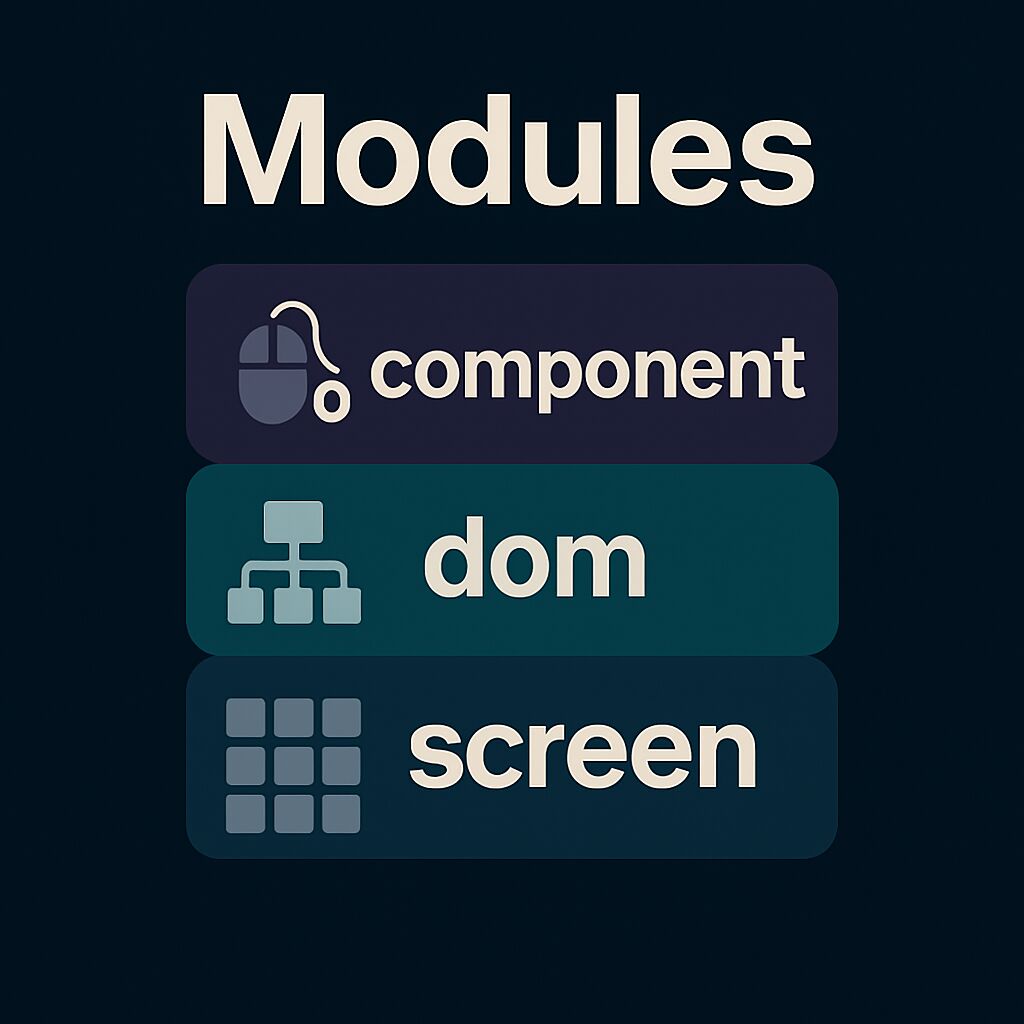
|
|
||||||
|
|
||||||
FTXUI is organized into three modules, each building upon the previous:
|
|
||||||
|
|
||||||
1. [ftxui/screen](#module-screen) - Low-level rendering
|
|
||||||
2. [ftxui/dom](#module-dom) - Layout and composition
|
|
||||||
3. [ftxui/component](#module-component) - User interaction
|
|
||||||
|
|
||||||
---
|
|
||||||
|
|
||||||
# ftxui/screen
|
|
||||||
|
|
||||||
Defines:
|
|
||||||
|
|
||||||
- **`ftxui::Screen`**: a 2D grid of styled characters.
|
|
||||||
- **`ftxui::Pixel`**: the unit of rendering.
|
|
||||||
- Helpers like `ftxui::Color` and `Dimension`.
|
|
||||||
|
|
||||||
Use for direct terminal drawing and styling.
|
|
||||||
|
|
||||||
<div class="section_buttons">
|
|
||||||
|
|
||||||
| Next |
|
|
||||||
|--------------------------------------:|
|
|
||||||
| [Documentation](module-screen.html) |
|
|
||||||
|
|
||||||
</div>
|
|
||||||
|
|
||||||
|
|
||||||
---
|
|
||||||
|
|
||||||
# ftxui/dom
|
|
||||||
|
|
||||||
Provides:
|
|
||||||
|
|
||||||
- **`ftxui::Element`**: a tree structure for layout and UI.
|
|
||||||
- Composable and responsive elements.
|
|
||||||
- `Render()` to draw onto a `Screen`.
|
|
||||||
|
|
||||||
Ideal for structured, styled UIs.
|
|
||||||
|
|
||||||
<div class="section_buttons">
|
|
||||||
|
|
||||||
| Next |
|
|
||||||
|--------------------------------------:|
|
|
||||||
| [Documentation](module-dom.html) |
|
|
||||||
|
|
||||||
</div>
|
|
||||||
|
|
||||||
|
|
||||||
---
|
|
||||||
# ftxui/component
|
|
||||||
|
|
||||||
Adds:
|
|
||||||
|
|
||||||
- **`ftxui::Component`**: stateful, interactive widgets.
|
|
||||||
- Built-ins: `Checkbox`, `Input`, `Menu`, `Button`.
|
|
||||||
- Supports keyboard/cursor input and composition.
|
|
||||||
|
|
||||||
Use for interactive apps.
|
|
||||||
|
|
||||||
<div class="section_buttons">
|
|
||||||
|
|
||||||
| Next |
|
|
||||||
|--------------------------------------:|
|
|
||||||
| [Documentation](module-component.html) |
|
|
||||||
|
|
||||||
</div>
|
|
||||||
|
|
||||||
---
|
|
||||||
|
|
||||||
Modules can be used independently, or together: `screen → dom → component`.
|
|
||||||
@@ -1,119 +0,0 @@
|
|||||||
html {
|
|
||||||
--primary-color: #9ed072; /* green (identifier, strings) */
|
|
||||||
--primary-dark-color: #f39660; /* orange (functions, tags) */
|
|
||||||
--primary-light-color: #7fbbb3; /* teal (types, decorators) */
|
|
||||||
|
|
||||||
--page-background-color: #2c2e34; /* main background */
|
|
||||||
--page-foreground-color: #e2e2e3; /* main text */
|
|
||||||
--page-secondary-foreground-color: #9aa5ce; /* dim text */
|
|
||||||
--separator-color: #3b3e48;
|
|
||||||
--side-nav-background: #1a1b26;
|
|
||||||
|
|
||||||
--code-background: #2a2e38;
|
|
||||||
--code-foreground: #e2e2e3;
|
|
||||||
|
|
||||||
--tablehead-background: #1f1f28;
|
|
||||||
|
|
||||||
--blockquote-background: #3a3e44;
|
|
||||||
--blockquote-foreground: #d4bfff;
|
|
||||||
|
|
||||||
--warning-color: #e0af68;
|
|
||||||
--warning-color-dark: #ff9e64;
|
|
||||||
--warning-color-darker: #f7768e;
|
|
||||||
--bug-color: #f7768e;
|
|
||||||
|
|
||||||
--fragment-background: #222222;
|
|
||||||
--fragment-foreground: #e2e2e3;
|
|
||||||
--fragment-keyword: #f7768e; /* pink */
|
|
||||||
--fragment-keywordtype: #7fbbb3; /* teal */
|
|
||||||
--fragment-keywordflow: #e0af68; /* orange-yellow */
|
|
||||||
--fragment-token: #9ed072; /* green */
|
|
||||||
--fragment-comment: #5c6370;
|
|
||||||
--fragment-link: #7aa2f7; /* blue link */
|
|
||||||
--fragment-preprocessor: #f39660; /* orange */
|
|
||||||
--fragment-linenumber-color: #414868;
|
|
||||||
--fragment-linenumber-background: #2c2e34;
|
|
||||||
--fragment-linenumber-border: #1a1b26;
|
|
||||||
--fragment-lineheight: 1.125em;
|
|
||||||
}
|
|
||||||
|
|
||||||
/* Base style for all sections */
|
|
||||||
.section.note,
|
|
||||||
.section.warning,
|
|
||||||
.section.remark,
|
|
||||||
.section.attention,
|
|
||||||
.section.important {
|
|
||||||
border-left: 4px solid var(--primary-dark-color);
|
|
||||||
border-radius: 6px;
|
|
||||||
padding: 0.9em 1.2em;
|
|
||||||
margin: 1.5em 0;
|
|
||||||
background-color: #2e303e;
|
|
||||||
color: var(--page-foreground-color);
|
|
||||||
font-size: 0.95em;
|
|
||||||
}
|
|
||||||
|
|
||||||
/* Section title */
|
|
||||||
.section.note dt,
|
|
||||||
.section.warning dt,
|
|
||||||
.section.remark dt,
|
|
||||||
.section.attention dt,
|
|
||||||
.section.important dt {
|
|
||||||
font-weight: bold;
|
|
||||||
display: block;
|
|
||||||
margin-bottom: 0.35em;
|
|
||||||
}
|
|
||||||
|
|
||||||
/* Section body */
|
|
||||||
.section.note dd,
|
|
||||||
.section.warning dd,
|
|
||||||
.section.remark dd,
|
|
||||||
.section.attention dd,
|
|
||||||
.section.important dd {
|
|
||||||
margin: 0;
|
|
||||||
}
|
|
||||||
|
|
||||||
/* Note - soft cyan */
|
|
||||||
.section.note {
|
|
||||||
border-left-color: #7fbbb3;
|
|
||||||
background-color: #263640;
|
|
||||||
}
|
|
||||||
.section.note dt {
|
|
||||||
color: #7fbbb3;
|
|
||||||
}
|
|
||||||
|
|
||||||
/* Warning - amber */
|
|
||||||
.section.warning {
|
|
||||||
border-left-color: #e0af68;
|
|
||||||
background-color: #3d2f1f;
|
|
||||||
}
|
|
||||||
.section.warning dt {
|
|
||||||
color: #e0af68;
|
|
||||||
}
|
|
||||||
|
|
||||||
/* Tip (Remark) - green */
|
|
||||||
.section.remark {
|
|
||||||
border-left-color: #9ed072;
|
|
||||||
background-color: #2d3a2d;
|
|
||||||
}
|
|
||||||
.section.remark dt {
|
|
||||||
color: #9ed072;
|
|
||||||
}
|
|
||||||
|
|
||||||
/* Caution (Attention) - bold red-orange */
|
|
||||||
.section.attention {
|
|
||||||
border-left-color: #f7768e;
|
|
||||||
background-color: #3d2a2e;
|
|
||||||
}
|
|
||||||
.section.attention dt {
|
|
||||||
color: #f7768e;
|
|
||||||
}
|
|
||||||
|
|
||||||
/* Important - purple */
|
|
||||||
.section.important {
|
|
||||||
border-left-color: #ab9df2;
|
|
||||||
background-color: #2f2a3a;
|
|
||||||
}
|
|
||||||
.section.important dt {
|
|
||||||
color: #ab9df2;
|
|
||||||
}
|
|
||||||
|
|
||||||
@@ -1,28 +0,0 @@
|
|||||||
if(NOT FTXUI_BUILD_EXAMPLES)
|
|
||||||
return()
|
|
||||||
endif()
|
|
||||||
|
|
||||||
set(EXAMPLES_DIR ${CMAKE_CURRENT_SOURCE_DIR})
|
|
||||||
function(example name)
|
|
||||||
add_executable(ftxui_example_${name} ${name}.cpp)
|
|
||||||
target_link_libraries(ftxui_example_${name} PUBLIC ${DIRECTORY_LIB})
|
|
||||||
file(RELATIVE_PATH dir ${EXAMPLES_DIR} ${CMAKE_CURRENT_SOURCE_DIR})
|
|
||||||
set_property(GLOBAL APPEND PROPERTY FTXUI::EXAMPLES ${dir}/${name})
|
|
||||||
target_compile_features(ftxui_example_${name} PRIVATE cxx_std_20)
|
|
||||||
endfunction(example)
|
|
||||||
|
|
||||||
add_subdirectory(component)
|
|
||||||
add_subdirectory(dom)
|
|
||||||
|
|
||||||
if (EMSCRIPTEN)
|
|
||||||
get_property(EXAMPLES GLOBAL PROPERTY FTXUI::EXAMPLES)
|
|
||||||
foreach(file
|
|
||||||
"index.css"
|
|
||||||
"index.html"
|
|
||||||
"index.mjs"
|
|
||||||
"run_webassembly.py"
|
|
||||||
"sw.js"
|
|
||||||
)
|
|
||||||
configure_file(${file} ${file})
|
|
||||||
endforeach(file)
|
|
||||||
endif()
|
|
||||||
@@ -1,52 +0,0 @@
|
|||||||
set(DIRECTORY_LIB component)
|
|
||||||
|
|
||||||
example(button)
|
|
||||||
example(button_animated)
|
|
||||||
example(button_in_frame)
|
|
||||||
example(button_style)
|
|
||||||
example(canvas_animated)
|
|
||||||
example(checkbox)
|
|
||||||
example(checkbox_in_frame)
|
|
||||||
example(collapsible)
|
|
||||||
example(composition)
|
|
||||||
example(custom_loop)
|
|
||||||
example(dropdown)
|
|
||||||
example(dropdown_custom)
|
|
||||||
example(flexbox_gallery)
|
|
||||||
example(focus)
|
|
||||||
example(focus_cursor)
|
|
||||||
example(gallery)
|
|
||||||
example(homescreen)
|
|
||||||
example(input)
|
|
||||||
example(input_in_frame)
|
|
||||||
example(input_style)
|
|
||||||
example(linear_gradient_gallery)
|
|
||||||
example(maybe)
|
|
||||||
example(menu)
|
|
||||||
example(menu2)
|
|
||||||
example(menu_entries)
|
|
||||||
example(menu_entries_animated)
|
|
||||||
example(menu_in_frame)
|
|
||||||
example(menu_in_frame_horizontal)
|
|
||||||
example(menu_multiple)
|
|
||||||
example(menu_style)
|
|
||||||
example(menu_underline_animated_gallery)
|
|
||||||
example(modal_dialog)
|
|
||||||
example(modal_dialog_custom)
|
|
||||||
example(nested_screen)
|
|
||||||
example(print_key_press)
|
|
||||||
example(radiobox)
|
|
||||||
example(radiobox_in_frame)
|
|
||||||
example(renderer)
|
|
||||||
example(resizable_split)
|
|
||||||
example(scrollbar)
|
|
||||||
example(selection)
|
|
||||||
example(slider)
|
|
||||||
example(slider_direction)
|
|
||||||
example(slider_rgb)
|
|
||||||
example(tab_horizontal)
|
|
||||||
example(tab_vertical)
|
|
||||||
example(textarea)
|
|
||||||
example(toggle)
|
|
||||||
example(window)
|
|
||||||
example(with_restored_io)
|
|
||||||
@@ -1,64 +0,0 @@
|
|||||||
// Copyright 2020 Arthur Sonzogni. All rights reserved.
|
|
||||||
// Use of this source code is governed by the MIT license that can be found in
|
|
||||||
// the LICENSE file.
|
|
||||||
#include <memory> // for shared_ptr, __shared_ptr_access
|
|
||||||
#include <string> // for operator+, to_string
|
|
||||||
|
|
||||||
#include "ftxui/component/captured_mouse.hpp" // for ftxui
|
|
||||||
#include "ftxui/component/component.hpp" // for Button, Horizontal, Renderer
|
|
||||||
#include "ftxui/component/component_base.hpp" // for ComponentBase
|
|
||||||
#include "ftxui/component/screen_interactive.hpp" // for ScreenInteractive
|
|
||||||
#include "ftxui/dom/elements.hpp" // for separator, gauge, text, Element, operator|, vbox, border
|
|
||||||
|
|
||||||
using namespace ftxui;
|
|
||||||
|
|
||||||
// This is a helper function to create a button with a custom style.
|
|
||||||
// The style is defined by a lambda function that takes an EntryState and
|
|
||||||
// returns an Element.
|
|
||||||
// We are using `center` to center the text inside the button, then `border` to
|
|
||||||
// add a border around the button, and finally `flex` to make the button fill
|
|
||||||
// the available space.
|
|
||||||
ButtonOption Style() {
|
|
||||||
auto option = ButtonOption::Animated();
|
|
||||||
option.transform = [](const EntryState& s) {
|
|
||||||
auto element = text(s.label);
|
|
||||||
if (s.focused) {
|
|
||||||
element |= bold;
|
|
||||||
}
|
|
||||||
return element | center | borderEmpty | flex;
|
|
||||||
};
|
|
||||||
return option;
|
|
||||||
}
|
|
||||||
|
|
||||||
int main() {
|
|
||||||
int value = 50;
|
|
||||||
|
|
||||||
// clang-format off
|
|
||||||
auto btn_dec_01 = Button("-1", [&] { value -= 1; }, Style());
|
|
||||||
auto btn_inc_01 = Button("+1", [&] { value += 1; }, Style());
|
|
||||||
auto btn_dec_10 = Button("-10", [&] { value -= 10; }, Style());
|
|
||||||
auto btn_inc_10 = Button("+10", [&] { value += 10; }, Style());
|
|
||||||
// clang-format on
|
|
||||||
|
|
||||||
// The tree of components. This defines how to navigate using the keyboard.
|
|
||||||
// The selected `row` is shared to get a grid layout.
|
|
||||||
int row = 0;
|
|
||||||
auto buttons = Container::Vertical({
|
|
||||||
Container::Horizontal({btn_dec_01, btn_inc_01}, &row) | flex,
|
|
||||||
Container::Horizontal({btn_dec_10, btn_inc_10}, &row) | flex,
|
|
||||||
});
|
|
||||||
|
|
||||||
// Modify the way to render them on screen:
|
|
||||||
auto component = Renderer(buttons, [&] {
|
|
||||||
return vbox({
|
|
||||||
text("value = " + std::to_string(value)),
|
|
||||||
separator(),
|
|
||||||
buttons->Render() | flex,
|
|
||||||
}) |
|
|
||||||
flex | border;
|
|
||||||
});
|
|
||||||
|
|
||||||
auto screen = ScreenInteractive::FitComponent();
|
|
||||||
screen.Loop(component);
|
|
||||||
return 0;
|
|
||||||
}
|
|
||||||
@@ -1,45 +0,0 @@
|
|||||||
// Copyright 2020 Arthur Sonzogni. All rights reserved.
|
|
||||||
// Use of this source code is governed by the MIT license that can be found in
|
|
||||||
// the LICENSE file.
|
|
||||||
#include <memory> // for shared_ptr, __shared_ptr_access
|
|
||||||
#include <string> // for operator+, to_string
|
|
||||||
|
|
||||||
#include "ftxui/component/captured_mouse.hpp" // for ftxui
|
|
||||||
#include "ftxui/component/component.hpp" // for Button, Horizontal, Renderer
|
|
||||||
#include "ftxui/component/component_base.hpp" // for ComponentBase
|
|
||||||
#include "ftxui/component/component_options.hpp" // for ButtonOption
|
|
||||||
#include "ftxui/component/screen_interactive.hpp" // for ScreenInteractive
|
|
||||||
#include "ftxui/dom/elements.hpp" // for gauge, separator, text, vbox, operator|, Element, border
|
|
||||||
#include "ftxui/screen/color.hpp" // for Color, Color::Blue, Color::Green, Color::Red
|
|
||||||
|
|
||||||
using namespace ftxui;
|
|
||||||
|
|
||||||
int main() {
|
|
||||||
int value = 50;
|
|
||||||
|
|
||||||
// The tree of components. This defines how to navigate using the keyboard.
|
|
||||||
auto buttons = Container::Horizontal({
|
|
||||||
Button(
|
|
||||||
"Decrease", [&] { value--; }, ButtonOption::Animated(Color::Red)),
|
|
||||||
Button(
|
|
||||||
"Reset", [&] { value = 50; }, ButtonOption::Animated(Color::Green)),
|
|
||||||
Button(
|
|
||||||
"Increase", [&] { value++; }, ButtonOption::Animated(Color::Blue)),
|
|
||||||
});
|
|
||||||
|
|
||||||
// Modify the way to render them on screen:
|
|
||||||
auto component = Renderer(buttons, [&] {
|
|
||||||
return vbox({
|
|
||||||
vbox({
|
|
||||||
text("value = " + std::to_string(value)),
|
|
||||||
separator(),
|
|
||||||
gauge(value * 0.01f),
|
|
||||||
}) | border,
|
|
||||||
buttons->Render(),
|
|
||||||
});
|
|
||||||
});
|
|
||||||
|
|
||||||
auto screen = ScreenInteractive::FitComponent();
|
|
||||||
screen.Loop(component);
|
|
||||||
return 0;
|
|
||||||
}
|
|
||||||
@@ -1,47 +0,0 @@
|
|||||||
// Copyright 2022 Arthur Sonzogni. All rights reserved.
|
|
||||||
// Use of this source code is governed by the MIT license that can be found in
|
|
||||||
// the LICENSE file.
|
|
||||||
#include <memory> // for allocator, __shared_ptr_access, shared_ptr
|
|
||||||
#include <string> // for to_string, operator+
|
|
||||||
|
|
||||||
#include "ftxui/component/captured_mouse.hpp" // for ftxui
|
|
||||||
#include "ftxui/component/component.hpp" // for Button, Renderer, Vertical
|
|
||||||
#include "ftxui/component/component_base.hpp" // for ComponentBase
|
|
||||||
#include "ftxui/component/component_options.hpp" // for ButtonOption
|
|
||||||
#include "ftxui/component/screen_interactive.hpp" // for ScreenInteractive
|
|
||||||
#include "ftxui/dom/elements.hpp" // for operator|, text, Element, hbox, separator, size, vbox, border, frame, vscroll_indicator, HEIGHT, LESS_THAN
|
|
||||||
#include "ftxui/screen/color.hpp" // for Color, Color::Default, Color::GrayDark, Color::White
|
|
||||||
|
|
||||||
using namespace ftxui;
|
|
||||||
|
|
||||||
int main() {
|
|
||||||
int counter = 0;
|
|
||||||
auto on_click = [&] { counter++; };
|
|
||||||
|
|
||||||
auto style = ButtonOption::Animated(Color::Default, Color::GrayDark,
|
|
||||||
Color::Default, Color::White);
|
|
||||||
|
|
||||||
auto container = Container::Vertical({});
|
|
||||||
for (int i = 0; i < 30; ++i) {
|
|
||||||
auto button = Button("Button " + std::to_string(i), on_click, style);
|
|
||||||
container->Add(button);
|
|
||||||
}
|
|
||||||
|
|
||||||
auto renderer = Renderer(container, [&] {
|
|
||||||
return vbox({
|
|
||||||
hbox({
|
|
||||||
text("Counter:"),
|
|
||||||
text(std::to_string(counter)),
|
|
||||||
}),
|
|
||||||
separator(),
|
|
||||||
container->Render() | vscroll_indicator | frame |
|
|
||||||
size(HEIGHT, LESS_THAN, 20),
|
|
||||||
}) |
|
|
||||||
border;
|
|
||||||
});
|
|
||||||
|
|
||||||
auto screen = ScreenInteractive::FitComponent();
|
|
||||||
screen.Loop(renderer);
|
|
||||||
|
|
||||||
return 0;
|
|
||||||
}
|
|
||||||
@@ -1,60 +0,0 @@
|
|||||||
// Copyright 2020 Arthur Sonzogni. All rights reserved.
|
|
||||||
// Use of this source code is governed by the MIT license that can be found in
|
|
||||||
// the LICENSE file.
|
|
||||||
#include <string> // for operator+, to_string
|
|
||||||
|
|
||||||
#include "ftxui/component/captured_mouse.hpp" // for ftxui
|
|
||||||
#include "ftxui/component/component.hpp" // for Button, Vertical, Renderer, Horizontal, operator|
|
|
||||||
#include "ftxui/component/component_base.hpp" // for Component
|
|
||||||
#include "ftxui/component/component_options.hpp" // for ButtonOption
|
|
||||||
#include "ftxui/component/screen_interactive.hpp" // for ScreenInteractive
|
|
||||||
#include "ftxui/dom/elements.hpp" // for Element, separator, text, border
|
|
||||||
#include "ftxui/screen/color.hpp" // for Color, Color::Blue, Color::Green, Color::Red
|
|
||||||
|
|
||||||
using namespace ftxui;
|
|
||||||
|
|
||||||
int main() {
|
|
||||||
int value = 0;
|
|
||||||
auto action = [&] { value++; };
|
|
||||||
auto action_renderer =
|
|
||||||
Renderer([&] { return text("count = " + std::to_string(value)); });
|
|
||||||
|
|
||||||
auto buttons =
|
|
||||||
Container::Vertical({
|
|
||||||
action_renderer,
|
|
||||||
Renderer([] { return separator(); }),
|
|
||||||
Container::Horizontal({
|
|
||||||
Container::Vertical({
|
|
||||||
Button("Ascii 1", action, ButtonOption::Ascii()),
|
|
||||||
Button("Ascii 2", action, ButtonOption::Ascii()),
|
|
||||||
Button("Ascii 3", action, ButtonOption::Ascii()),
|
|
||||||
}),
|
|
||||||
Renderer([] { return separator(); }),
|
|
||||||
Container::Vertical({
|
|
||||||
Button("Simple 1", action, ButtonOption::Simple()),
|
|
||||||
Button("Simple 2", action, ButtonOption::Simple()),
|
|
||||||
Button("Simple 3", action, ButtonOption::Simple()),
|
|
||||||
}),
|
|
||||||
Renderer([] { return separator(); }),
|
|
||||||
Container::Vertical({
|
|
||||||
Button("Animated 1", action, ButtonOption::Animated()),
|
|
||||||
Button("Animated 2", action, ButtonOption::Animated()),
|
|
||||||
Button("Animated 3", action, ButtonOption::Animated()),
|
|
||||||
}),
|
|
||||||
Renderer([] { return separator(); }),
|
|
||||||
Container::Vertical({
|
|
||||||
Button("Animated 4", action,
|
|
||||||
ButtonOption::Animated(Color::Red)),
|
|
||||||
Button("Animated 5", action,
|
|
||||||
ButtonOption::Animated(Color::Green)),
|
|
||||||
Button("Animated 6", action,
|
|
||||||
ButtonOption::Animated(Color::Blue)),
|
|
||||||
}),
|
|
||||||
}),
|
|
||||||
}) |
|
|
||||||
border;
|
|
||||||
|
|
||||||
auto screen = ScreenInteractive::FitComponent();
|
|
||||||
screen.Loop(buttons);
|
|
||||||
return 0;
|
|
||||||
}
|
|
||||||
@@ -1,263 +0,0 @@
|
|||||||
// Copyright 2021 Arthur Sonzogni. All rights reserved.
|
|
||||||
// Use of this source code is governed by the MIT license that can be found in
|
|
||||||
// the LICENSED file.
|
|
||||||
#include <cmath> // for sin, cos
|
|
||||||
#include <ftxui/dom/elements.hpp> // for canvas, Element, separator, hbox, operator|, border
|
|
||||||
#include <ftxui/screen/screen.hpp> // for Pixel
|
|
||||||
#include <memory> // for allocator, shared_ptr, __shared_ptr_access
|
|
||||||
#include <string> // for string, basic_string
|
|
||||||
#include <utility> // for move
|
|
||||||
#include <vector> // for vector, __alloc_traits<>::value_type
|
|
||||||
|
|
||||||
#include "ftxui/component/component.hpp" // for Renderer, CatchEvent, Horizontal, Menu, Tab
|
|
||||||
#include "ftxui/component/component_base.hpp" // for ComponentBase
|
|
||||||
#include "ftxui/component/event.hpp" // for Event
|
|
||||||
#include "ftxui/component/mouse.hpp" // for Mouse
|
|
||||||
#include "ftxui/component/screen_interactive.hpp" // for ScreenInteractive
|
|
||||||
#include "ftxui/dom/canvas.hpp" // for Canvas
|
|
||||||
#include "ftxui/screen/color.hpp" // for Color, Color::Red, Color::Blue, Color::Green, ftxui
|
|
||||||
|
|
||||||
int main() {
|
|
||||||
using namespace ftxui;
|
|
||||||
|
|
||||||
int mouse_x = 0;
|
|
||||||
int mouse_y = 0;
|
|
||||||
|
|
||||||
// A triangle following the mouse, using braille characters.
|
|
||||||
auto renderer_line_braille = Renderer([&] {
|
|
||||||
auto c = Canvas(100, 100);
|
|
||||||
c.DrawText(0, 0, "Several lines (braille)");
|
|
||||||
c.DrawPointLine(mouse_x, mouse_y, 80, 10, Color::Red);
|
|
||||||
c.DrawPointLine(80, 10, 80, 40, Color::Blue);
|
|
||||||
c.DrawPointLine(80, 40, mouse_x, mouse_y, Color::Green);
|
|
||||||
return canvas(std::move(c));
|
|
||||||
});
|
|
||||||
|
|
||||||
// A triangle following the mouse, using block characters.
|
|
||||||
auto renderer_line_block = Renderer([&] {
|
|
||||||
auto c = Canvas(100, 100);
|
|
||||||
c.DrawText(0, 0, "Several lines (block)");
|
|
||||||
c.DrawBlockLine(mouse_x, mouse_y, 80, 10, Color::Red);
|
|
||||||
c.DrawBlockLine(80, 10, 80, 40, Color::Blue);
|
|
||||||
c.DrawBlockLine(80, 40, mouse_x, mouse_y, Color::Green);
|
|
||||||
return canvas(std::move(c));
|
|
||||||
});
|
|
||||||
|
|
||||||
// A circle following the mouse, using braille characters.
|
|
||||||
auto renderer_circle_braille = Renderer([&] {
|
|
||||||
auto c = Canvas(100, 100);
|
|
||||||
c.DrawText(0, 0, "A circle (braille)");
|
|
||||||
c.DrawPointCircle(mouse_x, mouse_y, 30);
|
|
||||||
return canvas(std::move(c));
|
|
||||||
});
|
|
||||||
|
|
||||||
// A circle following the mouse, using block characters.
|
|
||||||
auto renderer_circle_block = Renderer([&] {
|
|
||||||
auto c = Canvas(100, 100);
|
|
||||||
c.DrawText(0, 0, "A circle (block)");
|
|
||||||
c.DrawBlockCircle(mouse_x, mouse_y, 30);
|
|
||||||
return canvas(std::move(c));
|
|
||||||
});
|
|
||||||
|
|
||||||
// A filled circle following the mouse, using braille characters.
|
|
||||||
auto renderer_circle_filled_braille = Renderer([&] {
|
|
||||||
auto c = Canvas(100, 100);
|
|
||||||
c.DrawText(0, 0, "A circle filled (braille)");
|
|
||||||
c.DrawPointCircleFilled(mouse_x, mouse_y, 30);
|
|
||||||
return canvas(std::move(c));
|
|
||||||
});
|
|
||||||
|
|
||||||
// A filled circle following the mouse, using block characters.
|
|
||||||
auto renderer_circle_filled_block = Renderer([&] {
|
|
||||||
auto c = Canvas(100, 100);
|
|
||||||
c.DrawText(0, 0, "A circle filled (block)");
|
|
||||||
c.DrawBlockCircleFilled(mouse_x, mouse_y, 30);
|
|
||||||
return canvas(std::move(c));
|
|
||||||
});
|
|
||||||
|
|
||||||
// An ellipse following the mouse, using braille characters.
|
|
||||||
auto renderer_ellipse_braille = Renderer([&] {
|
|
||||||
auto c = Canvas(100, 100);
|
|
||||||
c.DrawText(0, 0, "An ellipse (braille)");
|
|
||||||
c.DrawPointEllipse(mouse_x / 2, mouse_y / 2, mouse_x / 2, mouse_y / 2);
|
|
||||||
return canvas(std::move(c));
|
|
||||||
});
|
|
||||||
|
|
||||||
// An ellipse following the mouse, using block characters.
|
|
||||||
auto renderer_ellipse_block = Renderer([&] {
|
|
||||||
auto c = Canvas(100, 100);
|
|
||||||
c.DrawText(0, 0, "An ellipse (block)");
|
|
||||||
c.DrawBlockEllipse(mouse_x / 2, mouse_y / 2, mouse_x / 2, mouse_y / 2);
|
|
||||||
return canvas(std::move(c));
|
|
||||||
});
|
|
||||||
|
|
||||||
// An ellipse following the mouse filled, using braille characters.
|
|
||||||
auto renderer_ellipse_filled_braille = Renderer([&] {
|
|
||||||
auto c = Canvas(100, 100);
|
|
||||||
c.DrawText(0, 0, "A filled ellipse (braille)");
|
|
||||||
c.DrawPointEllipseFilled(mouse_x / 2, mouse_y / 2, mouse_x / 2,
|
|
||||||
mouse_y / 2);
|
|
||||||
return canvas(std::move(c));
|
|
||||||
});
|
|
||||||
|
|
||||||
// An ellipse following the mouse filled, using block characters.
|
|
||||||
auto renderer_ellipse_filled_block = Renderer([&] {
|
|
||||||
auto c = Canvas(100, 100);
|
|
||||||
c.DrawText(0, 0, "A filled ellipse (block)");
|
|
||||||
c.DrawBlockEllipseFilled(mouse_x / 2, mouse_y / 2, mouse_x / 2,
|
|
||||||
mouse_y / 2);
|
|
||||||
c.DrawBlockEllipse(mouse_x / 2, mouse_y / 2, mouse_x / 2, mouse_y / 2);
|
|
||||||
return canvas(std::move(c));
|
|
||||||
});
|
|
||||||
|
|
||||||
// A text following the mouse
|
|
||||||
auto renderer_text = Renderer([&] {
|
|
||||||
auto c = Canvas(100, 100);
|
|
||||||
c.DrawText(0, 0, "A piece of text");
|
|
||||||
c.DrawText(mouse_x, mouse_y, "This is a piece of text with effects",
|
|
||||||
[](Pixel& p) {
|
|
||||||
p.foreground_color = Color::Red;
|
|
||||||
p.underlined = true;
|
|
||||||
p.bold = true;
|
|
||||||
});
|
|
||||||
return canvas(std::move(c));
|
|
||||||
});
|
|
||||||
|
|
||||||
auto renderer_plot_1 = Renderer([&] {
|
|
||||||
auto c = Canvas(100, 100);
|
|
||||||
c.DrawText(0, 0, "A graph");
|
|
||||||
|
|
||||||
std::vector<int> ys(100);
|
|
||||||
for (int x = 0; x < 100; x++) {
|
|
||||||
float dx = float(x - mouse_x);
|
|
||||||
float dy = 50.f;
|
|
||||||
ys[x] = int(dy + 20 * cos(dx * 0.14) + 10 * sin(dx * 0.42));
|
|
||||||
}
|
|
||||||
for (int x = 1; x < 99; x++) {
|
|
||||||
c.DrawPointLine(x, ys[x], x + 1, ys[x + 1]);
|
|
||||||
}
|
|
||||||
|
|
||||||
return canvas(std::move(c));
|
|
||||||
});
|
|
||||||
|
|
||||||
auto renderer_plot_2 = Renderer([&] {
|
|
||||||
auto c = Canvas(100, 100);
|
|
||||||
c.DrawText(0, 0, "A symmetrical graph filled");
|
|
||||||
std::vector<int> ys(100);
|
|
||||||
for (int x = 0; x < 100; x++) {
|
|
||||||
ys[x] = int(30 + //
|
|
||||||
10 * cos(x * 0.2 - mouse_x * 0.05) + //
|
|
||||||
5 * sin(x * 0.4) + //
|
|
||||||
5 * sin(x * 0.3 - mouse_y * 0.05)); //
|
|
||||||
}
|
|
||||||
for (int x = 0; x < 100; x++) {
|
|
||||||
c.DrawPointLine(x, 50 + ys[x], x, 50 - ys[x], Color::Red);
|
|
||||||
}
|
|
||||||
|
|
||||||
return canvas(std::move(c));
|
|
||||||
});
|
|
||||||
|
|
||||||
auto renderer_plot_3 = Renderer([&] {
|
|
||||||
auto c = Canvas(100, 100);
|
|
||||||
c.DrawText(0, 0, "A 2D gaussian plot");
|
|
||||||
int size = 15;
|
|
||||||
|
|
||||||
// mouse_x = 5mx + 3*my
|
|
||||||
// mouse_y = 0mx + -5my + 90
|
|
||||||
float my = (mouse_y - 90) / -5.f;
|
|
||||||
float mx = (mouse_x - 3 * my) / 5.f;
|
|
||||||
std::vector<std::vector<float>> ys(size, std::vector<float>(size));
|
|
||||||
for (int y = 0; y < size; y++) {
|
|
||||||
for (int x = 0; x < size; x++) {
|
|
||||||
float dx = x - mx;
|
|
||||||
float dy = y - my;
|
|
||||||
ys[y][x] = -1.5 + 3.0 * std::exp(-0.2f * (dx * dx + dy * dy));
|
|
||||||
}
|
|
||||||
}
|
|
||||||
for (int y = 0; y < size; y++) {
|
|
||||||
for (int x = 0; x < size; x++) {
|
|
||||||
if (x != 0) {
|
|
||||||
c.DrawPointLine(
|
|
||||||
5 * (x - 1) + 3 * (y - 0), 90 - 5 * (y - 0) - 5 * ys[y][x - 1],
|
|
||||||
5 * (x - 0) + 3 * (y - 0), 90 - 5 * (y - 0) - 5 * ys[y][x]);
|
|
||||||
}
|
|
||||||
if (y != 0) {
|
|
||||||
c.DrawPointLine(
|
|
||||||
5 * (x - 0) + 3 * (y - 1), 90 - 5 * (y - 1) - 5 * ys[y - 1][x],
|
|
||||||
5 * (x - 0) + 3 * (y - 0), 90 - 5 * (y - 0) - 5 * ys[y][x]);
|
|
||||||
}
|
|
||||||
}
|
|
||||||
}
|
|
||||||
|
|
||||||
return canvas(std::move(c));
|
|
||||||
});
|
|
||||||
|
|
||||||
int selected_tab = 12;
|
|
||||||
auto tab = Container::Tab(
|
|
||||||
{
|
|
||||||
renderer_line_braille,
|
|
||||||
renderer_line_block,
|
|
||||||
renderer_circle_braille,
|
|
||||||
renderer_circle_block,
|
|
||||||
renderer_circle_filled_braille,
|
|
||||||
renderer_circle_filled_block,
|
|
||||||
renderer_ellipse_braille,
|
|
||||||
renderer_ellipse_block,
|
|
||||||
renderer_ellipse_filled_braille,
|
|
||||||
renderer_ellipse_filled_block,
|
|
||||||
|
|
||||||
renderer_plot_1,
|
|
||||||
renderer_plot_2,
|
|
||||||
renderer_plot_3,
|
|
||||||
|
|
||||||
renderer_text,
|
|
||||||
},
|
|
||||||
&selected_tab);
|
|
||||||
|
|
||||||
// This capture the last mouse position.
|
|
||||||
auto tab_with_mouse = CatchEvent(tab, [&](Event e) {
|
|
||||||
if (e.is_mouse()) {
|
|
||||||
mouse_x = (e.mouse().x - 1) * 2;
|
|
||||||
mouse_y = (e.mouse().y - 1) * 4;
|
|
||||||
}
|
|
||||||
return false;
|
|
||||||
});
|
|
||||||
|
|
||||||
std::vector<std::string> tab_titles = {
|
|
||||||
"line (braille)",
|
|
||||||
"line (block)",
|
|
||||||
"circle (braille)",
|
|
||||||
"circle (block)",
|
|
||||||
"circle filled (braille)",
|
|
||||||
"circle filled (block)",
|
|
||||||
"ellipse (braille)",
|
|
||||||
"ellipse (block)",
|
|
||||||
"ellipse filled (braille)",
|
|
||||||
"ellipse filled (block)",
|
|
||||||
"plot_1 simple",
|
|
||||||
"plot_2 filled",
|
|
||||||
"plot_3 3D",
|
|
||||||
"text",
|
|
||||||
};
|
|
||||||
auto tab_toggle = Menu(&tab_titles, &selected_tab);
|
|
||||||
|
|
||||||
auto component = Container::Horizontal({
|
|
||||||
tab_with_mouse,
|
|
||||||
tab_toggle,
|
|
||||||
});
|
|
||||||
|
|
||||||
// Add some separator to decorate the whole component:
|
|
||||||
auto component_renderer = Renderer(component, [&] {
|
|
||||||
return hbox({
|
|
||||||
tab_with_mouse->Render(),
|
|
||||||
separator(),
|
|
||||||
tab_toggle->Render(),
|
|
||||||
}) |
|
|
||||||
border;
|
|
||||||
});
|
|
||||||
|
|
||||||
auto screen = ScreenInteractive::FitComponent();
|
|
||||||
screen.Loop(component_renderer);
|
|
||||||
|
|
||||||
return 0;
|
|
||||||
}
|
|
||||||
@@ -1,38 +0,0 @@
|
|||||||
// Copyright 2021 Arthur Sonzogni. All rights reserved.
|
|
||||||
// Use of this source code is governed by the MIT license that can be found in
|
|
||||||
// the LICENSE file.
|
|
||||||
#include <array> // for array
|
|
||||||
#include <iostream>
|
|
||||||
#include <memory> // for shared_ptr, __shared_ptr_access
|
|
||||||
#include <string> // for operator+, to_string
|
|
||||||
|
|
||||||
#include "ftxui/component/captured_mouse.hpp" // for ftxui
|
|
||||||
#include "ftxui/component/component.hpp" // for Checkbox, Renderer, Vertical
|
|
||||||
#include "ftxui/component/component_base.hpp" // for ComponentBase
|
|
||||||
#include "ftxui/component/screen_interactive.hpp" // for ScreenInteractive
|
|
||||||
#include "ftxui/dom/elements.hpp" // for operator|, Element, size, border, frame, vscroll_indicator, HEIGHT, LESS_THAN
|
|
||||||
|
|
||||||
using namespace ftxui;
|
|
||||||
|
|
||||||
int main() {
|
|
||||||
bool download = false;
|
|
||||||
bool upload = false;
|
|
||||||
bool ping = false;
|
|
||||||
|
|
||||||
auto container = Container::Vertical({
|
|
||||||
Checkbox("Download", &download),
|
|
||||||
Checkbox("Upload", &upload),
|
|
||||||
Checkbox("Ping", &ping),
|
|
||||||
});
|
|
||||||
|
|
||||||
auto screen = ScreenInteractive::FitComponent();
|
|
||||||
screen.Loop(container);
|
|
||||||
|
|
||||||
std::cout << "---" << std::endl;
|
|
||||||
std::cout << "Download: " << download << std::endl;
|
|
||||||
std::cout << "Upload: " << upload << std::endl;
|
|
||||||
std::cout << "Ping: " << ping << std::endl;
|
|
||||||
std::cout << "---" << std::endl;
|
|
||||||
|
|
||||||
return 0;
|
|
||||||
}
|
|
||||||
@@ -1,34 +0,0 @@
|
|||||||
// Copyright 2020 Arthur Sonzogni. All rights reserved.
|
|
||||||
// Use of this source code is governed by the MIT license that can be found in
|
|
||||||
// the LICENSE file.
|
|
||||||
#include <array> // for array
|
|
||||||
#include <memory> // for shared_ptr, __shared_ptr_access
|
|
||||||
#include <string> // for operator+, to_string
|
|
||||||
|
|
||||||
#include "ftxui/component/captured_mouse.hpp" // for ftxui
|
|
||||||
#include "ftxui/component/component.hpp" // for Checkbox, Renderer, Vertical
|
|
||||||
#include "ftxui/component/component_base.hpp" // for ComponentBase
|
|
||||||
#include "ftxui/component/screen_interactive.hpp" // for ScreenInteractive
|
|
||||||
#include "ftxui/dom/elements.hpp" // for operator|, Element, size, border, frame, vscroll_indicator, HEIGHT, LESS_THAN
|
|
||||||
|
|
||||||
using namespace ftxui;
|
|
||||||
|
|
||||||
int main() {
|
|
||||||
std::array<bool, 30> states;
|
|
||||||
|
|
||||||
auto container = Container::Vertical({});
|
|
||||||
for (int i = 0; i < 30; ++i) {
|
|
||||||
states[i] = false;
|
|
||||||
container->Add(Checkbox("Checkbox" + std::to_string(i), &states[i]));
|
|
||||||
}
|
|
||||||
|
|
||||||
auto renderer = Renderer(container, [&] {
|
|
||||||
return container->Render() | vscroll_indicator | frame |
|
|
||||||
size(HEIGHT, LESS_THAN, 10) | border;
|
|
||||||
});
|
|
||||||
|
|
||||||
auto screen = ScreenInteractive::FitComponent();
|
|
||||||
screen.Loop(renderer);
|
|
||||||
|
|
||||||
return 0;
|
|
||||||
}
|
|
||||||
@@ -1,57 +0,0 @@
|
|||||||
// Copyright 2020 Arthur Sonzogni. All rights reserved.
|
|
||||||
// Use of this source code is governed by the MIT license that can be found in
|
|
||||||
// the LICENSE file.
|
|
||||||
#include <memory> // for allocator, make_shared, __shared_ptr_access
|
|
||||||
#include <utility> // for move
|
|
||||||
#include <vector> // for vector
|
|
||||||
|
|
||||||
#include "ftxui/component/captured_mouse.hpp" // for ftxui
|
|
||||||
#include "ftxui/component/component.hpp" // for Collapsible, Renderer, Vertical
|
|
||||||
#include "ftxui/component/component_base.hpp" // for ComponentBase
|
|
||||||
#include "ftxui/component/screen_interactive.hpp" // for Component, ScreenInteractive
|
|
||||||
#include "ftxui/dom/elements.hpp" // for text, hbox, Element
|
|
||||||
|
|
||||||
using namespace ftxui;
|
|
||||||
|
|
||||||
// Take a list of component, display them vertically, one column shifted to the
|
|
||||||
// right.
|
|
||||||
Component Inner(std::vector<Component> children) {
|
|
||||||
Component vlist = Container::Vertical(std::move(children));
|
|
||||||
return Renderer(vlist, [vlist] {
|
|
||||||
return hbox({
|
|
||||||
text(" "),
|
|
||||||
vlist->Render(),
|
|
||||||
});
|
|
||||||
});
|
|
||||||
}
|
|
||||||
|
|
||||||
Component Empty() {
|
|
||||||
return std::make_shared<ComponentBase>();
|
|
||||||
}
|
|
||||||
|
|
||||||
int main() {
|
|
||||||
auto component =
|
|
||||||
Collapsible("Collapsible 1",
|
|
||||||
Inner({
|
|
||||||
Collapsible("Collapsible 1.1",
|
|
||||||
Inner({
|
|
||||||
Collapsible("Collapsible 1.1.1", Empty()),
|
|
||||||
Collapsible("Collapsible 1.1.2", Empty()),
|
|
||||||
Collapsible("Collapsible 1.1.3", Empty()),
|
|
||||||
})),
|
|
||||||
Collapsible("Collapsible 1.2",
|
|
||||||
Inner({
|
|
||||||
Collapsible("Collapsible 1.2.1", Empty()),
|
|
||||||
Collapsible("Collapsible 1.2.2", Empty()),
|
|
||||||
Collapsible("Collapsible 1.2.3", Empty()),
|
|
||||||
})),
|
|
||||||
Collapsible("Collapsible 1.3",
|
|
||||||
Inner({
|
|
||||||
Collapsible("Collapsible 1.3.1", Empty()),
|
|
||||||
Collapsible("Collapsible 1.3.2", Empty()),
|
|
||||||
Collapsible("Collapsible 1.3.3", Empty()),
|
|
||||||
})),
|
|
||||||
}));
|
|
||||||
|
|
||||||
ScreenInteractive::FitComponent().Loop(component);
|
|
||||||
}
|
|
||||||
@@ -1,63 +0,0 @@
|
|||||||
// Copyright 2021 Arthur Sonzogni. All rights reserved.
|
|
||||||
// Use of this source code is governed by the MIT license that can be found in
|
|
||||||
// the LICENSE file.
|
|
||||||
#include <memory> // for allocator, shared_ptr, __shared_ptr_access
|
|
||||||
#include <string> // for operator+, to_string
|
|
||||||
|
|
||||||
#include "ftxui/component/captured_mouse.hpp" // for ftxui
|
|
||||||
#include "ftxui/component/component.hpp" // for Button, Horizontal, Renderer
|
|
||||||
#include "ftxui/component/component_base.hpp" // for ComponentBase
|
|
||||||
#include "ftxui/component/screen_interactive.hpp" // for ScreenInteractive
|
|
||||||
#include "ftxui/dom/elements.hpp" // for text, separator, Element, operator|, vbox, border
|
|
||||||
|
|
||||||
using namespace ftxui;
|
|
||||||
|
|
||||||
// An example of how to compose multiple components into one and maintain their
|
|
||||||
// interactiveness.
|
|
||||||
int main() {
|
|
||||||
auto left_count = 0;
|
|
||||||
auto right_count = 0;
|
|
||||||
|
|
||||||
auto left_buttons = Container::Horizontal({
|
|
||||||
Button("Decrease", [&] { left_count--; }),
|
|
||||||
Button("Increase", [&] { left_count++; }),
|
|
||||||
});
|
|
||||||
|
|
||||||
auto right_buttons = Container::Horizontal({
|
|
||||||
Button("Decrease", [&] { right_count--; }),
|
|
||||||
Button("Increase", [&] { right_count++; }),
|
|
||||||
});
|
|
||||||
|
|
||||||
// Renderer decorates its child with a new rendering function. The way the
|
|
||||||
// children reacts to events is maintained.
|
|
||||||
auto leftpane = Renderer(left_buttons, [&] {
|
|
||||||
return vbox({
|
|
||||||
text("This is the left control"),
|
|
||||||
separator(),
|
|
||||||
text("Left button count: " + std::to_string(left_count)),
|
|
||||||
left_buttons->Render(),
|
|
||||||
}) |
|
|
||||||
border;
|
|
||||||
});
|
|
||||||
|
|
||||||
auto rightpane = Renderer(right_buttons, [&] {
|
|
||||||
return vbox({
|
|
||||||
text("This is the right control"),
|
|
||||||
separator(),
|
|
||||||
text("Right button count: " + std::to_string(right_count)),
|
|
||||||
right_buttons->Render(),
|
|
||||||
}) |
|
|
||||||
border;
|
|
||||||
});
|
|
||||||
|
|
||||||
// Container groups components togethers. To render a Container::Horizontal,
|
|
||||||
// it render its children side by side. It maintains their interactiveness and
|
|
||||||
// provide the logic to navigate from one to the other using the arrow keys.
|
|
||||||
auto composition = Container::Horizontal({leftpane, rightpane});
|
|
||||||
|
|
||||||
auto screen = ScreenInteractive::FitComponent();
|
|
||||||
screen.Loop(composition);
|
|
||||||
return 0;
|
|
||||||
}
|
|
||||||
|
|
||||||
// Thanks to Chris Morgan for this example!
|
|
||||||
@@ -1,54 +0,0 @@
|
|||||||
// Copyright 2020 Arthur Sonzogni. All rights reserved.
|
|
||||||
// Use of this source code is governed by the MIT license that can be found in
|
|
||||||
// the LICENSE file.
|
|
||||||
#include <stdlib.h> // for EXIT_SUCCESS
|
|
||||||
#include <chrono> // for milliseconds
|
|
||||||
#include <ftxui/component/event.hpp> // for Event
|
|
||||||
#include <ftxui/component/mouse.hpp> // for ftxui
|
|
||||||
#include <ftxui/dom/elements.hpp> // for text, separator, Element, operator|, vbox, border
|
|
||||||
#include <memory> // for allocator, shared_ptr
|
|
||||||
#include <string> // for operator+, to_string
|
|
||||||
#include <thread> // for sleep_for
|
|
||||||
|
|
||||||
#include "ftxui/component/component.hpp" // for CatchEvent, Renderer, operator|=
|
|
||||||
#include "ftxui/component/loop.hpp" // for Loop
|
|
||||||
#include "ftxui/component/screen_interactive.hpp" // for ScreenInteractive
|
|
||||||
|
|
||||||
int main() {
|
|
||||||
using namespace ftxui;
|
|
||||||
auto screen = ScreenInteractive::FitComponent();
|
|
||||||
|
|
||||||
// Create a component counting the number of frames drawn and event handled.
|
|
||||||
int custom_loop_count = 0;
|
|
||||||
int frame_count = 0;
|
|
||||||
int event_count = 0;
|
|
||||||
auto component = Renderer([&] {
|
|
||||||
frame_count++;
|
|
||||||
return vbox({
|
|
||||||
text("This demonstrates using a custom ftxui::Loop. It "),
|
|
||||||
text("runs at 100 iterations per seconds. The FTXUI events "),
|
|
||||||
text("are all processed once per iteration and a new frame "),
|
|
||||||
text("is rendered as needed"),
|
|
||||||
separator(),
|
|
||||||
text("ftxui event count: " + std::to_string(event_count)),
|
|
||||||
text("ftxui frame count: " + std::to_string(frame_count)),
|
|
||||||
text("Custom loop count: " + std::to_string(custom_loop_count)),
|
|
||||||
}) |
|
|
||||||
border;
|
|
||||||
});
|
|
||||||
|
|
||||||
component |= CatchEvent([&](Event) -> bool {
|
|
||||||
event_count++;
|
|
||||||
return false;
|
|
||||||
});
|
|
||||||
|
|
||||||
Loop loop(&screen, component);
|
|
||||||
|
|
||||||
while (!loop.HasQuitted()) {
|
|
||||||
custom_loop_count++;
|
|
||||||
loop.RunOnce();
|
|
||||||
std::this_thread::sleep_for(std::chrono::milliseconds(10));
|
|
||||||
}
|
|
||||||
|
|
||||||
return EXIT_SUCCESS;
|
|
||||||
}
|
|
||||||
@@ -1,44 +0,0 @@
|
|||||||
// Copyright 2020 Arthur Sonzogni. All rights reserved.
|
|
||||||
// Use of this source code is governed by the MIT license that can be found in
|
|
||||||
// the LICENSE file.
|
|
||||||
#include <string> // for basic_string, string, allocator
|
|
||||||
#include <vector> // for vector
|
|
||||||
|
|
||||||
#include "ftxui/component/captured_mouse.hpp" // for ftxui
|
|
||||||
#include "ftxui/component/component.hpp" // for Dropdown, Horizontal, Vertical
|
|
||||||
#include "ftxui/component/screen_interactive.hpp" // for ScreenInteractive
|
|
||||||
|
|
||||||
int main() {
|
|
||||||
using namespace ftxui;
|
|
||||||
|
|
||||||
std::vector<std::string> entries = {
|
|
||||||
"tribute", "clearance", "ally", "bend", "electronics",
|
|
||||||
"module", "era", "cultural", "sniff", "nationalism",
|
|
||||||
"negotiation", "deliver", "figure", "east", "tribute",
|
|
||||||
"clearance", "ally", "bend", "electronics", "module",
|
|
||||||
"era", "cultural", "sniff", "nationalism", "negotiation",
|
|
||||||
"deliver", "figure", "east", "tribute", "clearance",
|
|
||||||
"ally", "bend", "electronics", "module", "era",
|
|
||||||
"cultural", "sniff", "nationalism", "negotiation", "deliver",
|
|
||||||
"figure", "east",
|
|
||||||
};
|
|
||||||
|
|
||||||
int selected_1 = 0;
|
|
||||||
int selected_2 = 0;
|
|
||||||
int selected_3 = 0;
|
|
||||||
int selected_4 = 0;
|
|
||||||
|
|
||||||
auto layout = Container::Vertical({
|
|
||||||
Container::Horizontal({
|
|
||||||
Dropdown(&entries, &selected_1),
|
|
||||||
Dropdown(&entries, &selected_2),
|
|
||||||
}),
|
|
||||||
Container::Horizontal({
|
|
||||||
Dropdown(&entries, &selected_3),
|
|
||||||
Dropdown(&entries, &selected_4),
|
|
||||||
}),
|
|
||||||
});
|
|
||||||
|
|
||||||
auto screen = ScreenInteractive::FitComponent();
|
|
||||||
screen.Loop(layout);
|
|
||||||
}
|
|
||||||
@@ -1,104 +0,0 @@
|
|||||||
// Copyright 2020 Arthur Sonzogni. All rights reserved.
|
|
||||||
// Use of this source code is governed by the MIT license that can be found in
|
|
||||||
// the LICENSE file.
|
|
||||||
#include <string> // for basic_string, string, allocator
|
|
||||||
#include <vector> // for vector
|
|
||||||
|
|
||||||
#include "ftxui/component/captured_mouse.hpp" // for ftxui
|
|
||||||
#include "ftxui/component/component.hpp" // for Dropdown, Horizontal, Vertical
|
|
||||||
#include "ftxui/component/screen_interactive.hpp" // for ScreenInteractive
|
|
||||||
|
|
||||||
int main() {
|
|
||||||
using namespace ftxui;
|
|
||||||
|
|
||||||
std::vector<std::string> entries = {
|
|
||||||
"tribute", "clearance", "ally", "bend", "electronics",
|
|
||||||
"module", "era", "cultural", "sniff", "nationalism",
|
|
||||||
"negotiation", "deliver", "figure", "east", "tribute",
|
|
||||||
"clearance", "ally", "bend", "electronics", "module",
|
|
||||||
"era", "cultural", "sniff", "nationalism", "negotiation",
|
|
||||||
"deliver", "figure", "east", "tribute", "clearance",
|
|
||||||
"ally", "bend", "electronics", "module", "era",
|
|
||||||
"cultural", "sniff", "nationalism", "negotiation", "deliver",
|
|
||||||
"figure", "east",
|
|
||||||
};
|
|
||||||
|
|
||||||
auto dropdown_1 = Dropdown({
|
|
||||||
.radiobox = {.entries = &entries},
|
|
||||||
.transform =
|
|
||||||
[](bool open, Element checkbox, Element radiobox) {
|
|
||||||
if (open) {
|
|
||||||
return vbox({
|
|
||||||
checkbox | inverted,
|
|
||||||
radiobox | vscroll_indicator | frame |
|
|
||||||
size(HEIGHT, LESS_THAN, 10),
|
|
||||||
filler(),
|
|
||||||
});
|
|
||||||
}
|
|
||||||
return vbox({
|
|
||||||
checkbox,
|
|
||||||
filler(),
|
|
||||||
});
|
|
||||||
},
|
|
||||||
});
|
|
||||||
|
|
||||||
auto dropdown_2 = Dropdown({
|
|
||||||
.radiobox = {.entries = &entries},
|
|
||||||
.transform =
|
|
||||||
[](bool open, Element checkbox, Element radiobox) {
|
|
||||||
if (open) {
|
|
||||||
return vbox({
|
|
||||||
checkbox | inverted,
|
|
||||||
radiobox | vscroll_indicator | frame |
|
|
||||||
size(HEIGHT, LESS_THAN, 10) | bgcolor(Color::Blue),
|
|
||||||
filler(),
|
|
||||||
});
|
|
||||||
}
|
|
||||||
return vbox({
|
|
||||||
checkbox | bgcolor(Color::Blue),
|
|
||||||
filler(),
|
|
||||||
});
|
|
||||||
},
|
|
||||||
});
|
|
||||||
|
|
||||||
auto dropdown_3 = Dropdown({
|
|
||||||
.radiobox =
|
|
||||||
{
|
|
||||||
.entries = &entries,
|
|
||||||
.transform =
|
|
||||||
[](const EntryState& s) {
|
|
||||||
auto t = text(s.label) | borderEmpty;
|
|
||||||
if (s.active) {
|
|
||||||
t |= bold;
|
|
||||||
}
|
|
||||||
if (s.focused) {
|
|
||||||
t |= inverted;
|
|
||||||
}
|
|
||||||
return t;
|
|
||||||
},
|
|
||||||
},
|
|
||||||
.transform =
|
|
||||||
[](bool open, Element checkbox, Element radiobox) {
|
|
||||||
checkbox |= borderEmpty;
|
|
||||||
if (open) {
|
|
||||||
return vbox({
|
|
||||||
checkbox | inverted,
|
|
||||||
radiobox | vscroll_indicator | frame |
|
|
||||||
size(HEIGHT, LESS_THAN, 20) | bgcolor(Color::Red),
|
|
||||||
filler(),
|
|
||||||
});
|
|
||||||
}
|
|
||||||
return vbox({
|
|
||||||
checkbox | bgcolor(Color::Red),
|
|
||||||
filler(),
|
|
||||||
});
|
|
||||||
},
|
|
||||||
});
|
|
||||||
|
|
||||||
auto screen = ScreenInteractive::FitComponent();
|
|
||||||
screen.Loop(Container::Horizontal({
|
|
||||||
dropdown_1,
|
|
||||||
dropdown_2,
|
|
||||||
dropdown_3,
|
|
||||||
}));
|
|
||||||
}
|
|
||||||
@@ -1,195 +0,0 @@
|
|||||||
// Copyright 2020 Arthur Sonzogni. All rights reserved.
|
|
||||||
// Use of this source code is governed by the MIT license that can be found in
|
|
||||||
// the LICENSE file.
|
|
||||||
#include <stddef.h> // for size_t
|
|
||||||
#include <memory> // for shared_ptr, __shared_ptr_access, allocator
|
|
||||||
#include <string> // for string, basic_string, to_string, operator+, char_traits
|
|
||||||
#include <vector> // for vector
|
|
||||||
|
|
||||||
#include "ftxui/component/captured_mouse.hpp" // for ftxui
|
|
||||||
#include "ftxui/component/component.hpp" // for Radiobox, Vertical, Checkbox, Horizontal, Renderer, ResizableSplitBottom, ResizableSplitRight
|
|
||||||
#include "ftxui/component/component_base.hpp" // for ComponentBase
|
|
||||||
#include "ftxui/component/screen_interactive.hpp" // for ScreenInteractive
|
|
||||||
#include "ftxui/dom/elements.hpp" // for text, window, operator|, vbox, hbox, Element, flexbox, bgcolor, filler, flex, size, border, hcenter, color, EQUAL, bold, dim, notflex, xflex_grow, yflex_grow, HEIGHT, WIDTH
|
|
||||||
#include "ftxui/dom/flexbox_config.hpp" // for FlexboxConfig, FlexboxConfig::AlignContent, FlexboxConfig::JustifyContent, FlexboxConfig::AlignContent::Center, FlexboxConfig::AlignItems, FlexboxConfig::Direction, FlexboxConfig::JustifyContent::Center, FlexboxConfig::Wrap
|
|
||||||
#include "ftxui/screen/color.hpp" // for Color, Color::Black
|
|
||||||
|
|
||||||
using namespace ftxui;
|
|
||||||
|
|
||||||
int main() {
|
|
||||||
auto screen = ScreenInteractive::Fullscreen();
|
|
||||||
|
|
||||||
int direction_index = 0;
|
|
||||||
int wrap_index = 0;
|
|
||||||
int justify_content_index = 0;
|
|
||||||
int align_items_index = 0;
|
|
||||||
int align_content_index = 0;
|
|
||||||
|
|
||||||
std::vector<std::string> directions = {
|
|
||||||
"Row",
|
|
||||||
"RowInversed",
|
|
||||||
"Column",
|
|
||||||
"ColumnInversed",
|
|
||||||
};
|
|
||||||
|
|
||||||
std::vector<std::string> wraps = {
|
|
||||||
"NoWrap",
|
|
||||||
"Wrap",
|
|
||||||
"WrapInversed",
|
|
||||||
};
|
|
||||||
|
|
||||||
std::vector<std::string> justify_content = {
|
|
||||||
"FlexStart", "FlexEnd", "Center", "Stretch",
|
|
||||||
"SpaceBetween", "SpaceAround", "SpaceEvenly",
|
|
||||||
};
|
|
||||||
|
|
||||||
std::vector<std::string> align_items = {
|
|
||||||
"FlexStart",
|
|
||||||
"FlexEnd",
|
|
||||||
"Center",
|
|
||||||
"Stretch",
|
|
||||||
};
|
|
||||||
|
|
||||||
std::vector<std::string> align_content = {
|
|
||||||
"FlexStart", "FlexEnd", "Center", "Stretch",
|
|
||||||
"SpaceBetween", "SpaceAround", "SpaceEvenly",
|
|
||||||
};
|
|
||||||
|
|
||||||
auto radiobox_direction = Radiobox(&directions, &direction_index);
|
|
||||||
auto radiobox_wrap = Radiobox(&wraps, &wrap_index);
|
|
||||||
auto radiobox_justify_content =
|
|
||||||
Radiobox(&justify_content, &justify_content_index);
|
|
||||||
auto radiobox_align_items = Radiobox(&align_items, &align_items_index);
|
|
||||||
auto radiobox_align_content = Radiobox(&align_content, &align_content_index);
|
|
||||||
|
|
||||||
bool element_xflex_grow = false;
|
|
||||||
bool element_yflex_grow = false;
|
|
||||||
bool group_xflex_grow = true;
|
|
||||||
bool group_yflex_grow = true;
|
|
||||||
auto checkbox_element_xflex_grow =
|
|
||||||
Checkbox("element |= xflex_grow", &element_xflex_grow);
|
|
||||||
auto checkbox_element_yflex_grow =
|
|
||||||
Checkbox("element |= yflex_grow", &element_yflex_grow);
|
|
||||||
auto checkbox_group_xflex_grow =
|
|
||||||
Checkbox("group |= xflex_grow", &group_xflex_grow);
|
|
||||||
auto checkbox_group_yflex_grow =
|
|
||||||
Checkbox("group |= yflex_grow", &group_yflex_grow);
|
|
||||||
|
|
||||||
auto make_box = [&](size_t dimx, size_t dimy, size_t index) {
|
|
||||||
std::string title = std::to_string(dimx) + "x" + std::to_string(dimy);
|
|
||||||
auto element = window(text(title) | hcenter | bold,
|
|
||||||
text(std::to_string(index)) | hcenter | dim) |
|
|
||||||
size(WIDTH, EQUAL, dimx) | size(HEIGHT, EQUAL, dimy) |
|
|
||||||
bgcolor(Color::HSV(index * 25, 255, 255)) |
|
|
||||||
color(Color::Black);
|
|
||||||
if (element_xflex_grow) {
|
|
||||||
element = element | xflex_grow;
|
|
||||||
}
|
|
||||||
if (element_yflex_grow) {
|
|
||||||
element = element | yflex_grow;
|
|
||||||
}
|
|
||||||
return element;
|
|
||||||
};
|
|
||||||
|
|
||||||
auto content_renderer = Renderer([&] {
|
|
||||||
FlexboxConfig config;
|
|
||||||
config.direction = static_cast<FlexboxConfig::Direction>(direction_index);
|
|
||||||
config.wrap = static_cast<FlexboxConfig::Wrap>(wrap_index);
|
|
||||||
config.justify_content =
|
|
||||||
static_cast<FlexboxConfig::JustifyContent>(justify_content_index);
|
|
||||||
config.align_items =
|
|
||||||
static_cast<FlexboxConfig::AlignItems>(align_items_index);
|
|
||||||
config.align_content =
|
|
||||||
static_cast<FlexboxConfig::AlignContent>(align_content_index);
|
|
||||||
|
|
||||||
auto group = flexbox(
|
|
||||||
{
|
|
||||||
make_box(8, 4, 0),
|
|
||||||
make_box(9, 6, 1),
|
|
||||||
make_box(11, 6, 2),
|
|
||||||
make_box(10, 4, 3),
|
|
||||||
make_box(13, 7, 4),
|
|
||||||
make_box(12, 4, 5),
|
|
||||||
make_box(12, 5, 6),
|
|
||||||
make_box(10, 4, 7),
|
|
||||||
make_box(12, 4, 8),
|
|
||||||
make_box(10, 5, 9),
|
|
||||||
},
|
|
||||||
config);
|
|
||||||
|
|
||||||
group = group | bgcolor(Color::Black);
|
|
||||||
|
|
||||||
group = group | notflex;
|
|
||||||
|
|
||||||
if (!group_xflex_grow) {
|
|
||||||
group = hbox(group, filler());
|
|
||||||
}
|
|
||||||
if (!group_yflex_grow) {
|
|
||||||
group = vbox(group, filler());
|
|
||||||
}
|
|
||||||
|
|
||||||
group = group | flex;
|
|
||||||
return group;
|
|
||||||
});
|
|
||||||
|
|
||||||
auto center = FlexboxConfig()
|
|
||||||
.Set(FlexboxConfig::JustifyContent::Center)
|
|
||||||
.Set(FlexboxConfig::AlignContent::Center);
|
|
||||||
int space_right = 10;
|
|
||||||
int space_bottom = 1;
|
|
||||||
content_renderer = ResizableSplitRight(
|
|
||||||
Renderer([&] { return flexbox({text("resizable")}, center); }),
|
|
||||||
content_renderer, &space_right);
|
|
||||||
content_renderer = ResizableSplitBottom(
|
|
||||||
Renderer([&] { return flexbox({text("resizable")}, center); }),
|
|
||||||
content_renderer, &space_bottom);
|
|
||||||
|
|
||||||
auto main_container = Container::Vertical({
|
|
||||||
Container::Horizontal({
|
|
||||||
radiobox_direction,
|
|
||||||
radiobox_wrap,
|
|
||||||
Container::Vertical({
|
|
||||||
checkbox_element_xflex_grow,
|
|
||||||
checkbox_element_yflex_grow,
|
|
||||||
checkbox_group_xflex_grow,
|
|
||||||
checkbox_group_yflex_grow,
|
|
||||||
}),
|
|
||||||
}),
|
|
||||||
Container::Horizontal({
|
|
||||||
radiobox_justify_content,
|
|
||||||
radiobox_align_items,
|
|
||||||
radiobox_align_content,
|
|
||||||
}),
|
|
||||||
content_renderer,
|
|
||||||
});
|
|
||||||
|
|
||||||
auto main_renderer = Renderer(main_container, [&] {
|
|
||||||
return vbox({
|
|
||||||
vbox({hbox({
|
|
||||||
window(text("FlexboxConfig::Direction"),
|
|
||||||
radiobox_direction->Render()),
|
|
||||||
window(text("FlexboxConfig::Wrap"), radiobox_wrap->Render()),
|
|
||||||
window(text("Misc:"),
|
|
||||||
vbox({
|
|
||||||
checkbox_element_xflex_grow->Render(),
|
|
||||||
checkbox_element_yflex_grow->Render(),
|
|
||||||
checkbox_group_xflex_grow->Render(),
|
|
||||||
checkbox_group_yflex_grow->Render(),
|
|
||||||
})),
|
|
||||||
}),
|
|
||||||
hbox({
|
|
||||||
window(text("FlexboxConfig::JustifyContent"),
|
|
||||||
radiobox_justify_content->Render()),
|
|
||||||
window(text("FlexboxConfig::AlignItems"),
|
|
||||||
radiobox_align_items->Render()),
|
|
||||||
window(text("FlexboxConfig::AlignContent"),
|
|
||||||
radiobox_align_content->Render()),
|
|
||||||
})}),
|
|
||||||
content_renderer->Render() | flex | border,
|
|
||||||
});
|
|
||||||
});
|
|
||||||
|
|
||||||
screen.Loop(main_renderer);
|
|
||||||
|
|
||||||
return 0;
|
|
||||||
}
|
|
||||||
@@ -1,69 +0,0 @@
|
|||||||
// Copyright 2020 Arthur Sonzogni. All rights reserved.
|
|
||||||
// Use of this source code is governed by the MIT license that can be found in
|
|
||||||
// the LICENSE file.
|
|
||||||
#include <memory> // for allocator, shared_ptr, __shared_ptr_access
|
|
||||||
#include <string> // for operator+, char_traits, to_string, string
|
|
||||||
#include <vector> // for vector
|
|
||||||
|
|
||||||
#include "ftxui/component/captured_mouse.hpp" // for ftxui
|
|
||||||
#include "ftxui/component/component.hpp" // for Slider, Renderer, Vertical
|
|
||||||
#include "ftxui/component/component_base.hpp" // for ComponentBase
|
|
||||||
#include "ftxui/component/screen_interactive.hpp" // for ScreenInteractive
|
|
||||||
#include "ftxui/dom/elements.hpp" // for Elements, Element, operator|, separator, text, focusPositionRelative, size, border, flex, frame, bgcolor, gridbox, vbox, EQUAL, center, HEIGHT, WIDTH
|
|
||||||
#include "ftxui/screen/color.hpp" // for Color
|
|
||||||
|
|
||||||
using namespace ftxui;
|
|
||||||
|
|
||||||
Element make_box(int x, int y) {
|
|
||||||
std::string title = "(" + std::to_string(x) + ", " + std::to_string(y) + ")";
|
|
||||||
return text(title) | center | size(WIDTH, EQUAL, 18) |
|
|
||||||
size(HEIGHT, EQUAL, 9) | border |
|
|
||||||
bgcolor(Color::HSV(x * 255 / 15, 255, y * 255 / 15));
|
|
||||||
};
|
|
||||||
|
|
||||||
Element make_grid() {
|
|
||||||
std::vector<Elements> rows;
|
|
||||||
for (int i = 0; i < 15; i++) {
|
|
||||||
std::vector<Element> cols;
|
|
||||||
for (int j = 0; j < 15; j++) {
|
|
||||||
cols.push_back(make_box(i, j));
|
|
||||||
}
|
|
||||||
rows.push_back(cols);
|
|
||||||
}
|
|
||||||
|
|
||||||
return gridbox(rows);
|
|
||||||
};
|
|
||||||
|
|
||||||
int main() {
|
|
||||||
float focus_x = 0.5f;
|
|
||||||
float focus_y = 0.5f;
|
|
||||||
|
|
||||||
auto slider_x = Slider("x", &focus_x, 0.f, 1.f, 0.01f);
|
|
||||||
auto slider_y = Slider("y", &focus_y, 0.f, 1.f, 0.01f);
|
|
||||||
|
|
||||||
auto renderer = Renderer(
|
|
||||||
Container::Vertical({
|
|
||||||
slider_x,
|
|
||||||
slider_y,
|
|
||||||
}),
|
|
||||||
[&] {
|
|
||||||
auto title = "focusPositionRelative(" + //
|
|
||||||
std::to_string(focus_x) + ", " + //
|
|
||||||
std::to_string(focus_y) + ")"; //
|
|
||||||
return vbox({
|
|
||||||
text(title),
|
|
||||||
separator(),
|
|
||||||
slider_x->Render(),
|
|
||||||
slider_y->Render(),
|
|
||||||
separator(),
|
|
||||||
make_grid() | focusPositionRelative(focus_x, focus_y) |
|
|
||||||
frame | flex,
|
|
||||||
}) |
|
|
||||||
border;
|
|
||||||
});
|
|
||||||
|
|
||||||
auto screen = ScreenInteractive::Fullscreen();
|
|
||||||
screen.Loop(renderer);
|
|
||||||
|
|
||||||
return 0;
|
|
||||||
}
|
|
||||||
@@ -1,37 +0,0 @@
|
|||||||
// Copyright 2020 Arthur Sonzogni. All rights reserved.
|
|
||||||
// Use of this source code is governed by the MIT license that can be found in
|
|
||||||
// the LICENSE file.
|
|
||||||
#include <ftxui/component/captured_mouse.hpp> // for ftxui
|
|
||||||
#include <string> // for allocator, operator+, char_traits, string
|
|
||||||
|
|
||||||
#include "ftxui/component/component.hpp" // for Renderer, Vertical
|
|
||||||
#include "ftxui/component/screen_interactive.hpp" // for ScreenInteractive, Component
|
|
||||||
#include "ftxui/dom/elements.hpp" // for text, Decorator, focus, focusCursorBar, focusCursorBarBlinking, focusCursorBlock, focusCursorBlockBlinking, focusCursorUnderline, focusCursorUnderlineBlinking, hbox, Element
|
|
||||||
|
|
||||||
using namespace ftxui;
|
|
||||||
|
|
||||||
Component Instance(std::string label, Decorator focusCursor) {
|
|
||||||
return Renderer([=](bool focused) {
|
|
||||||
if (focused) {
|
|
||||||
return hbox({
|
|
||||||
text("> " + label + " "),
|
|
||||||
focusCursor(text(" ")),
|
|
||||||
});
|
|
||||||
}
|
|
||||||
return text(" " + label + " ");
|
|
||||||
});
|
|
||||||
};
|
|
||||||
|
|
||||||
int main() {
|
|
||||||
auto screen = ScreenInteractive::Fullscreen();
|
|
||||||
screen.Loop(Container::Vertical({
|
|
||||||
Instance("focus", focus),
|
|
||||||
Instance("focusCursorBlock", focusCursorBlock),
|
|
||||||
Instance("focusCursorBlockBlinking", focusCursorBlockBlinking),
|
|
||||||
Instance("focusCursorBar", focusCursorBar),
|
|
||||||
Instance("focusCursorBarBlinking", focusCursorBarBlinking),
|
|
||||||
Instance("focusCursorUnderline", focusCursorUnderline),
|
|
||||||
Instance("focusCursorUnderlineBlinking", focusCursorUnderlineBlinking),
|
|
||||||
}));
|
|
||||||
return 0;
|
|
||||||
}
|
|
||||||
@@ -1,154 +0,0 @@
|
|||||||
// Copyright 2020 Arthur Sonzogni. All rights reserved.
|
|
||||||
// Use of this source code is governed by the MIT license that can be found in
|
|
||||||
// the LICENSE file.
|
|
||||||
#include <functional> // for function
|
|
||||||
#include <memory> // for shared_ptr, allocator, __shared_ptr_access
|
|
||||||
#include <string> // for string, basic_string
|
|
||||||
#include <vector> // for vector
|
|
||||||
|
|
||||||
#include "ftxui/component/captured_mouse.hpp" // for ftxui
|
|
||||||
#include "ftxui/component/component.hpp" // for Slider, Checkbox, Vertical, Renderer, Button, Input, Menu, Radiobox, Toggle
|
|
||||||
#include "ftxui/component/component_base.hpp" // for ComponentBase
|
|
||||||
#include "ftxui/component/screen_interactive.hpp" // for Component, ScreenInteractive
|
|
||||||
#include "ftxui/dom/elements.hpp" // for separator, operator|, Element, size, xflex, text, WIDTH, hbox, vbox, EQUAL, border, GREATER_THAN
|
|
||||||
|
|
||||||
using namespace ftxui;
|
|
||||||
|
|
||||||
// Display a component nicely with a title on the left.
|
|
||||||
Component Wrap(std::string name, Component component) {
|
|
||||||
return Renderer(component, [name, component] {
|
|
||||||
return hbox({
|
|
||||||
text(name) | size(WIDTH, EQUAL, 8),
|
|
||||||
separator(),
|
|
||||||
component->Render() | xflex,
|
|
||||||
}) |
|
|
||||||
xflex;
|
|
||||||
});
|
|
||||||
}
|
|
||||||
|
|
||||||
int main() {
|
|
||||||
auto screen = ScreenInteractive::FitComponent();
|
|
||||||
|
|
||||||
// -- Menu
|
|
||||||
// ----------------------------------------------------------------------
|
|
||||||
const std::vector<std::string> menu_entries = {
|
|
||||||
"Menu 1",
|
|
||||||
"Menu 2",
|
|
||||||
"Menu 3",
|
|
||||||
"Menu 4",
|
|
||||||
};
|
|
||||||
int menu_selected = 0;
|
|
||||||
auto menu = Menu(&menu_entries, &menu_selected);
|
|
||||||
menu = Wrap("Menu", menu);
|
|
||||||
|
|
||||||
// -- Toggle------------------------------------------------------------------
|
|
||||||
int toggle_selected = 0;
|
|
||||||
std::vector<std::string> toggle_entries = {
|
|
||||||
"Toggle_1",
|
|
||||||
"Toggle_2",
|
|
||||||
};
|
|
||||||
auto toggle = Toggle(&toggle_entries, &toggle_selected);
|
|
||||||
toggle = Wrap("Toggle", toggle);
|
|
||||||
|
|
||||||
// -- Checkbox ---------------------------------------------------------------
|
|
||||||
bool checkbox_1_selected = false;
|
|
||||||
bool checkbox_2_selected = false;
|
|
||||||
bool checkbox_3_selected = false;
|
|
||||||
bool checkbox_4_selected = false;
|
|
||||||
|
|
||||||
auto checkboxes = Container::Vertical({
|
|
||||||
Checkbox("checkbox1", &checkbox_1_selected),
|
|
||||||
Checkbox("checkbox2", &checkbox_2_selected),
|
|
||||||
Checkbox("checkbox3", &checkbox_3_selected),
|
|
||||||
Checkbox("checkbox4", &checkbox_4_selected),
|
|
||||||
});
|
|
||||||
checkboxes = Wrap("Checkbox", checkboxes);
|
|
||||||
|
|
||||||
// -- Radiobox ---------------------------------------------------------------
|
|
||||||
int radiobox_selected = 0;
|
|
||||||
std::vector<std::string> radiobox_entries = {
|
|
||||||
"Radiobox 1",
|
|
||||||
"Radiobox 2",
|
|
||||||
"Radiobox 3",
|
|
||||||
"Radiobox 4",
|
|
||||||
};
|
|
||||||
auto radiobox = Radiobox(&radiobox_entries, &radiobox_selected);
|
|
||||||
radiobox = Wrap("Radiobox", radiobox);
|
|
||||||
|
|
||||||
// -- Input ------------------------------------------------------------------
|
|
||||||
std::string input_label;
|
|
||||||
auto input = Input(&input_label, "placeholder");
|
|
||||||
input = Wrap("Input", input);
|
|
||||||
|
|
||||||
// -- Button -----------------------------------------------------------------
|
|
||||||
std::string button_label = "Quit";
|
|
||||||
std::function<void()> on_button_clicked_;
|
|
||||||
auto button = Button(&button_label, screen.ExitLoopClosure());
|
|
||||||
button = Wrap("Button", button);
|
|
||||||
|
|
||||||
// -- Slider -----------------------------------------------------------------
|
|
||||||
int slider_value_1 = 12;
|
|
||||||
int slider_value_2 = 56;
|
|
||||||
int slider_value_3 = 128;
|
|
||||||
auto sliders = Container::Vertical({
|
|
||||||
Slider("R:", &slider_value_1, 0, 256, 1),
|
|
||||||
Slider("G:", &slider_value_2, 0, 256, 1),
|
|
||||||
Slider("B:", &slider_value_3, 0, 256, 1),
|
|
||||||
});
|
|
||||||
sliders = Wrap("Slider", sliders);
|
|
||||||
|
|
||||||
// A large text:
|
|
||||||
auto lorel_ipsum = Renderer([] {
|
|
||||||
return vbox({
|
|
||||||
text("Lorem ipsum dolor sit amet, consectetur adipiscing elit. "),
|
|
||||||
text("Sed do eiusmod tempor incididunt ut labore et dolore magna "
|
|
||||||
"aliqua. "),
|
|
||||||
text("Ut enim ad minim veniam, quis nostrud exercitation ullamco "
|
|
||||||
"laboris nisi ut aliquip ex ea commodo consequat. "),
|
|
||||||
text("Duis aute irure dolor in reprehenderit in voluptate velit esse "
|
|
||||||
"cillum dolore eu fugiat nulla pariatur. "),
|
|
||||||
text("Excepteur sint occaecat cupidatat non proident, sunt in culpa "
|
|
||||||
"qui officia deserunt mollit anim id est laborum. "),
|
|
||||||
|
|
||||||
});
|
|
||||||
});
|
|
||||||
lorel_ipsum = Wrap("Lorel Ipsum", lorel_ipsum);
|
|
||||||
|
|
||||||
// -- Layout
|
|
||||||
// -----------------------------------------------------------------
|
|
||||||
auto layout = Container::Vertical({
|
|
||||||
menu,
|
|
||||||
toggle,
|
|
||||||
checkboxes,
|
|
||||||
radiobox,
|
|
||||||
input,
|
|
||||||
sliders,
|
|
||||||
button,
|
|
||||||
lorel_ipsum,
|
|
||||||
});
|
|
||||||
|
|
||||||
auto component = Renderer(layout, [&] {
|
|
||||||
return vbox({
|
|
||||||
menu->Render(),
|
|
||||||
separator(),
|
|
||||||
toggle->Render(),
|
|
||||||
separator(),
|
|
||||||
checkboxes->Render(),
|
|
||||||
separator(),
|
|
||||||
radiobox->Render(),
|
|
||||||
separator(),
|
|
||||||
input->Render(),
|
|
||||||
separator(),
|
|
||||||
sliders->Render(),
|
|
||||||
separator(),
|
|
||||||
button->Render(),
|
|
||||||
separator(),
|
|
||||||
lorel_ipsum->Render(),
|
|
||||||
}) |
|
|
||||||
xflex | size(WIDTH, GREATER_THAN, 40) | border;
|
|
||||||
});
|
|
||||||
|
|
||||||
screen.Loop(component);
|
|
||||||
|
|
||||||
return 0;
|
|
||||||
}
|
|
||||||
@@ -1,532 +0,0 @@
|
|||||||
// Copyright 2020 Arthur Sonzogni. All rights reserved.
|
|
||||||
// Use of this source code is governed by the MIT license that can be found in
|
|
||||||
// the LICENSE file.
|
|
||||||
#include <stddef.h> // for size_t
|
|
||||||
#include <array> // for array
|
|
||||||
#include <atomic> // for atomic
|
|
||||||
#include <chrono> // for operator""s, chrono_literals
|
|
||||||
#include <cmath> // for sin
|
|
||||||
#include <ftxui/component/loop.hpp>
|
|
||||||
#include <functional> // for ref, reference_wrapper, function
|
|
||||||
#include <memory> // for allocator, shared_ptr, __shared_ptr_access
|
|
||||||
#include <string> // for string, basic_string, char_traits, operator+, to_string
|
|
||||||
#include <thread> // for sleep_for, thread
|
|
||||||
#include <utility> // for move
|
|
||||||
#include <vector> // for vector
|
|
||||||
|
|
||||||
#include "../dom/color_info_sorted_2d.ipp" // for ColorInfoSorted2D
|
|
||||||
#include "ftxui/component/component.hpp" // for Checkbox, Renderer, Horizontal, Vertical, Input, Menu, Radiobox, ResizableSplitLeft, Tab
|
|
||||||
#include "ftxui/component/component_base.hpp" // for ComponentBase, Component
|
|
||||||
#include "ftxui/component/component_options.hpp" // for MenuOption, InputOption
|
|
||||||
#include "ftxui/component/event.hpp" // for Event, Event::Custom
|
|
||||||
#include "ftxui/component/screen_interactive.hpp" // for Component, ScreenInteractive
|
|
||||||
#include "ftxui/dom/elements.hpp" // for text, color, operator|, bgcolor, filler, Element, vbox, size, hbox, separator, flex, window, graph, EQUAL, paragraph, WIDTH, hcenter, Elements, bold, vscroll_indicator, HEIGHT, flexbox, hflow, border, frame, flex_grow, gauge, paragraphAlignCenter, paragraphAlignJustify, paragraphAlignLeft, paragraphAlignRight, dim, spinner, LESS_THAN, center, yframe, GREATER_THAN
|
|
||||||
#include "ftxui/dom/flexbox_config.hpp" // for FlexboxConfig
|
|
||||||
#include "ftxui/screen/color.hpp" // for Color, Color::BlueLight, Color::RedLight, Color::Black, Color::Blue, Color::Cyan, Color::CyanLight, Color::GrayDark, Color::GrayLight, Color::Green, Color::GreenLight, Color::Magenta, Color::MagentaLight, Color::Red, Color::White, Color::Yellow, Color::YellowLight, Color::Default, Color::Palette256, ftxui
|
|
||||||
#include "ftxui/screen/color_info.hpp" // for ColorInfo
|
|
||||||
#include "ftxui/screen/terminal.hpp" // for Size, Dimensions
|
|
||||||
|
|
||||||
using namespace ftxui;
|
|
||||||
|
|
||||||
int main() {
|
|
||||||
auto screen = ScreenInteractive::Fullscreen();
|
|
||||||
|
|
||||||
// ---------------------------------------------------------------------------
|
|
||||||
// HTOP
|
|
||||||
// ---------------------------------------------------------------------------
|
|
||||||
int shift = 0;
|
|
||||||
|
|
||||||
auto my_graph = [&shift](int width, int height) {
|
|
||||||
std::vector<int> output(width);
|
|
||||||
for (int i = 0; i < width; ++i) {
|
|
||||||
float v = 0.5f;
|
|
||||||
v += 0.1f * sin((i + shift) * 0.1f);
|
|
||||||
v += 0.2f * sin((i + shift + 10) * 0.15f);
|
|
||||||
v += 0.1f * sin((i + shift) * 0.03f);
|
|
||||||
v *= height;
|
|
||||||
output[i] = (int)v;
|
|
||||||
}
|
|
||||||
return output;
|
|
||||||
};
|
|
||||||
|
|
||||||
auto htop = Renderer([&] {
|
|
||||||
auto frequency = vbox({
|
|
||||||
text("Frequency [Mhz]") | hcenter,
|
|
||||||
hbox({
|
|
||||||
vbox({
|
|
||||||
text("2400 "),
|
|
||||||
filler(),
|
|
||||||
text("1200 "),
|
|
||||||
filler(),
|
|
||||||
text("0 "),
|
|
||||||
}),
|
|
||||||
graph(std::ref(my_graph)) | flex,
|
|
||||||
}) | flex,
|
|
||||||
});
|
|
||||||
|
|
||||||
auto utilization = vbox({
|
|
||||||
text("Utilization [%]") | hcenter,
|
|
||||||
hbox({
|
|
||||||
vbox({
|
|
||||||
text("100 "),
|
|
||||||
filler(),
|
|
||||||
text("50 "),
|
|
||||||
filler(),
|
|
||||||
text("0 "),
|
|
||||||
}),
|
|
||||||
graph(std::ref(my_graph)) | color(Color::RedLight),
|
|
||||||
}) | flex,
|
|
||||||
});
|
|
||||||
|
|
||||||
auto ram = vbox({
|
|
||||||
text("Ram [Mo]") | hcenter,
|
|
||||||
hbox({
|
|
||||||
vbox({
|
|
||||||
text("8192"),
|
|
||||||
filler(),
|
|
||||||
text("4096 "),
|
|
||||||
filler(),
|
|
||||||
text("0 "),
|
|
||||||
}),
|
|
||||||
graph(std::ref(my_graph)) | color(Color::BlueLight),
|
|
||||||
}) | flex,
|
|
||||||
});
|
|
||||||
|
|
||||||
return hbox({
|
|
||||||
vbox({
|
|
||||||
frequency | flex,
|
|
||||||
separator(),
|
|
||||||
utilization | flex,
|
|
||||||
}) | flex,
|
|
||||||
separator(),
|
|
||||||
ram | flex,
|
|
||||||
}) |
|
|
||||||
flex;
|
|
||||||
});
|
|
||||||
|
|
||||||
// ---------------------------------------------------------------------------
|
|
||||||
// Compiler
|
|
||||||
// ---------------------------------------------------------------------------
|
|
||||||
|
|
||||||
const std::vector<std::string> compiler_entries = {
|
|
||||||
"gcc",
|
|
||||||
"clang",
|
|
||||||
"emcc",
|
|
||||||
"game_maker",
|
|
||||||
"Ada compilers",
|
|
||||||
"ALGOL 60 compilers",
|
|
||||||
"ALGOL 68 compilers",
|
|
||||||
"Assemblers (Intel *86)",
|
|
||||||
"Assemblers (Motorola 68*)",
|
|
||||||
"Assemblers (Zilog Z80)",
|
|
||||||
"Assemblers (other)",
|
|
||||||
"BASIC Compilers",
|
|
||||||
"BASIC interpreters",
|
|
||||||
"Batch compilers",
|
|
||||||
"C compilers",
|
|
||||||
"Source-to-source compilers",
|
|
||||||
"C++ compilers",
|
|
||||||
"C# compilers",
|
|
||||||
"COBOL compilers",
|
|
||||||
"Common Lisp compilers",
|
|
||||||
"D compilers",
|
|
||||||
"DIBOL/DBL compilers",
|
|
||||||
"ECMAScript interpreters",
|
|
||||||
"Eiffel compilers",
|
|
||||||
"Fortran compilers",
|
|
||||||
"Go compilers",
|
|
||||||
"Haskell compilers",
|
|
||||||
"Java compilers",
|
|
||||||
"Pascal compilers",
|
|
||||||
"Perl Interpreters",
|
|
||||||
"PHP compilers",
|
|
||||||
"PL/I compilers",
|
|
||||||
"Python compilers",
|
|
||||||
"Scheme compilers and interpreters",
|
|
||||||
"Smalltalk compilers",
|
|
||||||
"Tcl Interpreters",
|
|
||||||
"VMS Interpreters",
|
|
||||||
"Rexx Interpreters",
|
|
||||||
"CLI compilers",
|
|
||||||
};
|
|
||||||
|
|
||||||
int compiler_selected = 0;
|
|
||||||
Component compiler = Radiobox(&compiler_entries, &compiler_selected);
|
|
||||||
|
|
||||||
std::array<std::string, 8> options_label = {
|
|
||||||
"-Wall",
|
|
||||||
"-Werror",
|
|
||||||
"-lpthread",
|
|
||||||
"-O3",
|
|
||||||
"-Wabi-tag",
|
|
||||||
"-Wno-class-conversion",
|
|
||||||
"-Wcomma-subscript",
|
|
||||||
"-Wno-conversion-null",
|
|
||||||
};
|
|
||||||
std::array<bool, 8> options_state = {
|
|
||||||
false, false, false, false, false, false, false, false,
|
|
||||||
};
|
|
||||||
|
|
||||||
std::vector<std::string> input_entries;
|
|
||||||
int input_selected = 0;
|
|
||||||
Component input = Menu(&input_entries, &input_selected);
|
|
||||||
|
|
||||||
auto input_option = InputOption();
|
|
||||||
std::string input_add_content;
|
|
||||||
input_option.on_enter = [&] {
|
|
||||||
input_entries.push_back(input_add_content);
|
|
||||||
input_add_content = "";
|
|
||||||
};
|
|
||||||
Component input_add = Input(&input_add_content, "input files", input_option);
|
|
||||||
|
|
||||||
std::string executable_content_ = "";
|
|
||||||
Component executable_ = Input(&executable_content_, "executable");
|
|
||||||
|
|
||||||
Component flags = Container::Vertical({
|
|
||||||
Checkbox(&options_label[0], &options_state[0]),
|
|
||||||
Checkbox(&options_label[1], &options_state[1]),
|
|
||||||
Checkbox(&options_label[2], &options_state[2]),
|
|
||||||
Checkbox(&options_label[3], &options_state[3]),
|
|
||||||
Checkbox(&options_label[4], &options_state[4]),
|
|
||||||
Checkbox(&options_label[5], &options_state[5]),
|
|
||||||
Checkbox(&options_label[6], &options_state[6]),
|
|
||||||
Checkbox(&options_label[7], &options_state[7]),
|
|
||||||
});
|
|
||||||
|
|
||||||
auto compiler_component = Container::Horizontal({
|
|
||||||
compiler,
|
|
||||||
flags,
|
|
||||||
Container::Vertical({
|
|
||||||
executable_,
|
|
||||||
Container::Horizontal({
|
|
||||||
input_add,
|
|
||||||
input,
|
|
||||||
}),
|
|
||||||
}),
|
|
||||||
});
|
|
||||||
|
|
||||||
auto render_command = [&] {
|
|
||||||
Elements line;
|
|
||||||
// Compiler
|
|
||||||
line.push_back(text(compiler_entries[compiler_selected]) | bold);
|
|
||||||
// flags
|
|
||||||
for (int i = 0; i < 8; ++i) {
|
|
||||||
if (options_state[i]) {
|
|
||||||
line.push_back(text(" "));
|
|
||||||
line.push_back(text(options_label[i]) | dim);
|
|
||||||
}
|
|
||||||
}
|
|
||||||
// Executable
|
|
||||||
if (!executable_content_.empty()) {
|
|
||||||
line.push_back(text(" -o ") | bold);
|
|
||||||
line.push_back(text(executable_content_) | color(Color::BlueLight) |
|
|
||||||
bold);
|
|
||||||
}
|
|
||||||
// Input
|
|
||||||
for (auto& it : input_entries) {
|
|
||||||
line.push_back(text(" " + it) | color(Color::RedLight));
|
|
||||||
}
|
|
||||||
return line;
|
|
||||||
};
|
|
||||||
|
|
||||||
auto compiler_renderer = Renderer(compiler_component, [&] {
|
|
||||||
auto compiler_win = window(text("Compiler"),
|
|
||||||
compiler->Render() | vscroll_indicator | frame);
|
|
||||||
auto flags_win =
|
|
||||||
window(text("Flags"), flags->Render() | vscroll_indicator | frame);
|
|
||||||
auto executable_win = window(text("Executable:"), executable_->Render());
|
|
||||||
auto input_win =
|
|
||||||
window(text("Input"), hbox({
|
|
||||||
vbox({
|
|
||||||
hbox({
|
|
||||||
text("Add: "),
|
|
||||||
input_add->Render(),
|
|
||||||
}) | size(WIDTH, EQUAL, 20) |
|
|
||||||
size(HEIGHT, EQUAL, 1),
|
|
||||||
filler(),
|
|
||||||
}),
|
|
||||||
separator(),
|
|
||||||
input->Render() | vscroll_indicator | frame |
|
|
||||||
size(HEIGHT, EQUAL, 3) | flex,
|
|
||||||
}));
|
|
||||||
return vbox({
|
|
||||||
hbox({
|
|
||||||
compiler_win,
|
|
||||||
flags_win,
|
|
||||||
vbox({
|
|
||||||
executable_win | size(WIDTH, EQUAL, 20),
|
|
||||||
input_win | size(WIDTH, EQUAL, 60),
|
|
||||||
}),
|
|
||||||
filler(),
|
|
||||||
}) | size(HEIGHT, LESS_THAN, 8),
|
|
||||||
hflow(render_command()) | flex_grow,
|
|
||||||
}) |
|
|
||||||
flex_grow;
|
|
||||||
});
|
|
||||||
|
|
||||||
// ---------------------------------------------------------------------------
|
|
||||||
// Spinner
|
|
||||||
// ---------------------------------------------------------------------------
|
|
||||||
auto spinner_tab_renderer = Renderer([&] {
|
|
||||||
Elements entries;
|
|
||||||
for (int i = 0; i < 22; ++i) {
|
|
||||||
entries.push_back(spinner(i, shift / 5) | bold |
|
|
||||||
size(WIDTH, GREATER_THAN, 2) | border);
|
|
||||||
}
|
|
||||||
return hflow(std::move(entries));
|
|
||||||
});
|
|
||||||
|
|
||||||
// ---------------------------------------------------------------------------
|
|
||||||
// Colors
|
|
||||||
// ---------------------------------------------------------------------------
|
|
||||||
auto color_tab_renderer = Renderer([] {
|
|
||||||
auto basic_color_display =
|
|
||||||
vbox({
|
|
||||||
text("16 color palette:"),
|
|
||||||
separator(),
|
|
||||||
hbox({
|
|
||||||
vbox({
|
|
||||||
color(Color::Default, text("Default")),
|
|
||||||
color(Color::Black, text("Black")),
|
|
||||||
color(Color::GrayDark, text("GrayDark")),
|
|
||||||
color(Color::GrayLight, text("GrayLight")),
|
|
||||||
color(Color::White, text("White")),
|
|
||||||
color(Color::Blue, text("Blue")),
|
|
||||||
color(Color::BlueLight, text("BlueLight")),
|
|
||||||
color(Color::Cyan, text("Cyan")),
|
|
||||||
color(Color::CyanLight, text("CyanLight")),
|
|
||||||
color(Color::Green, text("Green")),
|
|
||||||
color(Color::GreenLight, text("GreenLight")),
|
|
||||||
color(Color::Magenta, text("Magenta")),
|
|
||||||
color(Color::MagentaLight, text("MagentaLight")),
|
|
||||||
color(Color::Red, text("Red")),
|
|
||||||
color(Color::RedLight, text("RedLight")),
|
|
||||||
color(Color::Yellow, text("Yellow")),
|
|
||||||
color(Color::YellowLight, text("YellowLight")),
|
|
||||||
}),
|
|
||||||
vbox({
|
|
||||||
bgcolor(Color::Default, text("Default")),
|
|
||||||
bgcolor(Color::Black, text("Black")),
|
|
||||||
bgcolor(Color::GrayDark, text("GrayDark")),
|
|
||||||
bgcolor(Color::GrayLight, text("GrayLight")),
|
|
||||||
bgcolor(Color::White, text("White")),
|
|
||||||
bgcolor(Color::Blue, text("Blue")),
|
|
||||||
bgcolor(Color::BlueLight, text("BlueLight")),
|
|
||||||
bgcolor(Color::Cyan, text("Cyan")),
|
|
||||||
bgcolor(Color::CyanLight, text("CyanLight")),
|
|
||||||
bgcolor(Color::Green, text("Green")),
|
|
||||||
bgcolor(Color::GreenLight, text("GreenLight")),
|
|
||||||
bgcolor(Color::Magenta, text("Magenta")),
|
|
||||||
bgcolor(Color::MagentaLight, text("MagentaLight")),
|
|
||||||
bgcolor(Color::Red, text("Red")),
|
|
||||||
bgcolor(Color::RedLight, text("RedLight")),
|
|
||||||
bgcolor(Color::Yellow, text("Yellow")),
|
|
||||||
bgcolor(Color::YellowLight, text("YellowLight")),
|
|
||||||
}),
|
|
||||||
}),
|
|
||||||
}) |
|
|
||||||
border;
|
|
||||||
|
|
||||||
auto palette_256_color_display = text("256 colors palette:");
|
|
||||||
{
|
|
||||||
std::vector<std::vector<ColorInfo>> info_columns = ColorInfoSorted2D();
|
|
||||||
Elements columns;
|
|
||||||
for (auto& column : info_columns) {
|
|
||||||
Elements column_elements;
|
|
||||||
for (auto& it : column) {
|
|
||||||
column_elements.push_back(
|
|
||||||
text(" ") | bgcolor(Color(Color::Palette256(it.index_256))));
|
|
||||||
}
|
|
||||||
columns.push_back(hbox(std::move(column_elements)));
|
|
||||||
}
|
|
||||||
palette_256_color_display = vbox({
|
|
||||||
palette_256_color_display,
|
|
||||||
separator(),
|
|
||||||
vbox(columns),
|
|
||||||
}) |
|
|
||||||
border;
|
|
||||||
}
|
|
||||||
|
|
||||||
// True color display.
|
|
||||||
auto true_color_display = text("TrueColors: 24bits:");
|
|
||||||
{
|
|
||||||
int saturation = 255;
|
|
||||||
Elements array;
|
|
||||||
for (int value = 0; value < 255; value += 16) {
|
|
||||||
Elements line;
|
|
||||||
for (int hue = 0; hue < 255; hue += 6) {
|
|
||||||
line.push_back(text("▀") //
|
|
||||||
| color(Color::HSV(hue, saturation, value)) //
|
|
||||||
| bgcolor(Color::HSV(hue, saturation, value + 8)));
|
|
||||||
}
|
|
||||||
array.push_back(hbox(std::move(line)));
|
|
||||||
}
|
|
||||||
true_color_display = vbox({
|
|
||||||
true_color_display,
|
|
||||||
separator(),
|
|
||||||
vbox(std::move(array)),
|
|
||||||
}) |
|
|
||||||
border;
|
|
||||||
}
|
|
||||||
|
|
||||||
return flexbox(
|
|
||||||
{
|
|
||||||
basic_color_display,
|
|
||||||
palette_256_color_display,
|
|
||||||
true_color_display,
|
|
||||||
},
|
|
||||||
FlexboxConfig().SetGap(1, 1));
|
|
||||||
});
|
|
||||||
|
|
||||||
// ---------------------------------------------------------------------------
|
|
||||||
// Gauges
|
|
||||||
// ---------------------------------------------------------------------------
|
|
||||||
auto render_gauge = [&shift](int delta) {
|
|
||||||
float progress = (shift + delta) % 500 / 500.f;
|
|
||||||
return hbox({
|
|
||||||
text(std::to_string(int(progress * 100)) + "% ") |
|
|
||||||
size(WIDTH, EQUAL, 5),
|
|
||||||
gauge(progress),
|
|
||||||
});
|
|
||||||
};
|
|
||||||
|
|
||||||
auto gauge_component = Renderer([render_gauge] {
|
|
||||||
return vbox({
|
|
||||||
render_gauge(0) | color(Color::Black),
|
|
||||||
render_gauge(100) | color(Color::GrayDark),
|
|
||||||
render_gauge(50) | color(Color::GrayLight),
|
|
||||||
render_gauge(6894) | color(Color::White),
|
|
||||||
separator(),
|
|
||||||
render_gauge(6841) | color(Color::Blue),
|
|
||||||
render_gauge(9813) | color(Color::BlueLight),
|
|
||||||
render_gauge(98765) | color(Color::Cyan),
|
|
||||||
render_gauge(98) | color(Color::CyanLight),
|
|
||||||
render_gauge(9846) | color(Color::Green),
|
|
||||||
render_gauge(1122) | color(Color::GreenLight),
|
|
||||||
render_gauge(84) | color(Color::Magenta),
|
|
||||||
render_gauge(645) | color(Color::MagentaLight),
|
|
||||||
render_gauge(568) | color(Color::Red),
|
|
||||||
render_gauge(2222) | color(Color::RedLight),
|
|
||||||
render_gauge(220) | color(Color::Yellow),
|
|
||||||
render_gauge(348) | color(Color::YellowLight),
|
|
||||||
});
|
|
||||||
});
|
|
||||||
|
|
||||||
// ---------------------------------------------------------------------------
|
|
||||||
// Paragraph
|
|
||||||
// ---------------------------------------------------------------------------
|
|
||||||
auto make_box = [](size_t dimx, size_t dimy) {
|
|
||||||
std::string title = std::to_string(dimx) + "x" + std::to_string(dimy);
|
|
||||||
return window(text(title) | hcenter | bold,
|
|
||||||
text("content") | hcenter | dim) |
|
|
||||||
size(WIDTH, EQUAL, dimx) | size(HEIGHT, EQUAL, dimy);
|
|
||||||
};
|
|
||||||
|
|
||||||
auto paragraph_renderer_left = Renderer([&] {
|
|
||||||
std::string str =
|
|
||||||
"Lorem Ipsum is simply dummy text of the printing and typesetting "
|
|
||||||
"industry.\nLorem Ipsum has been the industry's standard dummy text "
|
|
||||||
"ever since the 1500s, when an unknown printer took a galley of type "
|
|
||||||
"and scrambled it to make a type specimen book.";
|
|
||||||
return vbox({
|
|
||||||
window(text("Align left:"), paragraphAlignLeft(str)),
|
|
||||||
window(text("Align center:"), paragraphAlignCenter(str)),
|
|
||||||
window(text("Align right:"), paragraphAlignRight(str)),
|
|
||||||
window(text("Align justify:"), paragraphAlignJustify(str)),
|
|
||||||
window(text("Side by side"), hbox({
|
|
||||||
paragraph(str),
|
|
||||||
separator(),
|
|
||||||
paragraph(str),
|
|
||||||
})),
|
|
||||||
window(text("Elements with different size:"),
|
|
||||||
flexbox({
|
|
||||||
make_box(10, 5),
|
|
||||||
make_box(9, 4),
|
|
||||||
make_box(8, 4),
|
|
||||||
make_box(6, 3),
|
|
||||||
make_box(10, 5),
|
|
||||||
make_box(9, 4),
|
|
||||||
make_box(8, 4),
|
|
||||||
make_box(6, 3),
|
|
||||||
make_box(10, 5),
|
|
||||||
make_box(9, 4),
|
|
||||||
make_box(8, 4),
|
|
||||||
make_box(6, 3),
|
|
||||||
})),
|
|
||||||
}) |
|
|
||||||
vscroll_indicator | yframe | flex;
|
|
||||||
});
|
|
||||||
|
|
||||||
auto paragraph_renderer_right = Renderer([] {
|
|
||||||
return paragraph("<--- This vertical bar is resizable using the mouse") |
|
|
||||||
center;
|
|
||||||
});
|
|
||||||
|
|
||||||
int paragraph_renderer_split_position = Terminal::Size().dimx / 2;
|
|
||||||
auto paragraph_renderer_group =
|
|
||||||
ResizableSplitLeft(paragraph_renderer_left, paragraph_renderer_right,
|
|
||||||
¶graph_renderer_split_position);
|
|
||||||
auto paragraph_renderer_group_renderer =
|
|
||||||
Renderer(paragraph_renderer_group,
|
|
||||||
[&] { return paragraph_renderer_group->Render(); });
|
|
||||||
|
|
||||||
// ---------------------------------------------------------------------------
|
|
||||||
// Tabs
|
|
||||||
// ---------------------------------------------------------------------------
|
|
||||||
|
|
||||||
int tab_index = 0;
|
|
||||||
std::vector<std::string> tab_entries = {
|
|
||||||
"htop", "color", "spinner", "gauge", "compiler", "paragraph",
|
|
||||||
};
|
|
||||||
auto tab_selection =
|
|
||||||
Menu(&tab_entries, &tab_index, MenuOption::HorizontalAnimated());
|
|
||||||
auto tab_content = Container::Tab(
|
|
||||||
{
|
|
||||||
htop,
|
|
||||||
color_tab_renderer,
|
|
||||||
spinner_tab_renderer,
|
|
||||||
gauge_component,
|
|
||||||
compiler_renderer,
|
|
||||||
paragraph_renderer_group_renderer,
|
|
||||||
},
|
|
||||||
&tab_index);
|
|
||||||
|
|
||||||
auto exit_button =
|
|
||||||
Button("Exit", [&] { screen.Exit(); }, ButtonOption::Animated());
|
|
||||||
|
|
||||||
auto main_container = Container::Vertical({
|
|
||||||
Container::Horizontal({
|
|
||||||
tab_selection,
|
|
||||||
exit_button,
|
|
||||||
}),
|
|
||||||
tab_content,
|
|
||||||
});
|
|
||||||
|
|
||||||
auto main_renderer = Renderer(main_container, [&] {
|
|
||||||
return vbox({
|
|
||||||
text("FTXUI Demo") | bold | hcenter,
|
|
||||||
hbox({
|
|
||||||
tab_selection->Render() | flex,
|
|
||||||
exit_button->Render(),
|
|
||||||
}),
|
|
||||||
tab_content->Render() | flex,
|
|
||||||
});
|
|
||||||
});
|
|
||||||
|
|
||||||
Loop loop(&screen, main_renderer);
|
|
||||||
while (!loop.HasQuitted()) {
|
|
||||||
// Update the state of the application.
|
|
||||||
shift++;
|
|
||||||
|
|
||||||
// Request a new frame to be drawn.
|
|
||||||
screen.RequestAnimationFrame();
|
|
||||||
|
|
||||||
// Execute events, and draw the next frame.
|
|
||||||
loop.RunOnce();
|
|
||||||
|
|
||||||
// Sleep for a short duration to control the frame rate (60 FPS).
|
|
||||||
std::this_thread::sleep_for(std::chrono::milliseconds(1000 / 60));
|
|
||||||
}
|
|
||||||
|
|
||||||
return 0;
|
|
||||||
}
|
|
||||||
@@ -1,68 +0,0 @@
|
|||||||
// Copyright 2020 Arthur Sonzogni. All rights reserved.
|
|
||||||
// Use of this source code is governed by the MIT license that can be found in
|
|
||||||
// the LICENSE file.
|
|
||||||
#include <memory> // for allocator, __shared_ptr_access
|
|
||||||
#include <string> // for char_traits, operator+, string, basic_string
|
|
||||||
|
|
||||||
#include "ftxui/component/captured_mouse.hpp" // for ftxui
|
|
||||||
#include "ftxui/component/component.hpp" // for Input, Renderer, Vertical
|
|
||||||
#include "ftxui/component/component_base.hpp" // for ComponentBase
|
|
||||||
#include "ftxui/component/component_options.hpp" // for InputOption
|
|
||||||
#include "ftxui/component/screen_interactive.hpp" // for Component, ScreenInteractive
|
|
||||||
#include "ftxui/dom/elements.hpp" // for text, hbox, separator, Element, operator|, vbox, border
|
|
||||||
#include "ftxui/util/ref.hpp" // for Ref
|
|
||||||
|
|
||||||
int main() {
|
|
||||||
using namespace ftxui;
|
|
||||||
|
|
||||||
// The data:
|
|
||||||
std::string first_name;
|
|
||||||
std::string last_name;
|
|
||||||
std::string password;
|
|
||||||
std::string phoneNumber;
|
|
||||||
|
|
||||||
// The basic input components:
|
|
||||||
Component input_first_name = Input(&first_name, "first name");
|
|
||||||
Component input_last_name = Input(&last_name, "last name");
|
|
||||||
|
|
||||||
// The password input component:
|
|
||||||
InputOption password_option;
|
|
||||||
password_option.password = true;
|
|
||||||
Component input_password = Input(&password, "password", password_option);
|
|
||||||
|
|
||||||
// The phone number input component:
|
|
||||||
// We are using `CatchEvent` to filter out non-digit characters.
|
|
||||||
Component input_phone_number = Input(&phoneNumber, "phone number");
|
|
||||||
input_phone_number |= CatchEvent([&](Event event) {
|
|
||||||
return event.is_character() && !std::isdigit(event.character()[0]);
|
|
||||||
});
|
|
||||||
input_phone_number |= CatchEvent([&](Event event) {
|
|
||||||
return event.is_character() && phoneNumber.size() > 10;
|
|
||||||
});
|
|
||||||
|
|
||||||
// The component tree:
|
|
||||||
auto component = Container::Vertical({
|
|
||||||
input_first_name,
|
|
||||||
input_last_name,
|
|
||||||
input_password,
|
|
||||||
input_phone_number,
|
|
||||||
});
|
|
||||||
|
|
||||||
// Tweak how the component tree is rendered:
|
|
||||||
auto renderer = Renderer(component, [&] {
|
|
||||||
return vbox({
|
|
||||||
hbox(text(" First name : "), input_first_name->Render()),
|
|
||||||
hbox(text(" Last name : "), input_last_name->Render()),
|
|
||||||
hbox(text(" Password : "), input_password->Render()),
|
|
||||||
hbox(text(" Phone num : "), input_phone_number->Render()),
|
|
||||||
separator(),
|
|
||||||
text("Hello " + first_name + " " + last_name),
|
|
||||||
text("Your password is " + password),
|
|
||||||
text("Your phone number is " + phoneNumber),
|
|
||||||
}) |
|
|
||||||
border;
|
|
||||||
});
|
|
||||||
|
|
||||||
auto screen = ScreenInteractive::TerminalOutput();
|
|
||||||
screen.Loop(renderer);
|
|
||||||
}
|
|
||||||
@@ -1,30 +0,0 @@
|
|||||||
// Copyright 2021 Arthur Sonzogni. All rights reserved.
|
|
||||||
// Use of this source code is governed by the MIT license that can be found in
|
|
||||||
// the LICENSE file.
|
|
||||||
#include <memory> // for allocator, __shared_ptr_access
|
|
||||||
#include <string> // for string, basic_string, operator+, to_string
|
|
||||||
#include <vector> // for vector
|
|
||||||
|
|
||||||
#include "ftxui/component/captured_mouse.hpp" // for ftxui
|
|
||||||
#include "ftxui/component/component.hpp" // for Input, Renderer, Vertical
|
|
||||||
#include "ftxui/component/component_base.hpp" // for ComponentBase
|
|
||||||
#include "ftxui/component/screen_interactive.hpp" // for Component, ScreenInteractive
|
|
||||||
#include "ftxui/dom/elements.hpp" // for operator|, Element, size, border, frame, vscroll_indicator, HEIGHT, LESS_THAN
|
|
||||||
|
|
||||||
int main() {
|
|
||||||
using namespace ftxui;
|
|
||||||
|
|
||||||
Component input_list = Container::Vertical({});
|
|
||||||
std::vector<std::string> items(100, "");
|
|
||||||
for (size_t i = 0; i < items.size(); ++i) {
|
|
||||||
input_list->Add(Input(&(items[i]), "placeholder " + std::to_string(i)));
|
|
||||||
}
|
|
||||||
|
|
||||||
auto renderer = Renderer(input_list, [&] {
|
|
||||||
return input_list->Render() | vscroll_indicator | frame | border |
|
|
||||||
size(HEIGHT, LESS_THAN, 10);
|
|
||||||
});
|
|
||||||
|
|
||||||
auto screen = ScreenInteractive::TerminalOutput();
|
|
||||||
screen.Loop(renderer);
|
|
||||||
}
|
|
||||||
@@ -1,97 +0,0 @@
|
|||||||
// Copyright 2020 Arthur Sonzogni. All rights reserved.
|
|
||||||
// Use of this source code is governed by the MIT license that can be found in
|
|
||||||
// the LICENSE file.
|
|
||||||
#include <ftxui/dom/linear_gradient.hpp> // for LinearGradient
|
|
||||||
#include <ftxui/screen/color.hpp> // for Color, Color::White, Color::Red, Color::Blue, Color::Black, Color::GrayDark, ftxui
|
|
||||||
#include <functional> // for function
|
|
||||||
#include <string> // for allocator, string
|
|
||||||
#include <utility> // for move
|
|
||||||
|
|
||||||
#include "ftxui/component/component.hpp" // for Input, Horizontal, Vertical, operator|
|
|
||||||
#include "ftxui/component/component_base.hpp" // for Component
|
|
||||||
#include "ftxui/component/component_options.hpp" // for InputState, InputOption
|
|
||||||
#include "ftxui/component/screen_interactive.hpp" // for ScreenInteractive
|
|
||||||
#include "ftxui/dom/elements.hpp" // for operator|=, Element, bgcolor, operator|, separatorEmpty, color, borderEmpty, separator, text, center, dim, hbox, vbox, border, borderDouble, borderRounded
|
|
||||||
|
|
||||||
int main() {
|
|
||||||
using namespace ftxui;
|
|
||||||
|
|
||||||
InputOption style_1 = InputOption::Default();
|
|
||||||
|
|
||||||
InputOption style_2 = InputOption::Spacious();
|
|
||||||
|
|
||||||
InputOption style_3 = InputOption::Spacious();
|
|
||||||
style_3.transform = [](InputState state) {
|
|
||||||
state.element |= borderEmpty;
|
|
||||||
|
|
||||||
if (state.is_placeholder) {
|
|
||||||
state.element |= dim;
|
|
||||||
}
|
|
||||||
|
|
||||||
if (state.focused) {
|
|
||||||
state.element |= borderDouble;
|
|
||||||
state.element |= bgcolor(Color::White);
|
|
||||||
state.element |= color(Color::Black);
|
|
||||||
} else if (state.hovered) {
|
|
||||||
state.element |= borderRounded;
|
|
||||||
state.element |= bgcolor(LinearGradient(90, Color::Blue, Color::Red));
|
|
||||||
state.element |= color(Color::White);
|
|
||||||
} else {
|
|
||||||
state.element |= border;
|
|
||||||
state.element |= bgcolor(LinearGradient(0, Color::Blue, Color::Red));
|
|
||||||
state.element |= color(Color::White);
|
|
||||||
}
|
|
||||||
|
|
||||||
return state.element;
|
|
||||||
};
|
|
||||||
|
|
||||||
InputOption style_4 = InputOption::Spacious();
|
|
||||||
style_4.transform = [](InputState state) {
|
|
||||||
state.element = hbox({
|
|
||||||
text("Theorem") | center | borderEmpty | bgcolor(Color::Red),
|
|
||||||
separatorEmpty(),
|
|
||||||
separator() | color(Color::White),
|
|
||||||
separatorEmpty(),
|
|
||||||
std::move(state.element),
|
|
||||||
});
|
|
||||||
|
|
||||||
state.element |= borderEmpty;
|
|
||||||
if (state.is_placeholder) {
|
|
||||||
state.element |= dim;
|
|
||||||
}
|
|
||||||
|
|
||||||
if (state.focused) {
|
|
||||||
state.element |= bgcolor(Color::Black);
|
|
||||||
} else {
|
|
||||||
state.element |= bgcolor(Color::Blue);
|
|
||||||
}
|
|
||||||
|
|
||||||
if (state.hovered) {
|
|
||||||
state.element |= bgcolor(Color::GrayDark);
|
|
||||||
}
|
|
||||||
|
|
||||||
return vbox({state.element, separatorEmpty()});
|
|
||||||
};
|
|
||||||
|
|
||||||
auto generateUiFromStyle = [&](InputOption style) {
|
|
||||||
auto first_name = new std::string(); // Leaked
|
|
||||||
auto middle_name = new std::string(); // Leaked
|
|
||||||
auto last_name = new std::string(); // Leaked
|
|
||||||
return Container::Vertical({
|
|
||||||
Input(first_name, "first name", style),
|
|
||||||
Input(middle_name, "middle name", style),
|
|
||||||
Input(last_name, "last name", style),
|
|
||||||
}) |
|
|
||||||
borderEmpty;
|
|
||||||
};
|
|
||||||
|
|
||||||
auto ui = Container::Horizontal({
|
|
||||||
generateUiFromStyle(style_1),
|
|
||||||
generateUiFromStyle(style_2),
|
|
||||||
generateUiFromStyle(style_3),
|
|
||||||
generateUiFromStyle(style_4),
|
|
||||||
});
|
|
||||||
|
|
||||||
auto screen = ScreenInteractive::TerminalOutput();
|
|
||||||
screen.Loop(ui);
|
|
||||||
}
|
|
||||||
@@ -1,55 +0,0 @@
|
|||||||
// Copyright 2023 Arthur Sonzogni. All rights reserved.
|
|
||||||
// Use of this source code is governed by the MIT license that can be found in
|
|
||||||
// the LICENSE file.
|
|
||||||
#include <ftxui/component/component_base.hpp> // for ComponentBase, Component
|
|
||||||
#include <ftxui/dom/elements.hpp> // for operator|, Element, flex, bgcolor, text, vbox, center
|
|
||||||
#include <ftxui/dom/linear_gradient.hpp> // for LinearGradient
|
|
||||||
#include <ftxui/screen/color.hpp> // for Color, Color::Blue, Color::Red
|
|
||||||
#include <memory> // for __shared_ptr_access, shared_ptr
|
|
||||||
#include <string> // for allocator, operator+, char_traits, string, to_string
|
|
||||||
|
|
||||||
#include "ftxui/component/captured_mouse.hpp" // for ftxui
|
|
||||||
#include "ftxui/component/component.hpp" // for Slider, Renderer, Vertical
|
|
||||||
#include "ftxui/component/screen_interactive.hpp" // for ScreenInteractive
|
|
||||||
|
|
||||||
int main() {
|
|
||||||
using namespace ftxui;
|
|
||||||
auto screen = ScreenInteractive::Fullscreen();
|
|
||||||
|
|
||||||
int angle = 180.f;
|
|
||||||
float start = 0.f;
|
|
||||||
float end = 1.f;
|
|
||||||
|
|
||||||
std::string slider_angle_text;
|
|
||||||
std::string slider_start_text;
|
|
||||||
std::string slider_end_text;
|
|
||||||
|
|
||||||
auto slider_angle = Slider(&slider_angle_text, &angle, 0, 360);
|
|
||||||
auto slider_start = Slider(&slider_start_text, &start, 0.f, 1.f, 0.05f);
|
|
||||||
auto slider_end = Slider(&slider_end_text, &end, 0.f, 1.f, 0.05f);
|
|
||||||
|
|
||||||
auto layout = Container::Vertical({
|
|
||||||
slider_angle,
|
|
||||||
slider_start,
|
|
||||||
slider_end,
|
|
||||||
});
|
|
||||||
|
|
||||||
auto renderer = Renderer(layout, [&] {
|
|
||||||
slider_angle_text = "angle = " + std::to_string(angle) + "°";
|
|
||||||
slider_start_text = "start = " + std::to_string(int(start * 100)) + "%";
|
|
||||||
slider_end_text = "end = " + std::to_string(int(end * 100)) + "%";
|
|
||||||
|
|
||||||
auto background = text("Gradient") | center |
|
|
||||||
bgcolor(LinearGradient()
|
|
||||||
.Angle(angle)
|
|
||||||
.Stop(Color::Blue, start)
|
|
||||||
.Stop(Color::Red, end));
|
|
||||||
return vbox({
|
|
||||||
background | flex,
|
|
||||||
layout->Render(),
|
|
||||||
}) |
|
|
||||||
flex;
|
|
||||||
});
|
|
||||||
|
|
||||||
screen.Loop(renderer);
|
|
||||||
}
|
|
||||||
@@ -1,41 +0,0 @@
|
|||||||
// Copyright 2020 Arthur Sonzogni. All rights reserved.
|
|
||||||
// Use of this source code is governed by the MIT license that can be found in
|
|
||||||
// the LICENSE file.
|
|
||||||
#include <string> // for string, allocator, basic_string
|
|
||||||
#include <vector> // for vector
|
|
||||||
|
|
||||||
#include "ftxui/component/captured_mouse.hpp" // for ftxui
|
|
||||||
#include "ftxui/component/component.hpp" // for operator|, Maybe, Checkbox, Radiobox, Renderer, Vertical
|
|
||||||
#include "ftxui/component/component_base.hpp" // for Component
|
|
||||||
#include "ftxui/component/screen_interactive.hpp" // for ScreenInteractive
|
|
||||||
#include "ftxui/dom/elements.hpp" // for Element, border, color, operator|, text
|
|
||||||
#include "ftxui/screen/color.hpp" // for Color, Color::Red
|
|
||||||
|
|
||||||
using namespace ftxui;
|
|
||||||
|
|
||||||
int main() {
|
|
||||||
std::vector<std::string> entries = {
|
|
||||||
"entry 1",
|
|
||||||
"entry 2",
|
|
||||||
"entry 3",
|
|
||||||
};
|
|
||||||
int menu_1_selected = 0;
|
|
||||||
int menu_2_selected = 0;
|
|
||||||
|
|
||||||
bool menu_1_show = false;
|
|
||||||
bool menu_2_show = false;
|
|
||||||
|
|
||||||
auto layout = Container::Vertical({
|
|
||||||
Checkbox("Show menu_1", &menu_1_show),
|
|
||||||
Radiobox(&entries, &menu_1_selected) | border | Maybe(&menu_1_show),
|
|
||||||
Checkbox("Show menu_2", &menu_2_show),
|
|
||||||
Radiobox(&entries, &menu_2_selected) | border | Maybe(&menu_2_show),
|
|
||||||
|
|
||||||
Renderer([] {
|
|
||||||
return text("You found the secret combinaison!") | color(Color::Red);
|
|
||||||
}) | Maybe([&] { return menu_1_selected == 1 && menu_2_selected == 2; }),
|
|
||||||
});
|
|
||||||
|
|
||||||
auto screen = ScreenInteractive::TerminalOutput();
|
|
||||||
screen.Loop(layout);
|
|
||||||
}
|
|
||||||
@@ -1,32 +0,0 @@
|
|||||||
// Copyright 2020 Arthur Sonzogni. All rights reserved.
|
|
||||||
// Use of this source code is governed by the MIT license that can be found in
|
|
||||||
// the LICENSE file.
|
|
||||||
#include <functional> // for function
|
|
||||||
#include <iostream> // for basic_ostream::operator<<, operator<<, endl, basic_ostream, basic_ostream<>::__ostream_type, cout, ostream
|
|
||||||
#include <string> // for string, basic_string, allocator
|
|
||||||
#include <vector> // for vector
|
|
||||||
|
|
||||||
#include "ftxui/component/captured_mouse.hpp" // for ftxui
|
|
||||||
#include "ftxui/component/component.hpp" // for Menu
|
|
||||||
#include "ftxui/component/component_options.hpp" // for MenuOption
|
|
||||||
#include "ftxui/component/screen_interactive.hpp" // for ScreenInteractive
|
|
||||||
|
|
||||||
int main() {
|
|
||||||
using namespace ftxui;
|
|
||||||
auto screen = ScreenInteractive::TerminalOutput();
|
|
||||||
|
|
||||||
std::vector<std::string> entries = {
|
|
||||||
"entry 1",
|
|
||||||
"entry 2",
|
|
||||||
"entry 3",
|
|
||||||
};
|
|
||||||
int selected = 0;
|
|
||||||
|
|
||||||
MenuOption option;
|
|
||||||
option.on_enter = screen.ExitLoopClosure();
|
|
||||||
auto menu = Menu(&entries, &selected, option);
|
|
||||||
|
|
||||||
screen.Loop(menu);
|
|
||||||
|
|
||||||
std::cout << "Selected element = " << selected << std::endl;
|
|
||||||
}
|
|
||||||
@@ -1,79 +0,0 @@
|
|||||||
// Copyright 2020 Arthur Sonzogni. All rights reserved.
|
|
||||||
// Use of this source code is governed by the MIT license that can be found in
|
|
||||||
// the LICENSE file.
|
|
||||||
#include <functional> // for function
|
|
||||||
#include <memory> // for allocator, __shared_ptr_access
|
|
||||||
#include <string> // for string, basic_string, operator+, to_string
|
|
||||||
#include <vector> // for vector
|
|
||||||
|
|
||||||
#include "ftxui/component/captured_mouse.hpp" // for ftxui
|
|
||||||
#include "ftxui/component/component.hpp" // for Menu, Horizontal, Renderer
|
|
||||||
#include "ftxui/component/component_base.hpp" // for ComponentBase
|
|
||||||
#include "ftxui/component/component_options.hpp" // for MenuOption
|
|
||||||
#include "ftxui/component/screen_interactive.hpp" // for Component, ScreenInteractive
|
|
||||||
#include "ftxui/dom/elements.hpp" // for text, separator, bold, hcenter, vbox, hbox, gauge, Element, operator|, border
|
|
||||||
|
|
||||||
int main() {
|
|
||||||
using namespace ftxui;
|
|
||||||
auto screen = ScreenInteractive::TerminalOutput();
|
|
||||||
|
|
||||||
std::vector<std::string> left_menu_entries = {
|
|
||||||
"0%", "10%", "20%", "30%", "40%", "50%", "60%", "70%", "80%", "90%",
|
|
||||||
};
|
|
||||||
std::vector<std::string> right_menu_entries = {
|
|
||||||
"0%", "1%", "2%", "3%", "4%", "5%", "6%", "7%", "8%", "9%", "10%",
|
|
||||||
};
|
|
||||||
|
|
||||||
auto menu_option = MenuOption();
|
|
||||||
menu_option.on_enter = screen.ExitLoopClosure();
|
|
||||||
|
|
||||||
int left_menu_selected = 0;
|
|
||||||
int right_menu_selected = 0;
|
|
||||||
Component left_menu_ =
|
|
||||||
Menu(&left_menu_entries, &left_menu_selected, menu_option);
|
|
||||||
Component right_menu_ =
|
|
||||||
Menu(&right_menu_entries, &right_menu_selected, menu_option);
|
|
||||||
|
|
||||||
Component container = Container::Horizontal({
|
|
||||||
left_menu_,
|
|
||||||
right_menu_,
|
|
||||||
});
|
|
||||||
|
|
||||||
auto renderer = Renderer(container, [&] {
|
|
||||||
int sum = left_menu_selected * 10 + right_menu_selected;
|
|
||||||
return vbox({
|
|
||||||
// -------- Top panel --------------
|
|
||||||
hbox({
|
|
||||||
// -------- Left Menu --------------
|
|
||||||
vbox({
|
|
||||||
hcenter(bold(text("Percentage by 10%"))),
|
|
||||||
separator(),
|
|
||||||
left_menu_->Render(),
|
|
||||||
}),
|
|
||||||
separator(),
|
|
||||||
// -------- Right Menu --------------
|
|
||||||
vbox({
|
|
||||||
hcenter(bold(text("Percentage by 1%"))),
|
|
||||||
separator(),
|
|
||||||
right_menu_->Render(),
|
|
||||||
}),
|
|
||||||
separator(),
|
|
||||||
}),
|
|
||||||
separator(),
|
|
||||||
// -------- Bottom panel --------------
|
|
||||||
vbox({
|
|
||||||
hbox({
|
|
||||||
text(" gauge : "),
|
|
||||||
gauge(sum / 100.0),
|
|
||||||
}),
|
|
||||||
hbox({
|
|
||||||
text(" text : "),
|
|
||||||
text(std::to_string(sum) + " %"),
|
|
||||||
}),
|
|
||||||
}),
|
|
||||||
}) |
|
|
||||||
border;
|
|
||||||
});
|
|
||||||
|
|
||||||
screen.Loop(renderer);
|
|
||||||
}
|
|
||||||
@@ -1,83 +0,0 @@
|
|||||||
// Copyright 2020 Arthur Sonzogni. All rights reserved.
|
|
||||||
// Use of this source code is governed by the MIT license that can be found in
|
|
||||||
// the LICENSE file.
|
|
||||||
#include <functional> // for function
|
|
||||||
#include <iostream> // for basic_ostream::operator<<, operator<<, endl, basic_ostream, basic_ostream<>::__ostream_type, cout, ostream
|
|
||||||
#include <memory> // for allocator, shared_ptr, __shared_ptr_access
|
|
||||||
#include <string> // for char_traits, to_string, operator+, string, basic_string
|
|
||||||
|
|
||||||
#include "ftxui/component/captured_mouse.hpp" // for ftxui
|
|
||||||
#include "ftxui/component/component.hpp" // for MenuEntry, Renderer, Vertical
|
|
||||||
#include "ftxui/component/component_base.hpp" // for ComponentBase
|
|
||||||
#include "ftxui/component/component_options.hpp" // for MenuEntryOption
|
|
||||||
#include "ftxui/component/screen_interactive.hpp" // for ScreenInteractive
|
|
||||||
#include "ftxui/dom/elements.hpp" // for operator|, Element, separator, text, hbox, size, frame, color, vbox, HEIGHT, LESS_THAN, bold, border, inverted
|
|
||||||
#include "ftxui/screen/color.hpp" // for Color, Color::Blue, Color::Cyan, Color::Green, Color::Red, Color::Yellow
|
|
||||||
|
|
||||||
using namespace ftxui;
|
|
||||||
|
|
||||||
// Define a special style for some menu entry.
|
|
||||||
MenuEntryOption Colored(ftxui::Color c) {
|
|
||||||
MenuEntryOption option;
|
|
||||||
option.transform = [c](EntryState state) {
|
|
||||||
state.label = (state.active ? "> " : " ") + state.label;
|
|
||||||
Element e = text(state.label) | color(c);
|
|
||||||
if (state.focused) {
|
|
||||||
e = e | inverted;
|
|
||||||
}
|
|
||||||
if (state.active) {
|
|
||||||
e = e | bold;
|
|
||||||
}
|
|
||||||
return e;
|
|
||||||
};
|
|
||||||
return option;
|
|
||||||
}
|
|
||||||
|
|
||||||
int main() {
|
|
||||||
auto screen = ScreenInteractive::TerminalOutput();
|
|
||||||
|
|
||||||
int selected = 0;
|
|
||||||
auto menu = Container::Vertical(
|
|
||||||
{
|
|
||||||
MenuEntry(" 1. improve"),
|
|
||||||
MenuEntry(" 2. tolerant"),
|
|
||||||
MenuEntry(" 3. career"),
|
|
||||||
MenuEntry(" 4. cast"),
|
|
||||||
MenuEntry(" 5. question"),
|
|
||||||
|
|
||||||
Renderer([] { return separator(); }),
|
|
||||||
|
|
||||||
MenuEntry(" 6. rear", Colored(Color::Red)),
|
|
||||||
MenuEntry(" 7. drown", Colored(Color::Yellow)),
|
|
||||||
MenuEntry(" 8. nail", Colored(Color::Green)),
|
|
||||||
MenuEntry(" 9. quit", Colored(Color::Cyan)),
|
|
||||||
MenuEntry("10. decorative", Colored(Color::Blue)),
|
|
||||||
|
|
||||||
Renderer([] { return separator(); }),
|
|
||||||
|
|
||||||
MenuEntry("11. costume"),
|
|
||||||
MenuEntry("12. pick"),
|
|
||||||
MenuEntry("13. oral"),
|
|
||||||
MenuEntry("14. minister"),
|
|
||||||
MenuEntry("15. football"),
|
|
||||||
MenuEntry("16. welcome"),
|
|
||||||
MenuEntry("17. copper"),
|
|
||||||
MenuEntry("18. inhabitant"),
|
|
||||||
MenuEntry("19. fortune"),
|
|
||||||
},
|
|
||||||
&selected);
|
|
||||||
|
|
||||||
// Display together the menu with a border
|
|
||||||
auto renderer = Renderer(menu, [&] {
|
|
||||||
return vbox({
|
|
||||||
hbox(text("selected = "), text(std::to_string(selected))),
|
|
||||||
separator(),
|
|
||||||
menu->Render() | frame | size(HEIGHT, LESS_THAN, 10),
|
|
||||||
}) |
|
|
||||||
border;
|
|
||||||
});
|
|
||||||
|
|
||||||
screen.Loop(renderer);
|
|
||||||
|
|
||||||
std::cout << "Selected element = " << selected << std::endl;
|
|
||||||
}
|
|
||||||
@@ -1,65 +0,0 @@
|
|||||||
// Copyright 2020 Arthur Sonzogni. All rights reserved.
|
|
||||||
// Use of this source code is governed by the MIT license that can be found in
|
|
||||||
// the LICENSE file.
|
|
||||||
#include <iostream> // for basic_ostream::operator<<, operator<<, endl, basic_ostream, basic_ostream<>::__ostream_type, cout, ostream
|
|
||||||
#include <memory> // for shared_ptr, __shared_ptr_access
|
|
||||||
#include <string> // for to_string, allocator
|
|
||||||
|
|
||||||
#include "ftxui/component/captured_mouse.hpp" // for ftxui
|
|
||||||
#include "ftxui/component/component.hpp" // for MenuEntryAnimated, Renderer, Vertical
|
|
||||||
#include "ftxui/component/component_base.hpp" // for ComponentBase
|
|
||||||
#include "ftxui/component/component_options.hpp" // for MenuEntryAnimated
|
|
||||||
#include "ftxui/component/screen_interactive.hpp" // for ScreenInteractive
|
|
||||||
#include "ftxui/dom/elements.hpp" // for operator|, separator, Element, Decorator, color, text, hbox, size, bold, frame, inverted, vbox, HEIGHT, LESS_THAN, border
|
|
||||||
#include "ftxui/screen/color.hpp" // for Color, Color::Blue, Color::Cyan, Color::Green, Color::Red, Color::Yellow
|
|
||||||
|
|
||||||
using namespace ftxui;
|
|
||||||
|
|
||||||
// Define a special style for some menu entry.
|
|
||||||
MenuEntryOption Colored(ftxui::Color c) {
|
|
||||||
MenuEntryOption option;
|
|
||||||
option.animated_colors.foreground.enabled = true;
|
|
||||||
option.animated_colors.background.enabled = true;
|
|
||||||
option.animated_colors.background.active = c;
|
|
||||||
option.animated_colors.background.inactive = Color::Black;
|
|
||||||
option.animated_colors.foreground.active = Color::White;
|
|
||||||
option.animated_colors.foreground.inactive = c;
|
|
||||||
return option;
|
|
||||||
}
|
|
||||||
|
|
||||||
int main() {
|
|
||||||
auto screen = ScreenInteractive::TerminalOutput();
|
|
||||||
|
|
||||||
int selected = 0;
|
|
||||||
auto menu = Container::Vertical(
|
|
||||||
{
|
|
||||||
MenuEntry(" 1. rear", Colored(Color::Red)),
|
|
||||||
MenuEntry(" 2. drown", Colored(Color::Yellow)),
|
|
||||||
MenuEntry(" 3. nail", Colored(Color::Green)),
|
|
||||||
MenuEntry(" 4. quit", Colored(Color::Cyan)),
|
|
||||||
MenuEntry(" 5. decorative", Colored(Color::Blue)),
|
|
||||||
MenuEntry(" 7. costume"),
|
|
||||||
MenuEntry(" 8. pick"),
|
|
||||||
MenuEntry(" 9. oral"),
|
|
||||||
MenuEntry("11. minister"),
|
|
||||||
MenuEntry("12. football"),
|
|
||||||
MenuEntry("13. welcome"),
|
|
||||||
MenuEntry("14. copper"),
|
|
||||||
MenuEntry("15. inhabitant"),
|
|
||||||
},
|
|
||||||
&selected);
|
|
||||||
|
|
||||||
// Display together the menu with a border
|
|
||||||
auto renderer = Renderer(menu, [&] {
|
|
||||||
return vbox({
|
|
||||||
hbox(text("selected = "), text(std::to_string(selected))),
|
|
||||||
separator(),
|
|
||||||
menu->Render() | frame,
|
|
||||||
}) |
|
|
||||||
border | bgcolor(Color::Black);
|
|
||||||
});
|
|
||||||
|
|
||||||
screen.Loop(renderer);
|
|
||||||
|
|
||||||
std::cout << "Selected element = " << selected << std::endl;
|
|
||||||
}
|
|
||||||
@@ -1,33 +0,0 @@
|
|||||||
// Copyright 2020 Arthur Sonzogni. All rights reserved.
|
|
||||||
// Use of this source code is governed by the MIT license that can be found in
|
|
||||||
// the LICENSE file.
|
|
||||||
#include <memory> // for shared_ptr, __shared_ptr_access
|
|
||||||
#include <string> // for string, basic_string, operator+, to_string
|
|
||||||
#include <vector> // for vector
|
|
||||||
|
|
||||||
#include "ftxui/component/captured_mouse.hpp" // for ftxui
|
|
||||||
#include "ftxui/component/component.hpp" // for Radiobox, Renderer
|
|
||||||
#include "ftxui/component/component_base.hpp" // for ComponentBase
|
|
||||||
#include "ftxui/component/screen_interactive.hpp" // for ScreenInteractive
|
|
||||||
#include "ftxui/dom/elements.hpp" // for operator|, Element, size, border, frame, HEIGHT, LESS_THAN
|
|
||||||
|
|
||||||
using namespace ftxui;
|
|
||||||
|
|
||||||
int main() {
|
|
||||||
std::vector<std::string> entries;
|
|
||||||
int selected = 0;
|
|
||||||
|
|
||||||
for (int i = 0; i < 30; ++i) {
|
|
||||||
entries.push_back("Entry " + std::to_string(i));
|
|
||||||
}
|
|
||||||
auto radiobox = Menu(&entries, &selected);
|
|
||||||
auto renderer = Renderer(radiobox, [&] {
|
|
||||||
return radiobox->Render() | vscroll_indicator | frame |
|
|
||||||
size(HEIGHT, LESS_THAN, 10) | border;
|
|
||||||
});
|
|
||||||
|
|
||||||
auto screen = ScreenInteractive::FitComponent();
|
|
||||||
screen.Loop(renderer);
|
|
||||||
|
|
||||||
return 0;
|
|
||||||
}
|
|
||||||
@@ -1,31 +0,0 @@
|
|||||||
// Copyright 2020 Arthur Sonzogni. All rights reserved.
|
|
||||||
// Use of this source code is governed by the MIT license that can be found in
|
|
||||||
// the LICENSE file.
|
|
||||||
#include <memory> // for shared_ptr, __shared_ptr_access
|
|
||||||
#include <string> // for string, basic_string, operator+, to_string
|
|
||||||
#include <vector> // for vector
|
|
||||||
|
|
||||||
#include "ftxui/component/captured_mouse.hpp" // for ftxui
|
|
||||||
#include "ftxui/component/component.hpp" // for Radiobox, Renderer
|
|
||||||
#include "ftxui/component/component_base.hpp" // for ComponentBase
|
|
||||||
#include "ftxui/component/screen_interactive.hpp" // for ScreenInteractive
|
|
||||||
#include "ftxui/dom/elements.hpp" // for operator|, Element, size, border, frame, HEIGHT, LESS_THAN
|
|
||||||
|
|
||||||
using namespace ftxui;
|
|
||||||
|
|
||||||
int main() {
|
|
||||||
std::vector<std::string> entries;
|
|
||||||
int selected = 0;
|
|
||||||
|
|
||||||
for (int i = 0; i < 100; ++i) {
|
|
||||||
entries.push_back(std::to_string(i));
|
|
||||||
}
|
|
||||||
auto radiobox = Menu(&entries, &selected, MenuOption::Horizontal());
|
|
||||||
auto renderer = Renderer(
|
|
||||||
radiobox, [&] { return radiobox->Render() | hscroll_indicator | frame; });
|
|
||||||
|
|
||||||
auto screen = ScreenInteractive::FitComponent();
|
|
||||||
screen.Loop(renderer);
|
|
||||||
|
|
||||||
return 0;
|
|
||||||
}
|
|
||||||
@@ -1,77 +0,0 @@
|
|||||||
// Copyright 2020 Arthur Sonzogni. All rights reserved.
|
|
||||||
// Use of this source code is governed by the MIT license that can be found in
|
|
||||||
// the LICENSE file.
|
|
||||||
#include <stdlib.h> // for EXIT_SUCCESS
|
|
||||||
#include <memory> // for allocator, __shared_ptr_access
|
|
||||||
#include <string> // for string, operator+, basic_string, to_string, char_traits
|
|
||||||
#include <vector> // for vector, __alloc_traits<>::value_type
|
|
||||||
|
|
||||||
#include "ftxui/component/captured_mouse.hpp" // for ftxui
|
|
||||||
#include "ftxui/component/component.hpp" // for Menu, Renderer, Horizontal, Vertical
|
|
||||||
#include "ftxui/component/component_base.hpp" // for ComponentBase
|
|
||||||
#include "ftxui/component/screen_interactive.hpp" // for Component, ScreenInteractive
|
|
||||||
#include "ftxui/dom/elements.hpp" // for text, Element, operator|, window, flex, vbox
|
|
||||||
|
|
||||||
using namespace ftxui;
|
|
||||||
|
|
||||||
Component Window(std::string title, Component component) {
|
|
||||||
return Renderer(component, [component, title] { //
|
|
||||||
return window(text(title), component->Render()) | flex;
|
|
||||||
});
|
|
||||||
}
|
|
||||||
|
|
||||||
int main() {
|
|
||||||
int menu_selected[] = {0, 0, 0};
|
|
||||||
std::vector<std::vector<std::string>> menu_entries = {
|
|
||||||
{
|
|
||||||
"Ananas",
|
|
||||||
"Raspberry",
|
|
||||||
"Citrus",
|
|
||||||
},
|
|
||||||
{
|
|
||||||
"Potatoes",
|
|
||||||
"Weat",
|
|
||||||
"Rise",
|
|
||||||
},
|
|
||||||
{
|
|
||||||
"Carrot",
|
|
||||||
"Lettuce",
|
|
||||||
"Tomato",
|
|
||||||
},
|
|
||||||
};
|
|
||||||
|
|
||||||
int menu_selected_global = 0;
|
|
||||||
auto menu_global = Container::Vertical(
|
|
||||||
{
|
|
||||||
Window("Menu 1", Menu(&menu_entries[0], &menu_selected[0])),
|
|
||||||
Window("Menu 2", Menu(&menu_entries[1], &menu_selected[1])),
|
|
||||||
Window("Menu 3", Menu(&menu_entries[2], &menu_selected[2])),
|
|
||||||
},
|
|
||||||
&menu_selected_global);
|
|
||||||
|
|
||||||
auto info = Renderer([&] {
|
|
||||||
int g = menu_selected_global;
|
|
||||||
std::string value = menu_entries[g][menu_selected[g]];
|
|
||||||
return window(text("Content"), //
|
|
||||||
vbox({
|
|
||||||
text("menu_selected_global = " + std::to_string(g)),
|
|
||||||
text("menu_selected[0] = " +
|
|
||||||
std::to_string(menu_selected[0])),
|
|
||||||
text("menu_selected[1] = " +
|
|
||||||
std::to_string(menu_selected[1])),
|
|
||||||
text("menu_selected[2] = " +
|
|
||||||
std::to_string(menu_selected[2])),
|
|
||||||
text("Value = " + value),
|
|
||||||
})) |
|
|
||||||
flex;
|
|
||||||
});
|
|
||||||
|
|
||||||
auto global = Container::Horizontal({
|
|
||||||
menu_global,
|
|
||||||
info,
|
|
||||||
});
|
|
||||||
|
|
||||||
auto screen = ScreenInteractive::TerminalOutput();
|
|
||||||
screen.Loop(global);
|
|
||||||
return EXIT_SUCCESS;
|
|
||||||
}
|
|
||||||
@@ -1,266 +0,0 @@
|
|||||||
// Copyright 2020 Arthur Sonzogni. All rights reserved.
|
|
||||||
// Use of this source code is governed by the MIT license that can be found in
|
|
||||||
// the LICENSE file.
|
|
||||||
#include <array> // for array
|
|
||||||
#include <chrono> // for milliseconds
|
|
||||||
#include <functional> // for function
|
|
||||||
#include <memory> // for __shared_ptr_access, shared_ptr, allocator
|
|
||||||
#include <string> // for string, char_traits, operator+, basic_string
|
|
||||||
#include <vector> // for vector
|
|
||||||
|
|
||||||
#include "ftxui/component/animation.hpp" // for ElasticOut, Linear
|
|
||||||
#include "ftxui/component/component.hpp" // for Menu, Horizontal, Renderer, Vertical
|
|
||||||
#include "ftxui/component/component_base.hpp" // for ComponentBase
|
|
||||||
#include "ftxui/component/component_options.hpp" // for MenuOption, EntryState, MenuEntryOption, AnimatedColorOption, AnimatedColorsOption, UnderlineOption
|
|
||||||
#include "ftxui/component/mouse.hpp" // for ftxui
|
|
||||||
#include "ftxui/component/screen_interactive.hpp" // for Component, ScreenInteractive
|
|
||||||
#include "ftxui/dom/elements.hpp" // for separator, operator|, Element, text, bgcolor, hbox, bold, color, filler, border, vbox, borderDouble, dim, flex, hcenter
|
|
||||||
#include "ftxui/screen/color.hpp" // for Color, Color::Red, Color::Black, Color::Yellow, Color::Blue, Color::Default, Color::White
|
|
||||||
|
|
||||||
using namespace ftxui;
|
|
||||||
|
|
||||||
Component VMenu1(std::vector<std::string>* entries, int* selected);
|
|
||||||
Component VMenu2(std::vector<std::string>* entries, int* selected);
|
|
||||||
Component VMenu3(std::vector<std::string>* entries, int* selected);
|
|
||||||
Component VMenu4(std::vector<std::string>* entries, int* selected);
|
|
||||||
Component VMenu5(std::vector<std::string>* entries, int* selected);
|
|
||||||
Component VMenu6(std::vector<std::string>* entries, int* selected);
|
|
||||||
Component VMenu7(std::vector<std::string>* entries, int* selected);
|
|
||||||
Component VMenu8(std::vector<std::string>* entries, int* selected);
|
|
||||||
Component HMenu1(std::vector<std::string>* entries, int* selected);
|
|
||||||
Component HMenu2(std::vector<std::string>* entries, int* selected);
|
|
||||||
Component HMenu3(std::vector<std::string>* entries, int* selected);
|
|
||||||
Component HMenu4(std::vector<std::string>* entries, int* selected);
|
|
||||||
Component HMenu5(std::vector<std::string>* entries, int* selected);
|
|
||||||
|
|
||||||
int main() {
|
|
||||||
auto screen = ScreenInteractive::TerminalOutput();
|
|
||||||
|
|
||||||
std::vector<std::string> entries{
|
|
||||||
"Monkey", "Dog", "Cat", "Bird", "Elephant", "Cat",
|
|
||||||
};
|
|
||||||
std::array<int, 12> selected = {0, 0, 0, 0, 0, 0, 0, 0, 0, 0, 0, 0};
|
|
||||||
|
|
||||||
auto vmenu_1_ = VMenu1(&entries, &selected[0]);
|
|
||||||
auto vmenu_2_ = VMenu2(&entries, &selected[1]);
|
|
||||||
auto vmenu_3_ = VMenu3(&entries, &selected[2]);
|
|
||||||
auto vmenu_4_ = VMenu4(&entries, &selected[3]);
|
|
||||||
auto vmenu_5_ = VMenu5(&entries, &selected[4]);
|
|
||||||
auto vmenu_6_ = VMenu6(&entries, &selected[5]);
|
|
||||||
auto vmenu_7_ = VMenu7(&entries, &selected[6]);
|
|
||||||
auto vmenu_8_ = VMenu8(&entries, &selected[7]);
|
|
||||||
|
|
||||||
auto hmenu_1_ = HMenu1(&entries, &selected[8]);
|
|
||||||
auto hmenu_2_ = HMenu2(&entries, &selected[9]);
|
|
||||||
auto hmenu_3_ = HMenu3(&entries, &selected[10]);
|
|
||||||
auto hmenu_4_ = HMenu4(&entries, &selected[11]);
|
|
||||||
auto hmenu_5_ = HMenu5(&entries, &selected[12]);
|
|
||||||
|
|
||||||
auto container = Container::Vertical({
|
|
||||||
Container::Horizontal({
|
|
||||||
vmenu_1_,
|
|
||||||
vmenu_2_,
|
|
||||||
vmenu_3_,
|
|
||||||
vmenu_4_,
|
|
||||||
vmenu_5_,
|
|
||||||
vmenu_6_,
|
|
||||||
vmenu_7_,
|
|
||||||
vmenu_8_,
|
|
||||||
}),
|
|
||||||
hmenu_1_,
|
|
||||||
hmenu_2_,
|
|
||||||
hmenu_3_,
|
|
||||||
hmenu_4_,
|
|
||||||
hmenu_5_,
|
|
||||||
});
|
|
||||||
|
|
||||||
auto renderer = Renderer(container, [&] {
|
|
||||||
return //
|
|
||||||
hbox({
|
|
||||||
vbox({
|
|
||||||
hbox({
|
|
||||||
vmenu_1_->Render(),
|
|
||||||
separator(),
|
|
||||||
vmenu_2_->Render(),
|
|
||||||
separator(),
|
|
||||||
vmenu_3_->Render(),
|
|
||||||
separator(),
|
|
||||||
vmenu_4_->Render(),
|
|
||||||
separator(),
|
|
||||||
vmenu_5_->Render(),
|
|
||||||
vmenu_6_->Render(),
|
|
||||||
separator(),
|
|
||||||
vmenu_7_->Render(),
|
|
||||||
separator(),
|
|
||||||
vmenu_8_->Render(),
|
|
||||||
}),
|
|
||||||
separator(),
|
|
||||||
hmenu_1_->Render(),
|
|
||||||
separator(),
|
|
||||||
hmenu_2_->Render(),
|
|
||||||
separator(),
|
|
||||||
hmenu_3_->Render(),
|
|
||||||
separator(),
|
|
||||||
hmenu_4_->Render(),
|
|
||||||
hmenu_5_->Render(),
|
|
||||||
}) | border,
|
|
||||||
filler(),
|
|
||||||
});
|
|
||||||
});
|
|
||||||
|
|
||||||
screen.Loop(renderer);
|
|
||||||
}
|
|
||||||
|
|
||||||
Component VMenu1(std::vector<std::string>* entries, int* selected) {
|
|
||||||
auto option = MenuOption::Vertical();
|
|
||||||
option.entries_option.transform = [](EntryState state) {
|
|
||||||
state.label = (state.active ? "> " : " ") + state.label;
|
|
||||||
Element e = text(state.label);
|
|
||||||
if (state.focused) {
|
|
||||||
e = e | bgcolor(Color::Blue);
|
|
||||||
}
|
|
||||||
if (state.active) {
|
|
||||||
e = e | bold;
|
|
||||||
}
|
|
||||||
return e;
|
|
||||||
};
|
|
||||||
return Menu(entries, selected, option);
|
|
||||||
}
|
|
||||||
|
|
||||||
Component VMenu2(std::vector<std::string>* entries, int* selected) {
|
|
||||||
auto option = MenuOption::Vertical();
|
|
||||||
option.entries_option.transform = [](EntryState state) {
|
|
||||||
state.label += (state.active ? " <" : " ");
|
|
||||||
Element e = hbox(filler(), text(state.label));
|
|
||||||
if (state.focused) {
|
|
||||||
e = e | bgcolor(Color::Red);
|
|
||||||
}
|
|
||||||
if (state.active) {
|
|
||||||
e = e | bold;
|
|
||||||
}
|
|
||||||
return e;
|
|
||||||
};
|
|
||||||
return Menu(entries, selected, option);
|
|
||||||
}
|
|
||||||
|
|
||||||
Component VMenu3(std::vector<std::string>* entries, int* selected) {
|
|
||||||
auto option = MenuOption::Vertical();
|
|
||||||
option.entries_option.transform = [](EntryState state) {
|
|
||||||
Element e = state.active ? text("[" + state.label + "]")
|
|
||||||
: text(" " + state.label + " ");
|
|
||||||
if (state.focused) {
|
|
||||||
e = e | bold;
|
|
||||||
}
|
|
||||||
|
|
||||||
if (state.focused) {
|
|
||||||
e = e | color(Color::Blue);
|
|
||||||
}
|
|
||||||
if (state.active) {
|
|
||||||
e = e | bold;
|
|
||||||
}
|
|
||||||
return e;
|
|
||||||
};
|
|
||||||
return Menu(entries, selected, option);
|
|
||||||
}
|
|
||||||
|
|
||||||
Component VMenu4(std::vector<std::string>* entries, int* selected) {
|
|
||||||
auto option = MenuOption::Vertical();
|
|
||||||
option.entries_option.transform = [](EntryState state) {
|
|
||||||
if (state.active && state.focused) {
|
|
||||||
return text(state.label) | color(Color::Yellow) | bgcolor(Color::Black) |
|
|
||||||
bold;
|
|
||||||
}
|
|
||||||
|
|
||||||
if (state.active) {
|
|
||||||
return text(state.label) | color(Color::Yellow) | bgcolor(Color::Black);
|
|
||||||
}
|
|
||||||
if (state.focused) {
|
|
||||||
return text(state.label) | color(Color::Black) | bgcolor(Color::Yellow) |
|
|
||||||
bold;
|
|
||||||
}
|
|
||||||
return text(state.label) | color(Color::Black) | bgcolor(Color::Yellow);
|
|
||||||
};
|
|
||||||
return Menu(entries, selected, option);
|
|
||||||
}
|
|
||||||
|
|
||||||
Component VMenu5(std::vector<std::string>* entries, int* selected) {
|
|
||||||
auto option = MenuOption::Vertical();
|
|
||||||
option.entries_option.transform = [](EntryState state) {
|
|
||||||
auto element = text(state.label);
|
|
||||||
if (state.active && state.focused) {
|
|
||||||
return element | borderDouble;
|
|
||||||
}
|
|
||||||
if (state.active) {
|
|
||||||
return element | border;
|
|
||||||
}
|
|
||||||
if (state.focused) {
|
|
||||||
return element | bold;
|
|
||||||
}
|
|
||||||
return element;
|
|
||||||
};
|
|
||||||
return Menu(entries, selected, option);
|
|
||||||
}
|
|
||||||
|
|
||||||
Component VMenu6(std::vector<std::string>* entries, int* selected) {
|
|
||||||
auto option = MenuOption::VerticalAnimated();
|
|
||||||
option.underline.color_inactive = Color::Default;
|
|
||||||
option.underline.color_active = Color::Red;
|
|
||||||
option.underline.SetAnimationFunction(animation::easing::Linear);
|
|
||||||
return Menu(entries, selected, option);
|
|
||||||
}
|
|
||||||
|
|
||||||
Component VMenu7(std::vector<std::string>* entries, int* selected) {
|
|
||||||
auto option = MenuOption::Vertical();
|
|
||||||
option.entries_option.animated_colors.foreground.enabled = true;
|
|
||||||
option.entries_option.animated_colors.background.enabled = true;
|
|
||||||
option.entries_option.animated_colors.background.active = Color::Red;
|
|
||||||
option.entries_option.animated_colors.background.inactive = Color::Black;
|
|
||||||
option.entries_option.animated_colors.foreground.active = Color::White;
|
|
||||||
option.entries_option.animated_colors.foreground.inactive = Color::Red;
|
|
||||||
return Menu(entries, selected, option);
|
|
||||||
}
|
|
||||||
|
|
||||||
Component VMenu8(std::vector<std::string>* entries, int* selected) {
|
|
||||||
auto option = MenuOption::Vertical();
|
|
||||||
option.entries_option.animated_colors.foreground.Set(
|
|
||||||
Color::Red, Color::White, std::chrono::milliseconds(500));
|
|
||||||
return Menu(entries, selected, option);
|
|
||||||
}
|
|
||||||
|
|
||||||
Component HMenu1(std::vector<std::string>* entries, int* selected) {
|
|
||||||
return Menu(entries, selected, MenuOption::Horizontal());
|
|
||||||
}
|
|
||||||
|
|
||||||
Component HMenu2(std::vector<std::string>* entries, int* selected) {
|
|
||||||
return Menu(entries, selected, MenuOption::Toggle());
|
|
||||||
}
|
|
||||||
|
|
||||||
Component HMenu3(std::vector<std::string>* entries, int* selected) {
|
|
||||||
auto option = MenuOption::Toggle();
|
|
||||||
option.elements_infix = [] { return text(" 🮣🮠 "); };
|
|
||||||
|
|
||||||
return Menu(entries, selected, option);
|
|
||||||
}
|
|
||||||
|
|
||||||
Component HMenu4(std::vector<std::string>* entries, int* selected) {
|
|
||||||
return Menu(entries, selected, MenuOption::HorizontalAnimated());
|
|
||||||
}
|
|
||||||
|
|
||||||
Component HMenu5(std::vector<std::string>* entries, int* selected) {
|
|
||||||
auto option = MenuOption::HorizontalAnimated();
|
|
||||||
option.underline.SetAnimation(std::chrono::milliseconds(1500),
|
|
||||||
animation::easing::ElasticOut);
|
|
||||||
option.entries_option.transform = [](EntryState state) {
|
|
||||||
Element e = text(state.label) | hcenter | flex;
|
|
||||||
if (state.active && state.focused) {
|
|
||||||
e = e | bold;
|
|
||||||
}
|
|
||||||
if (!state.focused && !state.active) {
|
|
||||||
e = e | dim;
|
|
||||||
}
|
|
||||||
return e;
|
|
||||||
};
|
|
||||||
option.underline.color_inactive = Color::Default;
|
|
||||||
option.underline.color_active = Color::Red;
|
|
||||||
return Menu(entries, selected, option);
|
|
||||||
}
|
|
||||||
@@ -1,94 +0,0 @@
|
|||||||
// Copyright 2020 Arthur Sonzogni. All rights reserved.
|
|
||||||
// Use of this source code is governed by the MIT license that can be found in
|
|
||||||
// the LICENSE file.
|
|
||||||
#include <chrono> // for operator""ms, literals
|
|
||||||
#include <memory> // for allocator, shared_ptr, __shared_ptr_access
|
|
||||||
#include <string> // for string, operator+, to_string, basic_string
|
|
||||||
#include <vector> // for vector
|
|
||||||
|
|
||||||
#include "ftxui/component/animation.hpp" // for BackOut, Duration
|
|
||||||
#include "ftxui/component/component.hpp" // for Menu, Renderer, Vertical
|
|
||||||
#include "ftxui/component/component_base.hpp" // for ComponentBase
|
|
||||||
#include "ftxui/component/component_options.hpp" // for MenuOption, UnderlineOption
|
|
||||||
#include "ftxui/component/mouse.hpp" // for ftxui
|
|
||||||
#include "ftxui/component/screen_interactive.hpp" // for Component, ScreenInteractive
|
|
||||||
#include "ftxui/dom/elements.hpp" // for text, Element, operator|, borderEmpty, inverted
|
|
||||||
#include "ftxui/screen/color.hpp" // for Color, Color::Blue, Color::Red
|
|
||||||
|
|
||||||
using namespace ftxui;
|
|
||||||
|
|
||||||
Component DummyComponent(int id) {
|
|
||||||
return Renderer([id](bool focused) {
|
|
||||||
auto t = text("component " + std::to_string(id));
|
|
||||||
if (focused) {
|
|
||||||
t = t | inverted;
|
|
||||||
}
|
|
||||||
return t;
|
|
||||||
});
|
|
||||||
}
|
|
||||||
|
|
||||||
Component Text(const std::string& t) {
|
|
||||||
return Renderer([t] { return text(t) | borderEmpty; });
|
|
||||||
}
|
|
||||||
|
|
||||||
int main() {
|
|
||||||
using namespace std::literals;
|
|
||||||
std::vector<std::string> tab_values{
|
|
||||||
"Tab 1", "Tab 2", "Tab 3", "A very very long tab", "탭",
|
|
||||||
};
|
|
||||||
int tab_selected = 0;
|
|
||||||
|
|
||||||
auto container = Container::Vertical({});
|
|
||||||
|
|
||||||
int frame_count = 0;
|
|
||||||
container->Add(Renderer(
|
|
||||||
[&] { return text("Frame count: " + std::to_string(frame_count++)); }));
|
|
||||||
|
|
||||||
{
|
|
||||||
auto option = MenuOption::HorizontalAnimated();
|
|
||||||
container->Add(Text("This demonstrate the Menu component"));
|
|
||||||
container->Add(Menu(&tab_values, &tab_selected, option));
|
|
||||||
}
|
|
||||||
|
|
||||||
{
|
|
||||||
container->Add(Text("Set underline color to blue"));
|
|
||||||
auto option = MenuOption::HorizontalAnimated();
|
|
||||||
option.underline.color_inactive = Color::Blue;
|
|
||||||
container->Add(Menu(&tab_values, &tab_selected, option));
|
|
||||||
}
|
|
||||||
|
|
||||||
{
|
|
||||||
container->Add(Text("Set underline active color to red"));
|
|
||||||
auto option = MenuOption::HorizontalAnimated();
|
|
||||||
option.underline.color_active = Color::Red;
|
|
||||||
container->Add(Menu(&tab_values, &tab_selected, option));
|
|
||||||
}
|
|
||||||
|
|
||||||
{
|
|
||||||
container->Add(Text("Set animation duration to 0ms"));
|
|
||||||
auto option = MenuOption::HorizontalAnimated();
|
|
||||||
option.underline.SetAnimationDuration(0ms);
|
|
||||||
container->Add(Menu(&tab_values, &tab_selected, option));
|
|
||||||
}
|
|
||||||
|
|
||||||
{
|
|
||||||
container->Add(Text("Set animation easing function to back-out"));
|
|
||||||
auto option = MenuOption::HorizontalAnimated();
|
|
||||||
option.underline.SetAnimationFunction(animation::easing::BackOut);
|
|
||||||
option.underline.SetAnimationDuration(350ms);
|
|
||||||
container->Add(Menu(&tab_values, &tab_selected, option));
|
|
||||||
}
|
|
||||||
|
|
||||||
// option.underline_animation_follower_delay = 250ms
|
|
||||||
{
|
|
||||||
container->Add(Text("Add delay to desynchronize animation"));
|
|
||||||
auto option = MenuOption::HorizontalAnimated();
|
|
||||||
option.underline.follower_delay = 250ms;
|
|
||||||
container->Add(Menu(&tab_values, &tab_selected, option));
|
|
||||||
}
|
|
||||||
|
|
||||||
container->SetActiveChild(container->ChildAt(2));
|
|
||||||
|
|
||||||
auto screen = ScreenInteractive::TerminalOutput();
|
|
||||||
screen.Loop(container);
|
|
||||||
}
|
|
||||||
@@ -1,82 +0,0 @@
|
|||||||
// Copyright 2022 Arthur Sonzogni. All rights reserved.
|
|
||||||
// Use of this source code is governed by the MIT license that can be found in
|
|
||||||
// the LICENSE file.
|
|
||||||
#include <ftxui/component/component_options.hpp> // for ButtonOption
|
|
||||||
#include <ftxui/component/mouse.hpp> // for ftxui
|
|
||||||
#include <functional> // for function
|
|
||||||
#include <memory> // for allocator, shared_ptr
|
|
||||||
|
|
||||||
#include "ftxui/component/component.hpp" // for Button, operator|=, Renderer, Vertical, Modal
|
|
||||||
#include "ftxui/component/screen_interactive.hpp" // for ScreenInteractive, Component
|
|
||||||
#include "ftxui/dom/elements.hpp" // for operator|, separator, text, size, Element, vbox, border, GREATER_THAN, WIDTH, center, HEIGHT
|
|
||||||
|
|
||||||
using namespace ftxui;
|
|
||||||
|
|
||||||
auto button_style = ButtonOption::Animated();
|
|
||||||
|
|
||||||
// Definition of the main component. The details are not important.
|
|
||||||
Component MainComponent(std::function<void()> show_modal,
|
|
||||||
std::function<void()> exit) {
|
|
||||||
auto component = Container::Vertical({
|
|
||||||
Button("Show modal", show_modal, button_style),
|
|
||||||
Button("Quit", exit, button_style),
|
|
||||||
});
|
|
||||||
// Polish how the two buttons are rendered:
|
|
||||||
component |= Renderer([&](Element inner) {
|
|
||||||
return vbox({
|
|
||||||
text("Main component"),
|
|
||||||
separator(),
|
|
||||||
inner,
|
|
||||||
}) //
|
|
||||||
| size(WIDTH, GREATER_THAN, 15) //
|
|
||||||
| size(HEIGHT, GREATER_THAN, 15) //
|
|
||||||
| border //
|
|
||||||
| center; //
|
|
||||||
});
|
|
||||||
return component;
|
|
||||||
}
|
|
||||||
|
|
||||||
// Definition of the modal component. The details are not important.
|
|
||||||
Component ModalComponent(std::function<void()> do_nothing,
|
|
||||||
std::function<void()> hide_modal) {
|
|
||||||
auto component = Container::Vertical({
|
|
||||||
Button("Do nothing", do_nothing, button_style),
|
|
||||||
Button("Quit modal", hide_modal, button_style),
|
|
||||||
});
|
|
||||||
// Polish how the two buttons are rendered:
|
|
||||||
component |= Renderer([&](Element inner) {
|
|
||||||
return vbox({
|
|
||||||
text("Modal component "),
|
|
||||||
separator(),
|
|
||||||
inner,
|
|
||||||
}) //
|
|
||||||
| size(WIDTH, GREATER_THAN, 30) //
|
|
||||||
| border; //
|
|
||||||
});
|
|
||||||
return component;
|
|
||||||
}
|
|
||||||
|
|
||||||
int main(int argc, const char* argv[]) {
|
|
||||||
auto screen = ScreenInteractive::TerminalOutput();
|
|
||||||
|
|
||||||
// State of the application:
|
|
||||||
bool modal_shown = false;
|
|
||||||
|
|
||||||
// Some actions modifying the state:
|
|
||||||
auto show_modal = [&] { modal_shown = true; };
|
|
||||||
auto hide_modal = [&] { modal_shown = false; };
|
|
||||||
auto exit = screen.ExitLoopClosure();
|
|
||||||
auto do_nothing = [&] {};
|
|
||||||
|
|
||||||
// Instanciate the main and modal components:
|
|
||||||
auto main_component = MainComponent(show_modal, exit);
|
|
||||||
auto modal_component = ModalComponent(do_nothing, hide_modal);
|
|
||||||
|
|
||||||
// Use the `Modal` function to use together the main component and its modal
|
|
||||||
// window. The |modal_shown| boolean controls whether the modal is shown or
|
|
||||||
// not.
|
|
||||||
main_component |= Modal(modal_component, &modal_shown);
|
|
||||||
|
|
||||||
screen.Loop(main_component);
|
|
||||||
return 0;
|
|
||||||
}
|
|
||||||
@@ -1,93 +0,0 @@
|
|||||||
// Copyright 2020 Arthur Sonzogni. All rights reserved.
|
|
||||||
// Use of this source code is governed by the MIT license that can be found in
|
|
||||||
// the LICENSE file.
|
|
||||||
#include <memory> // for allocator, shared_ptr, __shared_ptr_access
|
|
||||||
#include <string> // for string, basic_string, char_traits, operator+
|
|
||||||
#include <vector> // for vector
|
|
||||||
|
|
||||||
#include "ftxui/component/captured_mouse.hpp" // for ftxui
|
|
||||||
#include "ftxui/component/component.hpp" // for Button, Renderer, Horizontal, Tab
|
|
||||||
#include "ftxui/component/component_base.hpp" // for ComponentBase
|
|
||||||
#include "ftxui/component/screen_interactive.hpp" // for ScreenInteractive
|
|
||||||
#include "ftxui/dom/elements.hpp" // for operator|, Element, filler, text, hbox, separator, center, vbox, bold, border, clear_under, dbox, size, GREATER_THAN, HEIGHT
|
|
||||||
|
|
||||||
int main() {
|
|
||||||
using namespace ftxui;
|
|
||||||
auto screen = ScreenInteractive::TerminalOutput();
|
|
||||||
|
|
||||||
// There are two layers. One at depth = 0 and the modal window at depth = 1;
|
|
||||||
int depth = 0;
|
|
||||||
|
|
||||||
// The current rating of FTXUI.
|
|
||||||
std::string rating = "3/5 stars";
|
|
||||||
|
|
||||||
// At depth=0, two buttons. One for rating FTXUI and one for quitting.
|
|
||||||
auto button_rate_ftxui = Button("Rate FTXUI", [&] { depth = 1; });
|
|
||||||
auto button_quit = Button("Quit", screen.ExitLoopClosure());
|
|
||||||
|
|
||||||
auto depth_0_container = Container::Horizontal({
|
|
||||||
button_rate_ftxui,
|
|
||||||
button_quit,
|
|
||||||
});
|
|
||||||
auto depth_0_renderer = Renderer(depth_0_container, [&] {
|
|
||||||
return vbox({
|
|
||||||
text("Modal dialog example"),
|
|
||||||
separator(),
|
|
||||||
text("☆☆☆ FTXUI:" + rating + " ☆☆☆") | bold,
|
|
||||||
filler(),
|
|
||||||
hbox({
|
|
||||||
button_rate_ftxui->Render(),
|
|
||||||
filler(),
|
|
||||||
button_quit->Render(),
|
|
||||||
}),
|
|
||||||
}) |
|
|
||||||
border | size(HEIGHT, GREATER_THAN, 18) | center;
|
|
||||||
});
|
|
||||||
|
|
||||||
// At depth=1, The "modal" window.
|
|
||||||
std::vector<std::string> rating_labels = {
|
|
||||||
"1/5 stars", "2/5 stars", "3/5 stars", "4/5 stars", "5/5 stars",
|
|
||||||
};
|
|
||||||
auto on_rating = [&](std::string new_rating) {
|
|
||||||
rating = new_rating;
|
|
||||||
depth = 0;
|
|
||||||
};
|
|
||||||
auto depth_1_container = Container::Horizontal({
|
|
||||||
Button(&rating_labels[0], [&] { on_rating(rating_labels[0]); }),
|
|
||||||
Button(&rating_labels[1], [&] { on_rating(rating_labels[1]); }),
|
|
||||||
Button(&rating_labels[2], [&] { on_rating(rating_labels[2]); }),
|
|
||||||
Button(&rating_labels[3], [&] { on_rating(rating_labels[3]); }),
|
|
||||||
Button(&rating_labels[4], [&] { on_rating(rating_labels[4]); }),
|
|
||||||
});
|
|
||||||
|
|
||||||
auto depth_1_renderer = Renderer(depth_1_container, [&] {
|
|
||||||
return vbox({
|
|
||||||
text("Do you like FTXUI?"),
|
|
||||||
separator(),
|
|
||||||
hbox(depth_1_container->Render()),
|
|
||||||
}) |
|
|
||||||
border;
|
|
||||||
});
|
|
||||||
|
|
||||||
auto main_container = Container::Tab(
|
|
||||||
{
|
|
||||||
depth_0_renderer,
|
|
||||||
depth_1_renderer,
|
|
||||||
},
|
|
||||||
&depth);
|
|
||||||
|
|
||||||
auto main_renderer = Renderer(main_container, [&] {
|
|
||||||
Element document = depth_0_renderer->Render();
|
|
||||||
|
|
||||||
if (depth == 1) {
|
|
||||||
document = dbox({
|
|
||||||
document,
|
|
||||||
depth_1_renderer->Render() | clear_under | center,
|
|
||||||
});
|
|
||||||
}
|
|
||||||
return document;
|
|
||||||
});
|
|
||||||
|
|
||||||
screen.Loop(main_renderer);
|
|
||||||
return 0;
|
|
||||||
}
|
|
||||||
@@ -1,50 +0,0 @@
|
|||||||
// Copyright 2020 Arthur Sonzogni. All rights reserved.
|
|
||||||
// Use of this source code is governed by the MIT license that can be found in
|
|
||||||
// the LICENSE file.
|
|
||||||
#include <memory> // for allocator, shared_ptr, __shared_ptr_access
|
|
||||||
#include <string> // for operator+, string, char_traits, basic_string
|
|
||||||
|
|
||||||
#include "ftxui/component/captured_mouse.hpp" // for ftxui
|
|
||||||
#include "ftxui/component/component.hpp" // for Button, Vertical, Renderer
|
|
||||||
#include "ftxui/component/component_base.hpp" // for ComponentBase
|
|
||||||
#include "ftxui/component/screen_interactive.hpp" // for ScreenInteractive
|
|
||||||
#include "ftxui/dom/elements.hpp" // for separator, text, Element, operator|, vbox, border
|
|
||||||
|
|
||||||
using namespace ftxui;
|
|
||||||
|
|
||||||
void Nested(std::string path) {
|
|
||||||
auto screen = ScreenInteractive::FitComponent();
|
|
||||||
auto back_button = Button("Back", screen.ExitLoopClosure());
|
|
||||||
auto goto_1 = Button("Goto /1", [path] { Nested(path + "/1"); });
|
|
||||||
auto goto_2 = Button("Goto /2", [path] { Nested(path + "/2"); });
|
|
||||||
auto goto_3 = Button("Goto /3", [path] { Nested(path + "/3"); });
|
|
||||||
auto layout = Container::Vertical({
|
|
||||||
back_button,
|
|
||||||
goto_1,
|
|
||||||
goto_2,
|
|
||||||
goto_3,
|
|
||||||
});
|
|
||||||
auto renderer = Renderer(layout, [&] {
|
|
||||||
return vbox({
|
|
||||||
text("path: " + path),
|
|
||||||
separator(),
|
|
||||||
back_button->Render(),
|
|
||||||
goto_1->Render(),
|
|
||||||
goto_2->Render(),
|
|
||||||
goto_3->Render(),
|
|
||||||
}) |
|
|
||||||
border;
|
|
||||||
});
|
|
||||||
screen.Loop(renderer);
|
|
||||||
}
|
|
||||||
|
|
||||||
int main() {
|
|
||||||
auto screen = ScreenInteractive::FitComponent();
|
|
||||||
auto button_quit = Button("Quit", screen.ExitLoopClosure());
|
|
||||||
auto button_nested = Button("Nested", [] { Nested(""); });
|
|
||||||
screen.Loop(Container::Vertical({
|
|
||||||
button_quit,
|
|
||||||
button_nested,
|
|
||||||
}));
|
|
||||||
return 0;
|
|
||||||
}
|
|
||||||
@@ -1,66 +0,0 @@
|
|||||||
// Copyright 2020 Arthur Sonzogni. All rights reserved.
|
|
||||||
// Use of this source code is governed by the MIT license that can be found in
|
|
||||||
// the LICENSE file.
|
|
||||||
|
|
||||||
#include <stddef.h> // for size_t
|
|
||||||
#include <algorithm> // for max
|
|
||||||
#include <memory> // for allocator, shared_ptr
|
|
||||||
#include <string> // for char_traits, operator+, string, basic_string, to_string
|
|
||||||
#include <utility> // for move
|
|
||||||
#include <vector> // for vector
|
|
||||||
|
|
||||||
#include "ftxui/component/captured_mouse.hpp" // for ftxui
|
|
||||||
#include "ftxui/component/component.hpp" // for CatchEvent, Renderer
|
|
||||||
#include "ftxui/component/event.hpp" // for Event
|
|
||||||
#include "ftxui/component/mouse.hpp" // for Mouse, Mouse::Left, Mouse::Middle, Mouse::None, Mouse::Pressed, Mouse::Released, Mouse::Right, Mouse::WheelDown, Mouse::WheelUp
|
|
||||||
#include "ftxui/component/screen_interactive.hpp" // for ScreenInteractive
|
|
||||||
#include "ftxui/dom/elements.hpp" // for text, vbox, window, Element, Elements
|
|
||||||
|
|
||||||
using namespace ftxui;
|
|
||||||
|
|
||||||
std::string Code(Event event) {
|
|
||||||
std::string codes;
|
|
||||||
for (auto& it : event.input()) {
|
|
||||||
codes += " " + std::to_string((unsigned int)it);
|
|
||||||
}
|
|
||||||
return codes;
|
|
||||||
}
|
|
||||||
|
|
||||||
int main() {
|
|
||||||
auto screen = ScreenInteractive::TerminalOutput();
|
|
||||||
|
|
||||||
std::vector<Event> keys;
|
|
||||||
|
|
||||||
auto left_column = Renderer([&] {
|
|
||||||
Elements children = {
|
|
||||||
text("Codes"),
|
|
||||||
separator(),
|
|
||||||
};
|
|
||||||
for (size_t i = std::max(0, (int)keys.size() - 20); i < keys.size(); ++i) {
|
|
||||||
children.push_back(text(Code(keys[i])));
|
|
||||||
}
|
|
||||||
return vbox(children);
|
|
||||||
});
|
|
||||||
|
|
||||||
auto right_column = Renderer([&] {
|
|
||||||
Elements children = {
|
|
||||||
text("Event"),
|
|
||||||
separator(),
|
|
||||||
};
|
|
||||||
for (size_t i = std::max(0, (int)keys.size() - 20); i < keys.size(); ++i) {
|
|
||||||
children.push_back(text(keys[i].DebugString()));
|
|
||||||
}
|
|
||||||
return vbox(children);
|
|
||||||
});
|
|
||||||
|
|
||||||
int split_size = 40;
|
|
||||||
auto component = ResizableSplitLeft(left_column, right_column, &split_size);
|
|
||||||
component |= border;
|
|
||||||
|
|
||||||
component |= CatchEvent([&](Event event) {
|
|
||||||
keys.push_back(event);
|
|
||||||
return false;
|
|
||||||
});
|
|
||||||
|
|
||||||
screen.Loop(component);
|
|
||||||
}
|
|
||||||
@@ -1,25 +0,0 @@
|
|||||||
// Copyright 2020 Arthur Sonzogni. All rights reserved.
|
|
||||||
// Use of this source code is governed by the MIT license that can be found in
|
|
||||||
// the LICENSE file.
|
|
||||||
#include <string> // for string, allocator, basic_string
|
|
||||||
#include <vector> // for vector
|
|
||||||
|
|
||||||
#include "ftxui/component/captured_mouse.hpp" // for ftxui
|
|
||||||
#include "ftxui/component/component.hpp" // for Radiobox
|
|
||||||
#include "ftxui/component/screen_interactive.hpp" // for ScreenInteractive
|
|
||||||
|
|
||||||
using namespace ftxui;
|
|
||||||
|
|
||||||
int main() {
|
|
||||||
std::vector<std::string> radiobox_list = {
|
|
||||||
"Use gcc",
|
|
||||||
"Use clang",
|
|
||||||
"Use emscripten",
|
|
||||||
"Use tcc",
|
|
||||||
};
|
|
||||||
int selected = 0;
|
|
||||||
|
|
||||||
auto screen = ScreenInteractive::TerminalOutput();
|
|
||||||
screen.Loop(Radiobox(&radiobox_list, &selected));
|
|
||||||
return 0;
|
|
||||||
}
|
|
||||||
@@ -1,33 +0,0 @@
|
|||||||
// Copyright 2020 Arthur Sonzogni. All rights reserved.
|
|
||||||
// Use of this source code is governed by the MIT license that can be found in
|
|
||||||
// the LICENSE file.
|
|
||||||
#include <memory> // for shared_ptr, __shared_ptr_access
|
|
||||||
#include <string> // for string, basic_string, operator+, to_string
|
|
||||||
#include <vector> // for vector
|
|
||||||
|
|
||||||
#include "ftxui/component/captured_mouse.hpp" // for ftxui
|
|
||||||
#include "ftxui/component/component.hpp" // for Radiobox, Renderer
|
|
||||||
#include "ftxui/component/component_base.hpp" // for ComponentBase
|
|
||||||
#include "ftxui/component/screen_interactive.hpp" // for ScreenInteractive
|
|
||||||
#include "ftxui/dom/elements.hpp" // for operator|, Element, size, border, frame, HEIGHT, LESS_THAN
|
|
||||||
|
|
||||||
using namespace ftxui;
|
|
||||||
|
|
||||||
int main() {
|
|
||||||
std::vector<std::string> entries;
|
|
||||||
int selected = 0;
|
|
||||||
|
|
||||||
for (int i = 0; i < 30; ++i) {
|
|
||||||
entries.push_back("RadioBox " + std::to_string(i));
|
|
||||||
}
|
|
||||||
auto radiobox = Radiobox(&entries, &selected);
|
|
||||||
auto renderer = Renderer(radiobox, [&] {
|
|
||||||
return radiobox->Render() | vscroll_indicator | frame |
|
|
||||||
size(HEIGHT, LESS_THAN, 10) | border;
|
|
||||||
});
|
|
||||||
|
|
||||||
auto screen = ScreenInteractive::FitComponent();
|
|
||||||
screen.Loop(renderer);
|
|
||||||
|
|
||||||
return 0;
|
|
||||||
}
|
|
||||||
@@ -1,50 +0,0 @@
|
|||||||
// Copyright 2020 Arthur Sonzogni. All rights reserved.
|
|
||||||
// Use of this source code is governed by the MIT license that can be found in
|
|
||||||
// the LICENSE file.
|
|
||||||
#include <memory> // for shared_ptr, allocator, __shared_ptr_access
|
|
||||||
|
|
||||||
#include "ftxui/component/captured_mouse.hpp" // for ftxui
|
|
||||||
#include "ftxui/component/component.hpp" // for Renderer, Button, Vertical
|
|
||||||
#include "ftxui/component/component_base.hpp" // for ComponentBase
|
|
||||||
#include "ftxui/component/screen_interactive.hpp" // for ScreenInteractive
|
|
||||||
#include "ftxui/dom/elements.hpp" // for operator|, Element, text, bold, border, center, color
|
|
||||||
#include "ftxui/screen/color.hpp" // for Color, Color::Red
|
|
||||||
|
|
||||||
int main() {
|
|
||||||
using namespace ftxui;
|
|
||||||
auto screen = ScreenInteractive::FitComponent();
|
|
||||||
|
|
||||||
// A Renderer() is a component using a lambda function as a parameter to
|
|
||||||
// render itself.
|
|
||||||
|
|
||||||
// 1. Example of focusable renderer:
|
|
||||||
auto renderer_focusable = Renderer([](bool focused) {
|
|
||||||
if (focused) {
|
|
||||||
return text("FOCUSABLE RENDERER()") | center | bold | border;
|
|
||||||
} else {
|
|
||||||
return text(" Focusable renderer() ") | center | border;
|
|
||||||
}
|
|
||||||
});
|
|
||||||
|
|
||||||
// 2. Examples of a non focusable renderer.
|
|
||||||
auto renderer_non_focusable = Renderer([&] {
|
|
||||||
return text("~~~~~ Non Focusable renderer() ~~~~~"); //
|
|
||||||
});
|
|
||||||
|
|
||||||
// 3. Renderer can wrap other components to redefine their Render() function.
|
|
||||||
auto button = Button("Wrapped quit button", screen.ExitLoopClosure());
|
|
||||||
auto renderer_wrap = Renderer(button, [&] {
|
|
||||||
if (button->Focused()) {
|
|
||||||
return button->Render() | bold | color(Color::Red);
|
|
||||||
} else {
|
|
||||||
return button->Render();
|
|
||||||
}
|
|
||||||
});
|
|
||||||
|
|
||||||
// Let's renderer everyone:
|
|
||||||
screen.Loop(Container::Vertical({
|
|
||||||
renderer_focusable,
|
|
||||||
renderer_non_focusable,
|
|
||||||
renderer_wrap,
|
|
||||||
}));
|
|
||||||
}
|
|
||||||
Some files were not shown because too many files have changed in this diff Show More
Reference in New Issue
Block a user